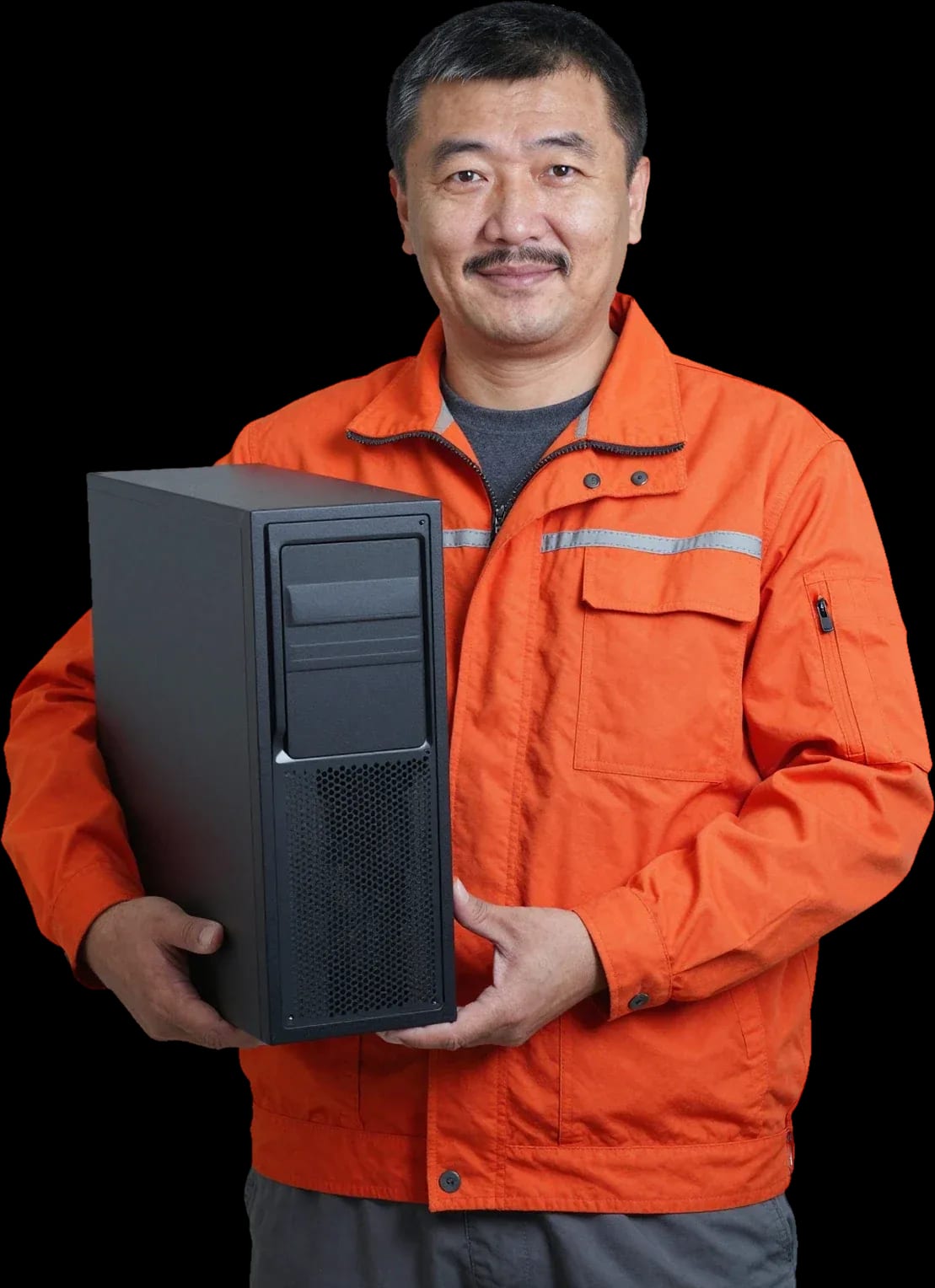
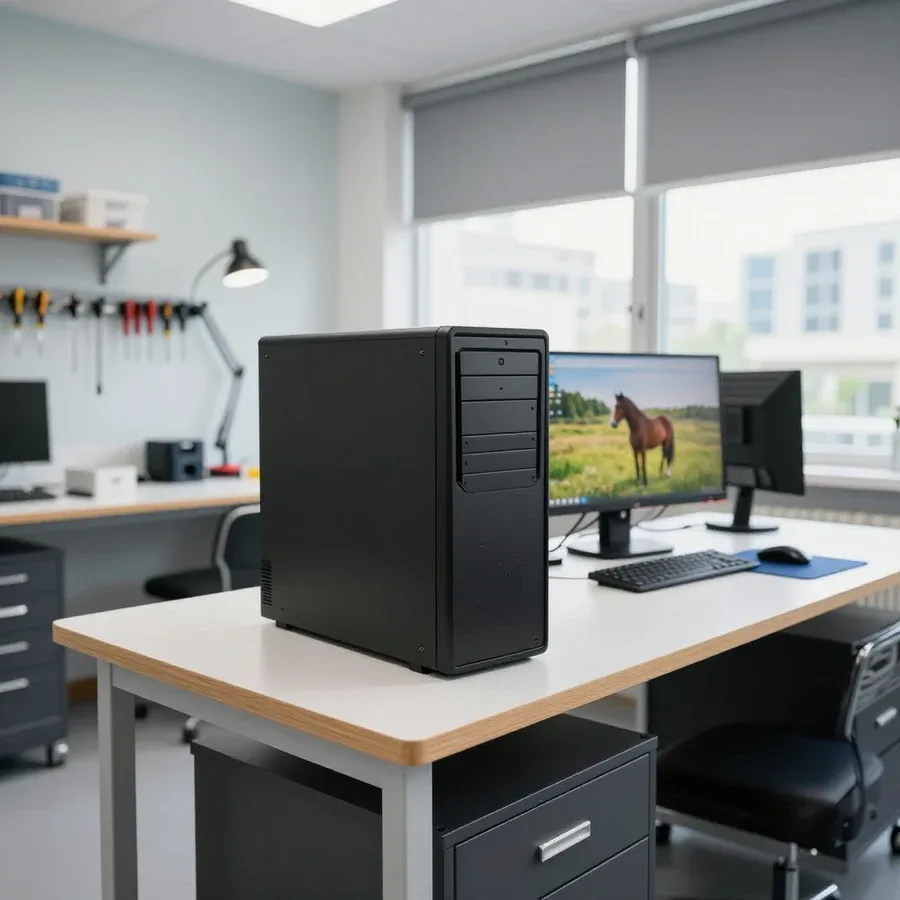
Tech Service repairs desktop computers in Astana: our technician comes to your home within 60 minutes or the work is done at our service center. Diagnostics are free, the price is quoted after diagnostics, and you get a 1-year warranty on labor and parts. Our technicians have 4 to 20 years of experience, and you can pay via Kaspi QR, Kaspi Red, bank card, cash, or bank transfer for companies.
Why a computer breaks down and what each symptom means
A symptom alone doesn't name the culprit — a single sign like "won't turn on" can point to either the power supply or the motherboard. Let's look at common symptoms and likely causes.
The computer won't turn on or shows no signs of life
Most often, "won't turn on" points to the power supply, power cables and connectors, or the motherboard — the exact culprit is only determined by diagnostics. The symptom is the same, but the cause is different: in a desktop PC, the power supply and its cables are checked first; in an all-in-one, the external adapter; and if the fans twitch for a split second and stop, it's often a sign of a short circuit on the motherboard or bulging capacitors in the CPU power circuit. Sometimes the power is fine but the system won't start due to corrupted BIOS settings or a loose RAM stick — then the system stays silent even though the power supply works. Before calling a technician, check that the power cable is firmly plugged into the outlet and the power supply, and that the switch on the power supply itself (if present) is on — this rules out some false calls. If the self-check doesn't help, a computer repair technician in Astana will identify the cause on site.
The computer is noisy, overheating, or freezing
Noise and overheating are usually caused by dust in the cooling system, a worn-out fan, or dried thermal paste, while freezes and the blue screen point to RAM or the hard drive. Dust clogs the CPU heatsink fins and case fan blades, heat dissipation drops, and the CPU starts throttling — the computer slows down even for simple tasks. A metallic hum often comes from a fan bearing, while a growing roar under load comes from a dust-clogged heatsink. Freezes, reboots, and the blue screen (BSOD) indicate RAM errors or a failing hard drive or SSD that's about to die. If the computer started humming after a move or rearrangement, first check whether a fan is hitting a cable — this is a common cause of humming that you can spot without disassembling.
The computer was spilled on or can't detect the drive
After a spill, don't turn the computer on until it's dry — liquid causes a short circuit, and "can't detect the drive" or "Windows won't boot" usually mean a drive failure or a corrupted boot record. Tea, coffee, and sugary drinks are more dangerous than water: once dry, they leave a sticky layer that corrodes motherboard contacts and traces. When the system says the drive isn't found or hangs on the logo, the cause may be the hard drive or SSD itself, a loose SATA cable, or sometimes a corrupted Windows bootloader — in which case the data on the drive is intact. If the computer was turned on after the spill and "came back to life," it doesn't mean the problem is gone — contact corrosion shows up later, so diagnostics are done even if it seems to work.
How computer repair works from diagnostics to warranty
The work follows clear steps — first free diagnostics, then approval of the scope and cost, then the repair itself and a warranty on the result.
Free diagnostics and cost approval
Our diagnostics are free, and the technician gives you the price only after the check — before that, you see just a list of possible services, not the final amount. The specialist checks the power supply, runs memory and storage tests, inspects the board for bulging capacitors and signs of overheating, and listens to the coolers and case fans. Based on the results, they explain which component failed and why, and quote the price for the specific service. You see the list of work upfront. You can pay via Kaspi QR, Kaspi Red, bank card, cash, or bank transfer for companies. A technician can reach you anywhere in the city within 60 minutes, and our specialists have 4 to 20 years of experience, so common faults are identified quickly. Ask the specialist to explain which part failed and why — if they name the cause without checking, that's a reason to ask how they determined it.
What the work includes and how the scope is agreed
After the check, we agree on the scope with you — which components to replace, what to clean and adjust — and only then start work. This includes replacing the power supply, soldering the motherboard, installing memory and storage, replacing the graphics card, cleaning the cooling system with new thermal paste, and setting up the system boot when the drive is changed. The specialist explains each item before any work begins: you understand what you're paying for and confirm voluntarily. As the direct contractor, we don't pass your equipment to third parties — our engineer handles the entire scope. If a computer comes to us after a failed DIY upgrade, we first check whether the slots and connectors are damaged — otherwise replacing one part won't solve the problem. We provide a 1-year warranty on labor and parts.
Which components we repair and replace
| Component | What we check | Typical symptom |
|---|
| Power supply | voltage, connectors, cables | won't turn on |
| Motherboard | power circuits, slots | no image, won't boot |
| RAM | stability, contacts | blue screen, freezes |
| Hard drive / SSD | drive condition | drive not detected, Windows won't boot |
| Graphics card | image output | no image on the monitor |
| Cooling system | dust, cooler, thermal paste | noise, overheating |
On-site technician or repair at the service center
Some breakdowns can be fixed on the spot, while others require a workbench at the service center — here's when an on-site visit is enough and when it's better to bring the computer to us.
When an on-site technician visit is enough
Our technician arrives at your home within 60 minutes anywhere in the city — that's enough for diagnostics, cleaning, replacing the power supply, memory, and setting up the system. The on-site technician brings tools and a standard set of components, so dust cleaning, thermal paste replacement, installing a RAM stick and a new drive, and reinstalling the system are done at your place. Computer repair in Astana with on-site visits also covers cases when the machine is noisy, overheats, or shows a blue screen — the cause is found on the spot in one visit. If diagnostics reveal a need for a rare part, it's delivered separately and you're notified in advance. In my opinion, an on-site visit saves the most important thing — time: you don't have to take apart the system unit, pack it, drive across town, and then pick it up again.
When repair at the service center is needed
You need in-shop repair when the problem is on the motherboard, requires soldering, or needs long testing under load — things you can't do on-site. Our technician, who handles the job directly, decides the format: if it's clear during the visit that the case needs the shop, he says so right away and doesn't try to fix it blind on the spot. Soldering power circuits, replacing connectors, working with BGA components, and running under load require stable power and hours of observation — conditions you can't reproduce in an apartment. And diagnostics stay free in any scenario: first the technician names the likely cause, then agrees on the scope of work. This approach cuts out unnecessary trips — you don't pay for transporting the equipment if the problem can be solved at home.
How to choose the right format for your breakdown
- Won't turn on at all: likely the power supply or board — usually needs the shop.
- Noisy and overheating: an on-site visit is enough — cleaning and thermal paste replacement.
- Freezes and blue screen: on-site visit to check memory and storage.
- No image: on-site visit to check the graphics card and cables.
- After liquid damage: better in the shop — needs drying and board inspection.
- Peripherals and software: on-site visit to set up the system and connect devices.
- System won't boot: the technician will check the storage and bootloader on-site.
1-year warranty on labor and parts
A warranty isn't a formality — it's a commitment: if the problem comes back after repair, it's fixed under warranty, not charged again. Here's how it works with us.
What the labor warranty covers
We give a 1-year warranty on labor — if the same issue returns, it's fixed under warranty. The technician records the original cause: overheating from dried thermal paste, a power controller failure, oxidized contacts after liquid damage. That wording determines what counts as a repeat case and what's a new breakdown. The same symptom on two boards can have different causes, so our work description states which operation was performed and which component was restored. If the cause isn't named, it's impossible to verify a warranty case: there's no way to tie the repeat to anything. So ask for the wording before the case is opened, not after — it's the boundary of the technician's responsibility.
What the parts warranty covers
Replaced parts also carry a 1-year warranty — this applies to the power supply, memory, storage, and other installed components. If the system gets a new 600 W power supply instead of a burnt-out 450 W one, the description keeps the model and specs — that makes it easier to match the case if the part fails. DDR4 RAM and a hard drive or SSD fall under the same conditions as other components. The term counts from installation, not from the first time you turn it on at home. If a part fails early, keep the info about which part was installed — it speeds up the case review and removes any dispute about whose part to check.
Why a warranty matters more than a low price
A warranty matters more than a low price because a repeat visit without one costs more than the difference between providers. If the provider is an intermediary, they pass the system unit to a third party, and if it breaks again there's no one to answer: the claim gets forwarded to whoever worked on the board. A direct technician is responsible for the work and parts under warranty, so it's not in his interest to install a questionable part. In our experience, the savings from the cheap option are almost always eaten up by a second visit. Ask about the warranty before work starts, not after — it's easier to compare offers and see who's accountable for the result. Clarify what exactly counts as a repeat case and which component the commitment covers: that removes disputes if the symptom returns.
How to choose a computer repair technician in Astana
The capital's market has plenty of intermediaries and aggregators who pass requests along — here's what to look at so you don't overpay and get a responsible technician.
Direct technician or aggregator
Tech Service is the direct contractor: our own technician comes to you, not a subcontractor found by a middleman, so we stand behind the work and the parts. Our specialist arrives within 60 minutes anywhere in the city, and the same person handles diagnostics, approval, and the repair itself — you don't have to explain the symptoms again to a third party in the chain. An aggregator works differently: it collects requests and distributes them among outside technicians, without being involved in the process itself. We operate as a service with a name and our own technicians, not as a dispatch service. With an aggregator, you also pay their commission, and the warranty is provided not by them but by a contractor you didn't choose — which complicates things if something goes wrong. Ask directly who will come and who is responsible for the warranty — the answer immediately reveals how the contractor operates.
What to look for when choosing a technician
- Experience: a computer repair technician has been in the profession for 4 to 20 years — you can gauge their experience by how they describe the problem.
- Warranty: 1-year warranty on labor and parts, and this condition is fixed before work begins.
- Diagnostics: free and performed before approving the work, not after disassembly.
- Transparency: the cause and cost are stated after diagnostics, not guessed over the phone.
- Payment: Kaspi QR, Kaspi Red, card, cash or bank transfer are accepted, and the client chooses the format.
- Link to the symptom: the technician explains how the proposed replacement relates to the breakdown you described.
How to tell if a technician is pushing unnecessary work
Our technician first explains the cause of the breakdown and agrees on the scope of work, so the client sees what they are paying for before work begins. The cost is stated after free diagnostics — before that, no one can know it precisely, because the same symptom can have different causes. In our practice, a common picture: the computer is noisy and shuts down, and the cause is not the power supply but processor overheating due to dried thermal paste. If you are offered to replace a part unrelated to the symptom, ask them to explain the connection — an honest technician will give a specific answer. A direct contractor is interested in an accurate repair, not in the number of replacements: a 1-year warranty on labor and parts means they are responsible for the wrong part too.
How much it costs and how fast your PC will be fixed
The final amount is not quoted in advance — it depends on the breakdown and parts, so we determine the cost after free diagnostics. Below we break down what makes up the total, how long the work takes, and how payment is handled.
What the cost depends on
The cost depends on which component has failed, whether a part needs replacing, and how much labor is required — so the specialist quotes it after free diagnostics. The inspection reveals the specific fault: a failed power supply often only needs replacing itself, while a motherboard issue requires more complex work with circuits and connectors. Labor and the part, if it needs replacing, are calculated separately — the total is also affected by whether the unit is repaired or replaced entirely. In our practice, the difference in labor between two seemingly similar breakdowns can be noticeable, and it cannot be predicted without an inspection. The same amount can mean different scopes of work, so it's worth comparing offers by the list of operations, not just the final figure.
How long the work takes
The time depends on the breakdown: some operations are done on-site, some require the workshop, so the specialist gives the exact timeframe after diagnostics. Simple cases like replacing a power supply or cleaning out dust are handled on the spot, while motherboard and soldering work is moved to the workshop, where there are conditions for precise actions. Computer diagnostics identify the cause before work begins, so the contractor doesn't replace parts at random and doesn't stretch the job out indefinitely. If the work requires a part that isn't on hand, the timeframe depends on its delivery — this is warned about in advance so the client isn't left in the dark. Around the city, a technician's home visit takes up to 60 minutes — inspection and the start of work aren't delayed by days.
How to pay for the work
You can pay via Kaspi QR, Kaspi Red, bank card, cash or bank transfer for companies, and the client knows the final amount before work begins — it is agreed upon after free diagnostics. Cash, card, and bank transfer — you can choose whichever is convenient at the moment, and the payment method does not affect the scope of work or the warranty. The technician quotes the price before starting work, so there are no surprise charges at the end. It's easier to confirm the payment method in advance, especially if you plan to pay by card or transfer — that way you won't have to decide when handing over the computer. You can pay however you prefer, and the technician will confirm your choice before work starts, so the payment question is settled before the device comes back to you.
Computer repair a quick overview
Symptoms of breakdowns are similar, but the causes are different, so there is no universal advice like 'replace the part and everything will work.' Here is a short summary of the factors that determine the outcome of restoring your device.
- The symptom doesn't name the culprit: 'won't turn on' could equally point to the power supply, motherboard, or contacts, so without diagnostics any version is just a guess.
- Work proceeds step by step: first free diagnostics, then agreement on scope and cost, the repair itself, and a warranty on the result.
- The format is chosen based on the symptom: some breakdowns are fixed on-site, others require a service center with conditions for soldering and load testing.
- A 1-year warranty on labor and parts is more important than a low price: it protects you from having to come back if a part or assembly fails.
- The direct contractor is responsible for the outcome: an intermediary only passes the request along, and you have to deal with the consequences with someone else.