Геннадий Ж.Order No. TSA-97667 · 31 December 2025
oursTV Repair in
Смотрел, чтобы был свой склад запчастей, а не под заказ. С чем обратился: нет картинки. Работает, даже лучше прежнего)
Repair: tv repair in
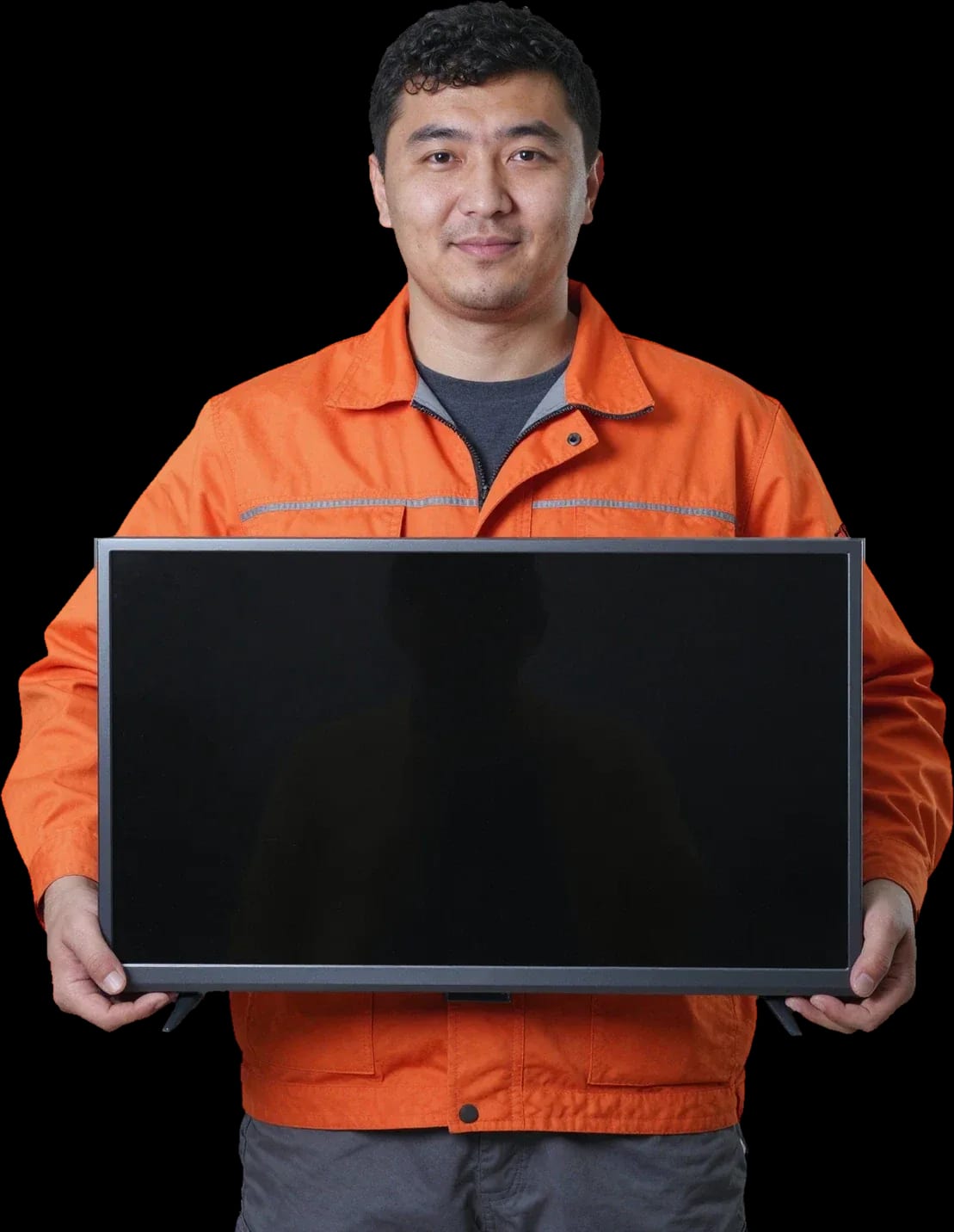
A technician arrives within 60 minutes anywhere in the city. Diagnostics are free.
Our own technicians4 to 20 years of experience



Repair prices
Common symptoms and their causes. The technician will pinpoint the exact fault after diagnostics.
power supply, control board, power button
from8 000 ₸
backlight, T-CON board, panel
from7 000 ₸
ribbon cable, T-CON board, panel
from9 500 ₸
overheating, power supply, board
from8 000 ₸
speakers, amplifier, settings
from7 000 ₸
receiver, remote, board
from9 500 ₸
LEDs, driver, inverter
from9 000 ₸
LEDs, driver, diffuser
from9 000 ₸
1 visittime
from 9 000 ₸cost
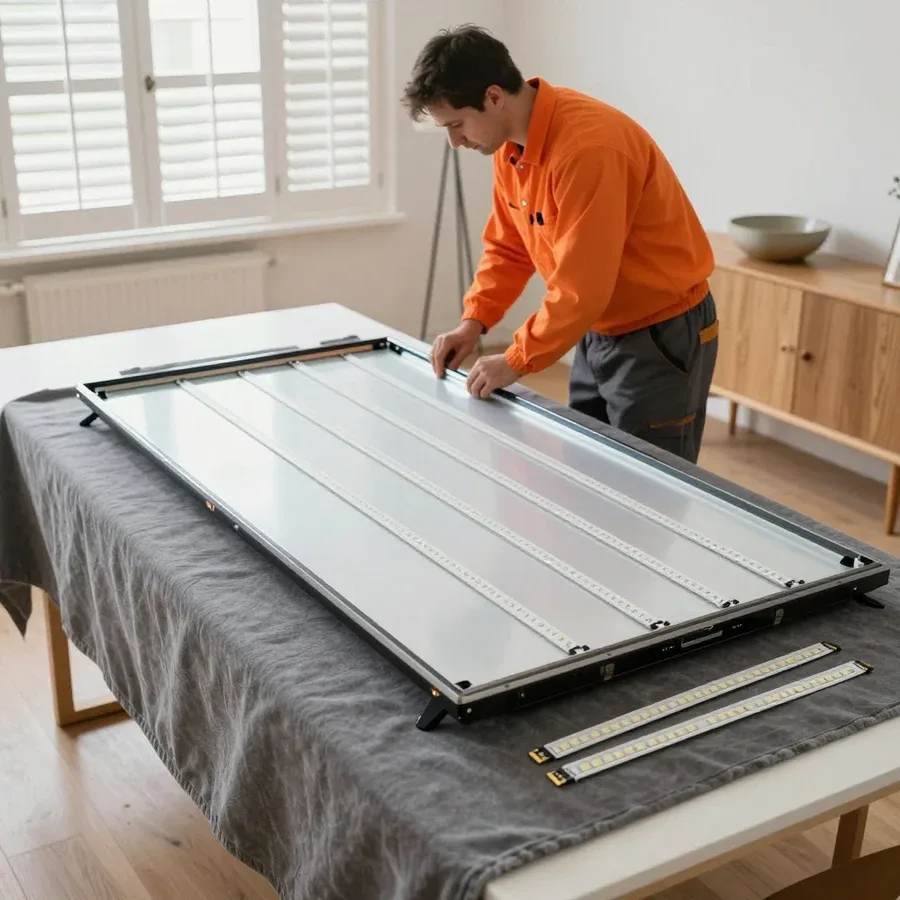 BeforeAfter

Five steps from request to checking the result.
Submit a request, describe the symptom and your Sharp TV model.
A technician will arrive within 60 minutes anywhere in the city.
The technician identifies the cause and offers solutions, and you decide whether to proceed with the repair now.
Once approved, the technician performs the repair.
Check the picture and sound yourself and ask the technician any questions about caring for your TV.
We reply during working hours
Describe the fault of your Sharp TV, specify the model and a convenient time. The technician will confirm the visit and give you the repair cost before starting work.

Warranty question? Call us
+7 (778) 096 59 61 experience10 years
TV screen replacement technician
 experience7 years
Lead electronics repair technician
 experience10 years
Mobile PC repair technician
 experience10 years
Laptop repair and assessment technician
 experience15 years
Digital device repair technician

Author: Oraza B.,TV screen replacement technician
Published
Updated
Tech Service repairs Sharp TVs in Astana as a direct contractor: our technician arrives at your home within 60 minutes anywhere in the city or takes the equipment to our service center. Diagnostics are free, we agree on the price before starting work, and there's a 1-year warranty on labor and parts. Technicians with 4 to 20 years of experience understand Sharp backlights, power boards, matrices, and error codes.
The owner sees a symptom and can't tell if it's a component or a board. Let's break down which Sharp failures happen most often and how a technician identifies them during diagnostics.
Most often, a Sharp turning off by itself points to the power supply or overheating, and during diagnostics we check the power circuit and capacitors first. Electronic components degrade over years: electrolytic capacitors lose capacitance, bulge, traces break, and output voltage sags under load. The set may not respond to the button at all, or it may start and shut down after a few minutes. During a home visit, our technician removes the back cover and tests the power circuit with a multimeter to separate a power supply failure from a main board issue. If the TV goes dark after 10-15 minutes of operation, it's almost always thermal drift, not a firmware glitch, so turning it back on "cold" won't fix anything — it needs teardown and testing under load. Sharp TV repair in Astana starts with exactly this kind of power circuit diagnostics, so we don't replace working components at random.
Vertical lines on a Sharp usually point to a ribbon cable or the T-CON board rather than the panel itself, and this is checked before any verdict about replacing the panel. Ribbon cables and connectors link the board to the matrix, and over time the contact oxidizes or loosens: then lines, half a frame, or dark zones appear on the screen. The T-CON board generates the signal for the panel, and its failure produces a similar picture. The technician tests the contacts, reseats the ribbon cable, and measures voltage on the board. You can tell a cable issue from a panel issue by how the lines behave when you gently press on the frame and by whether the picture changes after switching the source: if the line pattern doesn't depend on the input, the cause is in the panel path. Spots and bright areas at the edges are usually related to the backlight, not the matrix itself.
If a Sharp produces sound without a picture, we first check the backlight and its driver, because the matrix is usually intact in this situation. LED strips sit behind the panel, and when some diodes fail, the backlight goes out entirely or flickers, while the audio path keeps working. The driver powers the strips and protects them from overload: its failure produces the same symptom as burned-out diodes. The technician opens the case, measures voltage at the driver output, and tests the strips section by section to find the faulty area. Sharp backlights aren't always replaced as a whole: for a local LED strip failure, the repair involves less intervention than a full panel replacement. Disassembling the screen without experience is risky — the matrix is easy to damage while removing the layers.
An error code on a Sharp narrows the search but doesn't replace component testing. Here's how a technician reads the code, how a firmware failure differs from a hardware breakdown, and in what order they go through the circuits.
An error code on a Sharp points to the unit where protection tripped, and we use it as a starting point, not a ready diagnosis. The blink pattern of the standby indicator or a service menu entry refers to a specific circuit: power supply, backlight, control board, or firmware. But the same code appears both when a board fails and when there's an issue with the LED strips, so the technician always cross-checks it with the TV's behavior during startup — whether the relay clicks, whether the screen goes dark after a couple of seconds, whether sound is present. On models with LED backlighting, driver overcurrent protection often masquerades as a power error. The same code with different symptoms leads to different units, so a Tech Service technician reads it only together with the set's response to power-on.
A Sharp firmware failure shows up as a reboot loop or a frozen menu, while a hardware fault more often leaves the buttons unresponsive and the standby light dead. A software crash keeps the interface alive: the logo appears, menu items respond with a delay, and sound plays while the screen stays dark. Hardware failure behaves differently — the TV is silent, the indicator doesn't change color, and there's no heat. Before blaming the firmware, the technician checks the control board's power supply, because a "frozen" TV often turns out to be the result of low voltage rather than software. Reflashing on low voltage only masks the cause: the board goes back into protection after a few power cycles, and then it's time to look at the capacitors and regulators on the standby line.
| Check step | What we look at and why |
|---|---|
| Power supply | Standby and operating mode output, condition of capacitors |
| Backlight and driver | Evenness of LED strips, response to power-on |
| Control board | Startup, button response, no reboot loop |
| T-CON and cables | Pattern of stripes and artifacts, contact in connectors |
| Panel | Only after power supply and backlight are confirmed working |
Sharp stands out from mass-market brands by its set of typical failures and component design. Let's look at what this means for servicing Sharp TVs and choosing a technician who knows this equipment.
Sharp TVs most often come in for backlight, power supply, and T-CON board issues, and that's exactly the brand-specific work we keep in-house. In LED models of the Aquos series, the backlight is made of LED strips, and one failed segment causes a dark stripe or a complete loss of picture while sound continues. The Sharp power supply is sensitive to mains voltage spikes, and the T-CON board handles signal distribution to the panel and, when it fails, produces artifacts or "snow" on the screen. In our practice, Sharp TV repair covers sets of various screen sizes and years, and they arrive with the same set of issues: backlight, power, T-CON. A technician who takes on all brands often replaces a whole module where, on a Sharp, it's enough to restore the board or the backlight driver.
Old CRT sets and modern LED models are serviced differently: the former more often suffer from deflection and power supply issues, the latter from backlight and control board problems. In CRT TVs, high voltage on the line deflection and worn electrolytics in the power supply cause geometry drift, frame collapse, or failure to start. In LED and LCD devices, the main load falls on the backlight strips and the control board that distributes the signal to the panel. Sharp CRT TVs are restored just like modern ones, and the approach differs: older equipment requires checking components in sequence, while newer sets need targeted replacement of segments. For a CRT set, the year of manufacture matters less than the condition of its components, so the decision is made after diagnostics, not by appearance.
Restoring a Sharp TV makes sense when the failure is local — the board, backlight, or ribbon cable — and replacing the matrix is only worthwhile if the rest of the unit is intact. We analyze each case component by component: if the power supply or control board has failed, restoration gets the TV working again without replacing expensive parts. When the matrix itself is damaged but the backlight and electronics are fine, screen replacement saves the device, but if multiple components have failed, the investment no longer pays off. Post-warranty Sharp service makes sense as long as the cost of restoration is lower than buying a new TV of comparable class. We tell you honestly when restoration isn't advisable: the client should understand the difference between replacing a component and an investment that doesn't pay off.
Sharp repair follows steps from request to final check. Here's what happens at each stage and where you make the decision.
Diagnostics for a Sharp TV is free with us, and the specialist quotes the price based on the results and gets your approval before starting work. First, they inspect the panel and casing, measure voltages on the power supply, and check the backlight, then disassemble the unit and pinpoint the cause on the board. You get a clear explanation: which component failed, whether we replace or restore it. Approval before work protects you from surprises — you know in advance what we're replacing and why, and you can decline if the work isn't worth it. In our experience, declining at this stage saves the owner money: sometimes it's cheaper to replace the TV than to restore the matrix. Diagnostics doesn't commit you to further work, and the technician arrives at your home within 60 minutes anywhere in the city.
We start Sharp backlight restoration by checking the LED strips and driver, and we restore the power board based on measurements, not by replacing parts "just in case." One degraded strip quickly affects neighboring ones, so after replacement the specialist checks even brightness across the entire panel, not just in the repaired corner. We test the power supply under load: reaching operating mode and heat output matter more than steady voltages at rest. We clean and replace the T-CON board and ribbon cables one component at a time so we know exactly what removed the lines. We only replace the matrix if the rest of the unit is intact — otherwise panel replacement doesn't pay off. We record every intervention in the order so that on a repeat visit the specialist sees the device's history.
After finishing work on a Sharp TV, we test it in operating mode, including heat-up and source switching, to make sure the failure doesn't return. The technician runs the device for 10–15 minutes, monitors the control board temperature, and checks for lines or flickering on the warmed-up panel. Then they switch HDMI, antenna, and USB, and check sound and picture settings. Testing on a warmed-up TV is more important than a cold check: some Sharp failures only appear after 10–15 minutes of operation when parts reach operating mode. We provide a 1-year warranty on labor and parts — if the issue returns, the technician will sort it out based on your request. You can pay via Kaspi QR, Kaspi Red, bank card, cash, or bank transfer for companies.
Taking a large Sharp TV off the wall isn't always convenient, and sometimes you can't avoid disassembling the casing. Here's when the technician comes to your home, when the device is brought to the shop, and what the warranty covers.
A Tech Service technician arrives at your home within 60 minutes anywhere in the city, including when your Sharp is wall-mounted and awkward to take down. On site, they run free diagnostics and then quote the cost of the work — there's no point talking about a fix before the inspection. The visit covers typical cases: power supply replacement, control board work, fixing poor contact in connectors, and setup after a firmware failure. Some of this work is done right at your place, without removing the panel from the wall. If the inspection shows that a workshop is needed, the specialist arranges transport for the unit themselves instead of asking you to deal with logistics. In our experience, a home visit saves time: you don't have to wait for the TV to be taken down, packed, and delivered to the workshop, and the visit itself takes less time than the round trip.
A workshop is needed when the job involves the matrix, the T-CON board, or deep power supply restoration that can't be done on site. Replacing the backlight on a large panel, re-soldering T-CON components, and testing the matrix on a bench all require a stable case position and access to connectors from all sides. The matrix and T-CON are the most delicate parts of a Sharp: careless removal leads to cracks in the glass and broken ribbons, so these operations are done in the workshop. The choice of format depends on the unit, not the size of the TV: sometimes a small Sharp is easier to bring in, while a large panel is serviced on site. The specialist explains during diagnostics which option suits your case and takes care of transport.
We provide a 1-year warranty on labor and parts, and it covers a replaced board, backlight, or Sharp matrix. The warranty period is the same for home visits and workshop repairs — the format of the work doesn't affect it. It's not too late to service a Sharp after the warranty ends: the absence of a manufacturer's warranty doesn't prevent restoring the unit, and a power surge — a common reason for calling us — is handled the same way as a warranty case. You can pay via Kaspi QR, Kaspi Red, bank card, cash, or bank transfer for companies. Our experience ranges from 4 to 20 years on various TV components, and replaced parts usually don't cause issues: the warranty covers both the part itself and the labor to install it, and on a repeat visit the technician checks against the already replaced unit.
We've gathered in one place what helps you make a decision about a faulty TV: from interpreting the symptom to choosing the format of work and assessing risks.
Tech Service technicians repair other appliances too — with the same 1-year warranty on labour and parts.
 Refrigerator Repair in Almatyfrom 3 000 ₸
 Washing Machine Repair in Almatyfrom 3 000 ₸
 Dishwasher Repair in Almatyfrom 3 500 ₸
 Oven Repair in Almatyfrom 3 000 ₸
 Cooktop Repair in Almatyfrom 3 500 ₸
 Air Conditioner Repair in Almatyfrom 3 500 ₸
 Boiler and Water Heater Repair in Almatyfrom 2 500 ₸
 Freezer Repair in Almatyfrom 6 000 ₸
 Tumble Dryer Repair in Almatyfrom 5 000 ₸
 Coffee Machine Repair in Almatyfrom 2 500 ₸
 Robot Vacuum Cleaner Repair in Almatyfrom 3 500 ₸
 Vacuum Cleaner Repair in Almatyfrom 1 500 ₸
 Microwave Oven Repair in Almatyfrom 2 000 ₸
 Hair Dryer Repair in Almatyfrom 1 500 ₸
 Iron Repair in Almatyfrom 3 000 ₸
 Electric Kettle Repair in Almatyfrom 2 500 ₸
 Mixer Repair in Almatyfrom 2 500 ₸
 Multicooker Repair in Almatyfrom 500 ₸
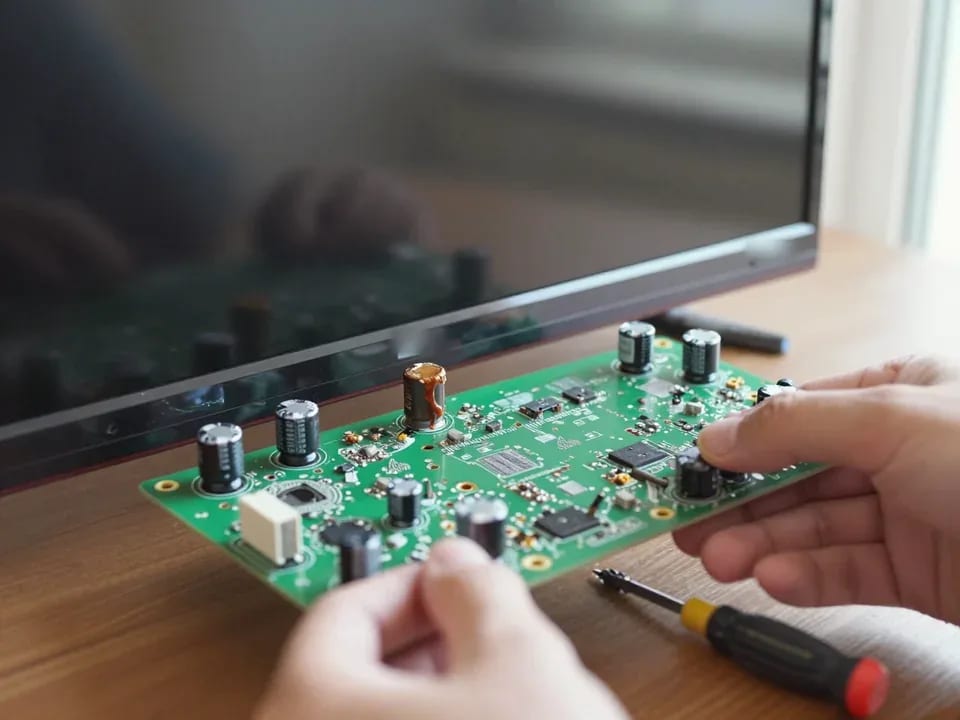
If your TV won't turn on, first check the outlet, power cable, and the button on the TV itself—not the remote.
21 November 2025 · 12 minutes read
If your laptop screen is broken, turn the device off first, don't press on the display, and check the picture through an external monitor.
12 March 2026 · 11 minutes read
If your phone won't charge, start by checking the adapter, cable, and port, then the charging settings.
16 February 2026 · 12 minutes read
If your laptop freezes, the first thing to do is restart it and check Task Manager to see what's loading the CPU and memory.
25 January 2026 · 12 minutes read
If your phone falls in water, take it out right away, turn it off, and don't charge it.
19 January 2026 · 12 minutes read
If your phone camera isn't working, first check app permissions, clear the cache, and restart your phone — this fixes some software glitches.
24 December 2025 · 13 minutes read