Original
Components by model
- Compatibility
- Selected by model number and socket
- Stability
- Predictable operation in standard modes
- Selection
- By motherboard and CPU markings
- What to check
- Availability and delivery times
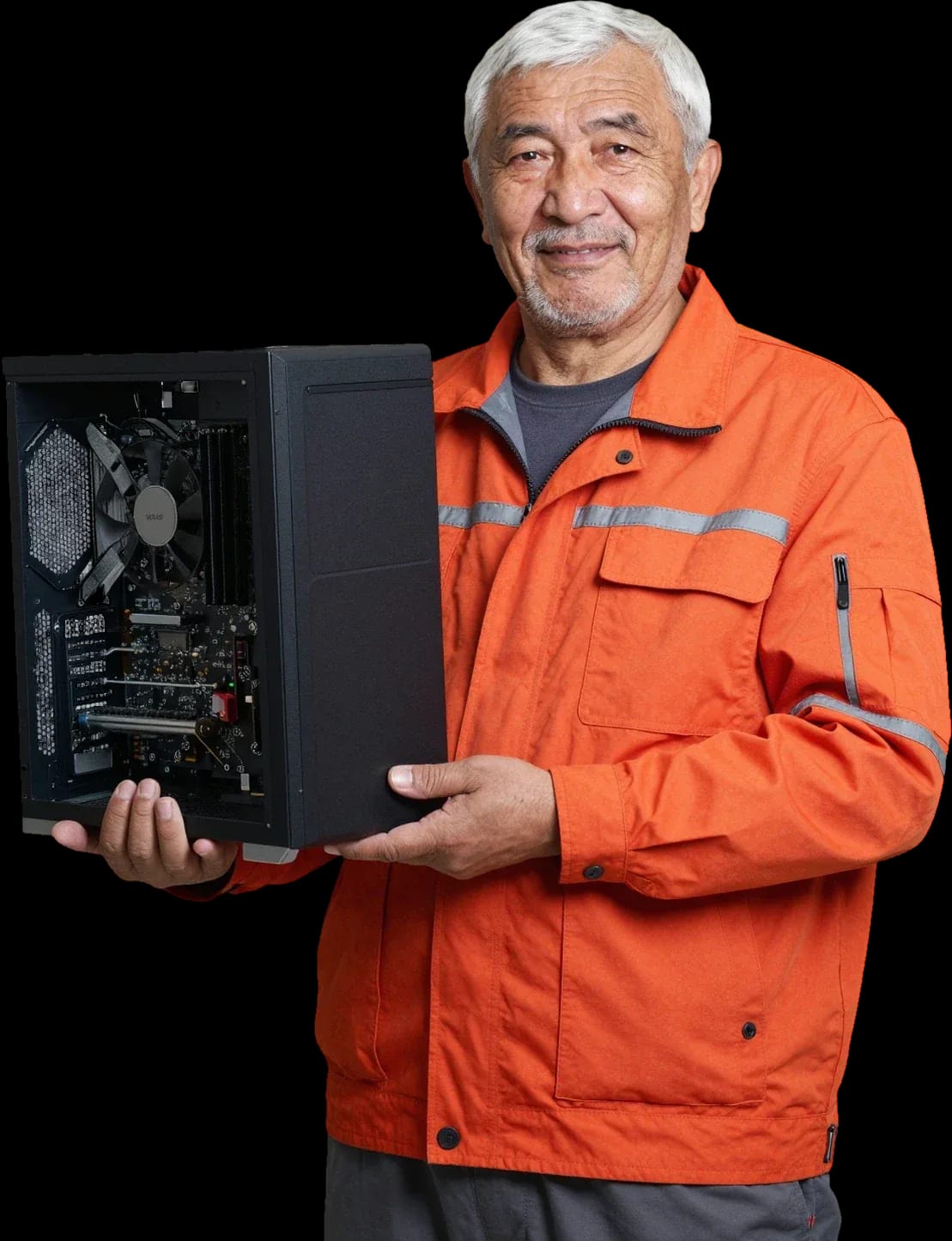
We'll build a computer for your tasks and budget — from an office machine to a gaming rig. A technician will come over and check that all parts are compatible.
Our own technicians4 to 20 years of experience




1 yearwarranty on labor and parts
60 minutestechnician visit anywhere in the city
freediagnostics
5
Before upgrading, the technician checks the motherboard socket and chipset, the case form factor, the power supply capacity and the cooling condition — these determine which parts you can install without replacing the platform.
Platform specs
The technician notes the CPU socket, motherboard chipset and supported memory types — these determine compatibility of new parts.
Case and airflow
A cramped case with poor ventilation limits installation of a long graphics card and a tower cooler.
Power headroom
A new graphics card needs a power supply with headroom and modern power connectors.
Cooling check
Make sure the CPU cooler and case fans can handle the heat output of new parts.
What to ask the technician
Ask which parts you can keep and which will need replacing, and compare the total with a new build.
The technician will give you a precise assessment after free diagnostics of your current configuration.
Describe the symptomsWe reply during working hours
Describe your task and budget. A technician will arrive within 60 minutes anywhere in the city, run free diagnostics and suggest a configuration. There's a 1-year warranty on labor and parts.

Warranty question? Call us
+7 (778) 046 88 53 experience7 years
PC and network repair engineer
 experience11 years
Senior mobile computer technician
 experience18 years
All-in-one computer repair technician
 experience10 years
Laptop repair technician
 experience9 years
Motherboard repair technician
Tech Service builds custom PCs in Astana, either to order or from your own parts: our technician arrives at your home within 60 minutes or assembles the system unit at our service center. Before any work, we run free diagnostics, provide a 1-year warranty on labor and parts, and you can pay with Kaspi QR, Kaspi Red, card, cash, or bank transfer.
Custom builds aren't always the better choice. Let's look at when they clearly beat a store-bought PC and when it's smarter to buy a ready-made system unit or simply upgrade your old one.
A store-bought PC is built for average tasks and often skews toward one component, while a custom PC is tailored to specific games, work, or video editing. In a typical configuration, the manufacturer cuts corners on the power supply and cooling but installs a CPU a class higher than the buyer needs—that makes it easier to sell based on the spec sheet. With custom selection, you pay for a combination that actually works: a CPU for your workload, a graphics card for your monitor's resolution, storage for your file volume. PC builds in Astana follow exactly this principle—every component is chosen for your tasks. The motherboard and case are selected with headroom for future upgrades, not for a short-term discount. The extra cost of a ready-made PC usually goes not toward power but toward components you won't use—with a custom order, that money goes into the CPU, graphics card, or storage.
Already bought the parts but no one to assemble them? We cover the scenario of building from customer components and explain how a specialist visit works in Astana.
We build PCs from customer components, even if the parts were bought elsewhere—our specialist checks compatibility and assembles the system unit on site. The check goes step by step: CPU socket and motherboard chipset, case form factor against graphics card length, number of RAM sticks against the number of slots, power supply wattage against the system's peak consumption. We also separately verify the graphics card power connectors—some models require two 8-pin cables, not one. Our experience shows that mismatches most often come up with the power supply and memory, because people pick them by eye. If the check reveals that the power supply can't handle the graphics card or the memory isn't compatible with the motherboard, we'll tell you before assembly, not after boot.
The specialist arrives at your home within 60 minutes anywhere in the city, including residential areas, and assembles the system unit right there—you see every step of the work. The home visit starts with laying out the components and checking compatibility, then the CPU and cooler are installed on the motherboard outside the case, and memory and storage are mounted before the board goes into the chassis. Next, cables are routed, power is connected, and the system boots up so you can see it start with your own eyes. This format is convenient when the case and monitor are already in place: the boot is tested right at your outlet and with your monitor, not 'somewhere at the service center.' Moreover, with on-site work, all parts stay in your sight—nothing goes off to the workshop.
If building at home is inconvenient, we accept computers at our service center — same result, with the same 1-year warranty on labor and parts. Bringing your build to the service center is convenient when you haven't bought a case yet or need to complete the system with missing parts right away: it's easier to check mounting dimensions and cable lengths on site. Diagnostics before work is free — based on the results, we quote the assembly cost instead of pulling a number out of thin air. For the owner, it's also a way to avoid hauling the case back and forth: the assembled system is picked up once, already tested at startup. If after assembly at the service center you want to change something — add a drive or replace cooling — the technician will discuss options on site and immediately check compatibility with the already installed components.
Assembly isn't just screwing the motherboard into the case. We break down step by step what the technician does from compatibility check to first startup and system setup.
Our PC assembly in Astana doesn't end with turning off the case — we test the system in operation at the client's site. After assembly, the technician starts the computer, checks component operation, and configures the system, including installing Windows if needed. During the first startup, we monitor CPU temperatures under load, voltage stability on power rails, and whether BIOS detects all drives and memory modules. Then we set the XMP or EXPO profile so memory runs at its rated frequency instead of the base one, and install chipset and graphics card drivers. First startup at the client's site reveals issues that aren't visible during testing at the service center — for example, incompatibility with the monitor or insufficient power from a particular outlet. So ask the technician to test the system at your actual workplace, not just confirm that it powers on.
Warranty is the main criterion when choosing an assembly provider. We explain exactly what our warranty covers and why a direct service center is more accountable for the result than a private seller from an ad.
We provide a 1-year warranty on labor and parts — if something goes wrong after assembly due to our fault, the technician will return and fix the problem. This covers cases when the computer won't start, shuts down spontaneously under load, or the system doesn't detect an installed component due to an assembly error. Obligations for labor are more important than obligations for parts: the manufacturer covers component defects, while the quality of assembly and compatibility is the responsibility of whoever built it. In practice, failures are more often caused not by hardware but by unchecked compatibility — incorrectly set memory timings, insufficient power to the graphics card, a loosely seated CPU power connector. That's why after assembly we test the system in operation, not just confirm that it powers on. If a component fails for a factory reason, we'll help file a claim under the manufacturer's terms — that's a separate procedure, and substituting one type of responsibility for another doesn't work. Transparent computer assembly prices and warranty obligations let you know upfront what you're paying for and what you'll get if you need to make a claim.
Tech Service is the direct provider: your build is done by our own technician with 4 to 20 years of experience, not by a contractor from a classifieds board. With a middleman, responsibility gets split between the dispatcher and the technician, while with a direct service the warranty and the work are tied to one person. When an aggregator takes your order, you discuss the problem with a call center, and the person who shows up at your door is someone you've never met — and that person decides whether the case is covered by warranty. With us, the technician who builds the computer personally stands behind the result: the same person comes to your request and fixes any issue. Diagnostics are free, so a follow-up visit in such a case doesn't turn into an argument about who should pay for finding the cause. A technician arriving within 60 minutes anywhere in the city is about response speed, not repair time: the repair itself under warranty depends on the nature of the fault.
Every task calls for its own set of components. Here's how our technician picks compatible parts for each customer scenario and what goes into the service cost.
| Task | Key components | What the technician looks at |
|---|---|---|
| Gaming | Graphics card, CPU, power supply | Balance of power and cooling |
| Office | CPU, RAM, SSD | Quiet operation and stability |
| Video editing | CPU, RAM, storage | Render speed and buffer size |
| Workstation | CPU, RAM, cooler | Sustained load without overheating |
We discuss the price of a computer build after free diagnostics — it depends on the set of components and the scope of work, not on a fixed price list. First we check what parts you already have, what needs to be bought, and how well everything fits together: CPU and motherboard by socket, RAM by speed and capacity, graphics card and power supply by wattage. We deliberately don't publish a price list on the site — the total comes from the number of components, whether cooling needs to be changed, and fitting the case to the dimensions of the parts. A price without numbers in the ad is more honest than a fixed rate that ignores your configuration and leaves hidden surcharges for adjustments. We always discuss the cost of a computer build before work begins, and you can pay via Kaspi QR, Kaspi Red, card, cash, or bank transfer for companies; the 1-year warranty covers both labor and parts. Free diagnostics before the build saves money: it reveals incompatibility before you buy, not after.
A custom build solves a specific task — getting a machine for your programs and budget, not for someone else's set of components. Below are brief takeaways to help you decide.
If you ask, the technician will check other parts during the same visit.

If your computer won't turn on, start simple: check the outlet, power cable, switch on the power supply, and the power button.
19 January 2026 · 13 minutes read
If your laptop screen is broken, turn the device off first, don't press on the display, and check the picture through an external monitor.
12 March 2026 · 11 minutes read
If your laptop freezes, the first thing to do is restart it and check Task Manager to see what's loading the CPU and memory.
25 January 2026 · 12 minutes read
If your laptop won't boot, first determine which of two states you're in: the device doesn't respond to the power button at all…
13 December 2025 · 12 minutes read



