Мерей Р.Order No. AS-7033 · 6 January 2026
oursGraphics Card Repair in
Таңертең қоңырау шалдым, түске дейін апардым. Кепілдік берді, бұл маңызды. Жұмыс істеп тұр, шағым жоқ.
Repair: graphics card repair in
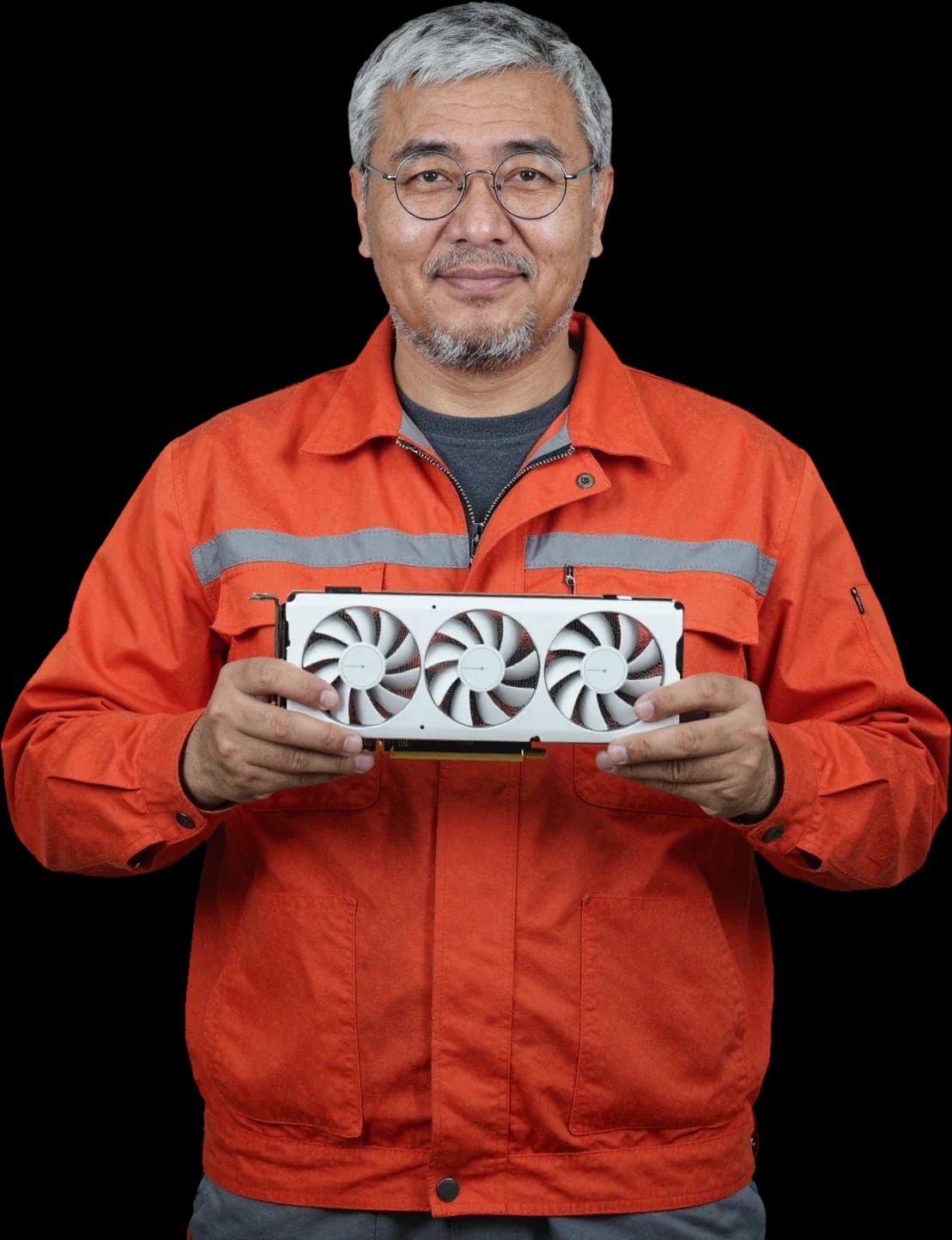
A technician arrives within 60 minutes anywhere in the city. 1-year warranty on labor and parts.
Our own technicians4 to 20 years of experience




Repair prices
The symptoms customers most often report. The technician will pinpoint the exact cause after diagnostics.
chip or memory damage
from23 500 ₸
video memory degradation, chip overheating
from20 000 ₸
dried thermal paste, clogged heatsink
from6 500 ₸
power circuit issues, overheating
from8 500 ₸
faulty connector, board damage
from6 000 ₸
bearing wear, winding break
from11 000 ₸
memory damage, poor soldering
from6 000 ₸
broken power circuits, slot damage
from10 500 ₸

From request to handover — five steps with free diagnostics.
Leave a request and the technician will come to you.
A technician arrives within 60 minutes anywhere in the city.
The technician inspects and tests the card to identify the fault.
You choose the repair or replacement option.
The technician summarizes the work done and gives recommendations for use.
We reply during working hours
Choose a convenient visit window and provide your address with the floor — the technician will confirm the time and come for on-site diagnostics.

Warranty question? Call us
+7 (778) 096 59 61 experience7 years
PC and network repair engineer
 experience11 years
Senior mobile computer technician
 experience10 years
Laptop repair technician
 experience9 years
Motherboard repair technician
 experience16 years
Printer repair technician
 experience12 years
Computer repair technician
 experience18 years
All-in-one computer repair technician
Tech Service repairs graphics cards in PCs and laptops in Astana: a technician arrives at your home within 60 minutes or the work is done at our service center. Diagnostics are free, we agree on the price after diagnostics, and we provide a 1-year warranty on labor and parts. We are the direct contractor, with no middlemen.
Graphics card symptoms rarely mean "the card is dead" — more often it's a specific component: the GPU, memory, power delivery, or cooling. Below is which component is behind each sign and what steps to take before the technician arrives.
Artifacts and stripes usually point to damaged video memory (VRAM) or the graphics processor, while a completely black screen points to a display output failure or power delivery issues. Squares, "snow," and colored lines across the entire screen are usually linked to degradation of one or more memory chips, while distortions only in 3D applications point to GPU overheating and failure under load. A black screen with fans running narrows it down to HDMI and DisplayPort connectors, the cable, or VRMs that stop supplying voltage to the chip. Before taking the card to a service center, connect the monitor with a different cable and to a different port — this way you rule out the HDMI/DisplayPort and the monitor itself, not just the card.
Overheating and noise are usually not a chip failure but a dust-clogged cooling system and dried-out thermal paste, which cause the card to throttle and get noisy under load. The heatsink with fans and heat pipes dissipates heat from the GPU, but a layer of dust between the fins and thermal paste that has lost its properties stop coping, and the temperature rises even in moderately demanding games. The card then reduces clock speeds, produces frame drops, and may cut the image during rendering. If the noise appeared suddenly, check whether both fans are spinning — one fan stopping causes local overheating and failures specifically in games and rendering. A dust-clogged heatsink can raise the temperature so much that protection shuts the card down mid-session, even though the chip itself remains intact.
| Symptom | Likely cause | What to do |
|---|---|---|
| Artifacts and stripes | Video memory (VRAM) or GPU | Diagnostics, memory check |
| Black screen, no image | HDMI/DisplayPort connectors, VRM | Check the cable and monitor, then the card |
| Overheating and noise | Cooling system, thermal paste | Cooling maintenance |
| Failures under load | VRM, overheating | Diagnostics under load |
| Not detected by the system | Graphics card BIOS, slot, power delivery | Check in BIOS and Device Manager |
We work as the direct contractor: our specialist comes to you or the graphics adapter is repaired at our service center. Let's go over how a visit works, what is done on site, and when the device is taken to the workshop.
Our on-site specialist arrives at your home within 60 minutes anywhere in the city to perform free diagnostics on the spot and determine whether the graphics card can be fixed right away or needs repair at the service center. This kind of graphics card repair in Astana at home is convenient: you don't have to haul the system unit anywhere. The visit covers the entire city, so residents of the capital don't need to carry the system unit across town. Diagnostics are free: the specialist inspects the device, checks temperatures, and observes how the card behaves during operation. Based on the result, they immediately name which part has failed and what options are available. It's worth describing the symptom and model in advance for the visit — that way the technician brings the right tools. In my opinion, a detailed description of the malfunction saves half the time during intake.
The technician runs diagnostics and cooling maintenance on site, while complex board repair, chip and memory reballing are done at the service center, where the device is taken after approval. Cooling system maintenance includes cleaning dust from the heatsink, replacing thermal paste and thermal pads — this is often enough if the GPU is overheating and noisy but there are no artifacts yet. Board (PCB) work, chip and memory reballing require a soldering station and time, so such a device is taken away. Before that, the technician explains what fault was found and what work is needed, and quotes the price after free diagnostics. Simple cooling maintenance often fixes overheating and noise without replacing parts, so don't assume you need complex repair right away.
We repair graphics cards ourselves and don't pass orders to third-party specialists, so we're directly responsible for the work and parts and give a 1-year warranty. Our technicians have 4 to 20 years of experience, and each one handles the device from diagnostics to pickup. With a middleman, you pay their markup and don't see who actually touched the board — with a direct provider, all responsibility for the result stays with one service center. You can pay via Kaspi QR, Kaspi Red, card, cash or bank transfer, and the warranty covers both labor and installed parts. In my view, this is what separates proper repair from reselling an order: when the same provider handles every stage, it's easier to make a warranty claim if something goes wrong.
The cost of repair depends on which component failed and the scope of work. Here's what free diagnostics includes and when the technician quotes a price.
Diagnostics are free: the technician checks the card, identifies the faulty component, and explains what needs to be repaired and how. First, they inspect the board for bulging capacitors, signs of overheating, and oxidation, then check voltage on the VRM lines and take readings from the GPU and VRAM under load. The graphics card BIOS is tested separately: firmware failure causes a black screen and initialization errors that are easy to confuse with a chip failure. Based on the inspection and measurements, the technician names the faulty unit and the scope of work. Graphics card repair pricing depends on the identified fault, so the final amount is only quoted after the check. Diagnostics answer not only "what broke" but also "is it worth fixing" — sometimes the conclusion saves money on repairs that aren't worthwhile.
The cost of graphics card repair depends on the faulty component and the scope of work, and the exact amount is quoted by the technician after free diagnostics, before work begins. Replacing thermal paste and cleaning the cooling system is one level; reballing memory chips and restoring VRM power lines is another; and replacing the GPU requires more soldering and subsequent load testing. The condition of the board also matters: signs of overheating, corrosion, or previous unqualified intervention complicate the task and add operations. We don't quote prices over the phone — without inspection, any figure would be a guess. Cooling maintenance and thermal paste replacement are usually simpler than chip and memory reballing, so don't jump to conclusions before diagnostics.
We replace thermal paste and thermal pads and clean the cooling system to bring the card back to normal temperatures and eliminate noise under load. Over time, the paste dries out and gets squeezed out from under the heatsink base, and the thermal pads on VRAM and VRM lose their elasticity — contact with the cooling system worsens, fans spin up to maximum, and the card starts throttling. During maintenance, the technician removes the shroud, takes off the heatsink, cleans dust from the fins and fans, applies fresh paste to the GPU die, and selects pads of the right thickness for memory and power components. After reassembly, the technician checks how temperatures hold under load. Thermal paste loses its properties over time, so cooling maintenance is preventive care, not a one-time procedure: it should be repeated as dust builds up.
Warranty and clear pricing set our service apart from a quick fix and forget approach. Below is what our warranty covers and how payment works.
1-year warranty on labor and parts — we provide a 1-year warranty on both labor and parts so you can be confident in the result, not just at the moment you pick up your device. The warranty covers the work and the parts installed — that is, the entire scope of intervention performed by our technician. As the direct provider, we are responsible for both components at once: the part and its installation. This means that if the problem recurs, you won't have to find the guilty party between the parts supplier and the person who installed it. A warranty makes sense when the service center is responsible for both the component and the installation — then any repeat issue is handled in one place. Before picking up your device, ask for a list of work performed and replaced components — specifics matter more than the warranty period wording.
The technician quotes the price after free diagnostics, and you can pay via Kaspi QR, Kaspi Red, bank card, cash, or bank transfer for companies. Diagnostics are free: first the specialist identifies the cause — thermal paste degradation, a blown VRM, or a BIOS firmware failure — and only then outlines the scope of work. You decide on the work after the technician explains the cause and scope of intervention. Agreeing before work begins protects you from surprise charges: you know the list of operations in advance and don't pay for extras. Payment via Kaspi QR, Kaspi Red, card, cash, or bank transfer removes the hassle of cash or card — you choose. In my opinion, asking for even a price range before disassembly is pointless: the real cause is only visible after inspection, and guessing from symptoms means building an error into the estimate.
Our technicians have been working with graphics cards for 4 to 20 years, so complex cases involving memory, power circuits, and BIOS are routine practice for them, not an experiment. This covers specific components: GPU, VRAM, VRM, power circuits, and firmware — for each, the specialist has a set of proven scenarios. Experience shows not in words but in how the technician explains the cause of the failure: if they name a specific component rather than saying 'something with the card,' that's a good sign. For residents of the capital, it's worth asking one question — which elements were checked and what the check showed; a detailed, on-point answer distinguishes a practitioner from a general inspection. Such a dialogue before work begins is transparency: you understand the logic of the work, not just get a final bill.
A discrete card for a PC and a laptop card break in similar ways but are repaired differently. Let's look at what can be restored in each case and how the approach differs.
In a discrete PC graphics card, the board, power circuits, memory, and GPU are repaired, and cooling is serviced — the card is removed entirely and checked separately from the system. The PCB carries the VRM, VRAM, and graphics chip: power circuits are checked phase by phase, memory is tested separately from the core, and the GPU is tested under load to catch broken contacts. The cooling system on such a card is self-contained — the heatsink, fans, and thermal interfaces are removed and serviced independently of the case. Graphics card repair in Astana most often involves the VRM and memory: they heat up first during overclocking and prolonged use. A PC card is convenient to diagnose in parts: it can be moved to another slot or system to separate a card failure from motherboard issues.
In a laptop, the graphics card is either soldered onto the motherboard or built as a separate module, so repairs affect both the card itself and its connection to the board, and cooling is shared with the processor. A soldered GPU is tied to the motherboard's power circuits, so reballing the chip involves the board itself, not just a separate part. The modular version can be removed, but it still shares a heat pipe with the processor — a clogged radiator hits both components at once. Technicians in Astana start laptop graphics card repair by checking power on the board and the condition of thermal interfaces, not by replacing the chip. Laptop overheating is often mistaken for a card failure: if the whole system is noisy and hot, it's better to start with cooling maintenance rather than replacing the card.
| Parameter | PC card | Laptop card |
|---|---|---|
| How it's removed | Separately from the slot | Module or soldered to the board |
| What we check | Board, VRM, memory, GPU | Board, connection to motherboard, GPU |
| Cooling | Its own, serviced separately | Shared with the processor |
| Complex repair | Reballing chips and memory | After diagnostics, considering all components |
A used card with a mining history and a card with long service are common cases. Let's look at what happens to them, what affects repair time, and when replacement makes more sense.
Cards after mining have worked under constant load, so their fans are more often worn out, thermal paste has dried up, and power circuits are stressed, while memory and GPU may have run at their limit. Repairing such a card starts with a review of the cooling system: fan bearings wear out, the radiator gets clogged with dust, and thermal paste and pads lose their properties over months of continuous operation. The VRM area on such boards heats up more than on gaming units, so traces and power components are checked separately from the chip. VRAM on a mining card also needs attention — it's often memory that produces artifacts before the core does. Such a card should be checked comprehensively — cooling maintenance and power checks are often needed even when there are no obvious artifacts yet.
Duration depends on which component is faulty and whether complex board repair or chip and memory reballing is needed, not on a single universal timeframe. Working with the PCB takes the longest: finding a broken trace, restoring contacts after liquid damage, replacing VRM power components. Reballing chips and memory requires care and verification at every step, so such intervention always takes longer than cooling maintenance. Our free diagnostics identify the faulty component, and only based on its results does the technician name the actual scope of work. Simple cooling maintenance usually takes less time than working on the board, so the most accurate duration is given after diagnostics. We don't give a specific timeframe over the phone in advance: without inspecting the board, any estimate is a guess, and after checking, the technician names the actual scope of work and the order of actions.
Repair is more cost-effective when one component is faulty and the card is otherwise fine, while replacement makes more sense if there are many damages and the intervention affects several expensive components. If only VRAM produces artifacts, reballing the memory brings the card back to work, while the GPU and power remain untouched. But when both the GPU and power circuits and memory are damaged, the total scope of work grows and an upgrade becomes more rational. Diagnostics help distinguish a graphics card failure from a monitor or cable issue — sometimes a 'dead' card simply isn't getting a signal through the connector. The decision should be made based on the check results, not the symptom: artifacts are sometimes fixed by replacing memory, and sometimes indicate wear where repair doesn't pay off.
We've put together what most often drives the decision to repair a graphics card. Below are quick guidelines to help you choose a repair shop and understand the process.
Tech Service technicians repair other appliances too — with the same 1-year warranty on labour and parts.
 Refrigerator Repair in Almatyfrom 3 000 ₸
 Washing Machine Repair in Almatyfrom 3 000 ₸
 Dishwasher Repair in Almatyfrom 3 500 ₸
 Oven Repair in Almatyfrom 3 000 ₸
 Cooktop Repair in Almatyfrom 3 500 ₸
 Air Conditioner Repair in Almatyfrom 3 500 ₸
 Boiler and Water Heater Repair in Almatyfrom 2 500 ₸
 Freezer Repair in Almatyfrom 6 000 ₸
 Tumble Dryer Repair in Almatyfrom 5 000 ₸
 Coffee Machine Repair in Almatyfrom 2 500 ₸
 Robot Vacuum Cleaner Repair in Almatyfrom 3 500 ₸
 Vacuum Cleaner Repair in Almatyfrom 1 500 ₸
 Microwave Oven Repair in Almatyfrom 2 000 ₸
 Hair Dryer Repair in Almatyfrom 1 500 ₸
 Iron Repair in Almatyfrom 3 000 ₸
 Electric Kettle Repair in Almatyfrom 2 500 ₸
 Mixer Repair in Almatyfrom 2 500 ₸
 Multicooker Repair in Almatyfrom 500 ₸

If your laptop screen is broken, turn the device off first, don't press on the display, and check the picture through an external monitor.
12 March 2026 · 11 minutes read
If your laptop freezes, the first thing to do is restart it and check Task Manager to see what's loading the CPU and memory.
25 January 2026 · 12 minutes read
If your computer won't turn on, start simple: check the outlet, power cable, switch on the power supply, and the power button.
19 January 2026 · 13 minutes read
If your laptop won't boot, first determine which of two states you're in: the device doesn't respond to the power button at all…
13 December 2025 · 12 minutes read








