Ангелина Я.Order No. AS-7818 · 26 April 2026
oursTV Repair in
Знакомый мастер раньше здесь работал, дал номер. Приехал с дачи, а тут — слетела прошивка. Полёт нормальный.
Repair: tv repair in
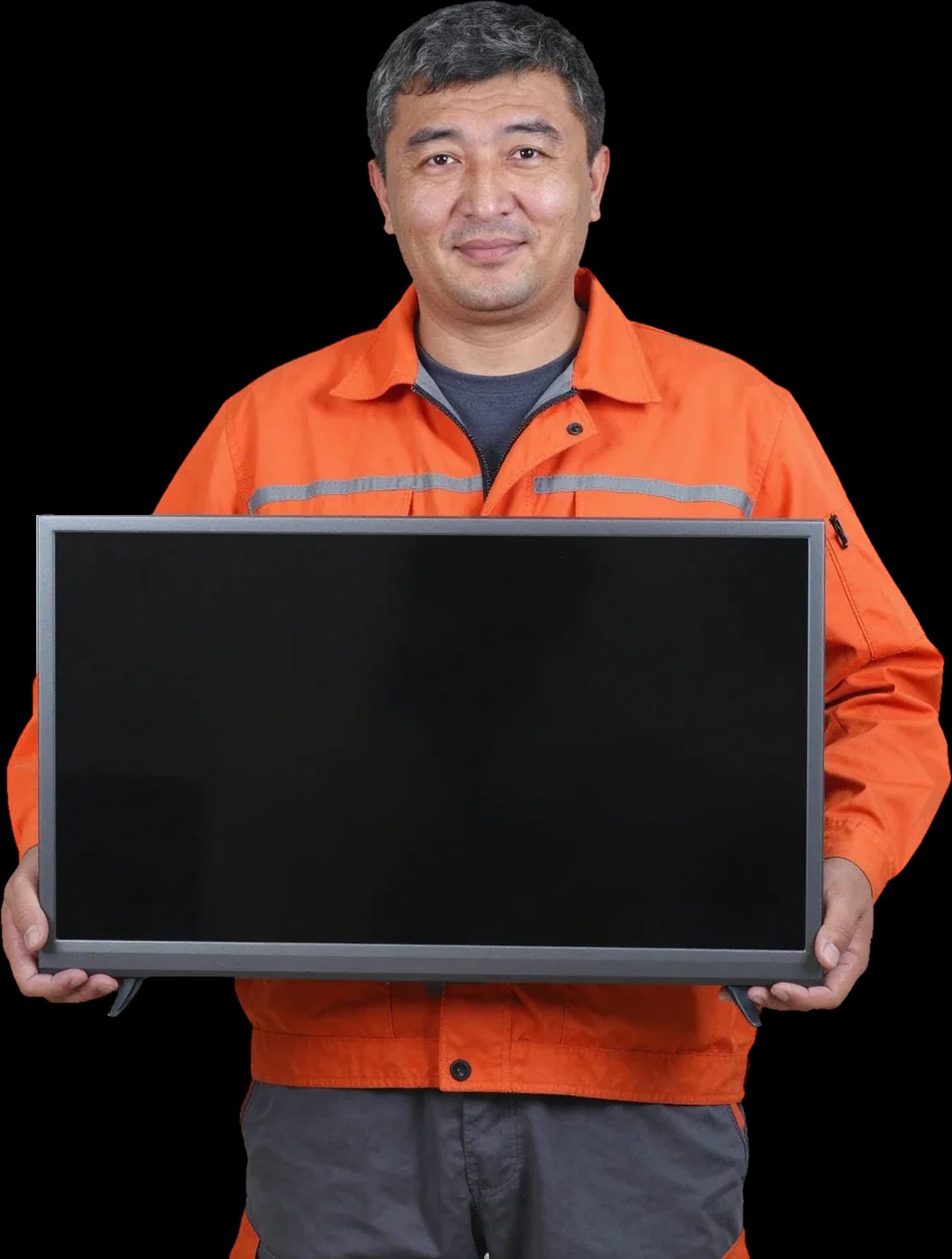
A technician will arrive within 60 minutes anywhere in the city. Diagnostics are free.
Our own technicians4 to 20 years of experience




Repair prices
Below are typical symptoms and their likely causes. The technician will pinpoint the exact issue during free diagnostics.
Power board, button, cord
from8 000 ₸
Backlight, T-CON, ribbon cable
from9 500 ₸
Backlight or board
from9 000 ₸
Panel, ribbon cable, T-CON
from9 500 ₸
Overheating, power, firmware
from6 000 ₸
Speakers, amplifier, settings
from7 000 ₸
Wi-Fi module, board, software
from5 500 ₸
Backlight, panel, T-CON
from9 000 ₸
1 visittime
from 10,000 ₸cost
 BeforeAfter

Five steps from request to checking the work.
Leave a request, describe the symptom and the TV model.
The technician picks a visit slot that works for you.
The technician works at your home and doesn't take the TV to the service center if the fault can be fixed on site.
Work starts only after you agree.
Check the menu, channels and Smart apps, and ask the technician about operation.
We reply during working hours
We'll explain which symptoms mean you should call a technician right away, and when a phone consultation is enough.

Warranty question? Call us
+7 (778) 096 59 61 experience10 years
TV screen replacement technician
 experience7 years
Lead electronics repair technician
 experience10 years
Mobile PC repair technician
 experience10 years
Laptop repair and assessment technician
 experience15 years
Digital device repair technician

Author: Oraza B.,TV screen replacement technician
Published
Updated
Tech Service repairs Yasin TVs in Astana with its own technicians, without intermediaries. Diagnostics are free, the technician arrives within 60 minutes anywhere in the city, and works at your home or in the service center. We provide a 1-year warranty on labor and parts, our technicians have 4 to 20 years of experience, and you can pay via Kaspi QR, Kaspi Red (instalments), bank card, cash, or bank transfer for companies.
A Yasin TV can fail to turn on in different ways: the indicator stays solid, blinks, or doesn't respond at all. Let's break down what each scenario means and what the technician checks first.
A blinking red indicator on a Yasin almost always signals a faulty power board or control board, not a broken screen. The power board converts mains voltage into working lines for the backlight and electronics, and when capacitors break down, the unit goes into protection — hence the rhythmic blinking instead of a steady glow. The control board at this point receives incomplete power and doesn't send a start signal to the matrix. By the blinking pattern, the technician narrows down the search: even pauses more often point to power supply protection, chaotic blinking to a controller failure, so before disassembling the case it's important to note the rhythm and number of flashes in a series. A rhythmic count of three flashes is more often linked to a drop in the standby line than to the matrix itself.
If the Yasin indicator stays solid and the screen is black, we first check the power supply and backlight circuit — voltage reaches the device but doesn't go further. The standby line is fine, but the main line drops under load or the LED backlight doesn't start due to blown capacitors. The Yasin matrix in such cases is usually intact: the image is missing not because the screen is broken, but because the LED strips aren't producing light. Diagnostics separate these scenarios — the technician checks the power supply and backlight circuit to avoid replacing the matrix without reason. A steady glow with a black screen is often mistaken for a matrix failure, though diagnostics frequently show failed capacitors — replacing them gets the TV working again without replacing the screen.
When a Yasin doesn't respond to either the remote or the body buttons, we check the IR receiver, control buttons, and controller power — the screen itself is usually not the issue here. The IR receiver picks up the signal from the remote and passes it on; if it's flooded, oxidized, or desoldered, the TV simply doesn't get the turn-on command. The body buttons are on a separate circuit, and their failure along with the remote points to a common unit — the control board or its power. If the remote doesn't work but the body buttons respond, the problem is in the remote or receiver, not the TV; it's worth checking before calling a technician to avoid paying for an unnecessary visit. Our technician arrives within 60 minutes in the city and starts with free diagnostics.
Stripes, dark spots, a black screen with working sound — similar symptoms come from different TV components. Here's how to tell a backlight failure from a matrix or board issue.
If a Yasin has sound but no picture, we check the backlight first — with a working matrix and dead LEDs, the screen looks black even though the TV is on. The LED backlight is made of strips with LEDs that sit behind the matrix and evenly illuminate it from the back or edge; the inverter boosts the voltage to the required level and distributes current along the chain. Most often one LED burns out or the contact on the strip breaks — the circuit breaks, and the whole section goes dark, sometimes the entire backlight. You can tell it from the matrix with a flashlight: if you shine light on the screen and a dim picture appears, the matrix is intact and the LEDs are out — this narrows diagnostics down to the LED strips and inverter.
Vertical and horizontal lines, dark spots, and dead pixels on a Yasin are defects of the panel, ribbon cables, or T-CON board, and the exact component determines whether the screen can be repaired or needs replacement. Ribbon cables carry the signal from the board to the pixel rows and columns, while the T-CON generates the image scan. A loose ribbon contact produces an even stripe across the full height or width, a T-CON failure causes a grid or doubled image, and a dark spot more often points to local damage in the panel layers or uneven backlight brightness in that corner. A few dead pixels usually need no action, but stripes that appear all at once after an impact or liquid spill are a reason not to delay diagnostics until the defect spreads to neighboring lines.
| Yasin symptom | Likely component | What the technician checks |
|---|---|---|
| Red indicator blinking | Power board, control board | Capacitors, protection circuit |
| Sound but no picture | LED backlight | LEDs, inverter |
| Vertical lines | Panel, ribbon cables, T-CON | Ribbon contacts, board |
| Dark spots on screen | Panel, backlight | Brightness uniformity |
| Won't turn on, indicator lit | Power board | Output voltages |
| No response to remote | IR receiver, buttons | Receiver, body buttons |
Reboots, missing Wi-Fi, and lost channels on a Yasin Smart TV don't always mean a breakdown—some cases are fixed with settings, while others require work on the control board.
If a Yasin Smart TV doesn't see Wi-Fi or keeps dropping the network, we first check the settings and the router, and only then the signal receiver module on the board. Some of these cases are resolved right in the menu: the TV isn't switched to the right network, there's a typo in the password, or MAC address filtering is enabled on the router. The Wi-Fi module on the Yasin board handles signal reception and data exchange with the firmware; it tends to fail more often than other components when overheated or after a voltage spike. Restarting the router and re-entering the password often solves the issue without a technician. But when the network drops only on the TV while the phone holds it steadily, the cause is more often the board module, not the internet.
We associate spontaneous reboots of a Yasin after a few minutes of operation with the control board or power supply—the unit goes into protection when a component overheats or can't hold voltage. The power board supplies secondary voltages for the backlight and main electronics; a drop on even one line makes the circuit restart the power-on cycle. The Yasin control board handles Smart functions, Wi-Fi, and those same reboots: a firmware failure produces a similar picture but appears randomly, without being tied to heat. If the restart repeats with the same delay after turning on, that's a clue for diagnostics: a stable interval more often points to overheating of a specific component rather than a random firmware glitch.
Missing channels on a Yasin after the switch to digital broadcasting is more often a DVB-T2 tuner setting than a breakdown—the TV simply isn't switched to the right source or a scan hasn't been run. The built-in DVB-T2 digital tuner receives the channel package via the antenna, and in the Yasin menu the "Antenna" and "Cable" sources are separate: with the wrong choice, auto-search runs idle. The firmware stores the channel list and frequencies; after a settings reset the list is erased, and broadcasting returns only after a new scan. If auto-search finds no channels with a working antenna, it's worth checking the cable and signal level before calling a technician: the problem may be in the antenna, not the TV tuner.
Liquid spill, impact, and power surge — three scenarios where your first steps before the technician arrives affect what can be saved in your Yasin.
If liquid gets into your Yasin, first unplug it from the power outlet and do not turn it on until diagnostics — trying to check if it works while plugged in further damages the board. Moisture gets into the Yasin power supply and control board, and while it's inside, every powered-on attempt expands the corrosion area on contacts and traces. Sweet drinks and coffee are the most dangerous: after drying, they leave a conductive residue that shorts neighboring traces even without visible moisture. If liquid gets on the case, wipe it off the outside with a dry cloth without tilting the device, so the remaining liquid doesn't seep deeper. Don't dry the device with a hairdryer or place it near a radiator: the hot air flow pushes moisture deeper into the boards, and evaporation under power accelerates contact corrosion.
After a power surge, Yasin most often won't turn on due to the power supply — we check this unit first, before the matrix and control board. A surge from the mains knocks out capacitors and fuses at the input, while the device looks intact externally: no cracks, no burning smell. During diagnostics, we test the circuit by units and separately check whether the voltage has passed further to the control board — then a second damaged area is added to the first. If the TV is connected through a stabilizer or surge protector, some surges are absorbed before reaching internal circuits; after repair, it's worth reviewing the connection scheme to avoid repeating the situation. The technician also checks the standby line: it powers the controller constantly and is the first to suffer from a surge, so an externally functional device may show no signs of starting. Testing the circuit by units shows exactly where the power is interrupted and which elements need replacing.
A crack on the Yasin matrix after impact is a defect that can't be fixed by restoring the screen itself: only matrix replacement helps, and the decision depends on the condition of other units. On the screen, such a crack appears as diverging lines or a dark spot from the impact point, and the screen itself can't be restored at that spot — polishing and ribbon cable re-soldering won't bring results. Before deciding the fate of the device, it's worth assessing whether the power supply and control board are intact: if they are working, screen replacement makes sense; if damaged, the total work may not be worthwhile. During free diagnostics, the technician will identify exactly what's damaged, and you'll decide whether to replace the matrix or buy a new TV.
Yasin TV repair in Astana is built on free diagnostics, approval of work before any intervention, and a warranty on the result. Here's the process and why going directly to the service provider is more convenient than using an intermediary.
We arrive at your home anywhere in the city within 60 minutes, diagnostics is free, and repair can be done either at home or at the service center — we choose the format based on the nature of the Yasin malfunction. The on-site technician immediately checks the power supply, backlight, and control board. Some faults — LED strip replacement, power supply repair — are performed on-site, without transporting the device to the service center. For matrix work and complex soldering, it's better to bring the TV to the service center: this way the glass isn't subjected to extra movement during transportation. During diagnostics, the technician assesses which option suits your device and states it before work begins. If home repair isn't feasible, the technician informs you during diagnostics, before any work starts.
Before starting the repair, we agree on the scope of work, and we provide a 1-year warranty on both labor and parts — the technician quotes the price after free diagnostics. Agreeing before the repair protects you from unexpected operations: if after inspection it turns out that another unit is needed, this is discussed separately and not added to the bill after the fact. You know in advance what will be replaced and why, and you make the decision without pressure. The warranty covers both the installed part and the work itself. You can pay via Kaspi QR, Kaspi Red, card, cash or bank transfer, and we discuss the scope of work and parts before any intervention. This approach keeps the repair predictable — the scope is discussed before work begins, not discovered during disassembly. You see which units are being replaced and why, and you can decline an unnecessary operation even before the technician picks up a tool.
Tech Service works with its own technicians with 4 to 20 years of experience, without intermediaries — the repair is done by our technician, not by an aggregator passing the order to a third party. With an intermediary, an extra link appears between you and the technician: one person takes the request, another arrives, and responsibility for the result becomes blurred. With us, the specialist who performed the diagnostics sees the device through to the end and is responsible for the warranty. You can tell that a technician knows the brand by the questions asked during diagnostics: a Yasin specialist understands the design of the power board and backlight, and doesn't limit themselves to a generic "we'll take a look on site." Such detail immediately shows the level — the person has worked with this line and knows where to look for the cause. The technician's experience with this line is evident from how they describe typical Yasin failures.
Repairing a Yasin TV comes down to pinpointing the unit: the indicator, the image pattern, and the behavior of the Smart module point to different blocks. Below is a short summary to help you understand the likely cause and scope of intervention in advance.
Tech Service technicians repair other appliances too — with the same 1-year warranty on labour and parts.
 Refrigerator Repair in Almatyfrom 3 000 ₸
 Washing Machine Repair in Almatyfrom 3 000 ₸
 Dishwasher Repair in Almatyfrom 3 500 ₸
 Oven Repair in Almatyfrom 3 000 ₸
 Cooktop Repair in Almatyfrom 3 500 ₸
 Air Conditioner Repair in Almatyfrom 3 500 ₸
 Boiler and Water Heater Repair in Almatyfrom 2 500 ₸
 Freezer Repair in Almatyfrom 6 000 ₸
 Tumble Dryer Repair in Almatyfrom 5 000 ₸
 Coffee Machine Repair in Almatyfrom 2 500 ₸
 Robot Vacuum Cleaner Repair in Almatyfrom 3 500 ₸
 Vacuum Cleaner Repair in Almatyfrom 1 500 ₸
 Microwave Oven Repair in Almatyfrom 2 000 ₸
 Hair Dryer Repair in Almatyfrom 1 500 ₸
 Iron Repair in Almatyfrom 3 000 ₸
 Electric Kettle Repair in Almatyfrom 2 500 ₸
 Mixer Repair in Almatyfrom 2 500 ₸
 Multicooker Repair in Almatyfrom 500 ₸
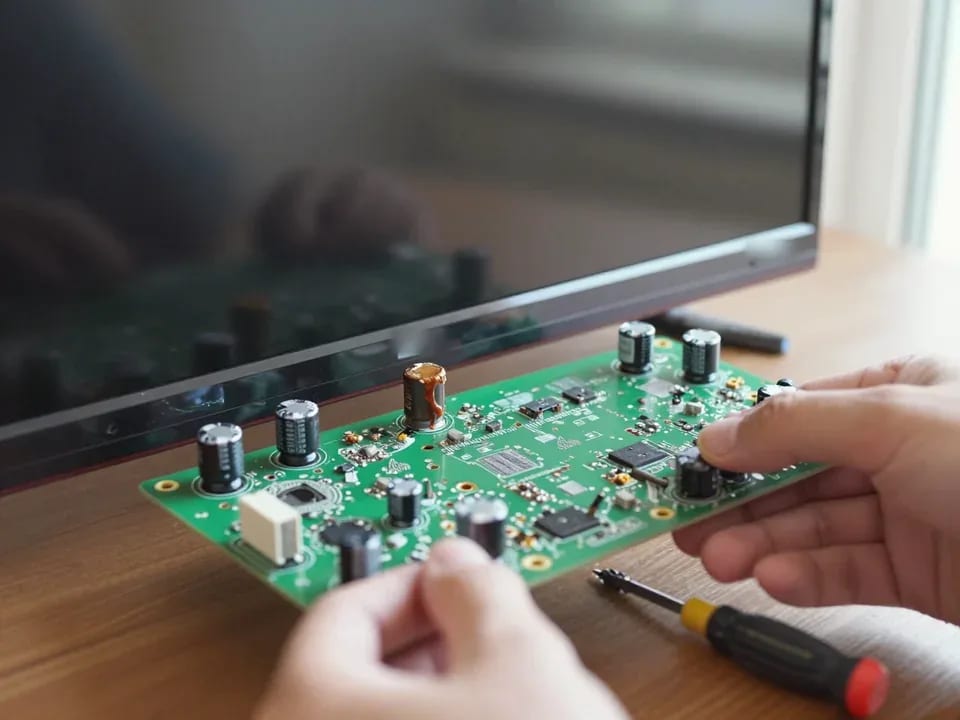
If your TV won't turn on, first check the outlet, power cable, and the button on the TV itself—not the remote.
21 November 2025 · 12 minutes read
If your laptop screen is broken, turn the device off first, don't press on the display, and check the picture through an external monitor.
12 March 2026 · 11 minutes read
If your phone won't charge, start by checking the adapter, cable, and port, then the charging settings.
16 February 2026 · 12 minutes read
If your laptop freezes, the first thing to do is restart it and check Task Manager to see what's loading the CPU and memory.
25 January 2026 · 12 minutes read
If your phone falls in water, take it out right away, turn it off, and don't charge it.
19 January 2026 · 12 minutes read
If your phone camera isn't working, first check app permissions, clear the cache, and restart your phone — this fixes some software glitches.
24 December 2025 · 13 minutes read