Юрий М.Order No. AS-8699 · 23 August 2024
oursTV Repair in
Сергей Архипов сам позванил и сказал, что готово. Вытащили и показали: тюнер. Сделали так, что и не придерёшься.
Repair: tv repair in
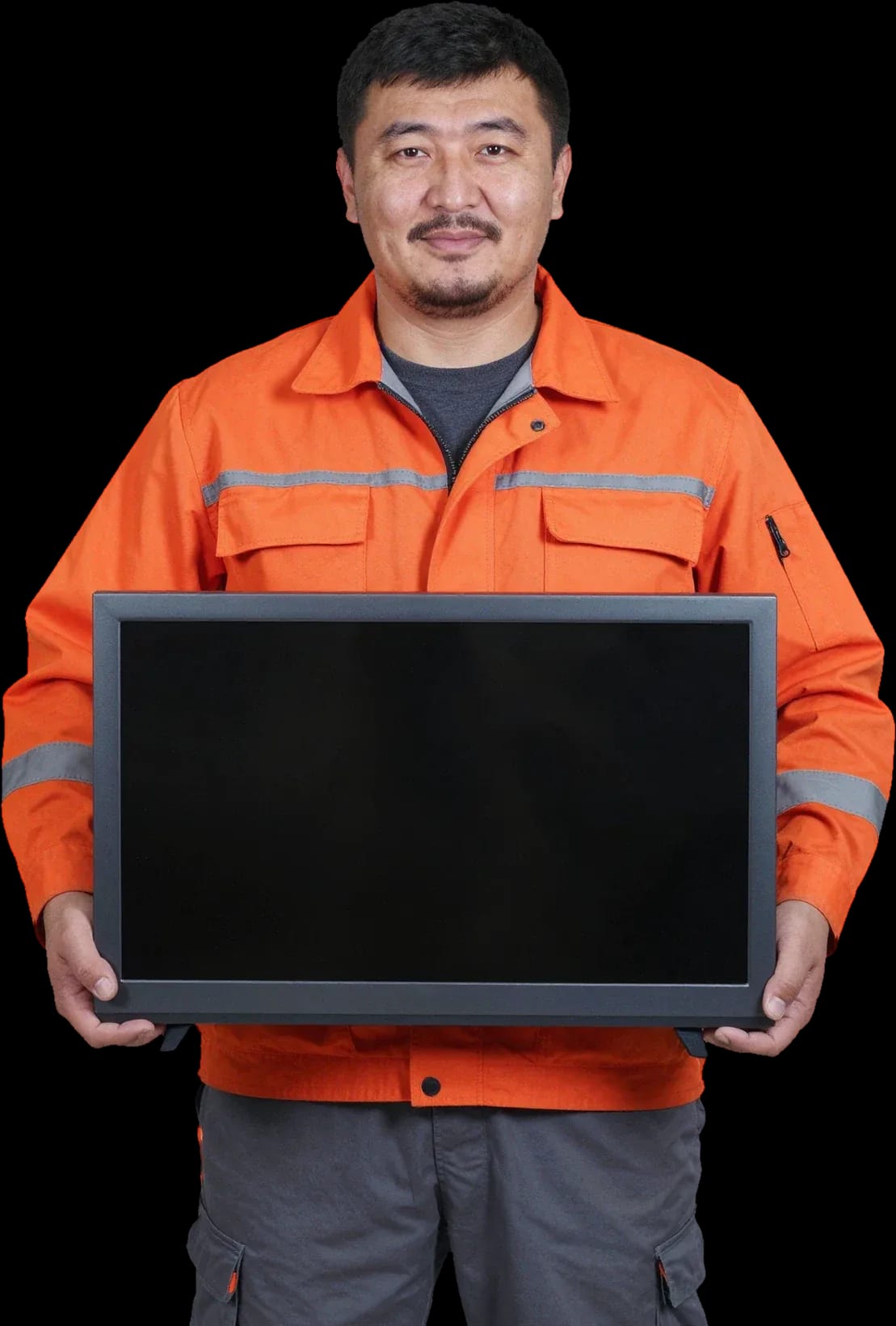
A technician arrives within 60 minutes anywhere in the city. Free diagnostics — the technician identifies the cause and gives you the price.
Our own technicians4 to 20 years of experience

Repair prices
Pick the symptom that matches yours to see what to check first.
Power supply, fuse
from8 000 ₸
Backlight, T-CON, ribbon cable
from9 500 ₸
Panel, ribbon cable, T-CON
from9 500 ₸
Overheating, power supply, software
from8 000 ₸
Speakers, amplifier, settings
from7 000 ₸
LEDs, driver
from9 000 ₸
IR receiver, remote, batteries
from3 500 ₸
Panel, backlight, dirt
from9 000 ₸
1 visittime
from 10,000 ₸cost
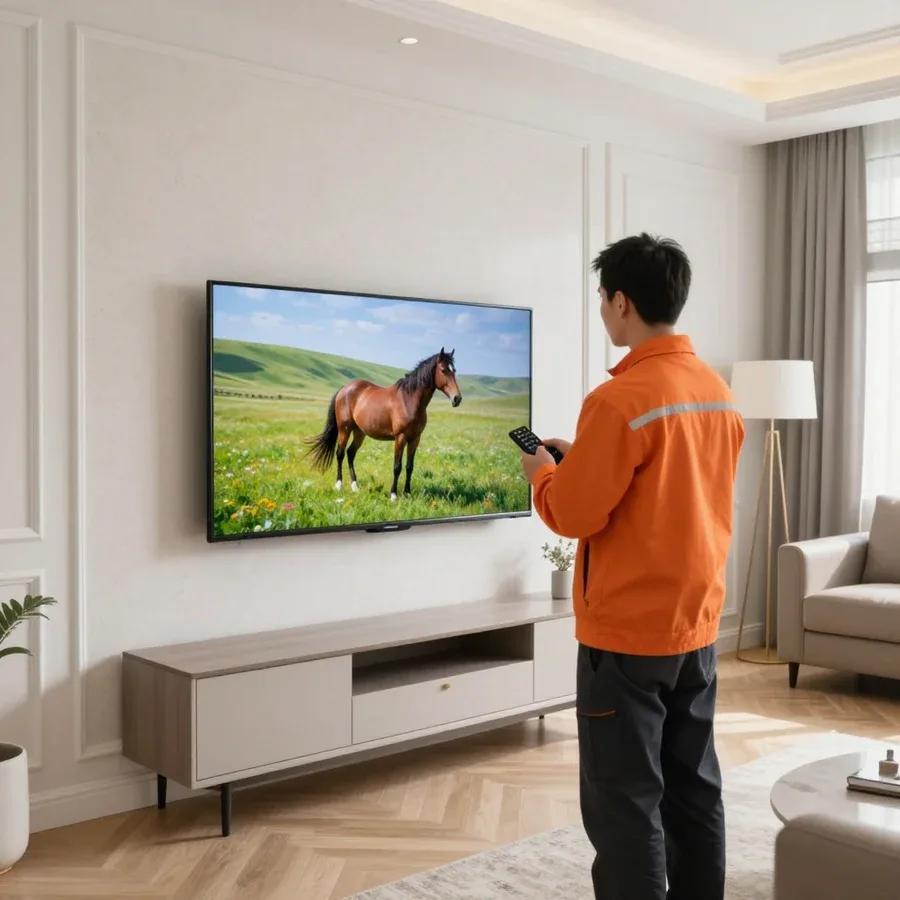 BeforeAfter

From request to sign-off — five steps.
Send a request — we'll confirm the TV model and symptoms.
Clear access to the power outlet and back panel, and prepare a space for inspection.
The technician works on site and agrees on a convenient time for inspection with you.
The technician agrees the scope of work and timeline with you before starting the repair.
Together we check the TV's modes and inputs after reassembly.
We reply during working hours
Describe the *Shivaki* TV fault and a convenient time — the technician will arrange the visit and confirm the appointment.

Warranty question? Call us
+7 (778) 096 59 61 experience10 years
TV screen replacement technician
 experience7 years
Lead electronics repair technician
 experience10 years
Mobile PC repair technician
 experience10 years
Laptop repair and assessment technician
 experience15 years
Digital device repair technician

Author: Oraza B.,TV screen replacement technician
Published
Updated
Tech Service repairs Shivaki TVs in Astana: our technician comes to your home or the equipment is repaired at the service center. Diagnostics are free, arrival within 60 minutes anywhere in the city, 1-year warranty on labor and parts. The technician quotes the price after diagnostics. Technicians with 4 to 20 years of experience understand Shivaki indicators and typical faults.
If your Shivaki TV won't turn on or the red light is blinking, it's signaling a specific fault, not that the whole TV is fried. Here's what the signals mean and where to start checking.
A blinking red indicator on Shivaki usually points to a power board or backlight fault — the TV goes into protection mode and won't start the screen. The set still responds to the remote, but the IR receiver only passes the signal along, and startup is blocked at the power level. The number of blinks and their rhythm form a diagnostic code: a technician counts the sequence and uses it to narrow the issue down to the power board, backlight driver, or main board. When our technician arrives, the first thing they do is record this sequence rather than taking the case apart blindly. Before they arrive, don't reset the power or remove the back cover — that will disrupt the code rhythm, which is the easiest way to pinpoint the fault.
If the indicator is on but the screen won't start, the power board or main board is usually to blame on Shivaki — power reaches the board, but the startup command doesn't go through. Standby voltage is present, so the LED lights up, but there's no main startup: either a channel on the power board has dropped, or the main board isn't sending a signal to the backlight and panel. At home, check the outlet, cable, and power button — sometimes it's just a bad contact, and that's where the list of safe actions ends. Don't open the back cover: without measuring voltages on the boards, any conclusion is just guesswork. Our diagnostics are free, so checking with a specialist is cheaper than replacing parts one by one.
Shivaki turning off after a few minutes of operation is usually linked to power board overheating or degraded capacitors — under load, the unit goes into protection. At first the TV works fine, then the picture goes out, and after cooling down it turns on again. Swollen capacitors lose capacitance and can't hold voltage under load, and overheating makes the failure worse. If the TV turns off faster the longer it's been running, that points to a thermal nature of the fault, not a software glitch, so reflashing won't help here. Our technicians with 4 to 20 years of experience start by measuring supply voltages under load — that's how the cause is found without replacing working parts. If the set turns on again after cooling down and then goes off again after a few minutes, that confirms a thermal fault in the power unit. We do the check in your presence so you can see where the voltage drops.
Sound is fine but there's no picture — the most common reason to call a technician. Here's how to tell a backlight issue from a matrix or power board problem, and when you really need a new screen.
With a black screen but sound on Shivaki, the backlight is usually at fault, not the matrix — if you shine a flashlight on the screen and see a dim image, the matrix is fine and the LED strips aren't lighting up. The backlight driver on these models fails due to overheating, and the strips themselves lose brightness over time and break at individual diodes. We check the circuit section by section: the dark area under the flashlight matches the faulty part of the LED strip. A technician can repeat this test in front of you, and it immediately rules out an expensive screen replacement in favor of backlight repair. One more thing: if the dim image is visible across the whole screen, there's no point replacing the panel — backlight work costs far less.
Vertical or horizontal stripes on Shivaki TVs usually come from the ribbon cables and connectors between the main board and the panel, and such defects can be fixed without replacing the screen. The contact is lost due to oxidation, microcracks in the ribbon cable, or a loose connector, not because the panel itself has failed. The technician tests the lines, checks the ribbon cable seating, and restores contact if necessary. If the stripes change when you lightly press on the frame or disappear after warming up, that indicates a contact problem, not panel damage — this test is done before deciding to replace the screen, otherwise a working panel would be written off for nothing. Streaks that are constant and don't react to pressing already point to the panel itself.
The technician distinguishes these faults by the indicator behavior and measurements at the power supply output — if the voltages are normal but the backlight doesn't start, the problem is in the LED circuits or the driver. A failed power supply board usually doesn't output the required lines, and then the whole device goes dark, not just the image. We measure the output voltages under load, observe the indicator reaction, and only then identify the unit to be restored. A mistake at this step is costly: replacing a working board won't fix a black screen, so first measure, then decide. After that we decide whether to repair the driver or replace the strips — without measurements it's guesswork, not diagnostics. In practice, measurements cut out unnecessary work and leave only the unit that has actually failed.
Not every Shivaki component is replaced entirely — some boards and circuits can be restored. Here's what we repair, what we replace, and how that affects the decision to restore.
The Shivaki power supply is more often restored — capacitors and damaged elements are replaced, while the main board is usually replaced when the controller fails. In the power supply, swollen capacitors, shorted diodes, and power switches fail: these parts are replaced individually, while the traces and connectors remain original. The main board is more complex — the processor and memory are soldered densely, and if the chip fails, the unit is replaced with a working one to avoid losing the firmware and tuner settings. A Tech Service technician first checks whether the unit is repairable, and only then suggests replacement. Restoring the power supply costs less than replacing it and preserves compatibility with the case and connectors, so we assess repairability rather than offering a new one by default — this approach saves the owner money and the time spent searching for a rare board.
| Symptom | Likely component | What we do |
|---|---|---|
| Won't turn on, indicator is on | Power supply, main board | Diagnostics, repair or replacement |
| Black screen, sound is present | Backlight, driver | Backlight repair |
| Stripes on the screen | Ribbon cables, connectors | Contact restoration |
| Turns off by itself | Power supply, capacitors | Component repair |
| Doesn't respond to remote | IR receiver, buttons | Repair or replacement |
| No image when turned on | Main board, ribbon cables | Repair or replacement |
A Shivaki TV can be saved after a liquid spill if you don't turn it on before the technician arrives — moisture on live circuit boards causes a short circuit and damages working components. Liquid gets into the gaps in the casing and settles on the boards and matrix ribbons; while the unit is unplugged, only the wet areas are affected, but once power is applied, the short spreads along the traces and hits intact circuits. The technician disassembles the panel, removes the electronics, cleans them with a special solution and dries them, then checks the contacts and powers up the unit. The faster the device is unplugged and handed to a technician, the better the chance of getting by with cleaning and drying without replacing components, so don't delay — the first hours after the spill determine whether the electronics survive.
Some Shivaki breakdowns are fixed right at home, while others require service center conditions. Below we explain what is repaired where, how soon the on-site specialist arrives, and how to prepare the TV for the visit.
At home, Shivaki backlight, power board, and contact connections are restored, while complex work on the matrix and main board is done at the service center. The backlight is replaced without removing the screen from the casing — this takes one visit and doesn't require transporting the unit. The specialist also checks the power board and ribbon contacts on site: tests the circuits, looks for swollen capacitors, and cleans the connectors. But replacing the matrix or soldering the main board with chip reflow is only done at the stationary facility — there's no clean zone or stable surface for the panel at home. The split isn't about convenience but about conditions: matrix replacement requires a clean zone and a stable surface, which aren't available in an apartment, so we're upfront about where the service will take place. Shivaki TV repair in Astana follows the same principle: simple faults are handled at home, complex ones at the service center. This approach avoids surprises — you know in advance whether the TV stays at home or goes to the service center.
Our technician arrives at your home anywhere in the city within 60 minutes of your request — that's the standard arrival time in Astana. The on-site specialist brings tools for checking power and backlight, so the initial diagnostics are done right there. To call them, just describe the symptom and the Shivaki model: with that information, they gather the likely parts and don't waste the visit on clarifications. Diagnostics are free, and the cost of work is quoted after inspection. An accurate description saves a trip: if you say right away that the screen goes dark after a couple of minutes but the sound remains, the specialist brings the right kit instead of a universal set. And the visit service covers the whole city, including remote residential areas.
Terms of service are part of the repair decision, not a minor add-on. We explain what free diagnostics includes, how the warranty works, and the order in which work is approved.
TV diagnostics at our service is free — the technician identifies the faulty unit and only then quotes the cost of work. A specialist arrives within 60 minutes anywhere in the city, so the inspection starts as soon as the technician arrives. On site, the technician checks the power supply, backlight, main board, and panel integrity, and compares readings with the typical picture for the specific diagonal and series. Based on the inspection, the owner receives the name of the broken unit, a list of necessary work and parts, and the total cost of those works. Free diagnostics removes the main risk: the decision is made with a known diagnosis, not blindly based on a single symptom like a blinking indicator. In my view, this step most often flips the verdict — quite often the visit ends not with a panel replacement but with restoring the power supply.
For Shivaki TV repairs, we provide a 1-year warranty on labor and parts — it also covers replaced components. The term applies to the power board, the main board, and the LED backlight strips if the technician replaced them entirely. The parts warranty matters separately from the labor warranty: if a part fails early, the issue is resolved under the same term, not at the owner's expense. For the owner, this means a repeat failure caused by an installed component does not become a new expense. Warranty claims for Shivaki are more often related to the backlight than to electronics — the strip heats up during prolonged operation at high brightness. Therefore, after replacing the backlight, it's worth lowering the backlight level in the settings: the LED lifespan increases noticeably, and the picture barely dims.
The repair follows these steps: request, technician visit within 60 minutes, free diagnostics, work approval, restoration, and a 1-year warranty on labor and parts. Requests are accepted by phone or in chat; the technician clarifies the model, diagonal, and nature of the fault to bring the right tools. During the inspection, the specialist checks the units, names the cause and scope of work, and the owner confirms or declines the order. Payment is accepted in any convenient way — cash, card, or transfer. Approval before work starts is a key step: the owner knows in advance what will be done and why, and can refuse if the order isn't justified. Quite often after diagnostics it turns out that replacing one component is cheaper than repairing the whole unit — and that is also discussed before any soldering.
Shivaki fault symptoms form a clear picture if you read them as indicators of specific units rather than a general diagnosis for the whole device.
Tech Service technicians repair other appliances too — with the same 1-year warranty on labour and parts.
 Refrigerator Repair in Almatyfrom 3 000 ₸
 Washing Machine Repair in Almatyfrom 3 000 ₸
 Dishwasher Repair in Almatyfrom 3 500 ₸
 Oven Repair in Almatyfrom 3 000 ₸
 Cooktop Repair in Almatyfrom 3 500 ₸
 Air Conditioner Repair in Almatyfrom 3 500 ₸
 Boiler and Water Heater Repair in Almatyfrom 2 500 ₸
 Freezer Repair in Almatyfrom 6 000 ₸
 Tumble Dryer Repair in Almatyfrom 5 000 ₸
 Coffee Machine Repair in Almatyfrom 2 500 ₸
 Robot Vacuum Cleaner Repair in Almatyfrom 3 500 ₸
 Vacuum Cleaner Repair in Almatyfrom 1 500 ₸
 Microwave Oven Repair in Almatyfrom 2 000 ₸
 Hair Dryer Repair in Almatyfrom 1 500 ₸
 Iron Repair in Almatyfrom 3 000 ₸
 Electric Kettle Repair in Almatyfrom 2 500 ₸
 Mixer Repair in Almatyfrom 2 500 ₸
 Multicooker Repair in Almatyfrom 500 ₸
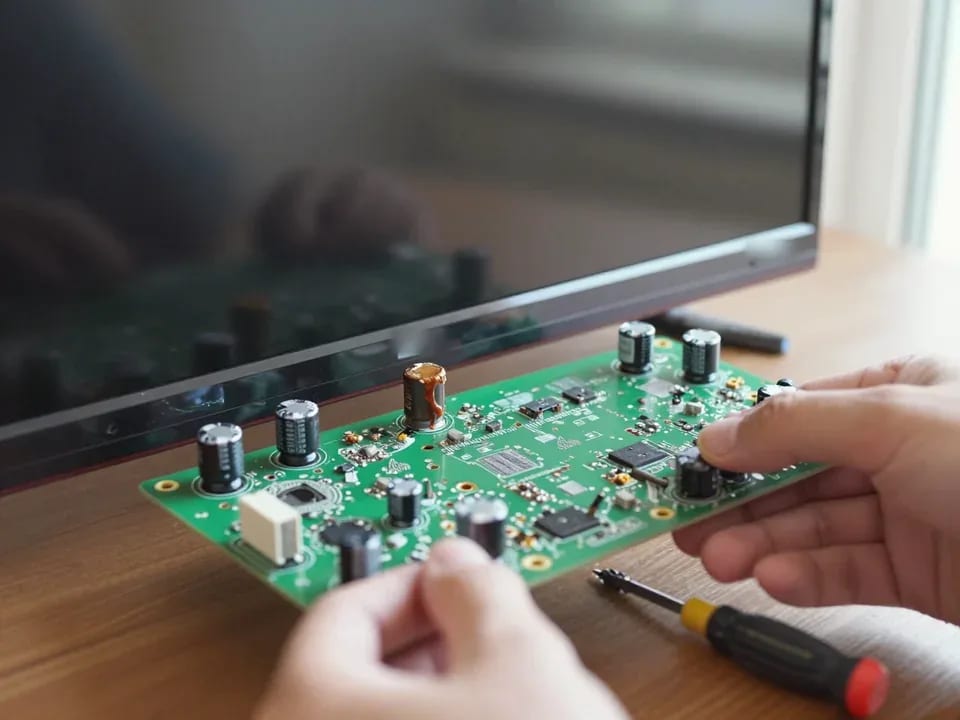
If your TV won't turn on, first check the outlet, power cable, and the button on the TV itself—not the remote.
21 November 2025 · 12 minutes read
If your laptop screen is broken, turn the device off first, don't press on the display, and check the picture through an external monitor.
12 March 2026 · 11 minutes read
If your phone won't charge, start by checking the adapter, cable, and port, then the charging settings.
16 February 2026 · 12 minutes read
If your laptop freezes, the first thing to do is restart it and check Task Manager to see what's loading the CPU and memory.
25 January 2026 · 12 minutes read
If your phone falls in water, take it out right away, turn it off, and don't charge it.
19 January 2026 · 12 minutes read
If your phone camera isn't working, first check app permissions, clear the cache, and restart your phone — this fixes some software glitches.
24 December 2025 · 13 minutes read