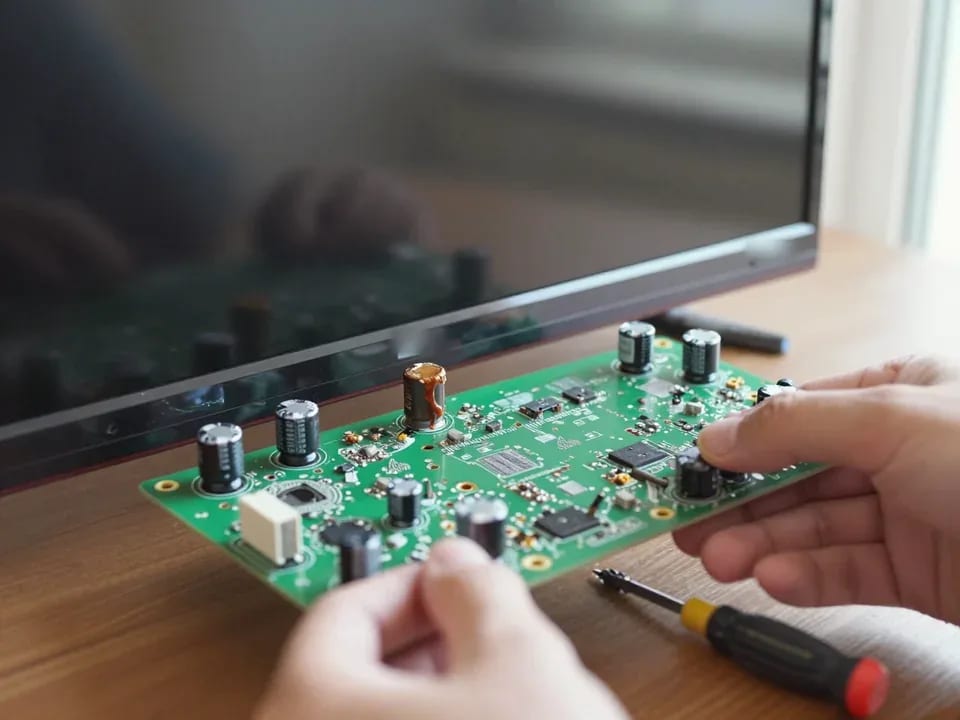
Tech Service repairs Kivi TVs in Astana: a technician comes to your home within 60 minutes anywhere in the city or takes the TV to the service center. Diagnostics are free, and the technician gives you the price after the diagnostics. You get a 1-year warranty on labor and parts. Our technicians have 4 to 20 years of experience.
Why your Kivi won't turn on and what the symptoms mean
A Kivi TV can fail to turn on in different ways: the standby light is on but the screen stays black, the set shuts itself off after a few minutes, or sometimes it goes dead after a power surge. Let's look at what's behind each symptom.
The indicator light is on but the screen is black — what does that mean
When a Kivi TV shows a red standby light but the screen stays black, the culprit is usually the power supply or the backlight, not the panel itself. The power board converts mains voltage into the levels every part of the TV needs, and its output stages carry a heavier load than anything else. Capacitors are the usual failure point: constant heat makes them lose capacitance, ripple rises, and there isn't enough voltage left to fire up the backlight. The second common cause is the backlight circuit: the LED strips behind the panel burn out in segments, so the screen stays dark even though sound and menus still work. A red light means standby power is present, so a technician checks the power supply's output voltages and the backlight circuit first instead of rushing to replace the screen. That's why Kivi TV repair starts with the power supply and backlight, not with a new panel.
Kivi turns off by itself after a few minutes
A Kivi TV shutting itself off after a few minutes of operation is usually caused by overheating, power supply degradation, or a Smart platform firmware failure. Overheating during extended use triggers the protection: the main board detects that the temperature has exceeded the limit and cuts power to the unit to prevent burning out the processor. The power module follows a similar pattern — dried-out capacitors handle the load when cold but drop in voltage once the TV warms up. A Smart platform firmware failure presents a third scenario: the system gets stuck in a reboot loop, and the picture disappears along with the sound. If the TV turns off faster the longer it has been running, that points to thermal instability in a component, and diagnostics shouldn't be delayed to avoid damaging neighboring components.
Kivi TV won't turn on after a power surge
After a power surge, Kivi TVs most often suffer damage to the power supply and the main board, and this case is considered paid rather than warranty. A voltage spike on the grid blows the power switches and burns out the input capacitors, and through them the damage reaches the main board circuits. Externally it all looks the same: the TV is silent, the indicator doesn't light up or blinks to no effect, and when you try to turn it on you hear a relay click. Turning it back on after a surge can finish off the surviving components, so it's better to cut the power, pull the plug from the socket and wait for the technician instead of checking "maybe it'll work." During free diagnostics we find which component took the hit and explain what gets replaced and what can be restored.
Kivi Smart platform freezes and remote control response issues
A frozen TV won't respond to the remote or the buttons on the set, and the owner can't tell whether it's a software or a hardware problem. We'll break down when reflashing the firmware helps and when the board needs to be replaced.
Stuck on the splash screen and not responding to the remote
If your Kivi is stuck on the boot screen and won't respond to the remote, the cause is usually a firmware glitch in the Smart platform or a power supply module issue, and reflashing doesn't fix every case. We start by checking how the unit responds to the buttons on the body: a device that works from the panel but ignores the remote more often has a problem with the IR receiver or the remote itself, not the main board. Getting stuck on the logo points to a corrupted firmware partition or voltage drops in the power supply—the system can't finish booting and stays on the splash screen. Reflashing through the service port restores booting when the flash memory is intact. Before drawing conclusions, the technician checks whether the unit responds to the body buttons—if it does, the problem is more likely in the IR receiver or the remote, not the board.
When reflashing helps and when you need to replace the board
Reflashing fixes software freezes on Kivi, and if the system acts up again afterward, the technician checks the main board and power module. Our experience shows that a one-time menu glitch, missing apps, and freezing after an update are resolved by rewriting the firmware—the software part of the platform is restored without replacing parts. Another scenario: the freezes come back after a few days, the menu lags, and the device reboots on its own. Then the cause is hardware, and diagnostics focus on the circuits of the main unit. Repeated freezes after reflashing signal that the issue isn't software but hardware, so the next step is checking voltage stability and the condition of the flash memory. On models with frequent spontaneous reboots, we check the power supply right away instead of reflashing the firmware again.
What to do if your Kivi freezes again after service
If your Kivi freezes again after service, that's a reason to reach out under the warranty, which covers both labor and parts for 1 year. A recurring Smart platform freeze doesn't always mean the previous repair was unnecessary: the symptom could be coming from a different component that wasn't failing the first time. When you contact us, the technician compares the current symptoms with the previous visit — our records show which board was replaced and what was reflashed, so finding the faulty component goes faster. Our technicians have worked with Kivi for 4 to 20 years and can tell a memory failure from a power supply issue by the way it freezes. This comparison helps us avoid reflashing again when the main board actually needs replacing.
Picture and sound — backlight, panel, HDMI
A dark screen with sound still playing, lost audio, or an HDMI input that seems invisible — these are the most common complaints about Kivi. We'll show you how to tell a backlight fault from a matrix or port problem.
Black screen with sound still playing — backlight or panel
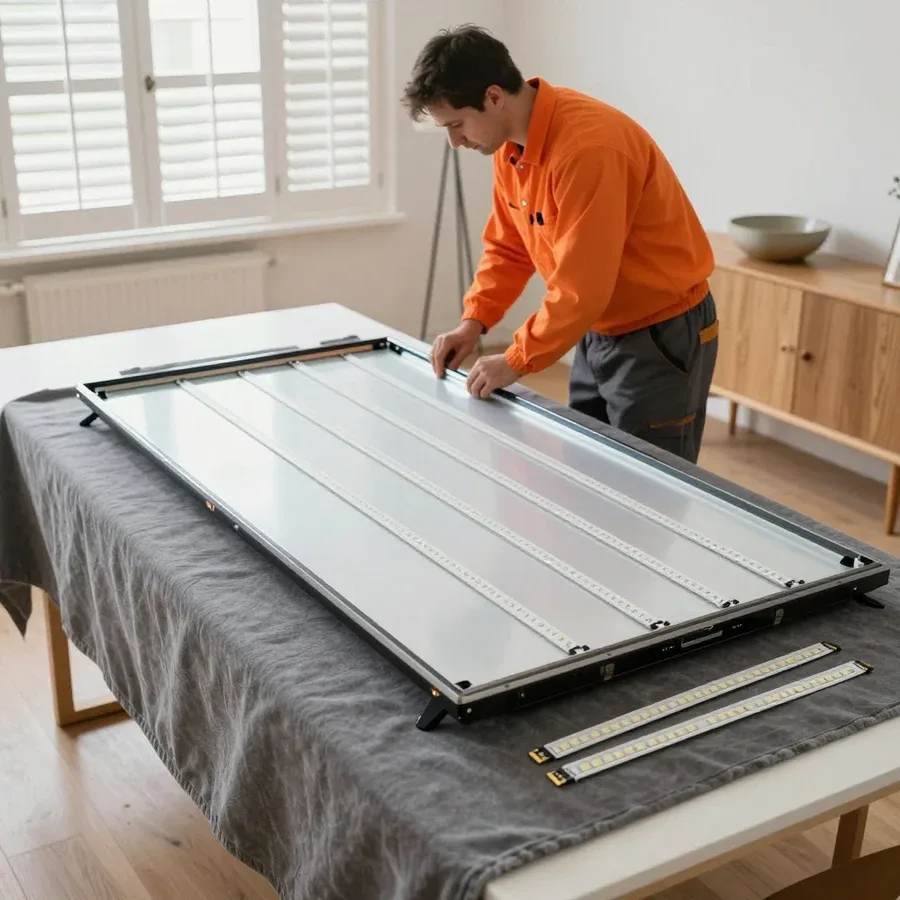
A dark screen with sound still working on a Kivi TV usually points to a backlight failure rather than the panel itself, and replacing the backlight fixes the problem. The design is simple: LEDs sit behind the liquid crystal layer, and an inverter supplies power to them through transformers. When one LED burns out or a contact in the circuit breaks, the picture goes dark entirely—audio, menus, and remote response remain, since the main board keeps working. The inverter and transformers are checked separately: they fail less often than the LEDs themselves but produce the same symptom. If a faint image is visible on the screen in bright light, the panel is likely intact—this confirms the backlight issue before disassembly. The owner can perform this flashlight test: shine light at an angle onto the screen, and if the liquid crystal layer is intact, menu outlines will appear.
Kivi not detecting HDMI: port or firmware issue
When a Kivi TV doesn't detect HDMI, the cause can be oxidized or damaged port, a firmware glitch, or a faulty control board. The port carries the signal from a set-top box, laptop, or console, and frequent plugging loosens the contacts inside the socket, while dust and moisture speed up oxidation. A firmware glitch looks different: the port is physically intact, but the TV won't switch sources or shows a black square instead of a picture. The control board handles input switching, and a fault there produces a similar picture on several ports at once. Before blaming the TV, the technician checks the signal source itself—the set-top box, laptop, or console—and the cable, because a blank square instead of a picture often comes from there. Start by swapping the cable and trying another source: if the picture appears, the problem isn't the Kivi, and no disassembly is needed.
Table of Kivi symptoms and likely components
| Kivi symptom | Likely component | What we check |
|---|
| Dark screen, sound works | Panel backlight | LEDs and inverter |
| Stripes and dead pixels | Panel | Screen integrity |
| No HDMI signal | HDMI port, control board | Port and firmware |
| Picture but no sound | Main board | Audio path |
| Won't turn on, indicator light is on | Power supply | Output voltages |
How Kivi TV repair works in Astana
We repair Kivi TVs in Astana either at your home or at our service center. Here's how an on-site visit works and what to bring if the TV is brought to us.
In-home repair or service center: which to choose
We repair Kivi TVs at your home when the problem can be fixed on site, and we take the TV to the service center when the panel needs replacing or the board requires complex soldering. Our technician arrives with tools and checks the set under the conditions it normally runs in — from the power supply to the signal source. If the issue is in the main board or the backlight, the technician can often resolve it right at your place. Panel replacement and any work that requires disassembly and checking components are done at the workshop: there the panel isn't jostled on the road and there's no risk of damage in transit. Home service is more convenient for large diagonals that are risky to haul across the city, while the service center handles work that requires disassembly and on-site component checks. In my view, for panels 55 inches and up, a home visit is almost always the better option — there's less risk of damaging the screen during transport.
How soon the technician arrives and what they do on site
The technician arrives within 60 minutes anywhere in the city, performs free diagnostics on site, and agrees on the cost before any work begins. First, they ask about the symptoms, check the power, the response to the remote, and the picture from a connected source — this rules out false causes like a wrong input or a frozen set-top box. Then they open the back cover, inspect the board for bulging capacitors and signs of overheating, and check the backlight. If the issue can be fixed on the spot, the technician quotes the price and starts work; if service is needed, they explain why. On-site diagnostics show whether Kivi repair can be done at home or if service is required — this saves time and keeps the owner from uncertainty. In our experience, many calls are resolved without transporting the device.
What to bring if the TV is being taken to the service center
- Remote control: needed to check how the TV responds after repair.
- Power and connection cables: help recreate the unit's operating conditions.
- Model from the label: speeds up choosing the right approach to firmware and components.
- Symptom description: more precise than "it doesn't work" and narrows down the possible causes.
- Signal source: bring a set-top box or console if the complaint is about HDMI.
Warranty and Trust in Your Kivi Technician
Warranty and technician experience are what Kivi owners look at when choosing who to hire. Here's what we commit to, why our technicians know this brand, and how payment works.
What the 1-year warranty covers
We give a 1-year warranty on labor and parts, so if the same component fails again, it's covered under warranty. This covers two separate things: the repair itself and the part we installed. That matters for backlight or main board repairs in particular — these components fail not only from wear but also from power surges, and the owner is protected even if the part didn't fail through any fault of their own. The parts warranty matters especially here: a new backlight or board costs more than a typical repair, and a second failure without coverage would mean paying for a second visit out of pocket. We put both points in writing so there's no dispute about obligations on a return visit. Before you hand over your TV, ask the technician to confirm the 1-year warranty — on labor and parts.
Why technicians know Kivi specifically
Our technicians have 4 to 20 years of experience and work with Kivi directly, not through middlemen, so they know the typical faults of this brand. The direct contractor is accountable for the work themselves, and the owner doesn't have to figure out who took the TV in for repair. What's specific to Kivi is the way the Smart platform is tied to the main board: freezing on the splash screen and a remote that stops responding are often mistaken for a failed panel, when the real cause is the firmware or an overheating board. An experienced technician tells these scenarios apart by how the indicator behaves and what the picture looks like, rather than swapping parts at random. In my view, that's what sets brand-specific work apart from a one-size-fits-all approach: the specialist has already seen how a Kivi board behaves when the power sags and doesn't waste the owner's time on unnecessary replacements. So when you choose a contractor, ask not only about the turnaround time but also about their experience with this brand.
How to pay for work with Kivi
We accept payment via Kaspi QR, Kaspi Red (instalments), bank card, cash, or bank transfer for companies, and the technician quotes the price after free diagnostics, once the cause of the issue is clear. Diagnostics is not charged separately — this removes the risk of paying for an inspection without a clear answer. The price is given before work begins, so you can decide whether to go ahead with us, with no surprises at the end. This approach works well in complex cases: if, after disassembly, it turns out the problem is not the backlight but the main board, the amount is updated before approval, not after. Payment can be made in any convenient way — cash or card — and this does not affect the warranty. Kaspi QR, Kaspi Red, card, cash, or bank transfer are accepted both for at-home visits and for in-service-center repairs. Ask for the final amount in advance — it makes budgeting easier.
What to remember about Kivi TV repair
The symptoms Kivi TVs show add up to a fairly clear picture: by watching how the screen, sound, and remote behave, you can often guess which part is at fault before anyone opens the set. Below is a quick summary to help you talk to the technician in specific terms.
- Standby light on and a black screen: this usually points to the power supply or the backlight rather than the panel, so diagnostics start with voltage measurements.
- Smart platform freezing: reflashing the firmware doesn't always fix it, and if it keeps happening the board and power module are checked.
- Black screen with sound: this typically means the backlight has failed, while stripes and dead pixels point to the panel itself.
- Home visits: handy for large diagonals, but complex work on the panel and board is done at the service center.
- 1-year warranty: it covers both labor and parts, so if the same part fails again, the technician is on the hook for it.