 experience10 years
Maksim S.
Graphics card repair technician

A technician arrives within 60 minutes anywhere in the city. Free diagnostics, technicians with 4 to 20 years of experience.
Our own technicians4 to 20 years of experience




Repair prices
Causes are listed from most common. The technician provides an exact diagnosis free of charge.
Power supply, power button, motherboard
from12 000 ₸
Dust, thermal paste, fan
from6 000 ₸
Matrix, cable, backlight
from6 500 ₸
Module, antenna, driver
from7 500 ₸
Drive wear, speed
from3 500 ₸
Power, capacitors, soldering
from14 000 ₸
Inverter, lamp, driver
from11 500 ₸
Capacitors, fuse
from12 000 ₸
1 visittime
from 11,500 ₸cost
 BeforeAfter

From request to inspection — five steps.
Leave a request and the technician will confirm the model and symptoms.
The technician arrives anywhere in the city within 60 minutes.
The technician lists the required parts and when they will be installed before starting work.
You approve the work and parts before repair begins.
The owner inspects the all-in-one with the technician and receives a document confirming the work performed.
The computer and laptop repair department in Almaty has 7 technicians with 6 to 15 years of experience.
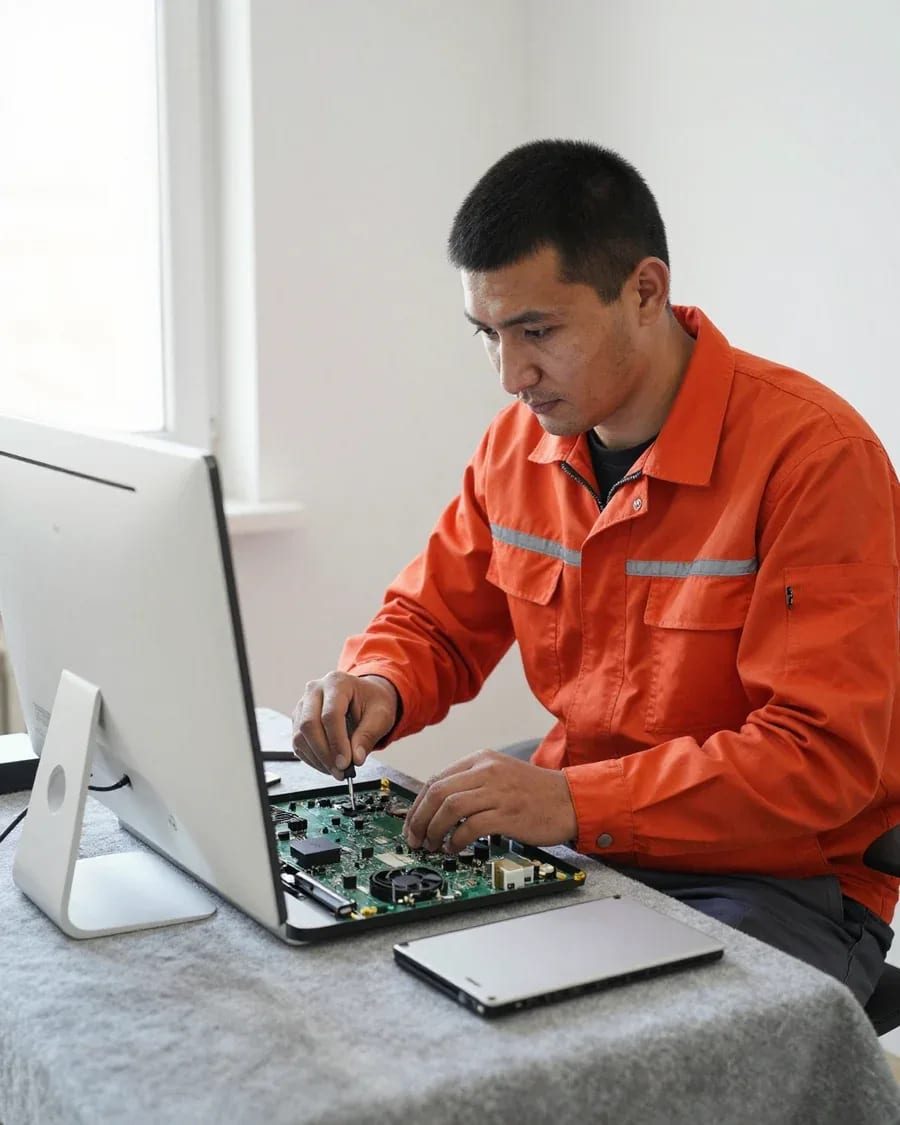
The department has 7 specializations — they are listed on the technicians' cards.
experience10 yearsGraphics card repair technician
 experience6 years
PC and laptop diagnostics technician
 experience8 years
Laptop repair engineer
 experience10 years
Software installation specialist
 experience7 years
PC and laptop repair technician
 experience13 years
Diagnostics and virus removal specialist
 experience15 years
Consultant
We reply during working hours
Leave a request — a technician will arrive within 60 minutes anywhere in the city. Free diagnostics, 1-year warranty on labor and parts.

Warranty question? Call us
+7 (778) 746 01 65Tech Service repairs Lenovo IdeaCentre AIO and ThinkCentre all-in-ones in Almaty as a direct provider with its own technicians. Diagnostics are free, a technician arrives within 60 minutes anywhere in the city, and there's a 1-year warranty on labor and parts. The technician quotes the price after diagnostics.
A Lenovo all-in-one is a desktop with a built-in power supply and tight internal layout, so the symptoms "won't turn on" and "shuts down" are more often related to power and cooling than to the system.
Most often the culprit is the built-in power supply that converts 220V to DC for the board — our diagnostics start with measuring its output voltages. Inside the IdeaCentre AIO case, this unit is a separate board next to the motherboard, and its output is tested under load, not just at idle: a voltage drop under load produces exactly this symptom — the indicator is dark, the fan doesn't start. If the indicator light is off, Lenovo all-in-one repair in Almaty begins with checking the power supply and the standby circuits on the motherboard. Our diagnostics are free, so we check the power supply and standby circuits on the motherboard before drawing any conclusions about replacing parts. If the indicator is dark after a power surge, don't keep plugging the all-in-one back in — that can finish off already damaged board circuits, so it's better to unplug it from the outlet right away. Lenovo all-in-one repair in Almaty starts with free diagnostics so we don't replace parts at random.
Shutting down after a short period of operation is a typical sign of overheating, and we start by cleaning out dust and replacing the thermal paste to restore the thermal contact between the CPU and the heatsink. In a slim AIO case, the cooler and cooling system dissipate heat from the processor through a compact heatsink, and dust on the fins and dried-out thermal paste reduce that dissipation — the processor goes into protection mode and the machine shuts down. We replace the thermal pads on the power circuits together with the paste: they also lose their elasticity and stop transferring heat to the case. A practical tip — don't stretch out maintenance intervals and check the heatsink fins for airflow at the first signs of fan noise. If the symptom returns after cooling maintenance, the cause is already in cooler degradation or in the power circuits, and that is identified during diagnostics, not by replacing thermal paste at random.
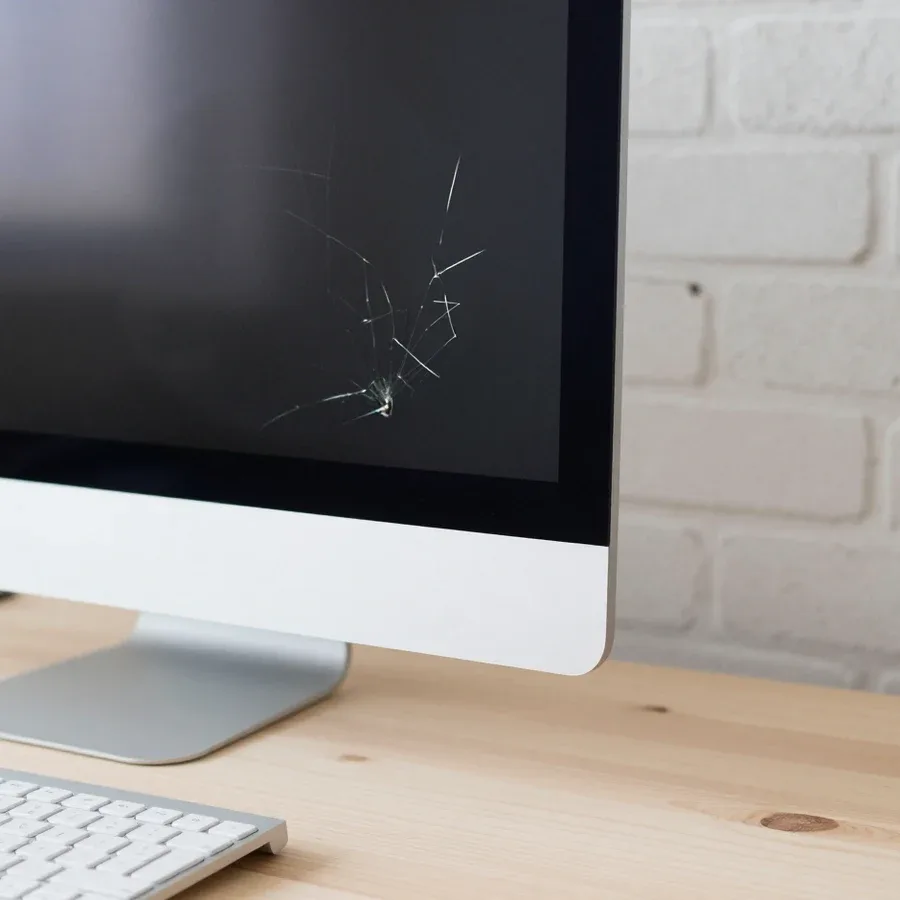
The matrix of a Lenovo all-in-one is connected to the board by an eDP or LVDS cable, and the scope of work depends on whether the panel itself is damaged or only the cable.
Yes, we replace the matrix of a Lenovo IdeaCentre AIO, and this is one of the most requested jobs for this line. The panel in such a case is replaced as a separate module: the back cover is removed, the eDP or LVDS cables are disconnected, the perimeter screws are unscrewed, and a new LCD or LED module with the same diagonal and resolution goes in its place. The difficulty is not in the panel itself but in careful disassembly: the frame plastic is thin, and the hinges and speakers sit right next to the glass. At Tech Service, such replacements follow a proven disassembly procedure for IdeaCentre AIO 3, 5, and 7. Before replacement, it's worth taking a photo of the desktop and saving important files if the screen still shows something — after installing a new panel, data is easier to transfer while the system boots.
Stripes and artifacts don't always mean you need a new panel — often the problem is in the cable or the connector contact. The matrix in a Lenovo all-in-one connects to the board via an eDP or LVDS cable, and this cable runs through the hinge, where it can fray or come loose from the connector over time. Vertical stripes, flickering, disappearing colors, and "snow" across the entire screen usually point to the cable, not the panel itself: dead pixels and cracks look different — dots and lines in one spot. Diagnostics start with disassembling the all-in-one and checking the connector and the cable itself at the bends. If the image changes when you lightly press on the bezel or tilt the screen, it's more likely the cable contact than the panel, and this check can save you from replacing the whole matrix.
Matrix replacement, like any of our work, comes with a 1-year warranty on labor and parts. This means that if within a year the new panel starts showing stripes or the image disappears due to a defect in the part or our assembly, we'll take care of it under warranty. The matrix is an expensive component, so we record its condition and markings during installation: the panel model, diagonal, and resolution are checked against the original before disassembling the case. The technician performs free diagnostics and only then says whether a full replacement is needed or just reconnecting the cable will do. Keep the packaging and markings of the new panel until the warranty expires — it makes it easier to confirm that the exact part was installed if any question arises.
The all-in-one lineup is divided into entry-level, mid-range, and premium, and each series has its own typical weak points — from cooling to the matrix. Let's look at what owners most often come in with.
| Series | Class | Common failures | What we check |
|---|---|---|---|
| IdeaCentre AIO 3 | entry-level | overheating, power supply, matrix | cooling, power, cables |
| IdeaCentre AIO 5 | mid-range | random shutdowns, screen artifacts | thermal paste, eDP cable |
| IdeaCentre AIO 7 | premium | overheating, matrix, board | cooling, soldering, panel |
| IdeaCentre 240/520/720 | previous generations | fan wear, HDD | fan, storage, memory |
| ThinkCentre AIO | corporate | power, storage | power supply, SSD |
An all-in-one is harder to disassemble than a laptop because the matrix and board are in a single case, and access to components requires removing the panel. In a portable machine, the keyboard deck and screen are separate, so reaching the motherboard is easier and faster. In a desktop model, you first have to remove the back cover with clips, then disconnect the eDP cable, and only then get to the cooling and storage. A service technician disassembles such a device with access to the panel and internal components in this sequence to avoid damaging fragile mounts and connectors. Due to the dense layout, the cost of a mistake during DIY disassembly is noticeably higher — carelessly removing the screen can easily damage the cable, which then has to be replaced as a separate item and also leads to disassembling the case again.
We service older units from the 240, 520, and 720 series, and an upgrade often extends their life—installing an SSD and increasing RAM. The stock hard drive in these models is the main bottleneck at startup, and SO-DIMM memory can be added without replacing the board. Moving the system to a solid-state drive eliminates startup wait, and adding memory helps keep the browser and office programs open at the same time. We perform such upgrades on Lenovo all-in-ones, and the owner names the model when contacting us—this speeds up finding compatible modules and reduces the risk of picking the wrong stick. If the machine still lags after the upgrade for the tasks it's used for, repairing the board may cost more than it's worth—we'll tell you honestly after diagnostics.
Lenovo all-in-one repair starts with free diagnostics, and then some work is done on-site, while some is done at the service center where we have access to internal components.
Diagnostics are free, and based on the results the technician quotes the cost of work before starting. First, they inspect the case and ports, check the power supply and the indicator's response to the power button, then remove the back cover and assess the cooling system—dust on the heatsink and dried thermal paste. Next, they check the storage drive, RAM, and the integrity of the matrix cables, and if the board is suspected, the technician tests the power circuits. They also listen to the fan under load and compare temperatures with the specifications for the specific IdeaCentre AIO series. This approach to Lenovo all-in-one repair in Almaty allows us to pinpoint the cause of the failure before work begins. Our entire process follows one scheme—from diagnostics to checking the result. Please have the system password ready for diagnostics and describe what actions trigger the failure—this shortens the time to find the cause and makes the conclusion more accurate.
The time depends on the breakdown and availability of the needed part, and the technician gives the exact time after diagnostics when the scope of work is clear. Cleaning and thermal paste replacement are usually done within one visit, while board work or matrix installation require time to find a compatible component for the specific IdeaCentre AIO series. The time is also affected by how deeply the case needs to be disassembled: models with a separate storage compartment are easier to access, while thin series require removing more components. All work and parts come with a 1-year warranty. To avoid losing time on a repeat visit, agree with the technician during diagnostics on which work is done immediately and which requires a separate visit.
When choosing whom to trust with your all-in-one, what matters is not promises but who exactly does the work and what happens if the breakdown returns. Let's look at the warranty, the contractor's status, and the experience of our technicians.
We provide a 1-year warranty on labor and parts, and it covers all work performed on your all-in-one. The same terms apply whether we replace the matrix, repair the power board, or clean the cooling system — after every procedure, the technician checks the result and records exactly what was replaced. The warranty covers both the part itself and the quality of its installation: if a defect related to our work shows up months later, we fix it again at no charge. Here's how it works in practice: the warranty is valid only if you contact the same service center, so keep the technician's contact info. And don't take the all-in-one apart yourself after service — if you come back, the technician needs to see the device in the condition he left it in.
Tech Service is a direct provider with its own technicians, not an aggregator, so the same service center is responsible for both the work and the warranty. That's a key difference: when a middleman takes your request, the all-in-one is often passed to a third party, and if it breaks again, it's hard to tell who's responsible. With a direct provider, that question doesn't come up — the technician who diagnosed the device handles the work and stands behind the warranty. Our specialists work with Lenovo all-in-ones all the time, know the chassis design and the typical weak spots of the IdeaCentre AIO series, so they don't waste time learning the machine at your expense. We accept payment via Kaspi QR, Kaspi Red (instalments), bank card, cash, or bank transfer for companies, and the technician quotes the price after free diagnostics — before you agree to any work. The transparent "one provider, one responsibility" approach saves you hassle in disputed situations.
Our technicians have 7 to 20 years of experience, and we arrive anywhere in the city within 60 minutes. That kind of experience means the specialist has already seen various Lenovo board and power supply modifications and can identify the cause of a failure by symptoms, not by trial and error. We cover all of Almaty — the technician comes to your home or office and runs free diagnostics on site. If the issue requires workshop conditions, the all-in-one is taken to the service center and returned to you after service. If you need the device urgently, let us know when you call — the technician will arrange a convenient visit time with you. We accept Kaspi QR, Kaspi Red, card, cash or bank transfer for companies, so you can pay however you like.
Lenovo all-in-one repair comes down to a few recurring scenarios, from power and overheating to the matrix. Below is a quick summary of what owners should keep in mind.
Tech Service technicians repair other appliances too — with the same 1-year warranty on labour and parts.
 Refrigerator Repair in Almatyfrom 3 000 ₸
 Washing Machine Repair in Almatyfrom 3 000 ₸
 Dishwasher Repair in Almatyfrom 3 500 ₸
 Oven Repair in Almatyfrom 3 000 ₸
 Cooktop Repair in Almatyfrom 3 500 ₸
 Air Conditioner Repair in Almatyfrom 3 500 ₸
 Boiler and Water Heater Repair in Almatyfrom 2 500 ₸
 Freezer Repair in Almatyfrom 6 000 ₸
 Tumble Dryer Repair in Almatyfrom 5 000 ₸
 Coffee Machine Repair in Almatyfrom 2 500 ₸
 Robot Vacuum Cleaner Repair in Almatyfrom 3 500 ₸
 Vacuum Cleaner Repair in Almatyfrom 1 500 ₸
 Microwave Oven Repair in Almatyfrom 2 000 ₸
 Hair Dryer Repair in Almatyfrom 1 500 ₸
 Iron Repair in Almatyfrom 3 000 ₸
 Electric Kettle Repair in Almatyfrom 2 500 ₸
 Mixer Repair in Almatyfrom 2 500 ₸
 Multicooker Repair in Almatyfrom 500 ₸

If your laptop screen is broken, turn the device off first, don't press on the display, and check the picture through an external monitor.
12 March 2026 · 11 minutes read
If your laptop freezes, the first thing to do is restart it and check Task Manager to see what's loading the CPU and memory.
25 January 2026 · 12 minutes read
If your computer won't turn on, start simple: check the outlet, power cable, switch on the power supply, and the power button.
19 January 2026 · 13 minutes read
If your laptop won't boot, first determine which of two states you're in: the device doesn't respond to the power button at all…
13 December 2025 · 12 minutes read








