 experience10 years
Maksim S.
Graphics card repair technician
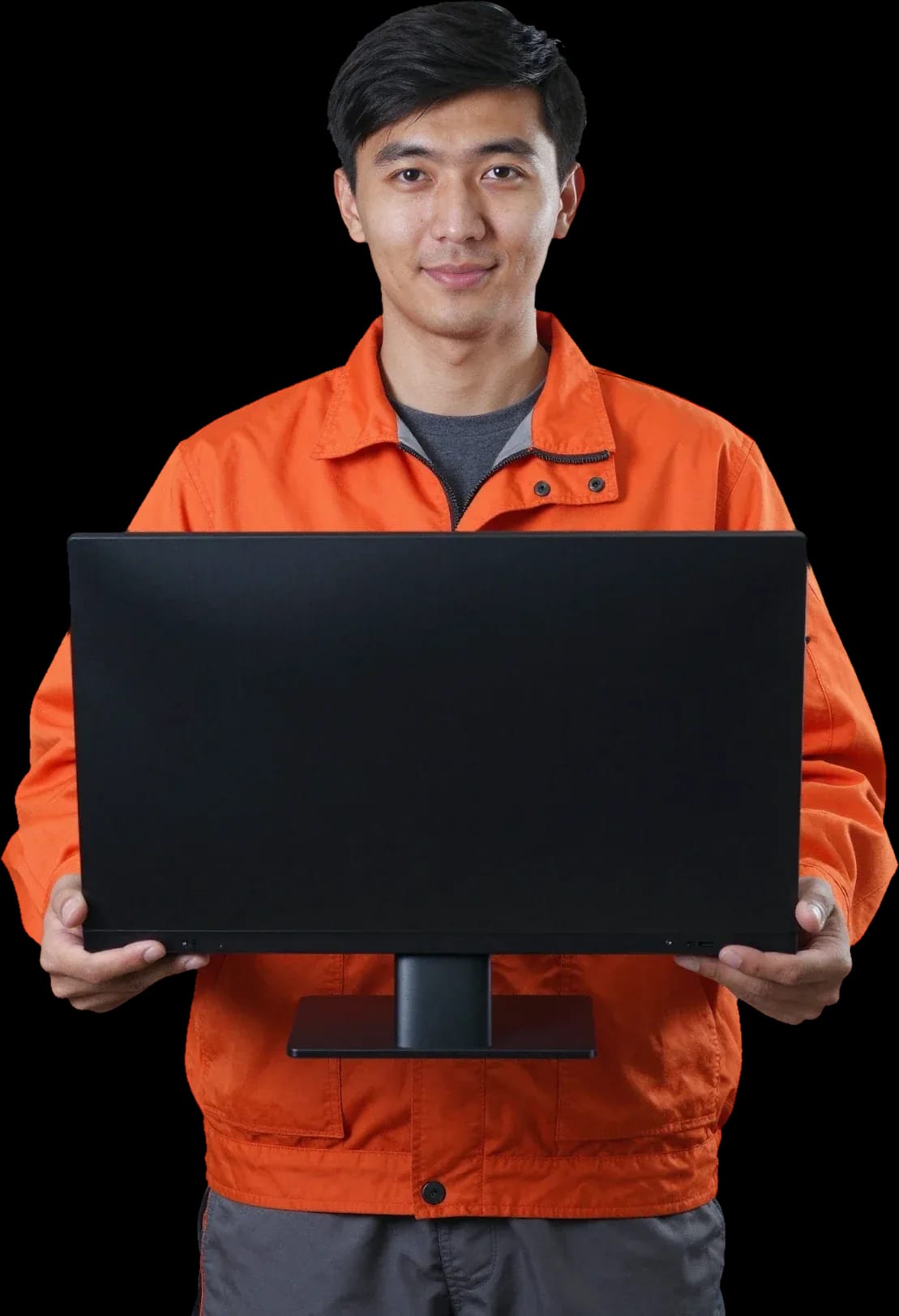
A technician arrives within 60 minutes anywhere in the city. Diagnostics are free.
Our own technicians4 to 20 years of experience




Repair prices
The symptoms customers report most often and their likely causes.
power supply, button, circuit
from12 000 ₸
matrix, cable, video chip
from6 500 ₸
matrix, backlight, cable
from6 500 ₸
wear, controller, cable
from6 500 ₸
maintenance, overheating, noise
from7 000 ₸
graphics card, cable, matrix
from6 500 ₸
connector, battery, board
from7 500 ₸
overheating, disk, memory
from7 000 ₸
1–2 daystime
from 14,000 ₸cost
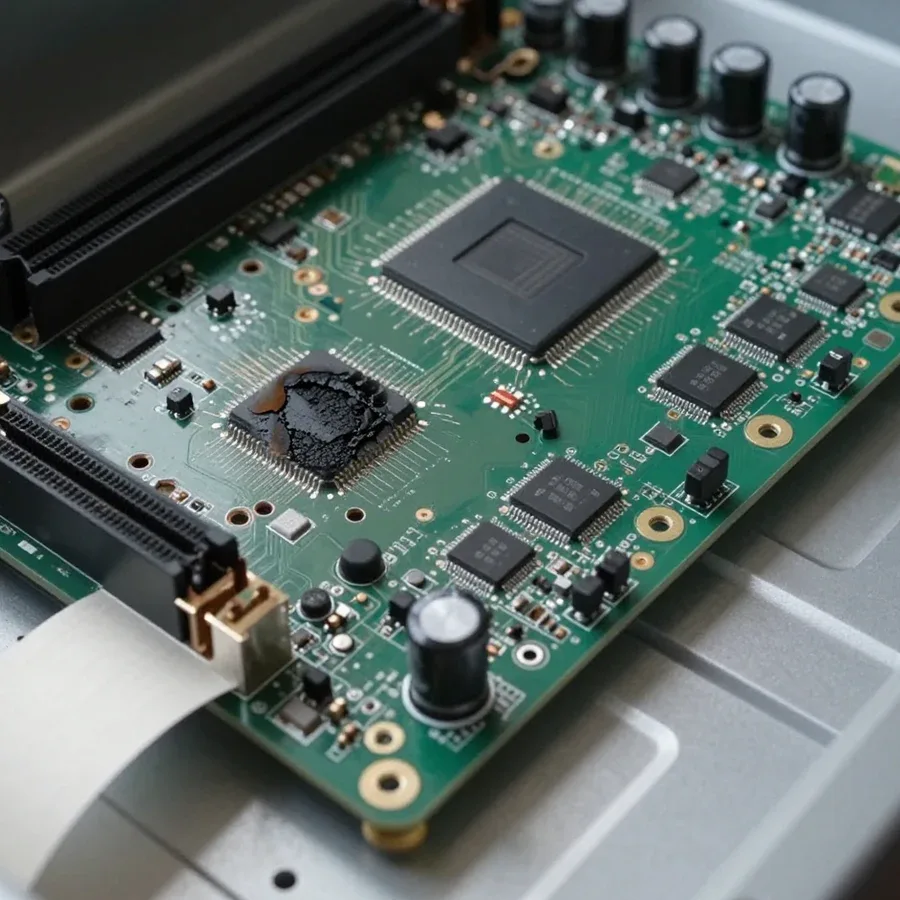
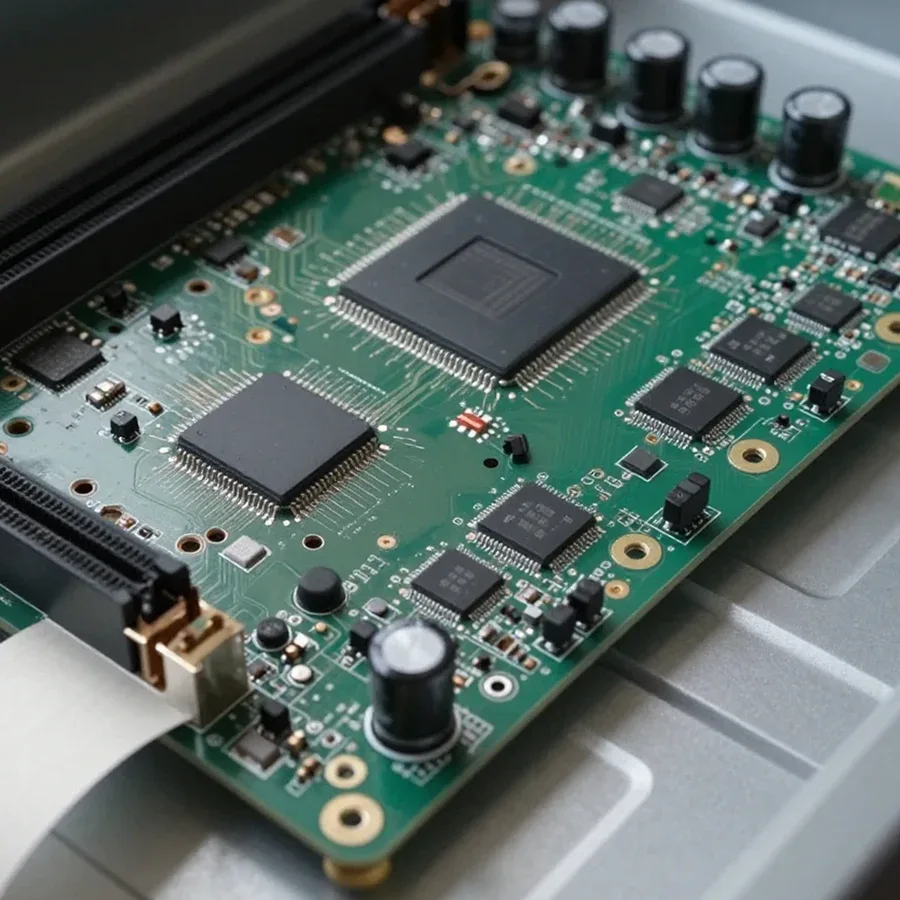 BeforeAfter

From request to check — five steps, diagnostics are free.
You submit a request, and the technician clarifies the symptoms and model.
The technician arrives anywhere in the city within an hour.
The client approves the list of parts to be replaced before work begins.
You confirm the choice of parts and scope of work, and the technician starts.
Have the model, symptoms, and access to the workspace ready.
The computer and laptop repair department in Almaty has 7 technicians with 6 to 15 years of experience.
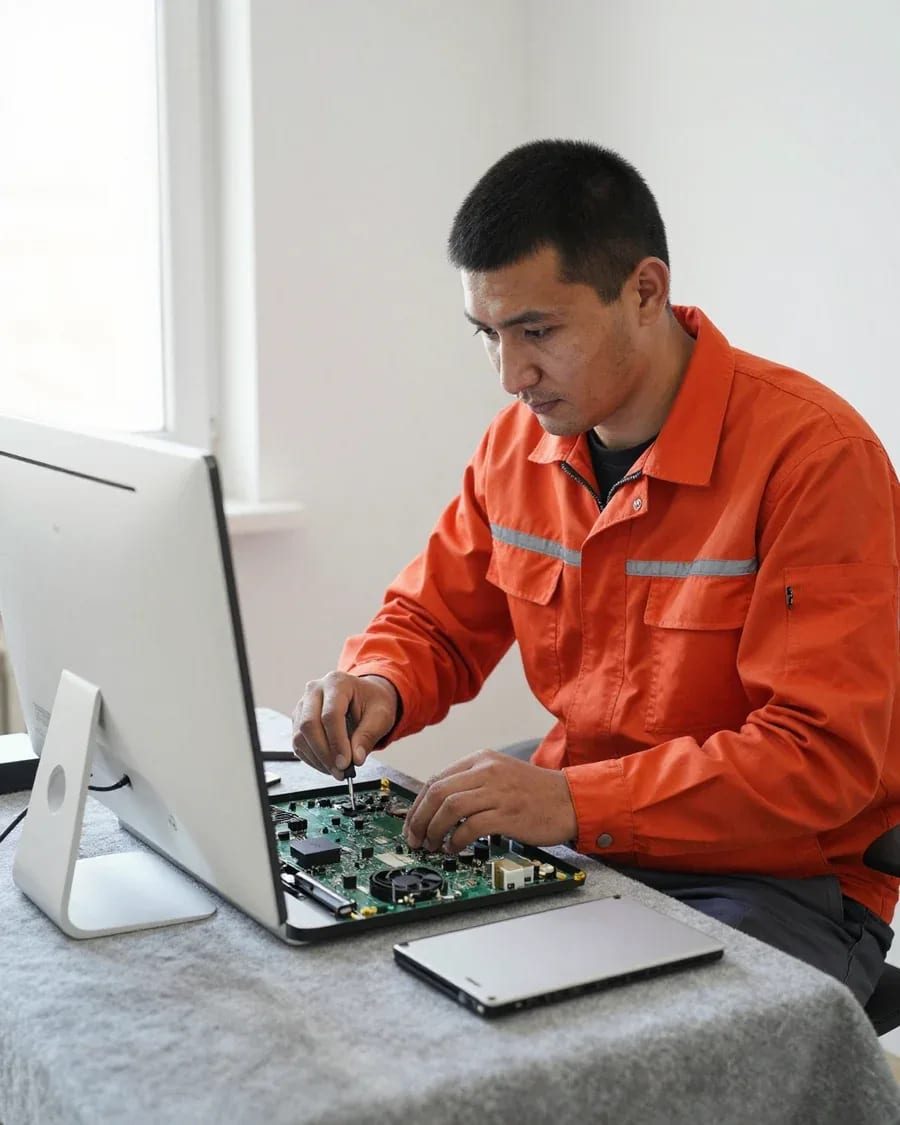
The department has 7 specializations — they are listed on the technicians' cards.
experience10 yearsGraphics card repair technician
 experience6 years
PC and laptop diagnostics technician
 experience8 years
Laptop repair engineer
 experience10 years
Software installation specialist
 experience7 years
PC and laptop repair technician
 experience13 years
Diagnostics and virus removal specialist
 experience15 years
Consultant
We reply during working hours
Leave a request — the technician will run free diagnostics and give you a price. You can pay via Kaspi QR, Kaspi Red, bank card, cash, or bank transfer for companies.

Warranty question? Call us
+7 (778) 746 01 65Tech Service repairs Dell all-in-one PCs in Almaty as a direct provider: our technician comes to your home or the work is done at our service center. Diagnostics are free, technician arrival within 60 minutes across the city, and a 1-year warranty on labor and parts. The technician gives you the price after diagnostics.
A Dell all-in-one isn't just a PC in a case with a screen: it has a tight layout, and access to components depends on the model. Let's go over the lines and their design features.
| Line | Typically used for | Most common complaints | What we check first |
|---|---|---|---|
| Inspiron | home, study, office | won't turn on, noise, overheating | power supply, cooling |
| XPS | tight layout, touchscreen versions | overheating, shutdowns, screen | cooling, display panel |
| OptiPlex | office fleets | network and Wi-Fi, ports | network module, connectors |
| Vostro | small business | power, freezing | power supply, board |
The main difference is that in an all-in-one, the screen, board, and power supply are all in one case, so any disassembly starts with the display assembly. In Dell AIOs, the motherboard is mounted behind the panel, the external power supply is often separate, and the touchscreen on touch versions adds a second ribbon cable to the same board. Because of the tight layout, air passes through a narrow radiator channel, and dust clogs it faster than in a desktop tower. With a regular PC, you replace one component without touching the rest; here, removing the panel affects the display, ribbon cables, and cooling all at once. That's why a mistake during disassembly hits several components at once, and diagnostics should start with power, not with taking the screen apart. If you need Dell all-in-one repair in Almaty, it's important to consider this design specificity: access to components here is more difficult than in a regular PC. Our Dell all-in-one repair in Almaty starts with checking the power supply and display assembly.
Yes, we service OptiPlex with network and Wi-Fi issues: most often the problem is in the network module, connectors, or software, not the board itself. In office fleets, this Dell all-in-one is common, and the network module there is removable—it's replaced separately from the motherboard, and connectors and ports are checked for oxidation after long use. Power surges hit the module's circuit, so Wi-Fi may drop not constantly but after neighboring equipment is turned on. If the network drops on a specific cable or port, we run diagnostics on all connectors so we don't replace a working component. If the network disappears after a power surge, it's worth checking the power supply too—it could have been damaged along with the network module.
Dell all-in-one malfunctions rarely happen "on their own"—each is tied to a specific component. Let's go over common scenarios and which component they point to.
If a Dell all-in-one won't turn on, we first check the power supply and the startup circuit on the board, and only then the button and cable. The external adapter on most such systems is separate, and its failure causes exactly a "dead" start with no reaction to the button. Next we look at the connectors on the motherboard: oxidation and burnt contacts after power surges are common. If the adapter outputs the correct voltage but the board doesn't start, we check the standby line and startup circuit. In apartments with unstable power, such cases are frequent. Our Dell all-in-one repair in Almaty starts with checking the adapter and startup circuit, and only then do we move to more complex diagnostics. Don't blame the motherboard right away: more often the adapter is at fault, and replacing it is simpler than component-level board repair.
Overheating and noise in these systems almost always come down to cooling: a dust-clogged heatsink and dried-out thermal paste can't dissipate heat fast enough. In an all-in-one case there's a single shared airflow path, so dust settles in a thick layer on the heatsink fins and fan blades—fan speed climbs, the hum gets louder, and the CPU temperature creeps up. On Dell XPS AIO and OptiPlex AIO models this shows up after dust builds up in a dusty room. We remove the cover, blow out the heatsink, replace the thermal paste, and check that the fan reaches its normal speed without whining. If the device shuts down as it warms up, it's usually cooling rather than the power supply—power issues typically cause a failure right under load, not as the device heats up.
The matrix on a Dell all-in-one can be replaced, and we do it; if the screen is intact but there's no image, we check the backlight inverter and cables. No picture on a working device means either the backlight or a damaged cable between the board and the matrix, and the difference matters: in the first case the inverter or lamp is replaced, in the second the cable. On touch versions the matrix comes as a single unit with the touchscreen, so if it cracks the whole assembly is replaced—worth keeping in mind when choosing a model. Diagnostics are free: a technician finds the cause, and only after the check do we quote the cost of labor and parts. Only then do we start work and provide a 1-year warranty.
Before the technician arrives, you can narrow down the causes yourself. Dell indicators and error codes hint at which component to look at, and a short checklist saves time during diagnostics and helps the technician come prepared.
| Signal | What it indicates | What to do |
|---|---|---|
| No response to the power button | cable, outlet, power supply | check the connection and the circuit breaker |
| Indicator blinking | power supply or motherboard | count the flashes and tell the technician |
| Powers on, no image | matrix, inverter, cable | connect an external monitor |
| Freezes during boot | RAM, storage drive | note when it freezes |
| Turns off under load | overheating, power supply | note how long it takes to turn off |
Our diagnostics are free: a technician inspects the all-in-one, checks the power and components, and identifies the cause. The repair cost is quoted after the check. First, they take readings from the power supply, inspect the display cable contacts, and test the RAM — these three areas cover most Dell all-in-one service requests. If the board shows no signs of life, the technician traces the circuit and checks the condition of the capacitors. A technician can be at your door within 60 minutes anywhere in the city, and the check itself can be done either at your home or at the Tech Service center. Free diagnostics are also useful for those who haven't decided whether to repair: it shows which component failed and whether the job is worth doing at all.
Working with a direct contractor is transparent: you know in advance who will come, what they will do, and what warranty applies to the result. Below is how this process works with us.
We service Dell all-in-ones both at your home and at our service center: an on-site technician arrives within 60 minutes anywhere in the city, while complex cases are better handled at the center. On-site visits cover typical tasks — power, connectivity, setup, and replacement of accessible modules. When a screen replacement or component-level motherboard repair is needed, we move the work to the service center: the dense AIO chassis requires careful disassembly without rushing, and the board is tested on a bench, not while held in hand. The technician decides based on the inspection, not over the phone. When you request service, ask the technician what work they perform on-site and whether the device will need to be taken to the workshop — so you'll know right away if the all-in-one will stay at your home.
If your Dell all-in-one won't turn on again after the work is done, we handle it under warranty: the 1-year warranty on labor and parts covers such cases. A repeat failure doesn't always mean the original problem has returned. Often the cause is a different component: the power supply drops under load, the motherboard doesn't start the power-on circuit, or an oxidized cable contact loses connection when heated. That's why we run free diagnostics again and check the entire power chain, not just the component that was replaced. Based on the results, we either fix the issue under warranty or show that the cause is in another component. Don't try to disassemble the all-in-one yourself before contacting us — this can complicate diagnostics and obscure the cause of the repeat failure. Describe to the technician under what conditions the device stopped turning on: after sleep, under load, or immediately when plugged in.
Some breakdowns in this type of equipment can be prevented, and some can be avoided with an upgrade instead of a replacement. Here's what maintenance provides and what can realistically be improved in the device.
We offer dust cleaning and thermal paste replacement for Dell all-in-ones as a separate service, and it's the main way to prevent overheating and noise. Inside the device, the cooling system is sandwiched between the screen and the motherboard, so dust clogs the heatsink faster than in a regular desktop tower: the fan starts running at full speed, and temperatures rise under load. Over time, the thermal paste between the CPU and heatsink dries out and stops conducting heat—contact worsens, and overheating quietly accelerates wear on the board. Preventive maintenance on Dell all-in-ones is often ordered together with scheduled service rather than after a failure: that way, damaged components don't have to be replaced. The technician also checks the heatsink mounting, fan condition, and air channels so that after reassembly the cooling runs smoothly and without extra noise. We provide free diagnostics before this work, and the cleaning and thermal paste replacement themselves come with a 1-year warranty.
On a Dell all-in-one, you can replace the hard drive with an M.2 SSD and add RAM—this noticeably speeds up performance without buying a new device. The stock HDD in such a case is the slowest link: the system takes a long time to boot, programs open with a delay, and the drive is noisy and heats up. An M.2 solid-state drive removes this bottleneck, and an extra memory stick helps when you're short on capacity while working with a dozen browser tabs or office applications. Before upgrading, we check which slots are free and what form factor the specific OptiPlex AIO model supports. An upgrade makes sense when the other components are working properly: if the board or power supply is already failing, it's better to fix the problem first and then invest in modernization. We provide a 1-year warranty on labor and installed parts, and before installation the technician double-checks the drive's compatibility with the specific model's firmware.
Dell all-in-one repair comes down to three questions: which line it is, what exactly broke, and how quickly to get the device back up and running. Below is a quick summary of each.
Tech Service technicians repair other appliances too — with the same 1-year warranty on labour and parts.
 Refrigerator Repair in Almatyfrom 3 000 ₸
 Washing Machine Repair in Almatyfrom 3 000 ₸
 Dishwasher Repair in Almatyfrom 3 500 ₸
 Oven Repair in Almatyfrom 3 000 ₸
 Cooktop Repair in Almatyfrom 3 500 ₸
 Air Conditioner Repair in Almatyfrom 3 500 ₸
 Boiler and Water Heater Repair in Almatyfrom 2 500 ₸
 Freezer Repair in Almatyfrom 6 000 ₸
 Tumble Dryer Repair in Almatyfrom 5 000 ₸
 Coffee Machine Repair in Almatyfrom 2 500 ₸
 Robot Vacuum Cleaner Repair in Almatyfrom 3 500 ₸
 Vacuum Cleaner Repair in Almatyfrom 1 500 ₸
 Microwave Oven Repair in Almatyfrom 2 000 ₸
 Hair Dryer Repair in Almatyfrom 1 500 ₸
 Iron Repair in Almatyfrom 3 000 ₸
 Electric Kettle Repair in Almatyfrom 2 500 ₸
 Mixer Repair in Almatyfrom 2 500 ₸
 Multicooker Repair in Almatyfrom 500 ₸

If your laptop screen is broken, turn the device off first, don't press on the display, and check the picture through an external monitor.
12 March 2026 · 11 minutes read
If your laptop freezes, the first thing to do is restart it and check Task Manager to see what's loading the CPU and memory.
25 January 2026 · 12 minutes read
If your computer won't turn on, start simple: check the outlet, power cable, switch on the power supply, and the power button.
19 January 2026 · 13 minutes read
If your laptop won't boot, first determine which of two states you're in: the device doesn't respond to the power button at all…
13 December 2025 · 12 minutes read








