 experience10 years
Maksim S.
Graphics card repair technician
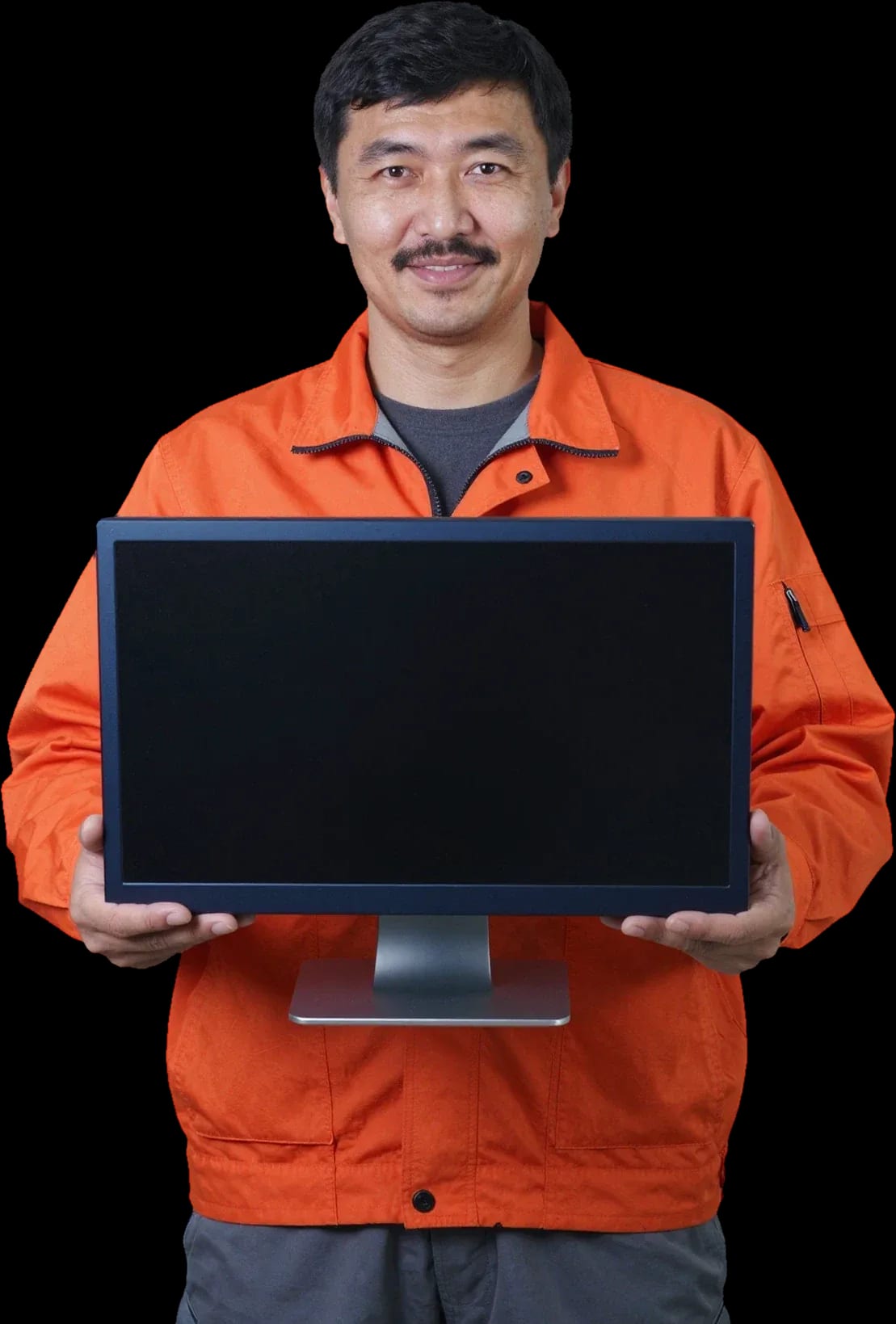
A technician arrives within 60 minutes anywhere in the city. Diagnostics are free.
Our own technicians4 to 20 years of experience




Repair prices
Below are typical symptoms and their likely causes. The technician will pinpoint the exact cause after diagnostics.
no power, button, board
from7 500 ₸
power drop, power supply
from12 000 ₸
matrix, backlight, cable
from6 500 ₸
cable, matrix, video chip
from6 500 ₸
cable, controller, driver
from6 500 ₸
cable, controller, driver
from6 500 ₸
capacitors, fuse
from12 000 ₸
dust, thermal paste
from7 000 ₸
1–3 daystime
from 14 000 ₸cost
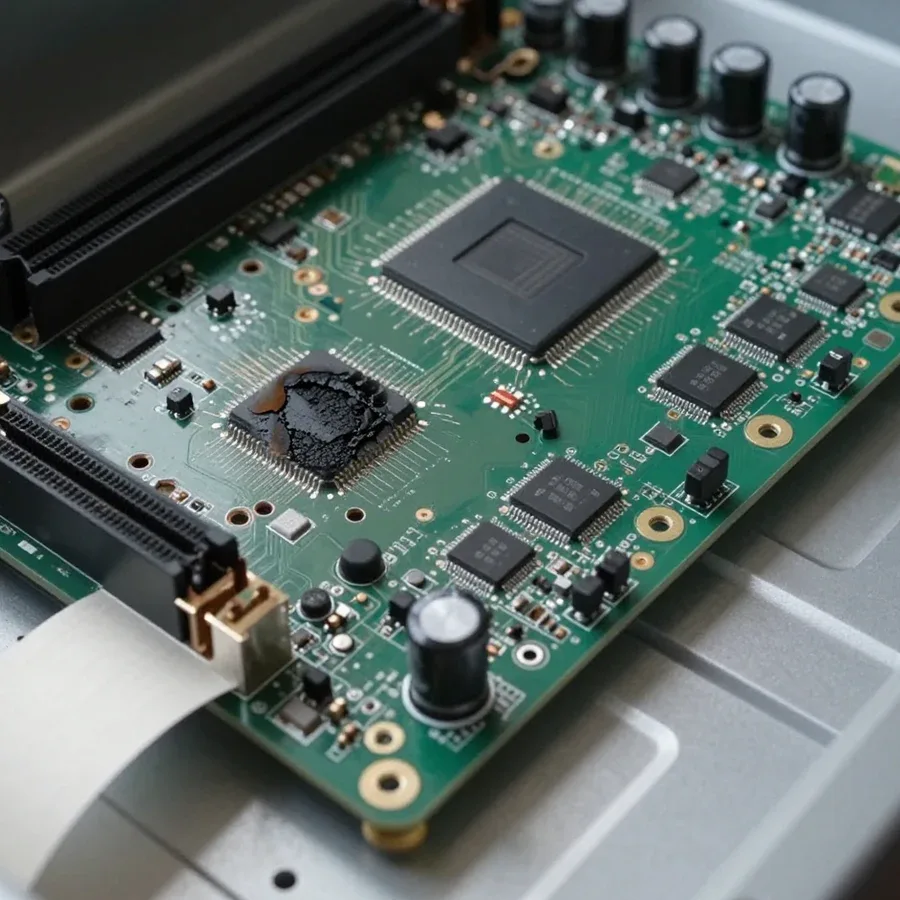
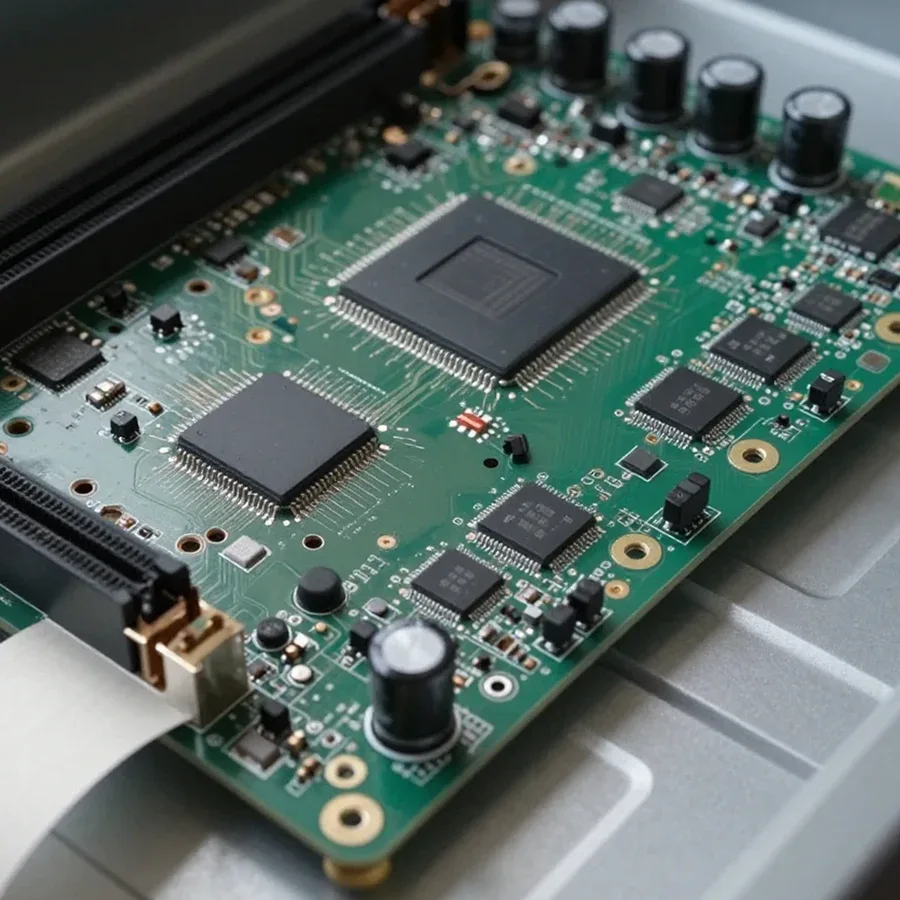 BeforeAfter

From request to check — five steps.
Leave a request, describe the symptom and your all-in-one model.
The technician arrives on site, inspects the all-in-one and the workspace so as not to take the device apart blindly.
The technician records the scope of work and timeline, and clarifies important details with the owner.
Once the cost is approved, the technician performs the repair.
The owner collects or leaves the components and asks the technician about further maintenance.
The computer and laptop repair department in Almaty has 7 technicians with 6 to 15 years of experience.
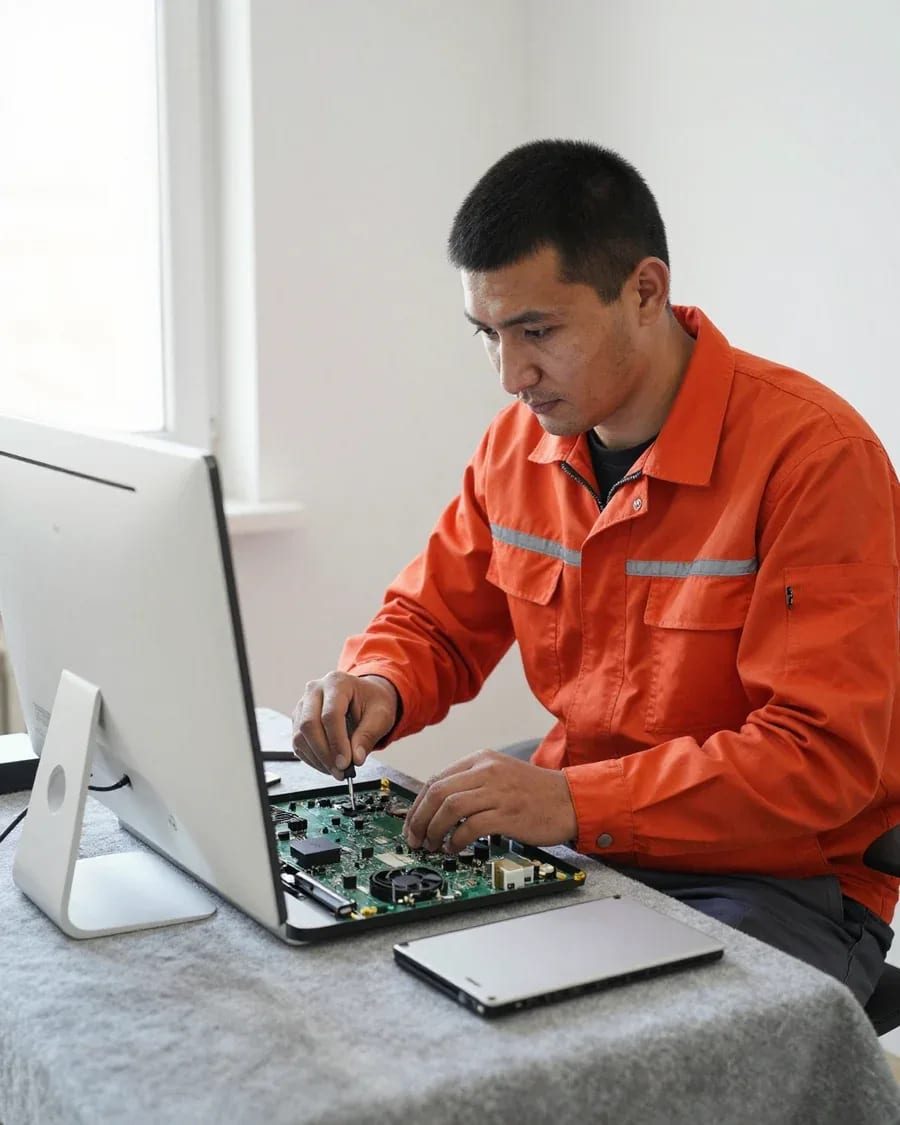
The department has 7 specializations — they are listed on the technicians' cards.
experience10 yearsGraphics card repair technician
 experience6 years
PC and laptop diagnostics technician
 experience8 years
Laptop repair engineer
 experience10 years
Software installation specialist
 experience7 years
PC and laptop repair technician
 experience13 years
Diagnostics and virus removal specialist
 experience15 years
Consultant
We reply during working hours
Send a photo of the screen or the model label — the technician will prepare the tools and part.

Warranty question? Call us
+7 (778) 746 01 65Tech Service repairs ASUS all-in-ones in Almaty as a direct provider: our technician comes to your home within 60 minutes or the device is repaired at the service center. Diagnostics are free, the technician quotes the price after diagnostics, and there is a 1-year warranty on labor and parts. Technicians have 4 to 20 years of experience.
"Won't turn on" is not a single symptom but several different scenarios: no response to the button, fans spinning with no image, an error code stuck on the screen. Let's break down what each of them means.
We read a boot error message as a hint, not a verdict: it points to a component — memory, storage, video — but doesn't name the specific part. The ASUS all-in-one diagnostic software outputs a sequence of beeps or a text string, and from that you can see at which POST stage booting stops. Next, the technician checks the RAM by slot, the HDD or SSD for read and partition integrity, and the video chip lines. The same combination can mean either an oxidized contact or a dying module — that's why we don't replace a part based on a hint but test it separately. Free diagnostics in this case takes less time than replacing a component at random: first we capture the signal, then check the specific component.
We start with spill recovery and checking power circuits: liquid and a power surge hit the same components — the power supply and the motherboard. Moisture leaves corrosion on traces and contacts that grows over time and shorts adjacent lines; a surge in the grid blows the varistor and the input circuits of the power supply. Externally both cases look the same — the all-in-one is silent or starts for a couple of seconds. The technician opens the case, assesses traces of liquid, tests the circuits, and only then decides what to replace. Turning the device on again after a spill is the worst thing you can do: while the board is wet, power delivery finishes off traces that could still have been saved by drying and cleaning. Unplug it from the outlet and don't try to start it until it's been inspected.
Most ASUS all-in-one service requests come down to five symptoms. Below is what each of them usually means and which component the technician's work focuses on.
We divide "no image" into two cases: backlight is on but there's no picture (video component or ribbon cable), or there is a picture but you can't see it (backlight or the matrix itself). If the screen stays black on power-up while the fans spin up and the indicator is lit, the technician first connects an external monitor: it shows whether the board is outputting a video signal. Then the matrix ribbon cable and video connectors on the board are checked — corrosion and pinched contacts produce exactly the same symptom. The matrix and its backlight are the most common components in this group of failures, and confusing them is costly: replacing a working matrix doesn't solve the problem if the ribbon cable is at fault. You can check this with a flashlight: if at an angle you see a dim working screen, the matrix is alive and the problem is in the backlight, so there's no need to replace the whole screen.
Noise and freezing after a few minutes of operation almost always point to a clogged cooling system and dried thermal paste, not the processor. The cooling system of an ASUS all-in-one consists of fans and heatsinks, and a layer of thermal paste sits between the processor and the heatsink: over a couple of years it dries out and stops transferring heat. Dust on the heatsink fins makes matters worse—air can't pass through, the fan spins at maximum speed and hums. The technician removes the back cover, blows out the heatsinks, replaces the thermal paste and checks that the temperature under load stays normal. Freezing specifically "after a while" rather than immediately is a characteristic sign of thermal throttling: as soon as the heatsink warms up, the system throttles, and this is visible in the device's behavior.
| Symptom | Likely component | What we check |
|---|---|---|
| Doesn't respond to button | Power supply | Adapter, connector, power circuits |
| No image | Matrix or backlight | Ribbon cable, backlight with flashlight |
| Noise and overheating | Cooling system | Fans, heatsink, thermal paste |
| Freezes after a while | Cooling or storage | Temperatures, SSD or HDD condition |
| Error code at startup | Memory or storage | Memory modules, storage drive |
The procedure is the same for any request: first free diagnostics, then approval of work, then restoration and testing. Warranty covers both labor and parts.
We disassemble the all-in-one along the fastening points and remove the matrix separately from the case, so the stand and frame remain intact. On ASUS all-in-ones, the fasteners are hidden under the decorative panel and rubber plugs: first the panel is removed, then the stand is unscrewed, and only then access to the board and storage is opened. The matrix is held by an adhesive layer around the perimeter, and the backlight ribbon cable runs close to the edge of the frame—if pried carelessly, it tears and the image disappears. Disassembly tools include plastic spatulas, suction cups and thin bits for Torx screws: metal screwdrivers leave chips on the gloss and scratches on the screen. The main risk during disassembly is not the screws but the adhesive joints and the fragile matrix frame: they are removed with heat, not force, otherwise a crack remains forever. This ASUS all-in-one repair in Almaty is based on careful opening of the case without damaging parts. Before opening, ask the technician how they remove the adhesive—heating is safer than yanking.
We provide a 1-year warranty on labor and parts and accept all-in-one PCs that have already been through failed DIY repair attempts. We agree on the work before disassembly: the technician lists what will be replaced and what will be checked, and once reassembly is complete, the all-in-one PC is stress-tested — disk, temperature, video output. The warranty covers both the installed part and the quality of soldering or component replacement. If the owner has already opened the case themselves, diagnostics are more complicated: we need to separate the original fault from signs of interference, so the technician first records what has already been touched — stripped screws, leftover adhesive, replaced parts — and only then builds a work plan. Bring the all-in-one PC along with any parts you removed yourself: they make it easier to understand what was done and where to look for the cause.
An all-in-one PC is a heavy, bulky device, and hauling it somewhere is inconvenient. That's why our specialist comes to your home, and the device only goes to the workshop if it needs bench repair.
Our technician arrives at your home within 60 minutes anywhere in the city and runs diagnostics on site, so we don't transport the all-in-one PC blindly. The on-site format covers cases where the problem isn't hardware: a loose power cable, corrupted boot settings, a peripheral conflict, a faulty outlet, or a breaker in the circuit. The specialist checks power, connections, cables, and some replaceable components right on the spot, and if necessary replaces what can be accessed without disassembly. Diagnostics are free, and their results show whether disassembly is needed. You can actually resolve more on site than you might think: power, connections, settings, and some replaceable components are checked on site, and the device only goes to the workshop when disassembly or soldering is required.
We are the direct service provider: your device is handled by our own specialist, not by a third-party company that an aggregator passed the request to. The same person who visits your home later handles the device in the workshop — our technicians have between 4 and 20 years of experience, and your request isn't bounced between contractors. An aggregator works differently: it takes your request and passes it to a contractor, so you deal with two parties instead of one. This is especially noticeable on a home visit — one person arrives with tools suited to the specific task. The difference shows in the warranty too: when the same provider handles everything from diagnostics to testing, responsibility for the result isn't diluted between a middleman and a contractor.
If you need a matrix replacement, board soldering, or recovery after liquid damage, we take the all-in-one PC to the service center, because these jobs require disassembly and a bench. The matrix and backlight can only be replaced with the case opened, and a motherboard after liquid damage needs cleaning and soldering under magnification — operations that aren't done on site. Asus Almaty structures all-in-one PC repair so that the home visit remains the first step, not the only one. On-site repair doesn't replace in-shop repair; it saves a step: the specialist determines on site whether disassembly is needed, and if not, the issue is resolved in a single visit. Diagnostics beforehand are free, so the decision about disassembly is made with a clear picture of the fault, not guesswork.
The three most common requests for ASUS all-in-one PCs: screen replacement, storage replacement, and recovery after liquid damage. Each has its own logic and sequence of steps.
We replace the matrix and backlight separately: if the matrix itself is alive, it's enough to restore the backlight, and there's no need to replace the entire screen. In ASUS all-in-ones, the backlight is a separate strip attached to the edge of the matrix — when it fails, the image remains readable only at an angle and in bright light. Damage to the matrix itself looks different: stripes, dead pixels, dark spots at the edges that don't disappear when you change the viewing angle. The technician checks both components during free diagnostics, before disassembling the case. We provide a 1-year warranty on replaced parts — both on labor and on the matrix or backlight strip itself. In ASUS all-in-ones, the matrix and backlight are different components with different labor intensity, so correct diagnostics saves both work and the part itself.
We replace the drive in an ASUS all-in-one and transfer the system and data when the old disk is still readable. Most models of these all-in-ones have a 2.5-inch hard drive, which is replaced with a solid-state drive of the same form factor without adapters. Before replacement, the technician checks the condition of the RAM: when the module is already producing errors, installing a fast SSD won't eliminate freezes, and the memory is replaced during the same disassembly. The system is transferred by cloning to preserve settings, accounts, and installed programs. After installing the new drive, the system boots from it, and the old disk can be connected externally via an adapter if desired. When the disk is no longer detected, data is recovered before replacement — after installing the new drive, there will be nowhere to recover it from.
We restore ASUS all-in-ones damaged by liquid: disassemble, clean the board from traces of the spill, and check the power circuits before the first power-on. Liquid gets inside the case through the top ventilation grille and settles on the motherboard near the connectors and power supply — that's where contact corrosion begins. The board is washed in an ultrasonic bath with a special solution, then dried and the traces and power circuit components are tested. Damaged elements are replaced, after which the all-in-one is reassembled and tested under load. The power supply is checked separately: after a spill, it may output low voltage, and without this check the device won't start again. The chance of recovery is higher when the device was not turned on after the spill: each repeated attempt to apply power expands the corrosion area on the board.
We've covered what determines the outcome of a repair: where to start diagnostics, how to read error codes, and why it's important to distinguish symptoms before disassembly.
Tech Service technicians repair other appliances too — with the same 1-year warranty on labour and parts.
 Refrigerator Repair in Almatyfrom 3 000 ₸
 Washing Machine Repair in Almatyfrom 3 000 ₸
 Dishwasher Repair in Almatyfrom 3 500 ₸
 Oven Repair in Almatyfrom 3 000 ₸
 Cooktop Repair in Almatyfrom 3 500 ₸
 Air Conditioner Repair in Almatyfrom 3 500 ₸
 Boiler and Water Heater Repair in Almatyfrom 2 500 ₸
 Freezer Repair in Almatyfrom 6 000 ₸
 Tumble Dryer Repair in Almatyfrom 5 000 ₸
 Coffee Machine Repair in Almatyfrom 2 500 ₸
 Robot Vacuum Cleaner Repair in Almatyfrom 3 500 ₸
 Vacuum Cleaner Repair in Almatyfrom 1 500 ₸
 Microwave Oven Repair in Almatyfrom 2 000 ₸
 Hair Dryer Repair in Almatyfrom 1 500 ₸
 Iron Repair in Almatyfrom 3 000 ₸
 Electric Kettle Repair in Almatyfrom 2 500 ₸
 Mixer Repair in Almatyfrom 2 500 ₸
 Multicooker Repair in Almatyfrom 500 ₸

If your laptop screen is broken, turn the device off first, don't press on the display, and check the picture through an external monitor.
12 March 2026 · 11 minutes read
If your laptop freezes, the first thing to do is restart it and check Task Manager to see what's loading the CPU and memory.
25 January 2026 · 12 minutes read
If your computer won't turn on, start simple: check the outlet, power cable, switch on the power supply, and the power button.
19 January 2026 · 13 minutes read
If your laptop won't boot, first determine which of two states you're in: the device doesn't respond to the power button at all…
13 December 2025 · 12 minutes read








