 experience10 years
Maksim S.
Graphics card repair technician
A technician arrives within 60 minutes anywhere in the city. Free diagnostics, 1-year warranty on labor and parts.
Our own technicians4 to 20 years of experience




Repair prices
Eight common symptoms iMac owners come to us with. The technician identifies the cause and cost after free diagnostics.
power supply, board, button
from12 000 ₸
power, memory, overheating
from7 000 ₸
display, glass
from6 500 ₸
HDD, low RAM
from3 500 ₸
drive, system, board
from14 000 ₸
cable, display
from6 500 ₸
speakers, board
from6 500 ₸
Bluetooth, ports, board
from14 000 ₸
1 visittime
from 11 500 ₸cost
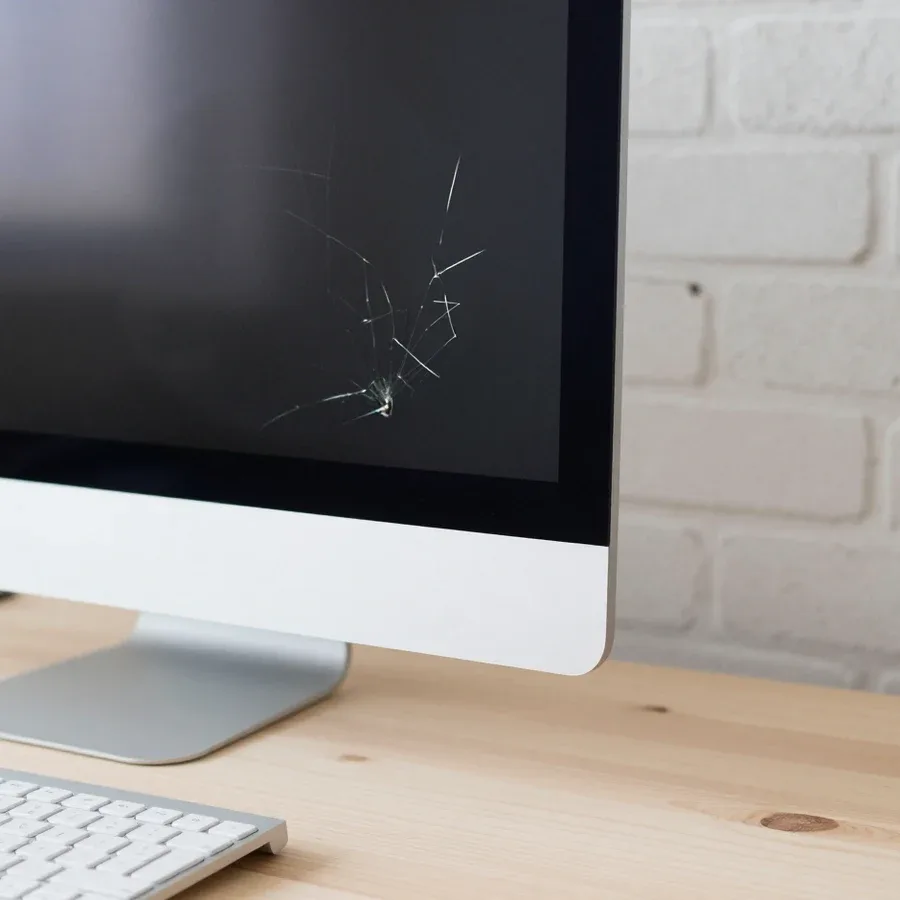
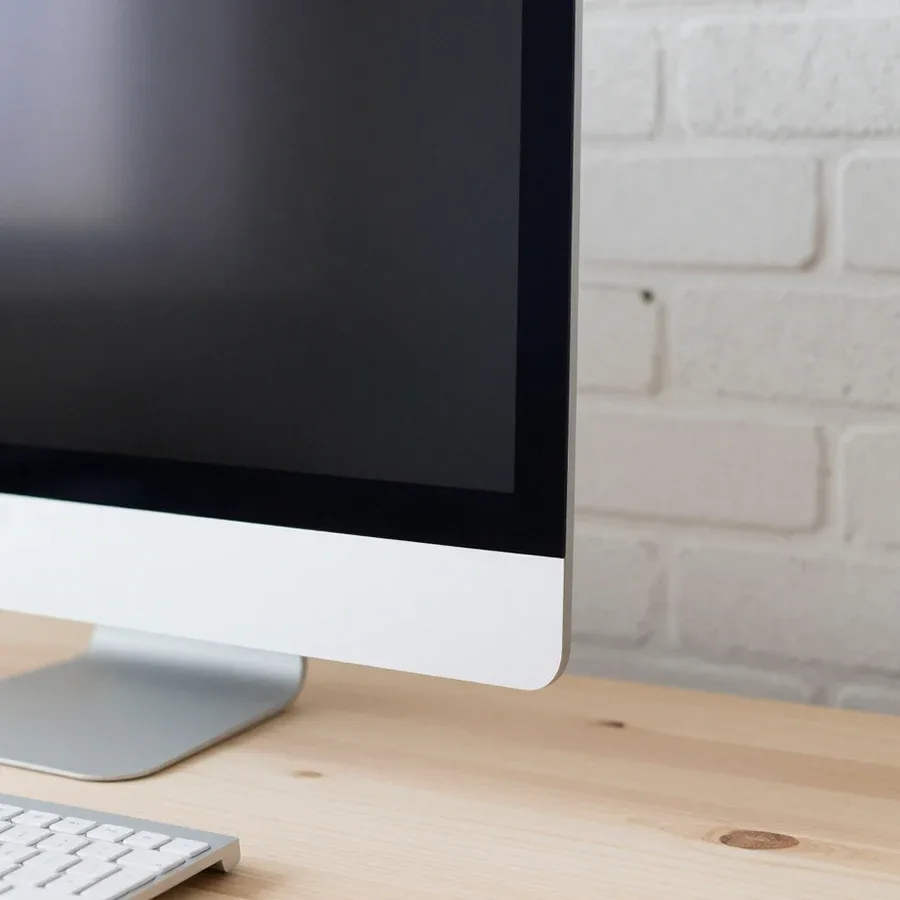 BeforeAfter

Five steps from request to checking the work.
Submit a request, describe the symptom and your iMac model.
The technician comes to your address and works on-site; arrival time is confirmed when you place the request.
The technician lists the work and selected parts, and checks that the parts are compatible with your iMac model.
Once you approve the work and parts, the technician begins the repair.
Check that the symptoms from your request are resolved, and ask the technician for the documents and warranty terms.
The computer and laptop repair department in Almaty has 7 technicians with 6 to 15 years of experience.
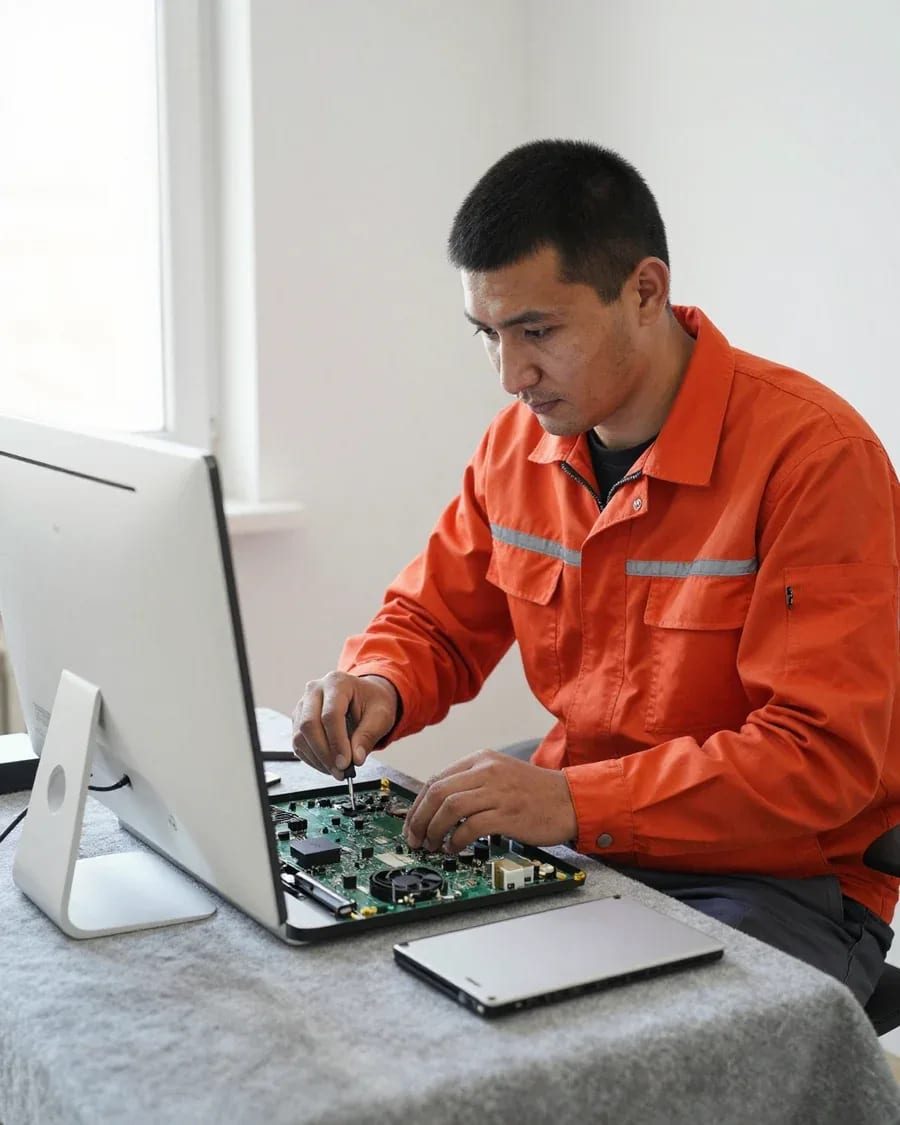
The department has 7 specializations — they are listed on the technicians' cards.
experience10 yearsGraphics card repair technician
 experience6 years
PC and laptop diagnostics technician
 experience8 years
Laptop repair engineer
 experience10 years
Software installation specialist
 experience7 years
PC and laptop repair technician
 experience13 years
Diagnostics and virus removal specialist
 experience15 years
Consultant
We reply during working hours
A technician will arrive within 60 minutes anywhere in the city. Kaspi QR, Kaspi Red, card, cash, or bank transfer accepted.

Warranty question? Call us
+7 (778) 746 01 65Tech Service provides iMac repair in Almaty as a direct contractor: our technician arrives at your home within 60 minutes or the work is done at our service center. Diagnostics are free, the price is quoted after diagnostics, and there is a 1-year warranty on labor and parts. Technicians with 4 to 20 years of experience handle 21.5, 24, 27-inch models and iMac Pro.
A symptom alone doesn't name the culprit—it only narrows down the search. Let's break down what overheating, a black screen, stripes, and slow performance indicate.
iMac overheating is most often caused by dust buildup and dried-out thermal paste, not by a hardware failure itself. In a 27-inch all-in-one, the heatsink and fans draw air through a narrow slot at the bottom, and over several years a felt-like layer of dust compacts there. By that time, the thermal paste between the GPU die and the heatsink base dries out and crumbles, heat dissipation drops, and the fans spin at maximum even in a browser. In such cases, iMac repair in Almaty starts with free diagnostics: we remove the back cover, measure temperatures under load, and check the condition of the thermal interface. If you need an iMac service center that understands the all-in-one's thermal interface, we also check the fan power circuit. A fan that roars at max under simple tasks is a signal not to delay cleaning: overheating accelerates wear on the GPU and power supply.
A black screen with a running fan and stripes on the matrix point to different components—the power supply or backlight circuit in the first case, and the GPU or display cable in the second. When the all-in-one hums but there's no image, power reaches the board, but the backlight line or the inverter itself may have failed. Vertical and horizontal stripes, "snow," and colored artifacts usually come from the GPU: on configurations with a discrete graphics card, it heats up more than other components. A defect that disappears after warming up or shifts when you tilt the screen is usually related to the cable, not the panel itself—and that significantly changes the scope of work. We also check the connectors on the board: an oxidized connector produces the same ripple as a dying chip, but it's fixed by resoldering the cable.
If your iMac takes long to boot, freezes, or doesn't see an external drive, the cause is usually the HDD or Fusion Drive, and sometimes a macOS glitch. Mechanical drives in older configurations eventually develop bad sectors, and the hybrid Fusion Drive splits: the system boots from the SSD part, looks for files on the slow HDD, and hangs on every access. A failed macOS update gives a similar picture—stuck on the Apple logo, boot loop, refusal to mount partitions. A power controller failure can also masquerade as slow performance: the drive is fine, but the system loses it on the fly. Before replacing the drive, it's worth checking its condition: sometimes the cable or connector is to blame, and then a new drive won't be needed.
iMac repair starts with diagnostics, not disassembly. Here's what happens at each stage and which tasks are done on-site versus only in the workshop.
Our iMac diagnostics are free: the technician checks power, storage, cooling system, and software, and quotes the cost of work only after that. First, we inspect the board for signs of overheating and oxidation, then test the power supply under load and check the drive's SMART status—all-in-ones with HDDs develop bad sectors, and the system freezes when booting macOS. We also test the cooling system separately: listen to the fans, check if the heatsink is clogged, and monitor temperatures under load. We check the software part through system logs and a memory test. The Tech Service technician notes at which stage the symptom appears. During diagnostics, it's important to show the technician what actions trigger the failure—this narrows the search and saves disassembly time.
| Job | Where we do it | What we check |
|---|---|---|
| Diagnostics | On-site | Power, storage, software |
| Cleaning and thermal paste | On-site or in the workshop | Heat, fan noise |
| HDD to SSD upgrade | In the workshop | Storage condition |
| Display disassembly | In the workshop | Matrix, cables |
| Power circuit soldering | In the workshop | Power supply, board |
An all-in-one is hard to transport, so a technician visit for an iMac is especially convenient. Here's how a home visit works and how to choose the right person.
Our iMac home visit starts with the technician arriving within 60 minutes anywhere in the city: they run free diagnostics and quote the price before any work begins. The specialist brings tools for the all-in-one, checks the cooling system, storage and power, and listens to the fans under load. Diagnostics are based on measurements, not guesses: temperatures under load, boot sector, error logs. Then they explain what can be fixed on-site and what requires disassembly at the service center, and only after approval do they start work. Our technician has 4 to 20 years of experience with all-in-ones — they've seen your specific model before. It's worth calling a specialist to your home when the symptom appears during use: it's easier to reproduce than in the workshop.
An old iMac isn't always easier to replace with a new one. We break down three scenarios: when an upgrade is enough, when service intervention suffices, and when investing in the hardware is no longer justified.
If your iMac is slow because of an HDD or not enough RAM, an upgrade solves the problem: we replace the HDD with an SSD and increase memory without replacing the whole all-in-one. A 5400 RPM mechanical hard drive is a bottleneck in 21.5-inch and 27-inch models from previous years: the system takes a long time to boot, and apps wait on the disk. A solid-state drive removes this limitation, and adding RAM up to 16 or 32 GB eliminates stuttering when you have a dozen tabs open and work with photos. An upgrade makes sense when the other components are working properly—otherwise you're investing in a machine that will still need service. Before upgrading, we run free diagnostics: it shows the condition of the board and cooling, and the results make it clear whether it's worth investing in old hardware.
Service intervention is justified if the failure is local—power supply, storage, cooling system—and the rest of the hardware works stably. A failed power supply in an iMac shows up as the all-in-one not turning on or shutting down under load, even though the board and display are intact. A dust-clogged heatsink and dried thermal paste cause overheating and fan noise—cleaning and replacing the thermal interface helps here. For models like the iMac 24 or iMac 21.5 from previous generations, we first estimate the scope of work: sometimes one fault affects neighboring components. A technician opens the all-in-one and restores the power supply and iMac motherboard, but before disassembly assesses whether the intervention will affect two or three more components—then the estimate stops being cost-effective.
Replacement is more cost-effective when the fault affects several expensive components at once—board, display, and GPU—and the cost of work approaches the price of another all-in-one. Cracks on the display, artifacts and lines on the screen along with GPU failure mean almost all the main parts will need replacing. Here the choice is between a used iMac of the same series and a new iMac: a used machine solves the problem cheaper, a new one gives you a current platform and fresh resource. The decision should be made after diagnostics: it shows how many components are affected, not just the visible symptom. Our iMac diagnostics are free, so you can calculate what's more cost-effective—service intervention or replacement—before you spend anything.
Liquid damage and board faults are the most complex cases. We show how we diagnose them, what we check first, and what terms we offer on completed work.
When liquid gets inside, we restore the device: we check the board for corrosion, power circuits, and contacts, and determine the scope of work based on free diagnostics. Liquid leaves traces not only where it spilled: it travels along traces to connectors and under chips, triggering metal oxidation. A technician removes the motherboard, inspects it under magnification, tests lines and contacts, cleans corrosion areas, and checks whether surrounding components have failed. We test power circuits separately: they are the first to suffer from liquid damage, even though the board may look intact. Some damage is visible immediately, some only appears under load—so the all-in-one is run under working conditions, not just turned on for a minute. If you need iMac repair at home, a technician comes with everything needed for diagnostics and recovery. The sooner the device reaches a technician, the fewer components are affected by corrosion.
You can't tell a power supply failure from a board fault by external signs—both cause a black screen or no startup, so power testing under load is needed. The all-in-one's internal power supply outputs several voltages, and a drop in any one of them stops startup just like a motherboard failure. A technician measures the output lines, observes the response to load, and only then concludes which component is at fault. An externally working power supply may not hold current, and a board may start up but not bring the system to the desktop. The symptom "won't turn on" is the same for different causes, and trying to guess by sound or indicator light more often leads to unnecessary parts replacement.
Here are the key points to keep in mind before contacting an iMac technician: what the diagnosis depends on, where the repair takes place, and what to look for in a contractor.
Tech Service technicians repair other appliances too — with the same 1-year warranty on labour and parts.
 Refrigerator Repair in Almatyfrom 3 000 ₸
 Washing Machine Repair in Almatyfrom 3 000 ₸
 Dishwasher Repair in Almatyfrom 3 500 ₸
 Oven Repair in Almatyfrom 3 000 ₸
 Cooktop Repair in Almatyfrom 3 500 ₸
 Air Conditioner Repair in Almatyfrom 3 500 ₸
 Boiler and Water Heater Repair in Almatyfrom 2 500 ₸
 Freezer Repair in Almatyfrom 6 000 ₸
 Tumble Dryer Repair in Almatyfrom 5 000 ₸
 Coffee Machine Repair in Almatyfrom 2 500 ₸
 Robot Vacuum Cleaner Repair in Almatyfrom 3 500 ₸
 Vacuum Cleaner Repair in Almatyfrom 1 500 ₸
 Microwave Oven Repair in Almatyfrom 2 000 ₸
 Hair Dryer Repair in Almatyfrom 1 500 ₸
 Iron Repair in Almatyfrom 3 000 ₸
 Electric Kettle Repair in Almatyfrom 2 500 ₸
 Mixer Repair in Almatyfrom 2 500 ₸
 Multicooker Repair in Almatyfrom 500 ₸

If your laptop screen is broken, turn the device off first, don't press on the display, and check the picture through an external monitor.
12 March 2026 · 11 minutes read
If your laptop freezes, the first thing to do is restart it and check Task Manager to see what's loading the CPU and memory.
25 January 2026 · 12 minutes read
If your computer won't turn on, start simple: check the outlet, power cable, switch on the power supply, and the power button.
19 January 2026 · 13 minutes read
If your laptop won't boot, first determine which of two states you're in: the device doesn't respond to the power button at all…
13 December 2025 · 12 minutes read








