 experience10 years
Maksim S.
Graphics card repair technician
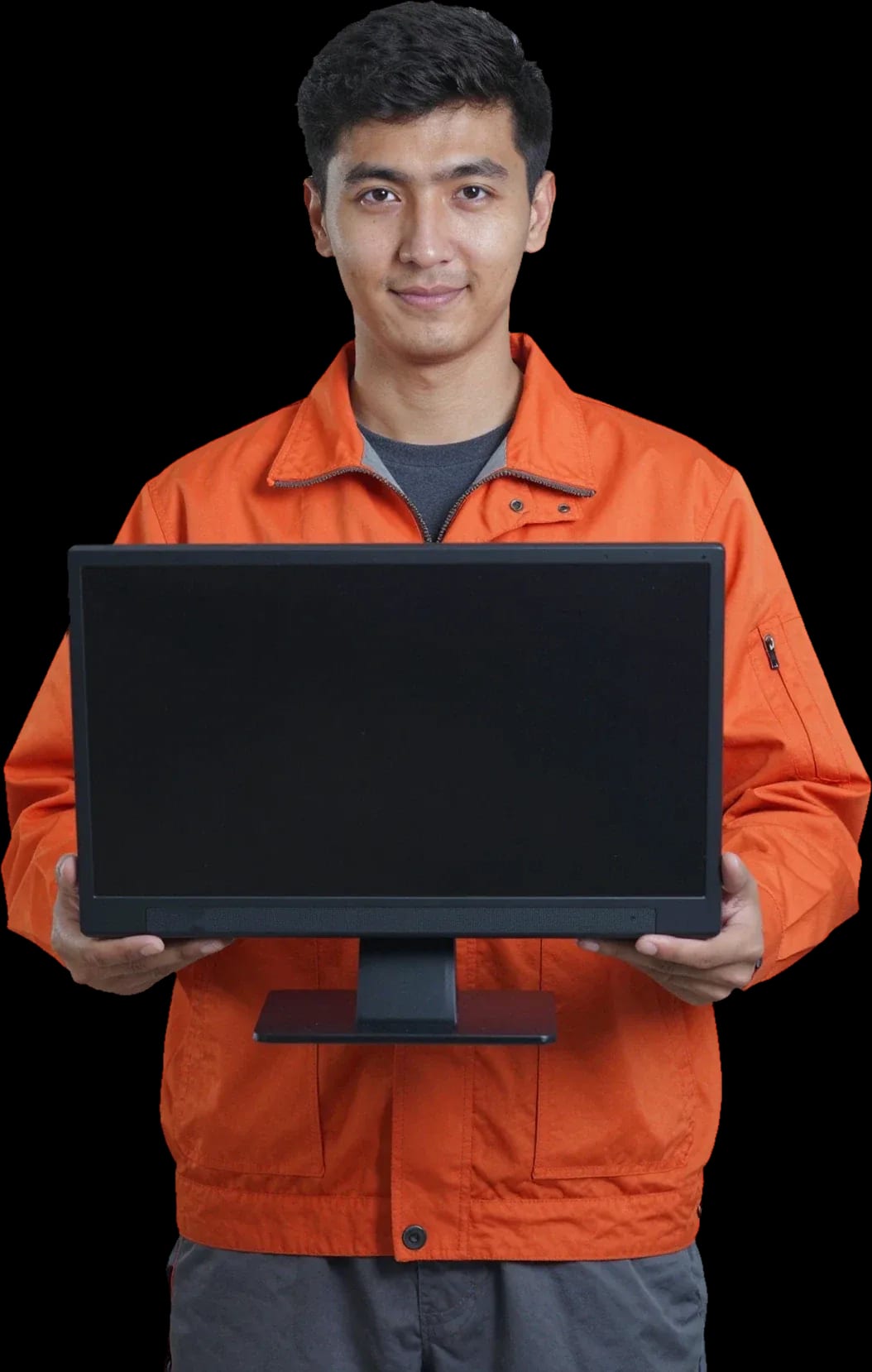
A technician arrives within 60 minutes anywhere in the city. Free diagnostics.
Our own technicians4 to 20 years of experience




Repair prices
Below are frequent symptoms and likely causes. The technician will determine the exact cause after diagnostics.
faulty power supply or button
from12 000 ₸
dust in heatsinks, dried thermal paste
from7 000 ₸
overheating, power or board failure
from7 500 ₸
issues with the matrix, cable, or chip
from6 500 ₸
worn storage drive, insufficient memory
from7 000 ₸
faulty speakers or drivers
from6 500 ₸
worn drive, damaged cable
from6 500 ₸
module or cable failure, software glitch
from6 500 ₸
1–2 daystime
from 14 000 ₸cost
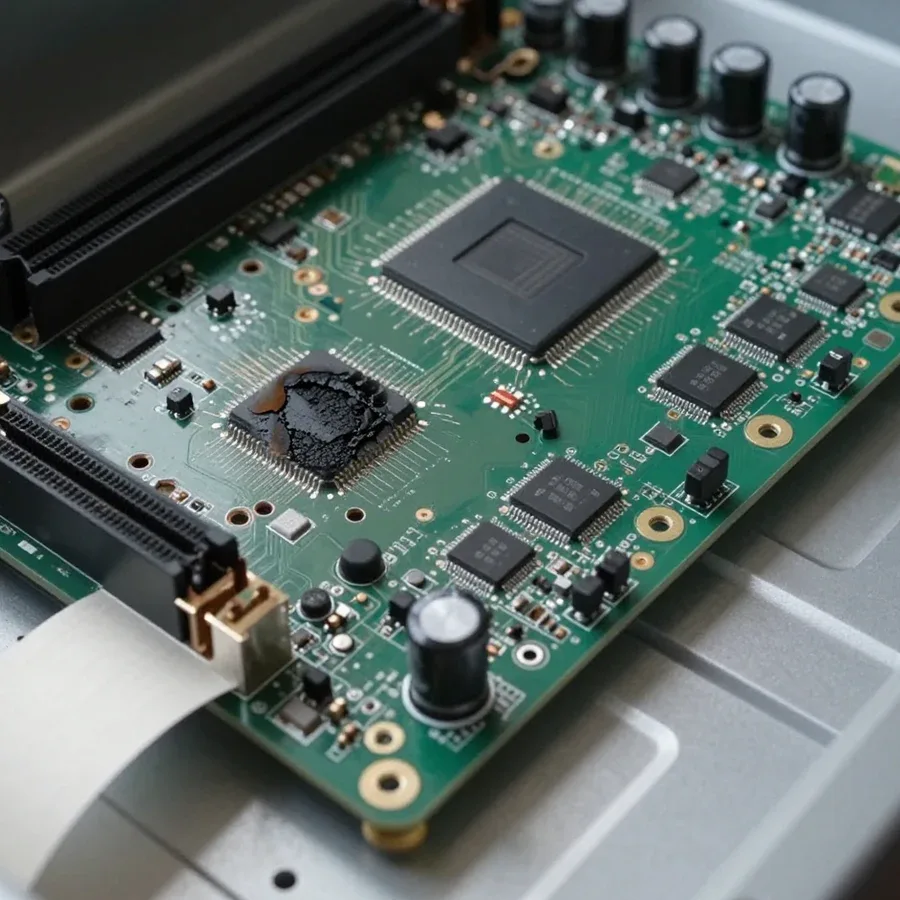
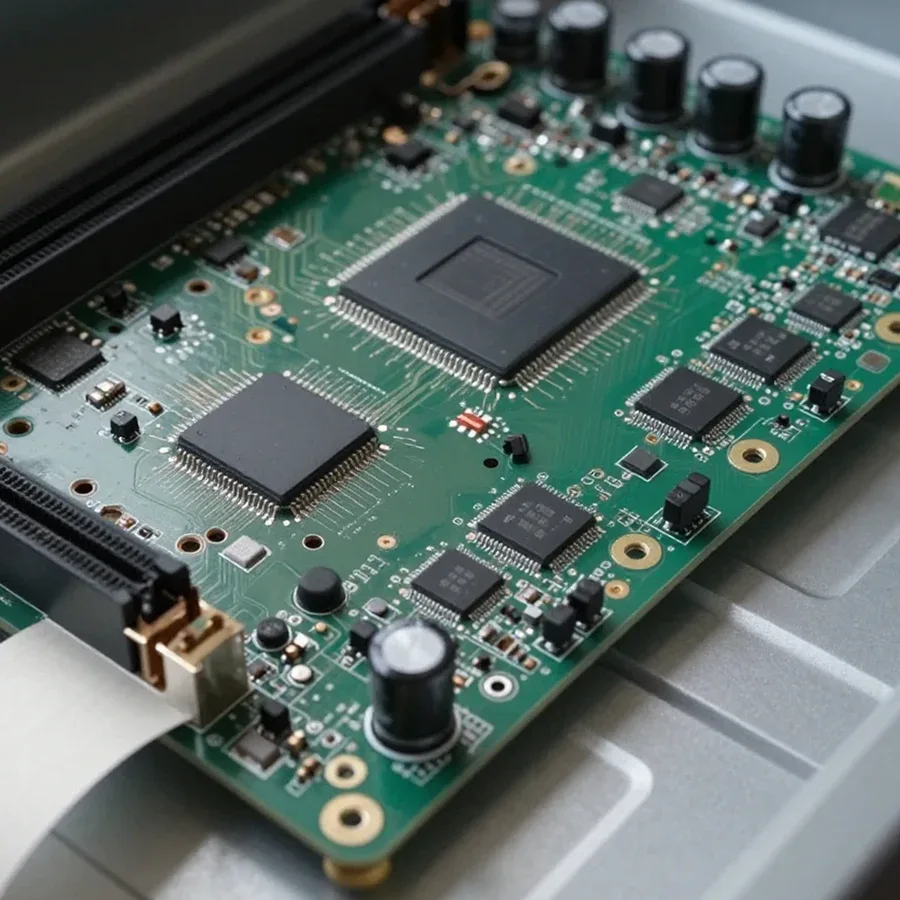 BeforeAfter

Five steps from request to post-repair check.
Describe the symptom and your Acer all-in-one model so the technician can prepare.
The specialist inspects the device on-site so you don't have to bring it to the service center.
The technician checks power and indicators to identify the cause without disassembly.
Work is performed after you agree on the cause and cost.
Clear the table and ensure access to a power outlet and network before the technician arrives.
The computer and laptop repair department in Almaty has 7 technicians with 6 to 15 years of experience.
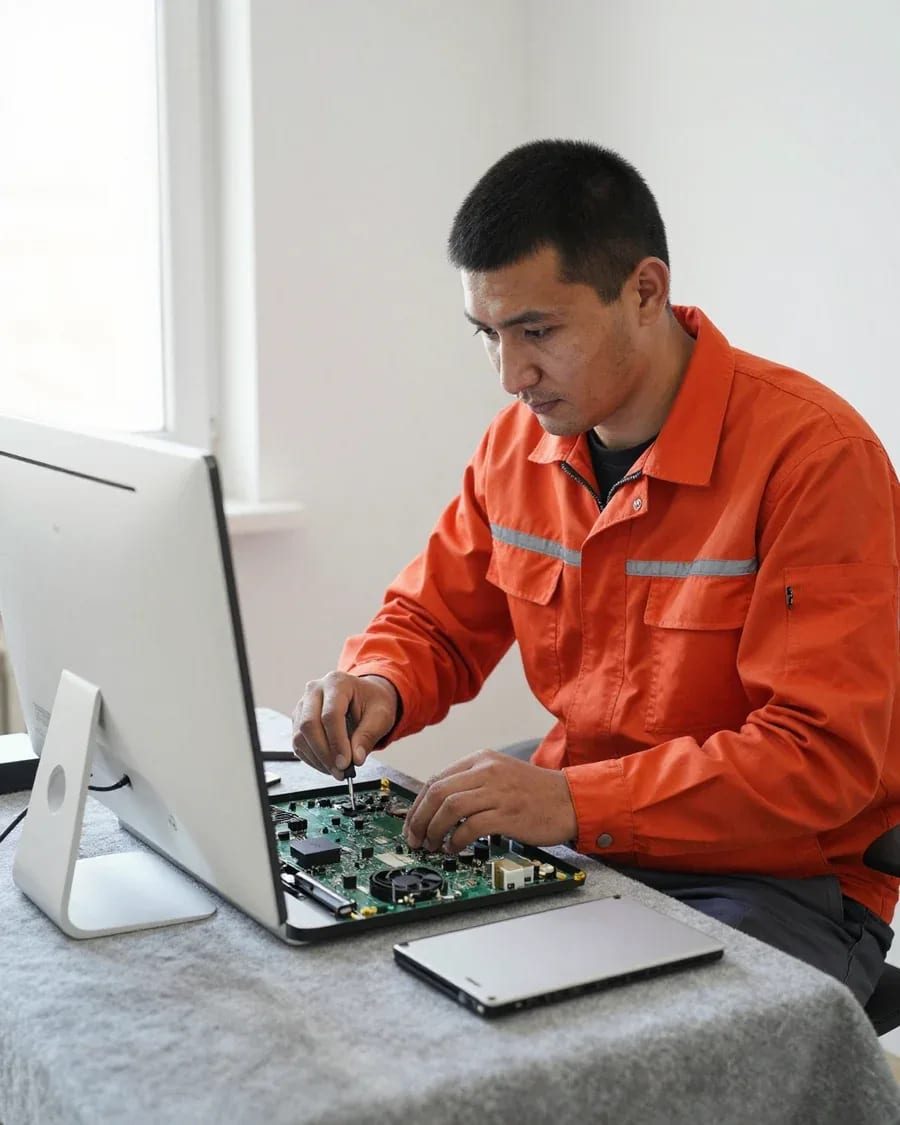
The department has 7 specializations — they are listed on the technicians' cards.
experience10 yearsGraphics card repair technician
 experience6 years
PC and laptop diagnostics technician
 experience8 years
Laptop repair engineer
 experience10 years
Software installation specialist
 experience7 years
PC and laptop repair technician
 experience13 years
Diagnostics and virus removal specialist
 experience15 years
Consultant
We reply during working hours
When requesting, provide your Acer all-in-one model, the symptom, and when it appeared — this helps the technician prepare for the visit.

Warranty question? Call us
+7 (778) 746 01 65Tech Service repairs Acer all-in-ones in Almaty: a technician arrives at your home within 60 minutes or the work is done at the service center. Diagnostics are free, 1-year warranty on labor and parts, technicians have 4 to 20 years of experience. The technician quotes the price after diagnostics, and you can pay via Kaspi QR, Kaspi Red, bank card, cash, or bank transfer for companies.
An Acer all-in-one breaks in its own way — built-in power supply, tight layout, display held by suction cups. Here's what's behind the typical symptoms in the Aspire Z, Aspire C, and Veriton lines.
Most often we find three causes in an Acer that won't power on — the built-in power supply, the motherboard, or the power button — and we tell them apart during free diagnostics. The built-in unit in the Aspire Z and Veriton chassis fails after power surges: the standby circuits handle the load, but the power switches get blown. The motherboard gives out differently — when you press the button, the fans twitch for a second and stop, which points to a short in the processor circuits. The button on the Acer front panel is a separate unit with a plastic push rod, and it sticks from spilled liquid or wear. In Almaty we start by distinguishing these three scenarios, and Acer all-in-one repair in Almaty follows the same logic — first the exact cause, then the work. If the indicator doesn't light up at all, it's almost always power, not the system — repeated power-ons only finish off the unit.
We link noise and spontaneous shutdowns in an Acer all-in-one to a clogged cooling system and dried thermal paste, and after a power surge we also check the power supply. In Aspire C all-in-ones the heatsink and fan sit right against the back cover, and dust and lint pack into the fins within a couple of seasons — air stops flowing, the processor throttles, and the chassis hums at high RPM. Dried thermal paste between the die and heatsink adds tens of degrees, and under load the protection kicks in with a full shutdown. The same symptom comes from a sagging power supply: after a surge it handles office loads but delivers less current at peaks, and the machine shuts down in games or during rendering. It's worth doing overheating prevention before shutdowns start — a clogged heatsink works unnoticed for years, then suddenly fails under load.
A boot error or a "disk not found" message isn't a death sentence — it's a clue. Here's how a symptom maps to a likely cause and what the technician checks at this stage.
| Symptom | Likely cause | What the technician checks |
|---|---|---|
| Won't turn on, indicator off | Power supply, button | Power and power-on circuit |
| Stripes and artifacts on screen | Display cable, display | Cables, then screen |
| Hard drive not detected | Drive, SATA cable | Drive and connection |
| Noisy and shuts down | Cooling, thermal paste | Fan, heatsink |
| Windows boot error | Drive, system | Disk and boot record |
We distinguish a power supply from a motherboard by how the indicators behave and how the device reacts to load — this is the key fork when it won't turn on. We check the output of the built-in power supply: if the voltage drops under load and the indicator goes out, the cause is there. A motherboard shows itself differently — the indicator is on but the device doesn't start, or it starts and then stops during initialization. Diagnostic software and measurements at the connectors show whether power reaches the board and whether it responds to the power-on command. Replacing the power supply yourself without checking the board often brings the device back to the service center — the components are connected, and the power supply could have taken the board with it. Start by measuring the output voltages, not by buying a new power supply.
While the technician is on the way, some actions protect the device and your data, while others make the breakdown worse. We go through both lists and explain why the order of steps matters.
After a spill, unplug the Acer all-in-one immediately and don't turn it on again; after a power surge, don't try to start it until the power supply has been checked. Unplug the cable from the outlet, disconnect the power supply plug from the port on the case, and let the device dry upside down on a dry cloth. After a power surge, disconnect everything from the mains and don't press the power button: the surge could have damaged the power supply, and turning it on again could finish off the motherboard. Moisture inside the case oxidizes the contacts on the board within a day, and a power surge doesn't always show up right away — sometimes hours later. Every attempt to turn it on after a liquid spill spreads moisture across the board — the chance of saving the device drops with each try.
If the Acer all-in-one still sees the drive, we recommend copying important files in advance, and when replacing the SSD, we transfer the system to the new disk. Connect an external hard drive or flash drive and move your documents, photos, and work folders — and check that the files open from the copy, not just from the original disk. If the system won't boot, don't run recovery and don't agree to formatting: the drive can be removed and read separately, and we transfer the system to a new SSD while keeping the installed Windows and programs. Data is more often lost not from the breakdown itself but from attempts to fix the boot process on your own — make a copy first, then do anything with the disk. If copying is slow or the disk is clicking, stop the transfer and set the device aside: reading from a failing drive is best left to a technician who will remove the disk and connect it separately without booting the system.
Some work the technician does right at your place, some requires the service center. We explain what can realistically be fixed on-site and what gets taken to the workshop.
We replace the display module, repair the adapter and work on the motherboard at the service center, where there are conditions for disassembly and soldering. The Acer all-in-one is tightly built: the screen is held by an adhesive frame and clips, and the backlight cables run right against the case, so removing the panel while it's suspended easily ends with a crack in the glass. The power supply here is built-in, and repairing it requires disassembling the case and checking the output voltages under load. Motherboard work means soldering circuits, replacing capacitors and tracing the tracks after a liquid spill or voltage surge: you can't approach it without a soldering station and a microscope. At Tech Service, such operations are performed on a disassembled chassis, where the board is secured and accessible from all sides. Disassembling an Acer all-in-one with tight layout requires tools for removing the screen — on a kitchen table it's a risk for the display.
| Work | On-site | At the service center |
|---|---|---|
| Diagnostics | Yes | Yes |
| Cleaning and thermal paste | Yes | Yes |
| Storage replacement | Yes | Yes |
| Matrix replacement | No | Yes |
| Power supply repair | No | Yes |
| Motherboard work | No | Yes |
Our Acer all-in-one repair goes step by step — from diagnostics to approval and the work itself. We show which components we touch and in what order.
We replace the matrix and the built-in power supply of the Acer all-in-one after diagnostics, and we agree on the scope of work with you before starting. The matrix in an all-in-one is held by an adhesive frame, so it's removed carefully to avoid damaging the touch layer and the case. The built-in power supply is placed inside the case next to the motherboard — when replacing it, the power circuits and capacitors are checked, otherwise the new unit will quickly fail. We provide diagnostics free of charge and based on its results we tell you exactly what needs intervention. The matrix is replaced not only for a crack — burned-out areas and persistent artifacts are also grounds for replacement, but first the cable is ruled out, because an oxidized contact gives the same picture with an intact panel.
Warranty and understanding the design are what set a proper service center apart from a 'replaced and forgotten' job. Here we explain the terms and how an Acer all-in-one differs from an iMac in case design.
We provide a 1-year warranty on labor and parts, including the replacement of the Acer all-in-one matrix, and you can pay via Kaspi QR, Kaspi Red (instalments), bank card, cash, or bank transfer for companies. Acer Almaty all-in-one repair at our center comes with a 1-year warranty on labor and parts. The 1-year warranty on labor and parts applies after dust cleaning, after power supply replacement, or after backlight circuit restoration. The warranty covers a specific component, so on a repeat visit the technician checks exactly that component again. This period covers both the work and the installed part. Warranty on a part and on labor are different things; what matters is that both are covered, otherwise any repeat intervention in the component will again require payment.
Here are the key takeaways on Acer all-in-one repair — a short guide that helps the owner make a decision without extra costs and repeat visits.
Tech Service technicians repair other appliances too — with the same 1-year warranty on labour and parts.
 Refrigerator Repair in Almatyfrom 3 000 ₸
 Washing Machine Repair in Almatyfrom 3 000 ₸
 Dishwasher Repair in Almatyfrom 3 500 ₸
 Oven Repair in Almatyfrom 3 000 ₸
 Cooktop Repair in Almatyfrom 3 500 ₸
 Air Conditioner Repair in Almatyfrom 3 500 ₸
 Boiler and Water Heater Repair in Almatyfrom 2 500 ₸
 Freezer Repair in Almatyfrom 6 000 ₸
 Tumble Dryer Repair in Almatyfrom 5 000 ₸
 Coffee Machine Repair in Almatyfrom 2 500 ₸
 Robot Vacuum Cleaner Repair in Almatyfrom 3 500 ₸
 Vacuum Cleaner Repair in Almatyfrom 1 500 ₸
 Microwave Oven Repair in Almatyfrom 2 000 ₸
 Hair Dryer Repair in Almatyfrom 1 500 ₸
 Iron Repair in Almatyfrom 3 000 ₸
 Electric Kettle Repair in Almatyfrom 2 500 ₸
 Mixer Repair in Almatyfrom 2 500 ₸
 Multicooker Repair in Almatyfrom 500 ₸

If your laptop screen is broken, turn the device off first, don't press on the display, and check the picture through an external monitor.
12 March 2026 · 11 minutes read
If your laptop freezes, the first thing to do is restart it and check Task Manager to see what's loading the CPU and memory.
25 January 2026 · 12 minutes read
If your computer won't turn on, start simple: check the outlet, power cable, switch on the power supply, and the power button.
19 January 2026 · 13 minutes read
If your laptop won't boot, first determine which of two states you're in: the device doesn't respond to the power button at all…
13 December 2025 · 12 minutes read








