 experience18 years
Nikolay K.
Smartphone repair technician

A technician comes to you within 60 minutes anywhere in the city. Diagnostics are free.
Our own technicians4 to 20 years of experience




Repair prices
The symptoms customers most often come to us with. The technician will pinpoint the exact cause after free diagnostics.
board failure or damaged flex cable
from9 500 ₸
impact or cracks in the glass
from4 500 ₸
worn battery or background processes
from5 500 ₸
dirty connector or controller failure
from5 500 ₸
dirty speaker or codec failure
from7 500 ₸
damaged module or software glitch
from4 500 ₸
oxidized contacts or board corrosion
from9 500 ₸
touchscreen or controller failure
from5 000 ₸
1–2 hourstime
from 6 500 ₸cost
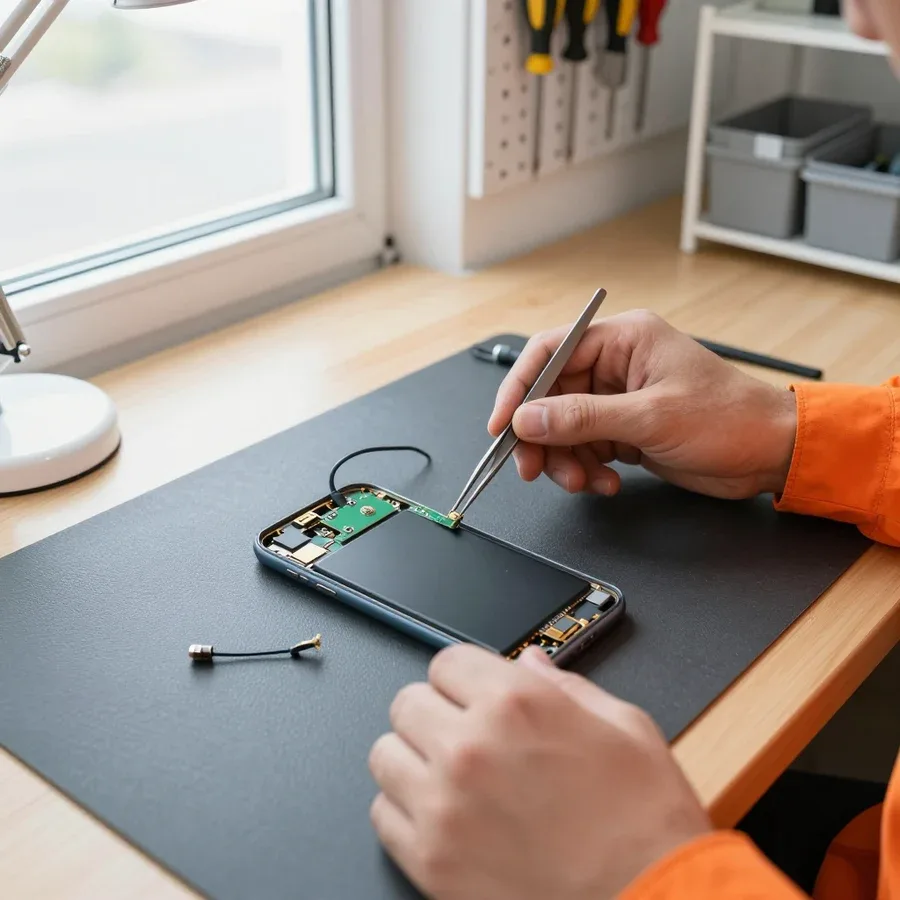 BeforeAfter

From request to check — five clear steps.
Submit a request on the website or by phone — the technician will confirm the symptom and model.
The technician will arrive anywhere in the city within 60 minutes after the request is confirmed.
The technician will agree with you on the list of work and the parts needed for the repair.
You hand the device to the technician and confirm the warranty terms for labor and parts.
You check the device together with the technician: screen, sound, camera, and charging.
The digital device repair department in Almaty has 7 technicians with 7 to 18 years of experience.
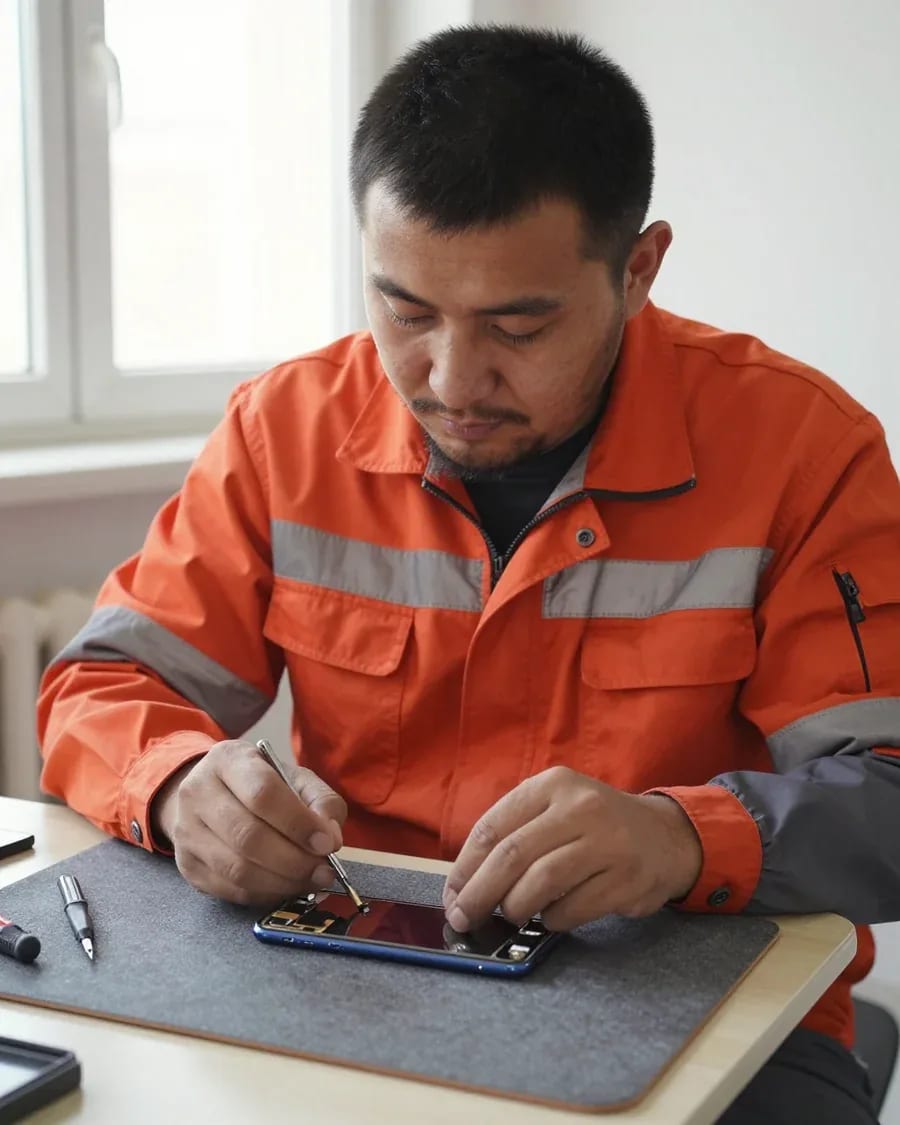
The department has 7 specializations — they are listed on the technicians' cards.
experience18 yearsSmartphone repair technician
 experience10 years
Senior TV repair technician
 experience10 years
TV board repair technician
 experience10 years
Electromechanical technician
 experience13 years
Audio and DVD repair technician
We reply during working hours
Choose your device model and describe the symptom — the technician will clarify the details and arrange a convenient visit time. The request takes a couple of minutes.

Warranty question? Call us
+7 (778) 021 35 86
Author: Nikolay K.,Smartphone repair technician
Published
Updated
Tech Service repairs iPhones in Almaty as a direct provider: our technician comes to your home within 60 minutes or works at the service center. Diagnostics are free, there's a 1-year warranty on labor and parts, and technicians have 4 to 20 years of experience. The technician quotes the price after diagnostics.
iPhone failures rarely start with "nothing works" — there's usually a symptom that tells the technician right at intake where to look. Let's go over typical signs and the components behind them.
| Symptom | What it indicates | What we check | Repair format |
|---|---|---|---|
| Lines and "dead" zones on the screen | Display matrix damaged | Integrity of matrix and sensor | Display assembly replacement |
| Cracks, image intact | Protective glass broken | Sensor and Face ID operation | Glass replacement |
| Shuts down at 30–40% | Battery wear | Battery capacity and cycles | Battery replacement |
| Not charging, connector heats up | Charging port and flex cable | Contacts and oxidation | Cleaning or flex cable replacement |
| SIM not detected | SIM slot or flex cable | Card seating and contacts | Slot replacement |
| Face ID not working | Sensor and its flex cable | Flex cable after a drop | Module repair |
| Turns off under load | Power controller | Power on the board | Paid board repair |
| Won't turn on after water | Corrosion on the board | Signs of oxidation | Cleaning and recovery |
We check whether only the protective surface is damaged or the matrix is affected: if the matrix is intact and the sensor works, it's about the glass; if there are lines and "dead" zones, it's about the display assembly. Glass is replaced when the image and touch response are preserved and the cracks haven't reached the sensor layer. The display assembly is installed for colored lines, spots, non-working touch areas, and damage to the backlight layer. We accept cracked iPhone screens in Almaty both at your home and at the service center — the technician determines the scope after inspection. iPhone repair in Almaty starts with free diagnostics, and the technician quotes the price based on the inspection results. If Face ID stopped working after a drop, it's no longer about the glass — the sensor and its flex cable are checked separately, otherwise replacing the screen won't restore facial unlocking.
After water exposure, we disassemble and clean the iPhone immediately: corrosion on the board develops even in a working device, and shutting down at low charge more often indicates battery wear than the controller. Oxidation eats away contacts under the screen and on flex cables, so the phone may work for a day or two and then fail. Battery wear is visible by capacity and cycle count: it drains quickly and dies under load. The power controller gives a different sign — the device turns off at a charge above 40% or won't turn on at all. Drying with a hair dryer or rice doesn't stop oxidation — moisture remains under the screen and on flex cables, so "it started working by itself" comes back a week later with lines and failures.
Before replacing anything, the technician needs to understand where exactly the failure is — in the hardware or the software. This determines both the scope of work and whether it makes sense to restore the device at all.
We classify failures by device behavior: hanging on the Apple logo, recovery errors, and boot loops are usually software-related, while failure to turn on after a drop or water damage is hardware-related. To pinpoint the cause, the technician reviews error logs and how the device responds when connected to a computer: a recovery error code points to a specific component, not the entire system. The software part is checked without disassembly — via reflashing and recovery — and this is the first thing ruled out during free diagnostics. A hardware cause is confirmed by inspecting the board and connectors when the system no longer shows errors but the device still doesn't work. If the error repeats after a reset, the cause is already on the board, and component-level repair with soldering is needed. In my opinion, this step saves the client money: without separating "software or hardware," half of the replacements turn out to be unnecessary. iPhone repair in Almaty, with prices depending on the component and nature of the failure, starts with this separation — and based on its results, the client sees what they are paying for.
Based on the diagnostic results, the technician explains what broke and what work is needed, and quotes the price before starting — we don't change anything without approval. The client sees the list of components and understands what they are paying for before disassembly. If the cause turns out to be a different component than the client assumed, the scope is revised on the spot — so there's no "surprise" at the end when the amount has grown without warning. Approval is based on the actual check, not on the described symptom: the technician relies on diagnostic results, not guesswork. Prices for iPhone restoration in Almaty depend on the type of failure and the required component, so the exact amount is quoted only after the check. In our practice, a client sometimes comes for a screen replacement, and diagnostics reveal that a flex cable is at fault — and the scope of work is reduced.
We fix some iPhone failures right at the client's location, while others require stationary conditions. Here's how a 60-minute visit works, what can be fixed on-site, and why the format is determined by the component, not the owner's preference.
We dispatch a specialist within 60 minutes anywhere in the city: they arrive with tools and perform diagnostics and repairs in the client's presence. Their kit includes everything for replacing the display, battery, and charging connector, so typical failures are resolved on-site, at your home or office. Diagnostics during the visit are free: the specialist checks the device, states the cause and scope of work, and quotes the price before starting. If the defect affects the board, they take the iPhone to the service center and return it after the work — this scenario is agreed with you right on the spot. A visit is convenient when you need the device here and now, but if a component-level board defect is suspected, don't insist on working at home: soldering requires stationary conditions, and attempting it on the fly often adds new faults. If you're unsure which format to choose, the iPhone service center in Almaty will advise what can be done on-site and what requires stationary conditions.
| Issue | Where we repair | What the technician does |
|---|---|---|
| Cracked display | At your home | Replaces the module in front of you |
| Worn-out battery | At your home | Installs a new battery |
| Charging port | At your home | Replaces the port flex cable |
| Board defect | At the service center | Soldering and circuit restoration |
| Liquid damage | At the service center | Cleaning and drying the board |
Tech Service is a direct provider: the work is done by our own technician, not a contractor, so we—not a third party—are responsible for the result and the parts. The same person works both on-site and at the service center: they run the diagnostics, they replace the part, and they handle the 1-year warranty on labor and parts. When work goes through an intermediary, you have to clarify warranty and timelines with two parties at once—with a direct provider, responsibility is the same at every stage. In our practice, this shows up in disputed cases: the client doesn't have to figure out who installed the part—the issue is resolved by the person who held the tools. You can pay via Kaspi QR, Kaspi Red, card, cash or bank transfer, and we quote the price after free diagnostics, before work begins.
Warranty is the main criterion for choosing who to entrust your iPhone to. Here's what it actually covers and why a year on labor and parts is not just a formality.
We provide a 1-year warranty on labor and parts: if the unit fails again after service, we fix it under warranty. This applies to the display module, battery, and flex cables—all parts installed during the work. The condition is simple: the failure is related to our work or the part itself, not to new mechanical damage to the case. In our practice, the most common warranty return is batteries with a controller defect—this shows up in the first charging cycles, when the device loses percentage faster than usual. Warranty on parts is just as important as warranty on labor—if a part fails, the client doesn't pay for it again, and that's the most expensive part of the job.
Our technicians have 4 to 20 years of experience, and that practice determines how accurately a specialist finds the cause on the first try. Diagnostics on an iPhone takes less time with an experienced technician: they check power, flex cables, and controllers by characteristic symptoms rather than by trial and error. A novice often goes from simple to complex and replaces units one by one—that increases the total scope of work and the number of times the case is opened. An experienced technician rarely replaces parts "on spec": they test the unit before disassembly, so the client pays for the actual failure, not for trying out options. In my view, the difference between four and twenty years of practice is most noticeable on complex boards, where a mistake is costly.
We accept payment via Kaspi QR, Kaspi Red (instalments), bank card, cash, or bank transfer for companies, and the technician quotes the price after free diagnostics—before work begins, the client knows the final amount. This removes the main fear when contacting a service: that the price will go up after the device is disassembled. Diagnostics happen before any manipulation of the case, so the cause of the failure is recorded in advance, not adjusted to fit work already done. Transparency starts with diagnostics: when the cause is stated before work begins, not after, the client can compare the scope and make a calm decision. In our experience, this order—cause and price first, then service—is most often the reason owners come back to us. The choice of payment method does not affect the warranty coverage.
Not every iPhone arrives at the service center "from scratch": sometimes the device has already been repaired elsewhere, or after water damage it behaves unpredictably. Here's what to do in such cases.
We take on iPhones that have been worked on at another service center: first we check which parts have already been replaced and how, and then we decide which part can be fixed. A repeat visit starts with reviewing the previous work — the technician inspects the condition of the flex cables, how the screws are fastened, the quality of the installed parts, and any signs of overheating on the connectors. It often turns out that a component was replaced with a compatible analog without checking compatibility with the specific board revision, and the failure returns a few weeks later. In our practice, inspecting someone else's work is part of the free diagnostics — that's how we see exactly where the technology was violated. If the device has already been to another place, it's worth contacting an iPhone service center where they will assess the result of the previous intervention and offer a correct solution. A common reason for a repeat visit is a low-quality part or an incorrectly installed flex cable, so the technician first checks the other work rather than immediately replacing the component again.
We first try to fix a restore error and being stuck on the Apple logo with software, and only if the failure returns do we check the board. Being stuck on the logo during boot is often caused by an interrupted update or a corrupted firmware file, and then a proper reinstall of the system via a computer with checksum verification helps. Diagnostics show at which stage of the restore the process fails: if the failure is consistent and repeats, the technician moves on to inspecting the board and checking the power circuits. A software reset without analyzing the cause often gives a temporary result — the device works for a few hours and goes back into a reboot loop. If the error repeats at the same stage of the restore, it's no longer the firmware but a sign of a faulty component on the board — and what's needed next is component-level repair, not another reset.
iPhone water resistance is ensured by sealing the case, and when the battery or screen is replaced, the seal is restored anew. There is an adhesive layer along the display contour and around the perimeter of the back cover, which is broken when the device is opened, and the old gasket remains where the display was removed. The technician cleans the mating surfaces from adhesive residue and applies new sealant, then the case holds air pressure again. You can check the result in a simple way — by lightly pressing on the display: if it doesn't spring back and doesn't click, the fit is tight. Separately, the technician inspects the seal around the SIM slot and buttons — there the adhesive layer also ages and lets moisture in sooner than the screen contour. Even a carefully opened case loses its factory seal along the contour, so after the service is complete, it's worth avoiding contact with water just as before.
Smartphone repair is rarely a single operation — it's a chain of decisions from the first symptom to checking the result. Below we've gathered what's worth keeping in mind before contacting a technician.
Tech Service technicians repair other appliances too — with the same 1-year warranty on labour and parts.
 Refrigerator Repair in Almatyfrom 3 000 ₸
 Washing Machine Repair in Almatyfrom 3 000 ₸
 Dishwasher Repair in Almatyfrom 3 500 ₸
 Oven Repair in Almatyfrom 3 000 ₸
 Cooktop Repair in Almatyfrom 3 500 ₸
 Air Conditioner Repair in Almatyfrom 3 500 ₸
 Boiler and Water Heater Repair in Almatyfrom 2 500 ₸
 Freezer Repair in Almatyfrom 6 000 ₸
 Tumble Dryer Repair in Almatyfrom 5 000 ₸
 Coffee Machine Repair in Almatyfrom 2 500 ₸
 Robot Vacuum Cleaner Repair in Almatyfrom 3 500 ₸
 Vacuum Cleaner Repair in Almatyfrom 1 500 ₸
 Microwave Oven Repair in Almatyfrom 2 000 ₸
 Hair Dryer Repair in Almatyfrom 1 500 ₸
 Iron Repair in Almatyfrom 3 000 ₸
 Electric Kettle Repair in Almatyfrom 2 500 ₸
 Mixer Repair in Almatyfrom 2 500 ₸
 Multicooker Repair in Almatyfrom 500 ₸

If your phone won't charge, start by checking the adapter, cable, and port, then the charging settings.
16 February 2026 · 12 minutes read
If your phone falls in water, take it out right away, turn it off, and don't charge it.
19 January 2026 · 12 minutes read
If your phone camera isn't working, first check app permissions, clear the cache, and restart your phone — this fixes some software glitches.
24 December 2025 · 13 minutes read
If your phone won't turn on, first check the charging setup: try another cable, adapter, and port, leave the device on charge, and attempt a forced restart.
3 October 2025 · 12 minutes read
If your laptop screen is broken, turn the device off first, don't press on the display, and check the picture through an external monitor.
12 March 2026 · 11 minutes read
If your laptop freezes, the first thing to do is restart it and check Task Manager to see what's loading the CPU and memory.
25 January 2026 · 12 minutes read








