 experience18 years
Nikolay K.
Smartphone repair technician

Free diagnostics and a technician at your door within 60 minutes anywhere in the city. 1-year warranty on labor and parts.
Our own technicians4 to 20 years of experience




Repair prices
Below are the typical symptoms Oppo owners come to us with and their likely causes. The technician will pinpoint the exact cause during free diagnostics.
dead battery, worn battery, firmware failure
from5 500 ₸
charging port, cable, faulty board
from5 500 ₸
drop, display crack, flex cable
from4 500 ₸
clogged mesh, moisture, broken flex cable
from7 500 ₸
camera module, software glitch, dirty lens
from4 500 ₸
heavy load, worn battery, board
from9 500 ₸
worn battery, background apps, screen
from4 500 ₸
speaker, microphone, flex cable
from3 500 ₸
1–2 hourstime
from 5,500 ₸cost
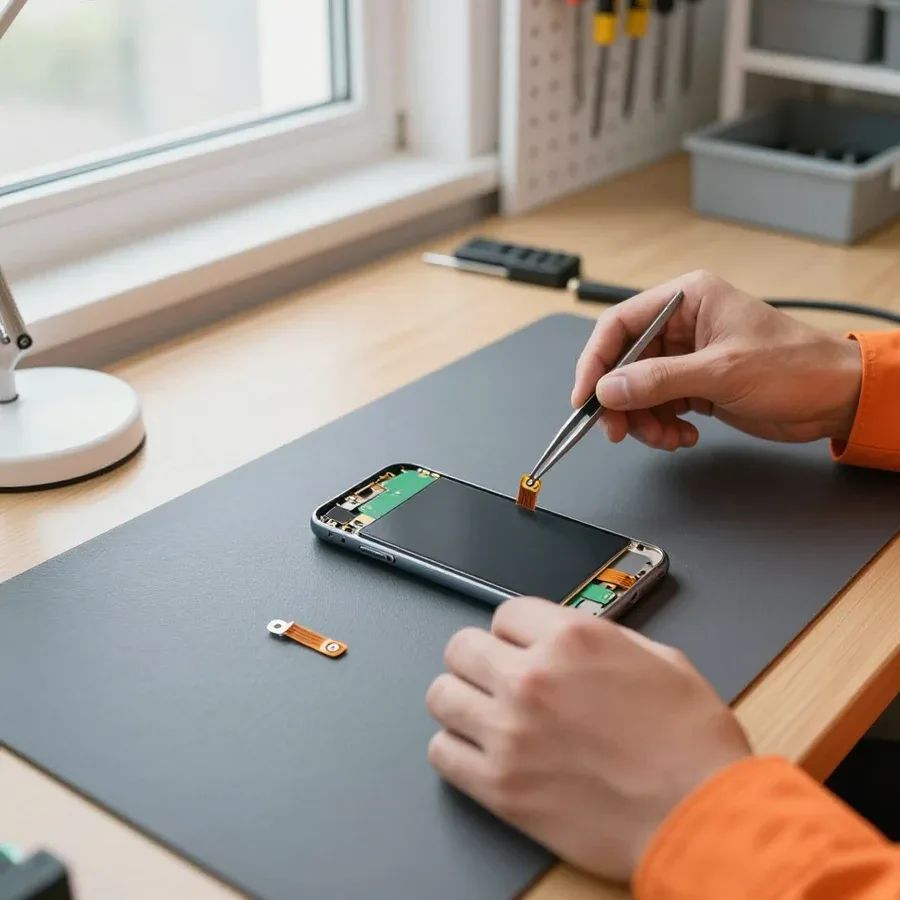 BeforeAfter

Five steps from request to checkup. Diagnostics are free.
Provide your address and a convenient visit time when you place your request.
A technician will arrive within 60 minutes anywhere in the city.
We agree on the scope of work and the final quote before starting the repair.
You approve the list of work and parts, then the technician gets started.
We check the IMEI and package contents and make sure there's no external damage after reassembly.
The digital device repair department in Almaty has 7 technicians with 7 to 18 years of experience.
The department has 7 specializations — they are listed on the technicians' cards.
experience18 yearsSmartphone repair technician
 experience10 years
Senior TV repair technician
 experience10 years
TV board repair technician
 experience10 years
Electromechanical technician
 experience13 years
Audio and DVD repair technician
We reply during working hours
Describe the symptom in your request — the technician will bring the right parts and get to work without extra trips.

Warranty question? Call us
+7 (778) 096 52 04
Author: Nikolay K.,Smartphone repair technician
Published
Updated
Tech Service repairs Oppo phones in Almaty as a direct provider: our technician comes to your home within 60 minutes anywhere in the city or repairs it at our service center. Diagnostics are free, we agree on the price after, and we provide a 1-year warranty on labor and parts. Our technicians have 4 to 20 years of experience.
Oppo breakdowns are rarely random — wear, moisture, or overheating is behind each one. Let's look at the most common issues in Reno, Find, A, and F series and where they come from.
Most often, an Oppo smartphone fails due to battery wear, moisture exposure, and overheating during charging — these three causes account for the majority of repair requests. The battery loses capacity after several hundred cycles, and fast draining becomes noticeable by evening. Moisture seeps through connectors and body seams even with brief water contact, and corrosion starts unnoticed by the owner. Overheating accelerates degradation: the power controller and processor work under load, and the thin traces on the board suffer first. When the body heats up within the first minutes of charging and the percentage rises slowly, the cable isn't the issue — this is typically how a worn battery or an emerging board problem manifests.
| Series | What wears out most often | First symptom |
|---|---|---|
| Reno | display module, touchscreen | cracks, dead zones on the sensor |
| Find X | battery, board | heating during charging, fast drain |
| A series | charging port, flex cables | won't charge, contact loss |
| F series | speaker, microphone | low volume, caller can't hear you |
If your Oppo falls into water, don't turn it on or charge it — moisture inside causes board corrosion, and power accelerates component failure. Remove the case, take out the SIM tray, and pat the body dry with a cloth without shaking the phone: sudden movements push liquid toward flex cables and connectors. Don't use a hair dryer — hot air drives steam inside and melts adhesive layers, and rice or grains won't remove moisture from the body. In our practice, water damage recovery starts with cleaning the board in an ultrasonic bath and inspecting under a microscope, not with replacing parts. Even if the phone comes back to life after drying, corrosion continues to eat away at contacts for weeks — that's why we treat the board with a protective compound before reassembly, which extends the component's life when exposed to water.
A message on your Oppo screen is not a death sentence but a hint where to look for the cause. Let's go over common symptoms and when it's a software glitch versus a hardware failure. Below are guidelines for self-checking.
Most Oppo on-screen messages indicate a firmware or memory glitch rather than physical damage — but some appear when the storage or board fails. A message like "Encrypting" or endless booting is often linked to a corrupted system partition after a failed update, and a boot loop on the splash screen frequently signals degradation of eMMC or UFS flash memory. Another group is app errors and glitches after a factory reset: they are almost always software-related and fixed by reflashing without replacing parts. A hardware cause shows up if the phone heats up, turns off by itself, or displays artifacts along with the error text. Note the exact error text and what actions trigger it — this pair helps a technician quickly separate a software glitch from a hardware issue.
Getting stuck on the logo after an update is usually a software issue — a firmware failure that can be fixed by reflashing, but sometimes it indicates memory failure. During an update, the system overwrites service partitions, and if power is interrupted or the storage was almost full, the bootloader can't find a complete image and stops at the splash screen. The software scenario is resolved by restoring the firmware via a computer, either with data loss or with data preservation — depending on the state of the partitions. The hardware scenario is confirmed when reflashing doesn't hold and the phone freezes again: that means the storage is giving write errors. Repeated power cycles can finish off an already damaged storage, so if the device freezes on the splash screen again after a reboot, don't keep removing the battery over and over — it's better to show it to a technician right away.
If the Oppo is detected by a computer but won't turn on, the board and memory are alive — the problem is in the firmware, the power button flex cable, or the display, and this is a good prognosis for recovery. The computer sees the device in boot mode, which means the power controller and processor are responding, and the failure is localized in the system boot or the power-on circuit. We check this symptom in sequence: first the integrity of the power button flex cable, then the condition of the connector and board contacts, and after that the software part. Damage to this flex cable mimics a complete failure, although the repair takes minimal operations. Our diagnostics are free, so you can check the power-on circuit before any work. We repair the camera, speaker, microphone, and other components of Oppo, but in this case it's often enough to replace the flex cable or restore the firmware.
Our Oppo repair starts with free diagnostics, and we choose the format — a specialist visit or work at the service center — based on the type of breakdown. Below we show the sequence of steps and explain what affects the duration. Guidelines are in the table below.
During free diagnostics, we check the power, board, display, connectors, and flex cables to name the exact cause and cost of work before starting. First, we remove the cover and inspect the board for signs of moisture and overheating, then check the power controller, charging circuit, integrity of flex cables, and response of the display module, and separately test the connector and buttons. This is how Oppo phone repair in Almaty begins — with this check, so its result shows which component actually needs intervention. This is a key step. Our diagnostics are free: you pay only for the work itself if you agree to it. The value of this step is not in the inspection but in the fact that you get a specific cause — and can decline further actions without losing anything. In my opinion, this check most often saves the owner money: without it, it's easy to replace a working component while the breakdown remains. Ask the specialist which exact element failed — the answer shows whether they understand the brand or are working blindly.
| Type of work | Format | Why |
|---|---|---|
| Display module replacement | technician visit | quick on-site replacement |
| Battery replacement | technician visit | no soldering required |
| Charging connector repair | visit or service center | depends on the board |
| Water damage recovery | service center | board cleaning needed |
| Board soldering | service center | service center conditions required |
The timeline depends on the type of work and whether the needed part is in stock, so the technician gives you an exact time after the free diagnostics, not before. Replacing a display or battery means disassembly, carefully unplugging the flex cables, and reassembly with testing the touchscreen and sensors; water damage recovery or board soldering requires cleaning, drying, and step-by-step circuit checks, so it takes longer. Around the city, our technician arrives within 60 minutes — that's travel time, not the work itself. We agree on the price after the free diagnostics so you know the scope of work before it starts. Don't rely on promises of "30 minutes" before an inspection — the actual duration is determined by the cause of the breakdown, not by the price list on the website. Also: if the part isn't part of the standard replacement set, the timeline shifts to sourcing it, and it's better to know that upfront.
Warranty and parts quality are what set a proper service apart from a temporary patch. Here's what our warranty covers and how to check an installed part yourself.
We provide a 1-year warranty on labor and parts — it covers both the part itself and the quality of its installation. This applies whether we replaced a display module, battery, or charging port: the commitment is the same. Technicians with 4 to 20 years of experience record exactly which part was replaced, so if you come back, it's clear what the warranty case refers to. A warranty is only useful when it covers both the part and the labor: if something goes wrong, you won't be stuck between the parts supplier and the technician. So before handing over your phone, make sure the warranty slip lists both items — the component itself and the work performed.
Right after the replacement, check the brightness, backlight evenness, touch responsiveness across the entire area, and auto-scroll — that shows the quality of the display module. Run your finger along the edges and corners: the touchscreen should respond without dead zones, and there should be no yellowish or gray spots on a white background. A good module's viewing angle and color reproduction match the original, without a pronounced blue-purple tint. For the battery, the benchmark is different — a steady charge without jumps and no heating in the first cycles; if the phone heats up while charging right after replacement, the part should be rechecked. We recommend running these checks with the technician present while the phone is still with them: that way there are no disputes.
After a screen replacement, the factory water resistance of an Oppo usually decreases because the adhesive seal is opened — it's worth knowing that upfront. The display module comes as a complete assembly with the touchscreen, and during disassembly the sealing layer around the body is inevitably compromised. Even with careful reassembly, don't expect the same watertightness: after service, it's better to keep the phone away from water rather than test it in the sink. A simple practical guideline — consider the device protected from splashes and rain, but not from immersion. If water resistance matters to you, say so in advance: the technician will take it into account during reassembly and let you know what to expect after installing a new module.
Repair cost depends on the breakdown and the needed part, so we don't quote it before inspection. Here's what the amount consists of and how you can pay.
The cost depends on the type of work and the part needed, and the technician gives you a quote after a free diagnostic once the cause is known. The inspection is free: the engineer opens the device, checks the board, cables, and connectors, identifies the faulty component, and only then tells you the price. Replacing a screen, battery, or charging port costs different amounts because the part and labor differ: soldering on the board takes more time than installing a module. We agree on the price before any work starts — you see what you're paying for and decide whether to go ahead. This protects you from a surprise bill at the end: you agree to a specific amount in advance and can decline if it doesn't suit you. The technician doesn't start soldering or replacing a module without your consent, so the final bill won't exceed the quoted amount.
We accept Kaspi QR, Kaspi Red, card, cash or bank transfer for companies, so you can choose whatever is convenient. Cash, bank card, transfer via Kaspi or Halyk — pay the way you prefer, and the technician will confirm the payment on the spot. The method doesn't affect the timeline or warranty: a 1-year warranty on labor and parts applies no matter how you pay. You know the final amount before work begins — handy when you're planning a budget and don't want a surprise bill at the end. In our experience, most people choose card or bank transfer: the payment confirmation stays in your bank history, and it's easier to confirm the transaction if you need warranty service. If cash is more convenient, we accept that too — just make sure the amount matches what was agreed during the diagnostic.
Oppo breakdowns are rarely accidental — usually they're caused by wear, moisture, or overheating. Below are the main things to check before contacting a technician.
Tech Service technicians repair other appliances too — with the same 1-year warranty on labour and parts.
 Refrigerator Repair in Almatyfrom 3 000 ₸
 Washing Machine Repair in Almatyfrom 3 000 ₸
 Dishwasher Repair in Almatyfrom 3 500 ₸
 Oven Repair in Almatyfrom 3 000 ₸
 Cooktop Repair in Almatyfrom 3 500 ₸
 Air Conditioner Repair in Almatyfrom 3 500 ₸
 Boiler and Water Heater Repair in Almatyfrom 2 500 ₸
 Freezer Repair in Almatyfrom 6 000 ₸
 Tumble Dryer Repair in Almatyfrom 5 000 ₸
 Coffee Machine Repair in Almatyfrom 2 500 ₸
 Robot Vacuum Cleaner Repair in Almatyfrom 3 500 ₸
 Vacuum Cleaner Repair in Almatyfrom 1 500 ₸
 Microwave Oven Repair in Almatyfrom 2 000 ₸
 Hair Dryer Repair in Almatyfrom 1 500 ₸
 Iron Repair in Almatyfrom 3 000 ₸
 Electric Kettle Repair in Almatyfrom 2 500 ₸
 Mixer Repair in Almatyfrom 2 500 ₸
 Multicooker Repair in Almatyfrom 500 ₸

If your phone won't charge, start by checking the adapter, cable, and port, then the charging settings.
16 February 2026 · 12 minutes read
If your phone falls in water, take it out right away, turn it off, and don't charge it.
19 January 2026 · 12 minutes read
If your phone camera isn't working, first check app permissions, clear the cache, and restart your phone — this fixes some software glitches.
24 December 2025 · 13 minutes read
If your phone won't turn on, first check the charging setup: try another cable, adapter, and port, leave the device on charge, and attempt a forced restart.
3 October 2025 · 12 minutes read
If your laptop screen is broken, turn the device off first, don't press on the display, and check the picture through an external monitor.
12 March 2026 · 11 minutes read
If your laptop freezes, the first thing to do is restart it and check Task Manager to see what's loading the CPU and memory.
25 January 2026 · 12 minutes read








