experience10 years
Vasiliy Z.
Senior TV repair technician
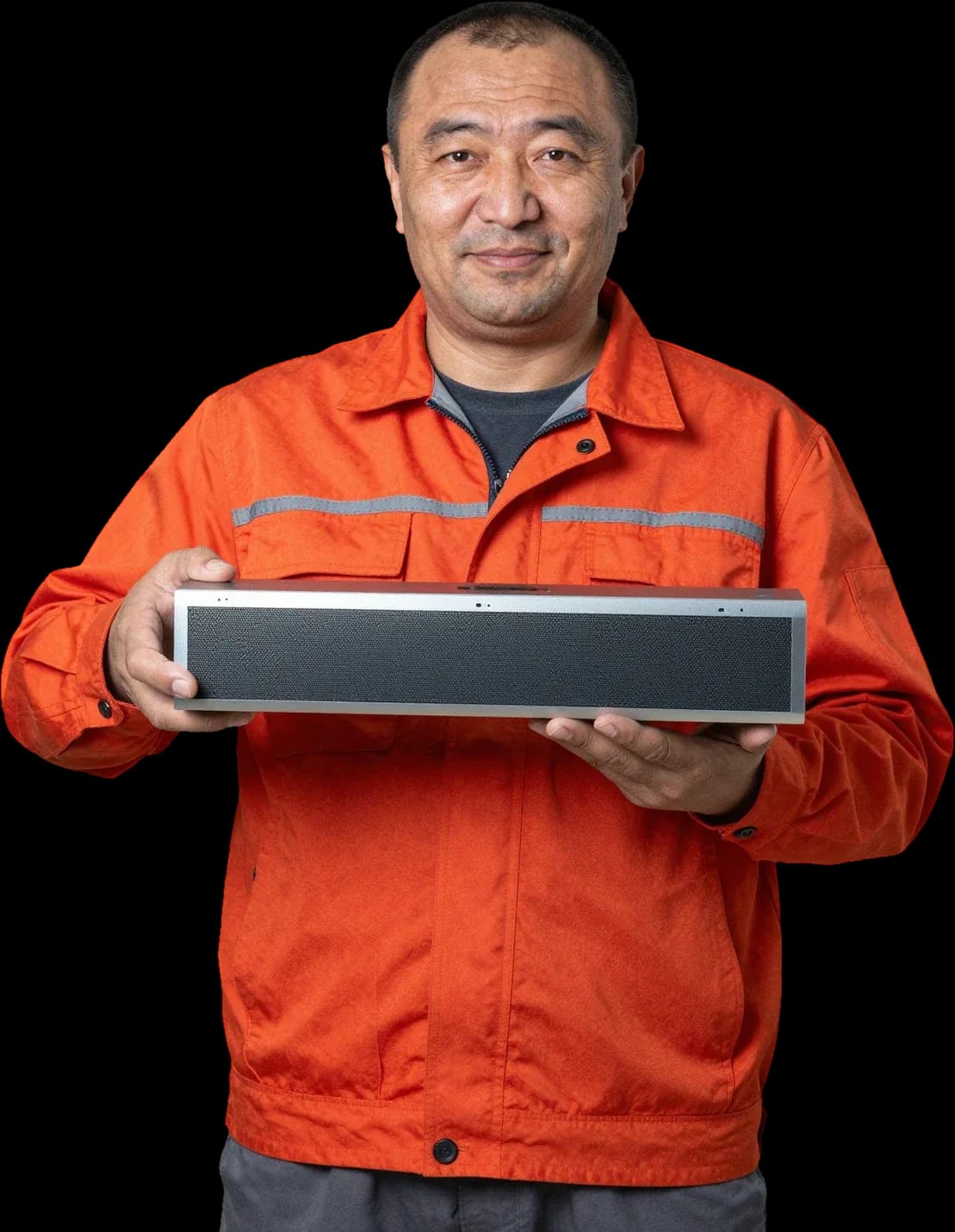
A technician arrives within 60 minutes anywhere in the city. Free diagnostics, 1-year warranty on labor and parts.
Our own technicians4 to 20 years of experience




Repair prices
Below are typical symptoms and likely causes. A symptom can point to several causes, so a technician's check is needed.
Power, capacitor, fuse
from6 000 ₸
Amplifier, speaker, cable
from6 500 ₸
Speaker, amplifier, interference
from6 500 ₸
Module, antenna, firmware
from12 000 ₸
IR receiver, batteries, remote
from6 000 ₸
Overheating, power supply, board
from9 500 ₸
Port, cable, settings
from3 000 ₸
Control board, ribbon cable
from8 000 ₸
1–2 daystime
from 12 000 ₸cost
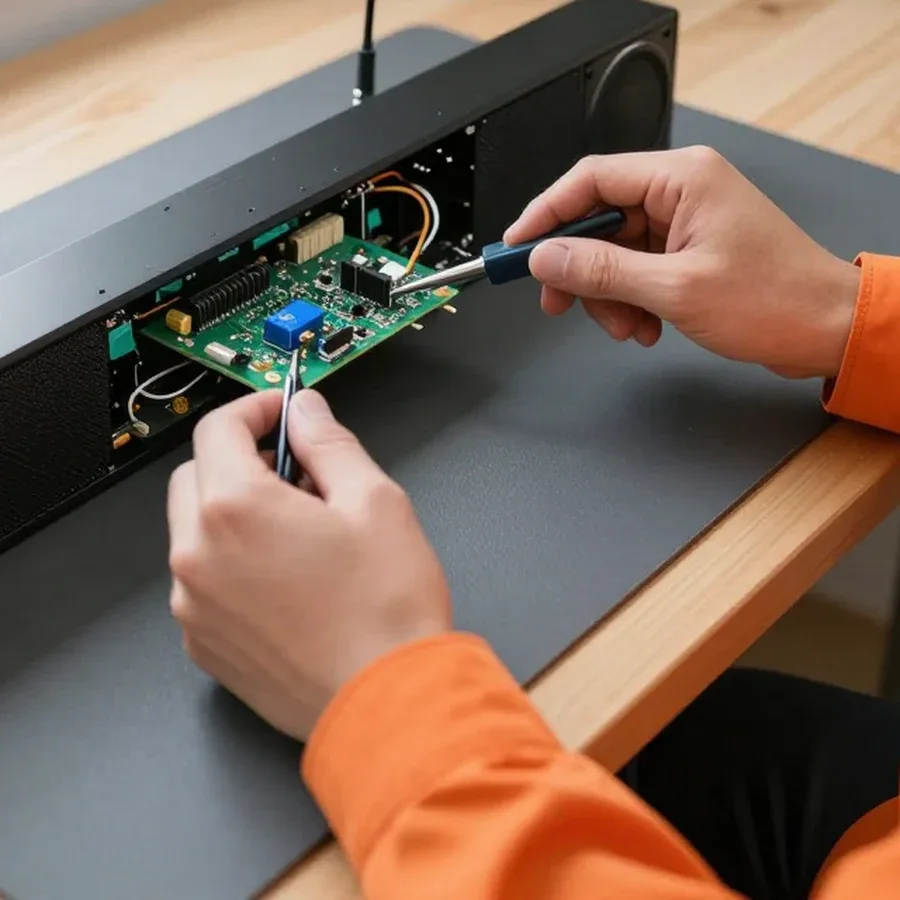 BeforeAfter

Five steps from request to sound check.
Leave a request — the technician will arrange a convenient time and address.
A technician arrives within 60 minutes anywhere in the city.
Tell the technician the model, symptoms, and access to a power outlet.
The technician explains the scope of work, and repair starts after your approval.
Ask what was replaced and what to check at home.
The digital device repair department in Almaty has 7 technicians with 7 to 18 years of experience.

The department has 7 specializations — they are listed on the technicians' cards.
experience10 yearsSenior TV repair technician
 experience10 years
TV board repair technician
 experience10 years
Electromechanical technician
 experience13 years
Audio and DVD repair technician
 experience18 years
Smartphone repair technician
 experience8 years
Screen and battery replacement technician
 experience7 years
Game console repair technician
We reply during working hours
Leave a request to arrange a convenient visit time. Describe in advance how the issue shows up and with which connections it occurs.

Warranty question? Call us
+7 (778) 021 13 16Tech Service repairs Hisense soundbars in Almaty: our technician arrives at your home within 60 minutes anywhere in the city, or the device is repaired at our service center. Diagnostics are free, the technician quotes the price after diagnostics, and we provide a 1-year warranty on labor and parts. Our technicians have 4 to 20 years of experience.
Hisense soundbar owners most often face four scenarios: the device won't turn on, the sound disappears, it turns off by itself, or it crackles. Let's look at what causes each symptom and which components the technician checks.
Most often, a power surge or a thunderstorm burns out the power supply, and less often the control board; we start diagnostics with the power circuit. The soundbar's switching power supply takes the entire voltage spike from the mains, and the input fuse, varistor, and primary circuit capacitors are the first to fail. If the surge passes further, the damage affects the power switches and the PWM controller, while the control board may remain intact. Such cases after a thunderstorm happen regularly. We check the output voltages of the power supply under load, test the diode bridge, and see if the power transistor has shorted. If the soundbar shows no signs of life, you shouldn't plug it in repeatedly — reapplying power to a damaged power supply increases the damage area. If you need Hisense soundbar repair in Almaty, the technician will perform free diagnostics and determine which component has failed.
A lit indicator means the power is fine, and the lack of sound is due to the power amplifier, speakers, or source settings — we check the entire signal path. First, the technician makes sure that a signal is actually reaching the input: the soundbar may be working, but the TV is sending sound to its built-in speakers. Then the power amplifier is checked — it drives the speakers, and if the output stage fails, the sound disappears completely even though the indicator lights up normally. We also inspect the speakers themselves: a broken voice coil or a detached cone causes silence on one channel. Before taking the soundbar to the service center, it's worth switching the source to another input (optical instead of HDMI) — this way the technician can tell over the phone whether the problem is localized in a specific path.
Spontaneous shutdowns and crackling at high volume usually indicate amplifier overheating, worn speakers, or a control board failure — we assess the condition of the speakers and amplifier separately. Overheating occurs when the heatsink is clogged with dust or the thermal paste between the chip and heatsink has dried out: protection kicks in and cuts power at volume peaks. Crackling more often comes from a speaker with a torn surround or from an overloaded amplifier channel that clips at high volume. The control board fails differently — the soundbar turns off without load and at various intervals. Clicks when switching sources are not always a malfunction: some models switch inputs this way, and the technician distinguishes normal behavior from a relay failure. So when a customer complains about unusual sounds, we first ask them to recall when they occur, and only then open the case.
"Won't connect" and "no sound" are different scenarios. We'll show you how to tell a speaker malfunction from a cable, TV, or setting issue, and which components the specialist checks.
When connecting via HDMI ARC, there may be no sound due to the port on the speaker, the cable, or the TV's audio output setting — we check the connector and cable one by one. First, we check whether the TV menu has external speakers selected instead of the built-in ones. Then we inspect the jack on the case: a loose port after a sharp pull on the cable gives the same symptom as a software glitch. On Hisense models with two inputs, the specialist moves the cable to the second connector — this way, in a couple of minutes, it's clear whether the specific connector is alive. A cheap cable without ARC support looks no different from a working one, so we first replace it with a known-good one, and only then draw a conclusion about the jack.
If the speaker isn't visible over Bluetooth from one phone, that doesn't mean it's broken — we test the wireless module separately from the smartphone using a second device. A unit with outdated firmware or power saving enabled often just doesn't find the speaker in the list of available devices. The technician tries pairing with another phone and with a tablet: if at least one device sees the speaker, the receiver is fine and the issue is with the first phone. At the same time, we check whether the soundbar is already occupied by another active connection — with two paired sources, sound goes to the one that connected first. Pairing failures are often caused by a full list of paired devices in the speaker's memory, and clearing the list solves the problem without repair.
The wireless subwoofer loses connection to the main unit due to a pairing or radio module failure — we check the pair and restore the module if needed. The indicator on the subwoofer body shows the stage: steady light means connected, blinking means searching for a pair, no reaction at all means power or radio receiver issue. The technician starts re-pairing according to the manufacturer's instructions and listens for bass in a test track. If there's no connection at any distance, we check the receiver inside the subwoofer and its power, as well as the integrity of the connector on the back panel of the main unit. Before taking the subwoofer to service, try moving it closer to the main unit: metal objects, a router, and a microwave near the receiver can produce the same "won't connect" picture, and after moving it the connection often restores itself.
The Hisense soundbar indicators are the first source of clues about a malfunction. Let's go over typical indicator states, the reset procedure, and how to tell a remote control fault from the soundbar itself.
| Indicator state | Likely cause | What the technician checks |
|---|---|---|
| Blinks when turned on | control board or power failure | power circuit and board |
| Lights up but no sound | amplifier, speakers, input setting | signal path |
| Blinks during pairing | Bluetooth module or pairing memory | communication module |
| Turns off after a minute | overheating or power supply protection | power and cooling |
If the soundbar doesn't respond to the remote, the cause may be the remote itself, the IR receiver, or the control board — we test the remote separately from the soundbar. First we rule out batteries and dirty contacts, then point the remote at the IR receiver from a different angle: the receiver on the front panel may be blocked by an object or working through tinted cabinet glass. On models with a Bluetooth remote, connection is checked by re-pairing, not just via infrared. The remote often turns out to be the culprit, and then no board repair is needed at all. A smartphone camera can see the remote's IR emission: if there's no flash on the phone screen when you press a button, the problem is in the remote, not the soundbar. This test takes a minute and immediately rules out unnecessary theories: if the remote is confirmed faulty, it's enough to replace it or restore the contacts, while a working remote with no response points to the receiver or control board, which already requires soundbar diagnostics.
The process follows a clear order: request, free diagnostics, approval, repair, and warranty. Here's what each stage involves and how it benefits the owner.
Diagnostics are free: the technician finds the cause and agrees on the work before any repair starts, and gives you the price after the check. During the visit, they check the power supply, control board, HDMI inputs, and wireless module of the Hisense soundbar so they don't replace parts at random. Approval happens before the case is opened: you hear the cause and scope of work, and only then give the go-ahead. If a different fault turns up after opening—say, a swollen capacitor instead of a burnt tuner—the technician goes back to approval rather than fixing it silently. In my view, this stage saves the owner the most stress: the bill doesn't grow as work goes on, and you see upfront what you're paying for. The technician arrives within 60 minutes in the city, so the check doesn't stretch over several visits.
We provide a 1-year warranty on labor and parts—this covers both on-site service and work at the service center. The only condition: the fault must be related to what we replaced or soldered, not to new damage after a drop or power surge. Store warranty and service warranty don't conflict: if the soundbar is still under the seller's warranty, our service doesn't void it, but it doesn't replace it either—they are different obligations. In our experience, a year covers almost all repeat calls for the same part: control boards and power supplies rarely fail again if the cause was fixed rather than masked. Before contacting us, keep the technician's work description—it makes it easier to confirm that the breakdown falls under warranty.
The timeline depends on the fault and the required part, so the technician gives it after diagnostics, not in advance over the phone. At home, we usually handle connections, input setup, and replacement of accessible modules; a Hisense soundbar control board with component-level repair is more often taken to the service center. The control board isn't always replaced entirely: some faults are fixed at the component level, and this affects the timeline and scope of work—the technician explains both options after diagnostics. If a rare microchip or wireless module is needed, the timeline depends on its availability, not on the technician's workload. In our practice, non-standard parts take the longest to wait for, while typical power and sound repairs are completed faster. Ask the technician which option they recommend—replacing the unit or component-level repair—and plan your time without the device accordingly.
Some faults are fixed at home, others require the service center. Let's look at which jobs are done on-site, how to choose a direct contractor, and why this matters for a Hisense soundbar.
| Type of work | Where it's done | What we check |
|---|---|---|
| Connection and setup issues | at home | HDMI ARC, Bluetooth, subwoofer pairing |
| Remote replacement, source setup | at home | remote, IR receiver, inputs |
| Control board repair | at the service center | power circuit, board components |
| Power supply and amplifier repair | at the service center | power, power amplifier |
Tech Service is the direct provider: our own technician comes to you, not a middleman who passes the device to a third party. Our employee performs the free diagnostics, quotes the price, and stands behind the result — a 1-year warranty on labor and parts is issued by the person who actually handled the device. Our technicians have 4 to 20 years of hands-on experience with audio equipment, including Hisense models with their specific digital inputs and wireless subwoofer. You know in advance who will arrive and where the device will be serviced, instead of guessing whose hands it will end up in after the call. With a middleman, the warranty is not given by the one who does the work, and if the problem recurs, responsibility is blurred between the aggregator and the contractor — with a direct provider, it's clear.
A technician arrives within 60 minutes anywhere in the city, and you can pay in any convenient way — we accept Kaspi QR, Kaspi Red, card, cash or bank transfer. We cover all districts of Almaty, from the center to remote residential areas, so you don't have to take the soundbar to a workshop yourself or find transport for the bulky unit. The technician quotes the price after free diagnostics, once the cause is clear — so you don't pay for guesses. Fast arrival matters not just for convenience: the sooner the technician sees the soundbar, the lower the chance that repeated power-ons will worsen the power supply failure. And if on-site inspection shows that disassembly is needed, the device goes to the service center — and comes back with a verified power circuit.
Soundbar repair comes down to three steps: find the real cause, separate a settings glitch from a hardware failure, and trust the work to a direct provider with a warranty.
Tech Service technicians repair other appliances too — with the same 1-year warranty on labour and parts.
 Refrigerator Repair in Almatyfrom 3 000 ₸
 Washing Machine Repair in Almatyfrom 3 000 ₸
 Dishwasher Repair in Almatyfrom 3 500 ₸
 Oven Repair in Almatyfrom 3 000 ₸
 Cooktop Repair in Almatyfrom 3 500 ₸
 Air Conditioner Repair in Almatyfrom 3 500 ₸
 Boiler and Water Heater Repair in Almatyfrom 2 500 ₸
 Freezer Repair in Almatyfrom 6 000 ₸
 Tumble Dryer Repair in Almatyfrom 5 000 ₸
 Coffee Machine Repair in Almatyfrom 2 500 ₸
 Robot Vacuum Cleaner Repair in Almatyfrom 3 500 ₸
 Vacuum Cleaner Repair in Almatyfrom 1 500 ₸
 Microwave Oven Repair in Almatyfrom 2 000 ₸
 Hair Dryer Repair in Almatyfrom 1 500 ₸
 Iron Repair in Almatyfrom 3 000 ₸
 Electric Kettle Repair in Almatyfrom 2 500 ₸
 Mixer Repair in Almatyfrom 2 500 ₸
 Multicooker Repair in Almatyfrom 500 ₸

If your laptop screen is broken, turn the device off first, don't press on the display, and check the picture through an external monitor.
12 March 2026 · 11 minutes read
If your phone won't charge, start by checking the adapter, cable, and port, then the charging settings.
16 February 2026 · 12 minutes read
If your laptop freezes, the first thing to do is restart it and check Task Manager to see what's loading the CPU and memory.
25 January 2026 · 12 minutes read
If your phone falls in water, take it out right away, turn it off, and don't charge it.
19 January 2026 · 12 minutes read
If your phone camera isn't working, first check app permissions, clear the cache, and restart your phone — this fixes some software glitches.
24 December 2025 · 13 minutes read
If your laptop won't boot, first determine which of two states you're in: the device doesn't respond to the power button at all…
13 December 2025 · 12 minutes read