 experience7 years
Bakdaulet E.
Game console repair technician
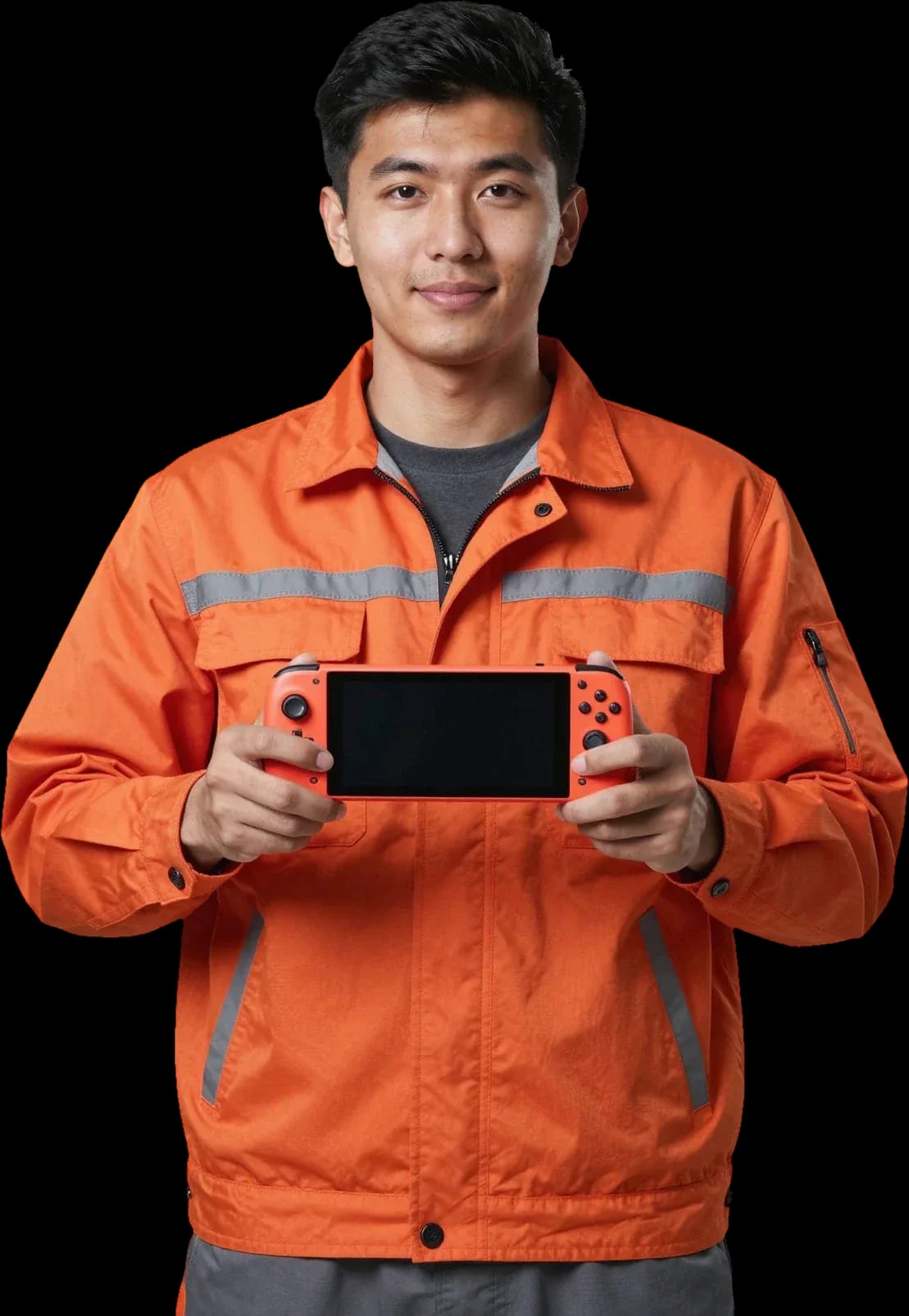
A technician arrives within 60 minutes anywhere in the city. Diagnostics are free.
Our own technicians4 to 20 years of experience




Repair prices
Below are typical symptoms and likely causes. The technician identifies the exact cause after free diagnostics.
discharged battery, charging port, board failure
from8 000 ₸
USB-C port, cable, adapter, battery
from9 000 ₸
rails, Bluetooth, controller battery
from6 500 ₸
dust in the fan, thermal paste, cooler
from9 000 ₸
impact, drop, pressure in the case
from2 500 ₸
worn battery, background load, board
from8 000 ₸
potentiometer, contamination, axis misalignment
from5 000 ₸
dirty slot, contacts, cartridge
from2 500 ₸
1–2 hourstime
from 8 000 ₸cost
 BeforeAfter

Five steps from request to checking the work.
Describe the symptom and console model — the technician will confirm the address and time.
The technician arrives anywhere in the city within 60 minutes after the request.
The technician and client discuss which parts to replace, which can wait, and how the chosen option is documented.
You approve the scope of work and price, and the technician performs the repair.
After reassembly, the technician demonstrates charging, Joy-Con connection, and cartridge reading.
The digital device repair department in Almaty has 7 technicians with 7 to 18 years of experience.

The department has 7 specializations — they are listed on the technicians' cards.
experience7 yearsGame console repair technician
 experience10 years
Senior TV repair technician
 experience10 years
TV board repair technician
 experience10 years
Electromechanical technician
 experience13 years
Audio and DVD repair technician
We reply during working hours
Choose a convenient time and visit address — the technician will confirm the details and come. Ask about payment, timing, and device acceptance terms.

Warranty question? Call us
+7 (778) 746 01 65
Author: Bakdaulet E.,Game console repair technician
Published
Updated
Tech Service repairs Nintendo Switch, OLED, Lite, V1 and V2, as well as Joy-Con separately from the console. A technician arrives at your home within 60 minutes anywhere in the city or accepts the console at the service center. Diagnostics are free, there's a 1-year warranty on labor and parts, and the technician quotes the price after diagnostics.
Nintendo releases several Switch revisions, and each requires its own approach. Here's what models we take in and how console service differs from controller restoration.
We service all current Switch revisions — the base model, OLED, Lite, as well as V1 and V2 — and for each we account for its specific body and cooling design. Nintendo repair in Almaty covers all these versions, so the technician chooses the method for the specific revision. The OLED version has a different display module arrangement, while the Lite lacks dock mode and detachable controllers, so diagnostics focus on the built-in controls and charging port. A Tech Service technician starts by identifying the revision, then checks power, charging circuits, and the condition of the flex cables. V1 and V2 look almost identical, but they have different power boards, so the technician first identifies the revision by serial number and only then selects the repair method. In my opinion, mixing up V1 and V2 when ordering parts is the most common reason for a repeat visit.
Most Nintendo inquiries involve a few recurring symptoms. We've put them in a table — it's easier to understand which symptom you're dealing with.
| Symptom | Common cause | Check area |
|---|---|---|
| Won't turn on, black screen | Battery, M92T36 power controller | Power and charging circuit |
| Not charging | USB-C port, battery | Port contacts and battery |
| Overheating and fan noise | Dust, dried thermal paste | Cooling system |
| Doesn't recognize dock | P13USB controller, port | USB circuit and dock |
| Joy-Con stick drift | Potentiometer wear | Stick and controller flex cable |
| Joy-Con won't connect | Bluetooth module, flex cable | Controller-to-console connection |
If your Switch gets hot and the fan is loud even in the menu, the usual culprits are dust in the heatsink and dried-out thermal paste, not a faulty board. In our experience, overheating almost always comes with a clogged cooling heatsink: dust packs between the fins, airflow drops, and the console keeps high fan speeds constantly. Over the years, thermal paste loses its properties and stops transferring heat from the processor to the heatsink—hence the case heating up and the fan whining under load in games. Nintendo repair in Almaty starts with checking the cooling system when the console gets hot and noisy. We disassemble the console, clean the cooling system, and replace the thermal paste, then check the temperature under load. Cleaning and replacing thermal paste restore normal temperature conditions, but if the console has been running overheated for a long time, it's worth checking the battery condition—it degrades faster at high temperatures.
After liquid gets into the Switch, it's important not to turn the console on and to get it to a technician as soon as possible—the less time that passes, the higher the chance of avoiding a board replacement. Liquid seeps under the shielding covers and settles on board contacts, connectors, and the battery; trying to turn the console on applies voltage to shorted areas and finishes off what could still have been saved. We disassemble the console, remove the board, clean the contacts from liquid traces, and assess which circuits are damaged. Even if the console turns on after drying, oxidation may remain on the contacts and show up weeks later, so preventive cleaning of the board after liquid is not an unnecessary step. Oxidation gradually eats away traces and solder joints, and then a new fault adds to the original one—already on the board. The sooner the board reaches the technician's bench, the better the chance of preserving working circuits and getting by with cleaning without replacing components.
Drift is the most common reason for contacting us about Nintendo controllers. We explain why it occurs, how replacement options differ, and what to do if the gamepad stops connecting to the console.
| Parameter | Alps stick | Hall sensor |
|---|---|---|
| Operating principle | Mechanical potentiometer | Magnetic, contactless |
| Susceptibility to drift | Wears out over time | Does not drift |
| Lifespan | Limited | Long |
| Best for | Occasional gaming | Active gaming |
If the gamepad won't connect over Bluetooth, the issue is usually in the ribbon cable, antenna, or wireless module inside the controller, not in the console itself. The ribbon cable connects the buttons and stick to the board, and it can crack when dropped—then the controller is detected only intermittently. The antenna handles the wireless signal, and if it detaches from the board, you get the same symptoms: the console loses the gamepad at a distance. It's easy to check—connect a second Joy-Con: if it works, the problem is isolated to that specific controller, and you can bring it in separately from the console. If your own diagnostics don't help, the Nintendo service center can pinpoint the fault. We replace modules with Hall effect sensors and install original Alps, and both options come with a 1-year warranty on labor and parts. A Tech Service technician will identify what failed during free diagnostics and give you the cost.
An error message on the Switch screen is a hint, not a verdict. Let's break down which signals are most common and when they point to a software versus a hardware cause.
Some messages go away after a firmware restore without replacing parts, and during diagnostics we check the software version first, then open the case. A system glitch gives the same signals as a board fault, so a Tech Service technician matches the code with the console's behavior and test results. If the device was dropped or had liquid damage, a software cause is rarely the only one—the message may mask hardware damage, and then the check is comprehensive, including power and memory testing. If you're unsure which case your error falls under, the Nintendo service center will confirm the cause during free diagnostics. We approve work only after free diagnostics, when the cause is confirmed rather than assumed from a single message on the screen. We provide a 1-year warranty on firmware restoration and parts replacement.
Our workflow is the same for any breakdown—from the initial check to the warranty. Here's a step-by-step look at how console service works and when the price is quoted.
The price is quoted after a free diagnostic, once it's clear which part or service is needed — quoting a sum before that would be unfair to the customer. First we determine whether the port, power controller, or battery is at fault: outwardly similar symptoms are treated differently, and the price for these services varies. Then you get a clear explanation — which part we replace, which we clean, and which we leave as is. If we find an additional issue during service, we discuss it separately and don't start work without your approval. In my opinion, it's more honest to show the full picture right away than to name a figure at random and then change it. This approach saves both your time and your nerves.
We provide a 1-year warranty on labor and parts — if the same issue recurs within this period, we'll handle it under warranty. This covers replaced Joy-Con sticks, restored ports, and power circuit work. The warranty applies specifically to the work performed and the part installed, so when contacting us, it's important to describe when and what was done — that makes it easier to know where to start checking. If the symptom returns, don't try to disassemble the console yourself: fresh signs of opening complicate the case review. Call or message us, briefly describe the console's behavior — and we'll advise you on what to do next. The more accurately you describe the symptom and the circumstances of its appearance, the faster the technician will understand which component to check first.
Not every repair is equally convenient to do at home. We explain when a technician visit is enough and when it's better to bring the console to the service center.
At home, we perform diagnostics, dust cleaning with thermal paste replacement, Joy-Con stick installation, and simple tasks that don't require soldering under a microscope. A technician arrives within 60 minutes anywhere in the city. Most often, a visit solves two tasks: cleaning the cooling system when overheating and installing new sticks to replace drifting ones. On-site diagnostics are free, so you only pay for the work itself if needed. A visit is convenient when you need to quickly understand the cause: the technician arrives within 60 minutes anywhere in the city, and you immediately find out whether repair is needed at all or if the issue is with the power supply. If the inspection shows that soldering is unavoidable, the specialist will explain this on the spot and suggest bringing the console to the workshop.
Soldering USB-C ports, replacing power controllers, and liquid damage recovery require a workshop, so these tasks are performed at the service center. The Type-C port in the Switch is soldered to the board, and when the socket becomes loose, the contacts separate from the traces — desoldering and installing a new one can only be done in a workshop. Power controllers M92T36 and P13USB are replaced in the workshop: without this, the console won't hold a charge or won't come out of a black screen. A liquid-damaged board is a separate story: it's cleaned of liquid traces and dried, otherwise corrosion will continue to eat away the traces under the chips. If it's clear during a home visit that soldering is needed, we'll tell you honestly right away — you won't waste time trying to solve the problem on the spot.
Nintendo repairs come down to a few recurring scenarios—from stick drift to liquid damage. Below is a quick look at what factors determine the outcome and what to pay attention to when choosing a technician.
Tech Service technicians repair other appliances too — with the same 1-year warranty on labour and parts.
 Refrigerator Repair in Almatyfrom 3 000 ₸
 Washing Machine Repair in Almatyfrom 3 000 ₸
 Dishwasher Repair in Almatyfrom 3 500 ₸
 Oven Repair in Almatyfrom 3 000 ₸
 Cooktop Repair in Almatyfrom 3 500 ₸
 Air Conditioner Repair in Almatyfrom 3 500 ₸
 Boiler and Water Heater Repair in Almatyfrom 2 500 ₸
 Freezer Repair in Almatyfrom 6 000 ₸
 Tumble Dryer Repair in Almatyfrom 5 000 ₸
 Coffee Machine Repair in Almatyfrom 2 500 ₸
 Robot Vacuum Cleaner Repair in Almatyfrom 3 500 ₸
 Vacuum Cleaner Repair in Almatyfrom 1 500 ₸
 Microwave Oven Repair in Almatyfrom 2 000 ₸
 Hair Dryer Repair in Almatyfrom 1 500 ₸
 Iron Repair in Almatyfrom 3 000 ₸
 Electric Kettle Repair in Almatyfrom 2 500 ₸
 Mixer Repair in Almatyfrom 2 500 ₸
 Multicooker Repair in Almatyfrom 500 ₸

If your laptop screen is broken, turn the device off first, don't press on the display, and check the picture through an external monitor.
12 March 2026 · 11 minutes read
If your phone won't charge, start by checking the adapter, cable, and port, then the charging settings.
16 February 2026 · 12 minutes read
If your laptop freezes, the first thing to do is restart it and check Task Manager to see what's loading the CPU and memory.
25 January 2026 · 12 minutes read
If your phone falls in water, take it out right away, turn it off, and don't charge it.
19 January 2026 · 12 minutes read
If your phone camera isn't working, first check app permissions, clear the cache, and restart your phone — this fixes some software glitches.
24 December 2025 · 13 minutes read
If your laptop won't boot, first determine which of two states you're in: the device doesn't respond to the power button at all…
13 December 2025 · 12 minutes read








