 experience10 years
Maksim S.
Graphics card repair technician
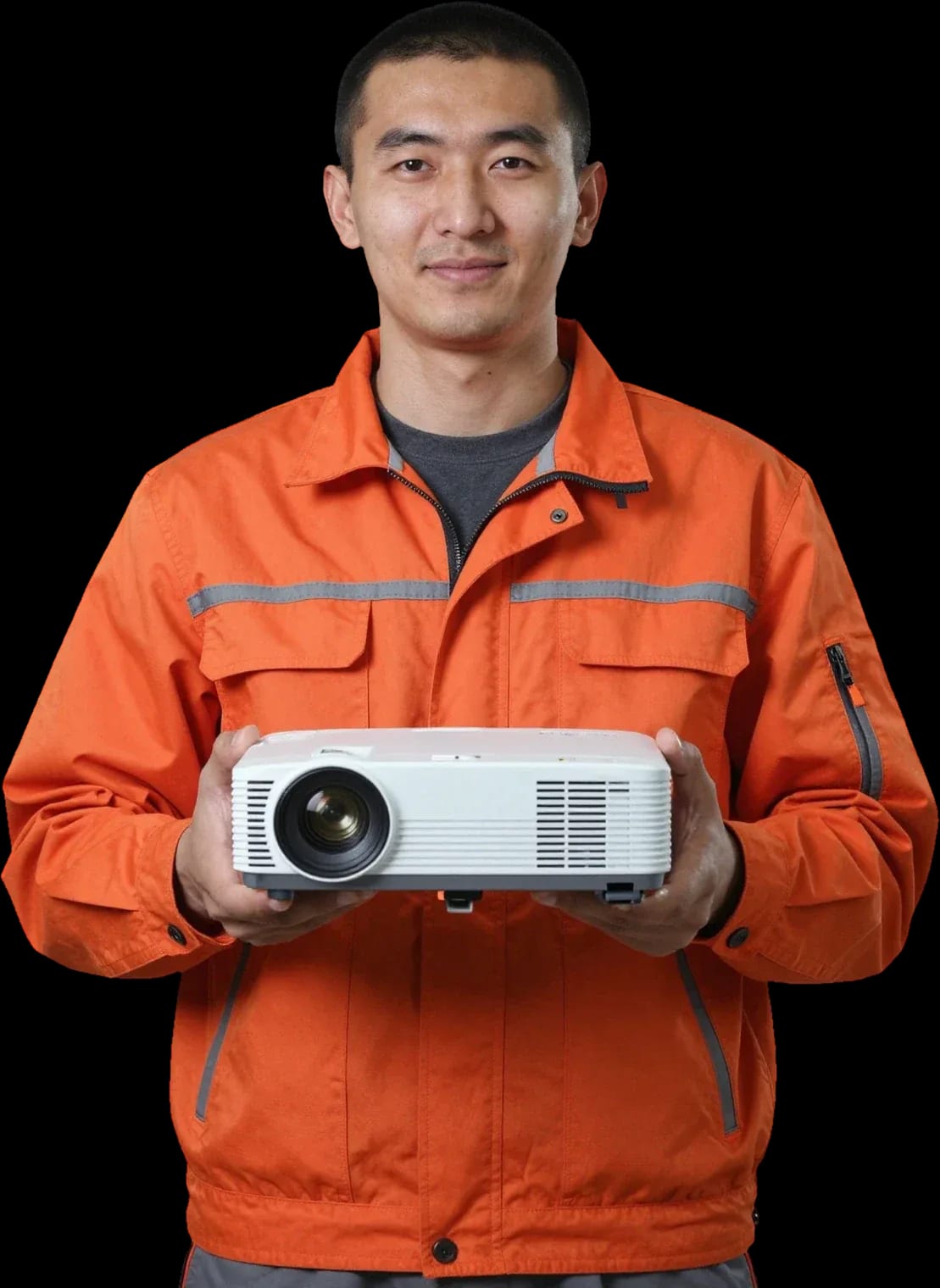
Technician arrives within 60 minutes anywhere in the city. Free diagnostics, 1-year warranty on labor and parts.
Our own technicians4 to 20 years of experience




Repair prices
Below are the symptoms customers most often report and their likely causes. The technician will determine the exact cause during free diagnostics.
Blown fuse or power supply failure
from7 500 ₸
Overheating protection triggers
from6 500 ₸
Board failure or cable damage
from9 500 ₸
Worn fan bearing
from5 500 ₸
Faulty signal receiver
from9 500 ₸
Lamp life exhausted or lamp won't ignite
from7 500 ₸
Lamp failure or case overheating
from7 500 ₸
Dust on the matrix or DMD chip defect
from12 000 ₸
1 daytime
from 5 500 ₸cost
 BeforeAfter

From request to check — five steps with free diagnostics.
Leave a request by phone or messenger and describe the symptom.
The dispatcher agrees on a convenient time and address with you, then the technician heads out.
The technician inspects the projector on site and agrees on next steps with you.
You approve the scope of work and parts cost, and the technician starts.
The technician demonstrates the projector working and explains what changed after the repair.
The computer and laptop repair department in Almaty has 7 technicians with 6 to 15 years of experience.

The department has 7 specializations — they are listed on the technicians' cards.
experience10 yearsGraphics card repair technician
 experience6 years
PC and laptop diagnostics technician
 experience8 years
Laptop repair engineer
 experience10 years
Software installation specialist
 experience7 years
PC and laptop repair technician
 experience13 years
Diagnostics and virus removal specialist
 experience15 years
Consultant
We reply during working hours
Describe the symptom — the technician will give a preliminary cause and agree on a convenient time. Diagnostics are free, 1-year warranty on labor and parts.

Warranty question? Call us
+7 (778) 021 13 16Tech Service repairs Epson projectors in Almaty as a direct contractor: our technician arrives at your home within 60 minutes or takes the projector for repair at the service center. Diagnostics are free, the technician provides the cost after diagnostics, and there is a 1-year warranty on labor and parts.
A projector that won't start or is blinking an indicator light isn't necessarily dead. Let's break down what Epson's signals mean and where a proper diagnosis begins.
| Signal | Likely cause | What we check |
|---|---|---|
| Red blinking, image goes out | Overheating or clogged optics | Filter, fan, air duct |
| Red steady on | Lamp life exhausted | Module, connector contacts |
| Orange blinking | Ballast not igniting the arc | Ballast, filament integrity |
| Green blinking, no start | Software or control board failure | Power, then reflashing |
| Indicator silent | No power at the unit | Cable, switch, power supply |
We come to your home within 60 minutes anywhere in the city and on the spot tell a software glitch from a hardware failure — diagnostics are free. If the projector hangs on the logo or doesn't respond to the remote, reflashing often helps. But we only do it after checking the power and the light element, so we don't mask a real fault. Sometimes a complaint of "won't turn on" ends with a firmware reset rather than replacing parts. Epson projector repair in Almaty starts with free diagnostics: the technician tests the power module, checks the light source, and only then quotes the cost of work. This approach saves the owner time — you don't pay for disassembly if the problem is solved by a software update. If the unit still won't start after reflashing, the technician continues checking along the power chain and doesn't go back to causes already ruled out.
The projector shuts off after five minutes, hums louder than usual, or shows spots on the image — let's look at what's behind these symptoms and how they're fixed.
Overheating and auto-shutdown on Epson projectors almost always come down to a clogged filter, dust in the cooling system, or a worn-out fan. The filter catches most of the dust, but fine particles get through and settle on the heatsink, fan blades, and air duct fins. When the gaps between the fins clog up, airflow drops, the temperature of the lamp and matrix rises, and the protection shuts the unit down after a few minutes of operation. A worn fan adds a second cause: the bearing hums, RPM drops, and cooling can't keep up even with a clean heatsink. The third cause is dried-out thermal paste between the matrix and heatsink: heat transfer drops, and the sensor detects overheating before the case even gets warm. Cleaning only the filter gives a temporary effect — if dust is already inside the air ducts, the projector will shut down again in a few weeks, so the cooling system is checked as a whole, not just the filter.
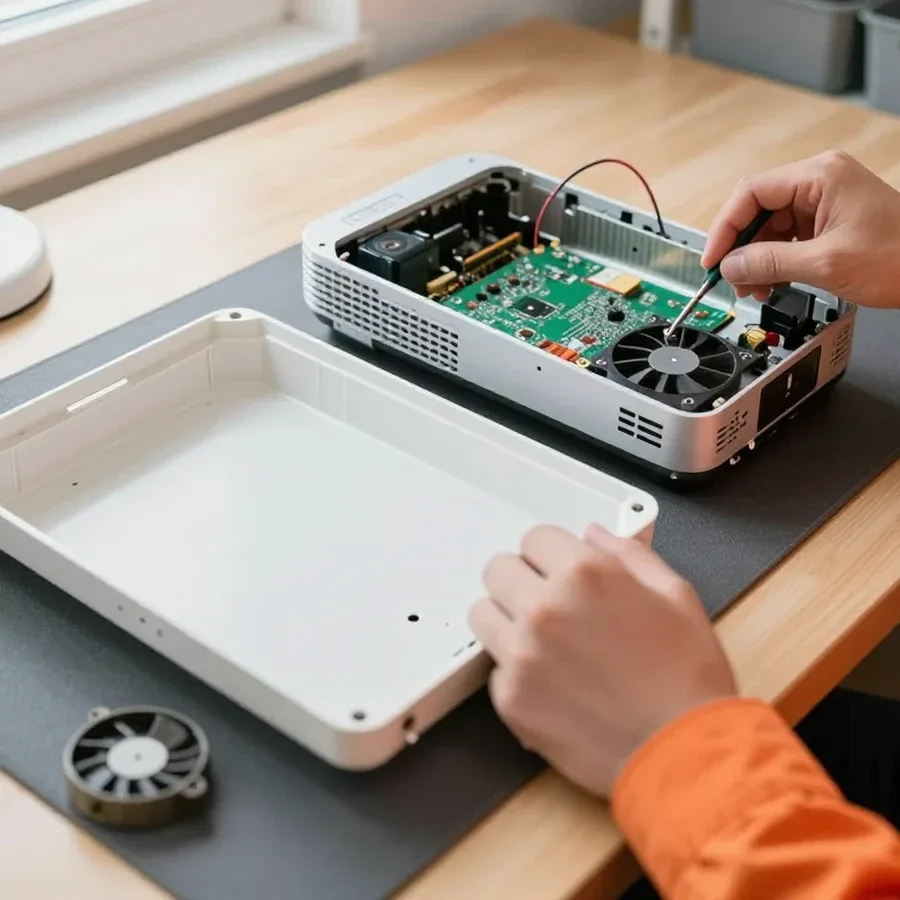
We clean the optical system and cooling path with the case disassembled, not by blowing air from the outside. From the outside, dust is only blown off the grille, while the bulk of it sits on the heatsink, fan blades, and internal mirrors — you can only reach those after removing the cover. We treat the optics with a soft cloth and no abrasives to avoid leaving micro-scratches on the anti-reflective coating, and we blow out the air ducts separately from the electronics: the airflow must not drive dust onto the board. Noise after cleaning doesn't always go away completely: if the fan has reached the end of its life, it is replaced — otherwise the bearing will keep humming and lead to overheating again. We provide a 1-year warranty on labor and parts, and diagnostics before service are free.
Epson projectors have components that fail predictably. We break down the light source, the ballast, and the matrix — and show how servicing an LCD model differs from a DLP.
If the light source doesn't ignite but the indicator shows signs of life, the culprit could be either the consumable itself or the ballast that fires it. The lamp is a part with a limited lifespan: the electrodes burn out, brightness drops, and at the end of its life, ignition stops entirely. The ballast supplies high voltage at startup and stabilizes power during operation — when this unit is faulty, even a known-good lamp won't start. It's hard to tell one case from the other by external signs: both produce the same symptom of "won't turn on, indicator is lit." They are checked one by one — first the light source is installed on a known-good ballast, then the ignition unit itself is tested under load. Replacing a part "just in case" without such a check is risky: a faulty unit can destroy a new lamp within a few power cycles. That's why diagnostics start with measuring the ballast parameters, not with buying a consumable.
| Type | What forms the image | Typical replacement unit |
|---|---|---|
| LCD | LCD matrix | Matrix |
| DLP | Color wheel and DMD chip | Color wheel |
| LCD | Three panels and a prism | Panel and prism |
| DLP | One DMD chip | DMD chip |
On some Epson models, the lamp can be replaced through a separate compartment without taking the case apart, but we recommend leaving this to a technician to avoid damaging the mount or throwing off the alignment. The mount is held by screws and guides — careless removal can strip the threads or crack the socket, and a misaligned reflector causes uneven brightness across the screen. At Tech Service, a technician replaces the lamp, checks that it seats properly, and provides a 1-year warranty on labor and parts. Even if you replace it yourself, it's worth checking whether the ballast is involved: if the projector shuts down again after a new lamp, the problem isn't the consumable but the ignition unit. So if the device fails again right away, it's better to have a technician look at it — that way the replacement won't turn into a series of purchases, and the cause will be identified through free diagnostics.
We walk you through the device's journey from request to pickup: what free diagnostics includes, how the price is determined, and what the warranty covers after the work.
We quote the price after free diagnostics, once the cause is known, not just by guessing from symptoms. This approach eliminates the main risk of remote estimates: based on the description "the projector won't turn on," a burned-out lamp, a power supply in protection mode, and a stuck temperature sensor all look the same — but they are different components and different scopes of work. The specialist first disassembles the device, checks the power supply, lamp, ballast, cooling, and optics, and only then gives the amount and list of replacements. You can pay via Kaspi QR, Kaspi Red, bank card, cash, or bank transfer for companies. The timeframe depends on which component failed and is given along with the price based on the inspection results. This approach protects against surprises: if another fault is discovered during the process, it is agreed upon separately before continuing.
We provide a 1-year warranty on labor and parts — it covers both the replaced components and the technician's work. For the owner, this means that lamp, ballast, or power supply replacement remains the service center's responsibility for the entire term, not just the first weeks after pickup. A warranty only makes sense together with diagnostics: if the cause is incorrectly identified, it will show up on a repeat visit. That's why we replace exactly the component that failed, not everything in a row — this way the warranty case remains verifiable. Therefore, we always determine the cause before starting work, not just by external symptoms. Practical advice for the owner: keep the replacement documents and note the date of your request — this simplifies confirming a warranty case and speeds up resolution if the failure recurs within the year.
Not every breakdown can be fixed on-site. We explain when a technician comes to your home, when the projector is taken to the service center, and whether it's worth repairing an old model at all.
We come to your home within 60 minutes anywhere in the city: the technician runs diagnostics on site and determines what can be done without taking the unit to the service center. Diagnostics are free — the specialist checks the power, cables, connectors, and lamp operation right at your place so the device doesn't make a trip for nothing. Most often, home visits resolve issues with the HDMI cable, power cord, filter, and signal source settings — things that can be fixed without removing the case or the optical unit. If the problem lies in the electronics or requires stationary equipment, the technician will tell you on the spot and suggest taking the projector to the service center. A home visit saves time but doesn't replace service center repair: if you need a matrix replacement or deep cleaning of the optics, it's more convenient to take the projector to the service center.
Restoration makes sense if the failure is localized — lamp, ballast, filter, or connector — rather than a combination of a worn matrix and power supply. In devices with high mileage, the optics and electronics wear unevenly: one part leads to another, and the investment in repair doesn't pay off. A practical guideline is to compare the number of faulty components: one or two points of failure can be handled easily, while three or more suggest replacing the device. Before deciding, assess what exactly is failing: if the projector doesn't see a signal from the computer, it's often the HDMI connector, and that's cheaper and simpler than it seems. HDMI, VGA, and USB connectors are the most common cause of "no signal," and restoring them doesn't require replacing expensive components. If the optics and matrix are working, restoration of such a projector is discussed after diagnostics — the technician specifies the scope of work and cost.
Briefly about what determines the outcome of Epson projector restoration: accurate diagnostics rather than guessing from indicators, and a warranty on labor and parts.
Tech Service technicians repair other appliances too — with the same 1-year warranty on labour and parts.
 Refrigerator Repair in Almatyfrom 3 000 ₸
 Washing Machine Repair in Almatyfrom 3 000 ₸
 Dishwasher Repair in Almatyfrom 3 500 ₸
 Oven Repair in Almatyfrom 3 000 ₸
 Cooktop Repair in Almatyfrom 3 500 ₸
 Air Conditioner Repair in Almatyfrom 3 500 ₸
 Boiler and Water Heater Repair in Almatyfrom 2 500 ₸
 Freezer Repair in Almatyfrom 6 000 ₸
 Tumble Dryer Repair in Almatyfrom 5 000 ₸
 Coffee Machine Repair in Almatyfrom 2 500 ₸
 Robot Vacuum Cleaner Repair in Almatyfrom 3 500 ₸
 Vacuum Cleaner Repair in Almatyfrom 1 500 ₸
 Microwave Oven Repair in Almatyfrom 2 000 ₸
 Hair Dryer Repair in Almatyfrom 1 500 ₸
 Iron Repair in Almatyfrom 3 000 ₸
 Electric Kettle Repair in Almatyfrom 2 500 ₸
 Mixer Repair in Almatyfrom 2 500 ₸
 Multicooker Repair in Almatyfrom 500 ₸

If your laptop screen is broken, turn the device off first, don't press on the display, and check the picture through an external monitor.
12 March 2026 · 11 minutes read
If your laptop freezes, the first thing to do is restart it and check Task Manager to see what's loading the CPU and memory.
25 January 2026 · 12 minutes read
If your computer won't turn on, start simple: check the outlet, power cable, switch on the power supply, and the power button.
19 January 2026 · 13 minutes read
If your laptop won't boot, first determine which of two states you're in: the device doesn't respond to the power button at all…
13 December 2025 · 12 minutes read








