 experience10 years
Maksim S.
Graphics card repair technician
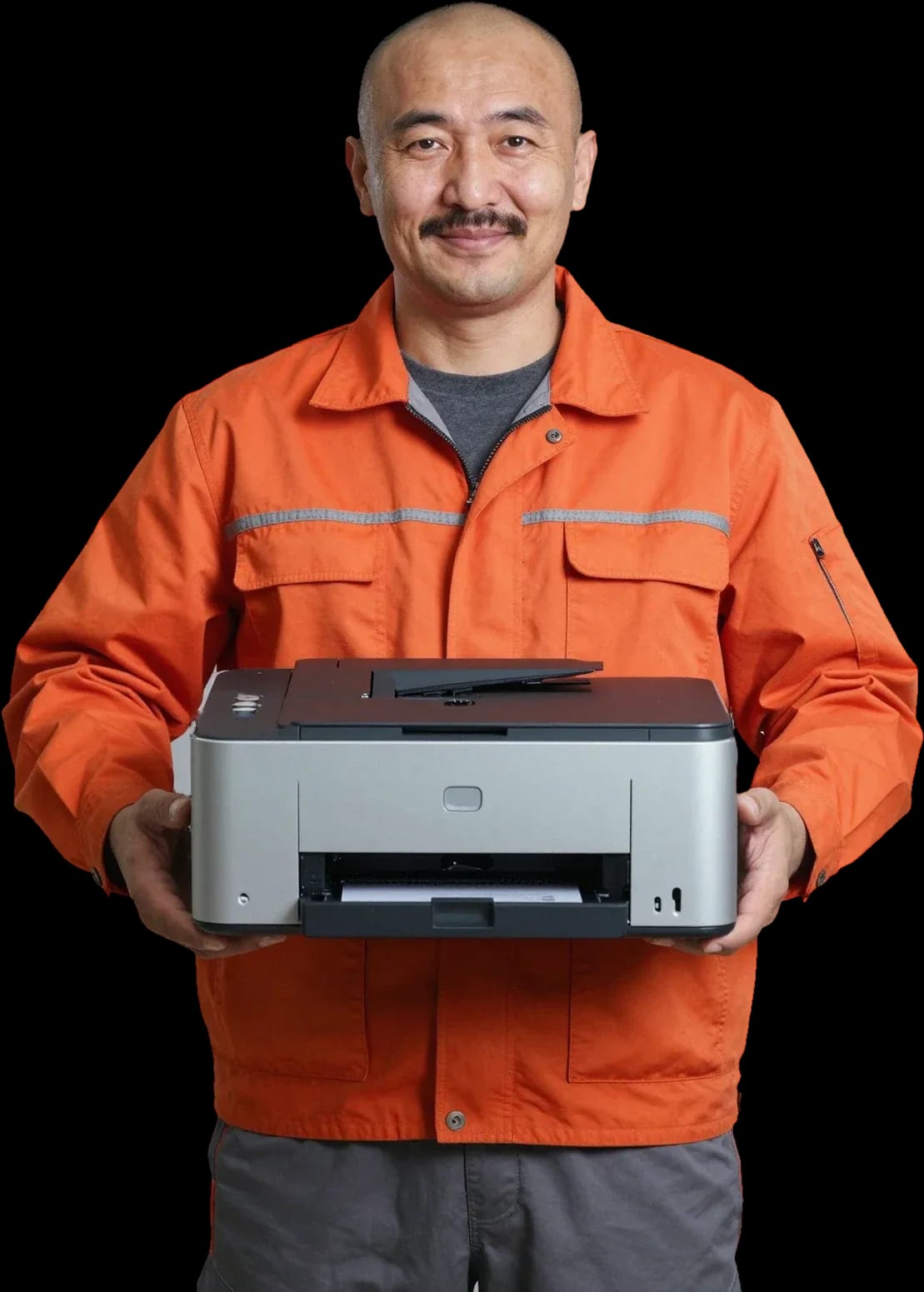
A technician arrives within 60 minutes anywhere in the city. Diagnostics are free.
Our own technicians4 to 20 years of experience




Repair prices
Below are eight common symptoms and their likely causes. The technician confirms the exact cause after a free diagnostic.
empty cartridge, clog, sensor
from4 500 ₸
cartridge, drum unit, clogged nozzle
from5 500 ₸
pickup roller, spring, sensor
from4 500 ₸
worn bearing, lack of lubrication
from6 000 ₸
toner, laser, contacts
from5 000 ₸
gearbox, bearing, fan
from5 000 ₸
fuser film, guides
from5 500 ₸
power supply, board, cord
from8 500 ₸
1–2 hourstime
from 3 500 ₸cost
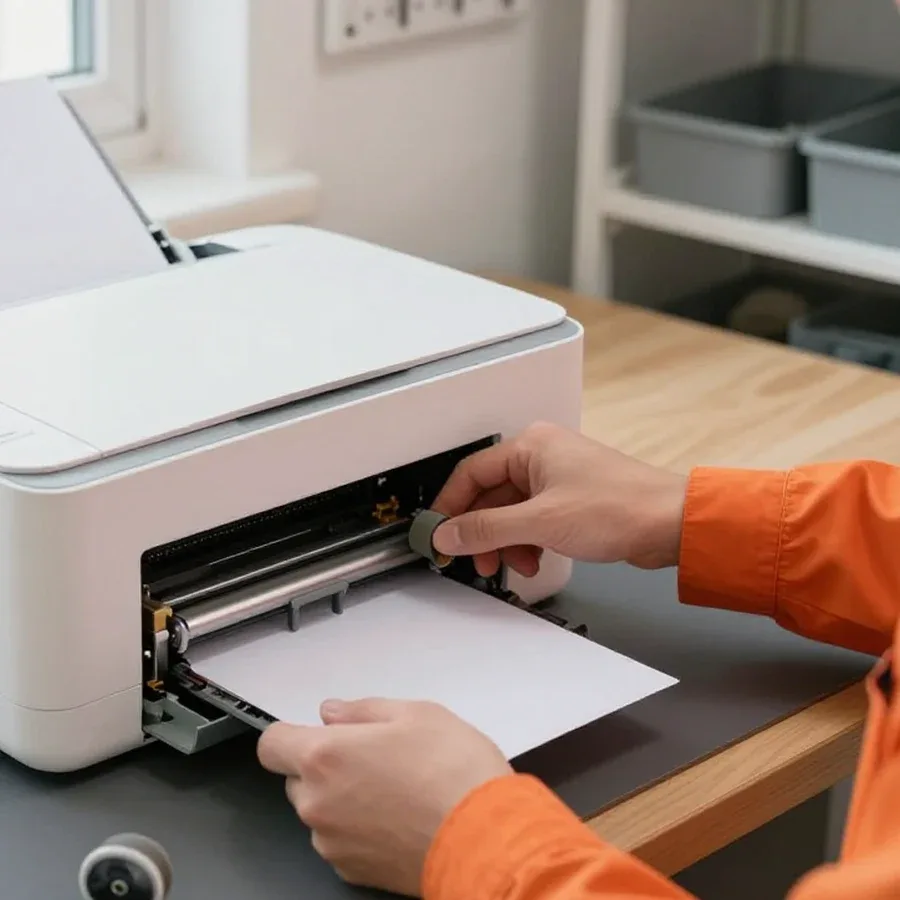 BeforeAfter

Five steps from request to final check.
Describe the symptom and printer model so the technician brings the right tools.
The technician comes anywhere in the city and inspects the printer on site.
The technician identifies the cause and quotes the cost before starting any work.
You confirm the scope of work and the part, then the technician begins.
Test print and a 1-year warranty on labor and parts.
The computer and laptop repair department in Almaty has 7 technicians with 6 to 15 years of experience.

The department has 7 specializations — they are listed on the technicians' cards.
experience10 yearsGraphics card repair technician
 experience6 years
PC and laptop diagnostics technician
 experience8 years
Laptop repair engineer
 experience10 years
Software installation specialist
 experience7 years
PC and laptop repair technician
 experience13 years
Diagnostics and virus removal specialist
 experience15 years
Consultant
We reply during working hours
Describe the symptom and printer model so the technician brings the right tools and part. Ask the technician about a convenient visit time and payment method.

Warranty question? Call us
+7 (778) 096 59 70Tech Service repairs HP laser and inkjet printers and MFPs in Almaty: a technician arrives at your home or office within 60 minutes, diagnostics are free, and you get a 1-year warranty on labor and parts. The technician gives you the price after diagnostics, and you can pay any way you like.
The HP panel itself tells you which unit to check: a code or a blinking indicator narrows down the search. Let's go over typical signals and what to check before calling a technician.
An error on the HP panel is almost always tied to a specific unit — paper feed, cartridge, fuser, or printhead — and the code immediately helps a specialist narrow down the check. A blinking attention indicator on a LaserJet more often points to the paper feed sensor, and sometimes to a loosely closed cartridge compartment cover; a combination of blinks with a steady ready light is often related to the fuser. On inkjet models, a printhead message appears after a long idle period when the nozzles have dried out, while on laser printers the same symptom is caused by a consumable that has reached the end of its life. HP printer diagnostics start with decoding this signal, not with taking the case apart. If the signal repeats after you've checked things yourself, it makes sense to bring the device to us, where we'll decode the code and identify the unit. Before calling a technician, write down the code or take a photo of the screen — the exact wording saves diagnostic time and helps avoid replacing a working unit.
In our experience, a common cause of this complaint is not the cartridge itself but the contact group, dried ink, or settings knocked off after refilling, and during free diagnostics we separate one from the other. An HP cartridge contains toner in laser models or ink in inkjet models, and after third-party refilling the chip may not be read, and nozzles dry out after a few days of idle time. In our practice, a refilled consumable often works fine, and the failure lies in the contacts or driver settings, so there's no point in replacing it right away. After third-party refilling, the problem comes back if the entire toner or ink path hasn't been checked, so you need to diagnose the whole printer, not just the consumable.
Laser and inkjet HP printers have a different set of vulnerable units, so repairs are approached differently. Let's put typical breakdowns in a table, then look at two common situations with different machines.
| HP type | Common breakdown units | What the owner notices |
|---|---|---|
| Laser (LaserJet) | Fuser, pressure and Teflon rollers, feed rollers | Faint print, background stripes, jams |
| Inkjet (DeskJet, OfficeJet, Envy) | Printhead, cartridge, ink path | Missing lines, stripes, refusal to print after idle time |
| HP MFP | Scanner unit, feed, print block | Scanner error, jams, incomplete printing |
With inkjet HP printers, the most common issue after long periods of disuse is dried ink in the printhead, and a standard cleaning cycle doesn't always help. Ink in the open nozzles thickens, some nozzles stop firing, and you get missing lines or white streaks on the page. The built-in cleaning routine pushes ink through the printhead, but when the ink has dried deep, it just wastes cartridge ink without fixing anything. During diagnostics, the technician checks the condition of the nozzles and the ink supply path to determine whether the printhead can be restored by flushing and whether the cartridge itself has dried out. If the printhead is deeply dried, an on-site flush may not work — in that case, the technician assesses whether the unit needs replacement rather than endless cleaning cycles.
We take on discontinued HP models, including older LaserJet series, and during diagnostics we give you a straight answer about what can be restored and what can't. Discontinued machines wear out the same components as current ones: the fuser unit, feed rollers, and pressure roller. Diagnostics show whether the device can handle another repair cycle or if a component is already at the end of its life. For discontinued models, it's important to know upfront whether restoring a component makes sense — sometimes replacing a part extends the printer's life, and sometimes it's better to discuss replacement. To get an old HP printer working again, the technician needs an accurate status of its components, not guesswork — that's why we start with disassembly and inspection.
Everything follows a clear order: free diagnostics first, then we agree on the scope, then the repair itself, and finally the warranty. Below is how each step works.
After diagnostics, we explain exactly what fault we found and agree on the list of operations with you, and the technician quotes the price based on the free diagnostics. During the conversation, it becomes clear which fault is primary and which is secondary: a paper jam is often caused not by a roller but by a misaligned sensor, and replacing the roller without checking makes no sense. We don't start HP printer repair in Almaty until you've confirmed the list of operations — you know in advance what will be done and why. We accept Kaspi QR, Kaspi Red, card, cash or bank transfer convenient for you. Agreeing before work starts protects you from surprises: the final list won't include an operation you didn't hear about during diagnostics.
Our on-site technician arrives for diagnostics and repair with their own tools, and regarding parts, they tell you in advance which part will be needed for your specific model. A visit takes up to 60 minutes anywhere in the city, and on the first visit the specialist determines whether the issue can be fixed on-site or the device needs to be taken to the service center. If a part is required for a specific HP model, it's best to discuss the selection during diagnostics — that way the work won't stretch into an extra visit. We provide a 1-year warranty on labor and parts, and our technicians have 4 to 20 years of experience. In our practice, a repeat visit due to an overlooked part takes more time than a thorough inspection on the first visit.
We work in two formats — the technician comes to you or the printer is repaired at the service center. Let's break down when each option is more convenient and what the choice depends on.
A technician arrives within 60 minutes anywhere in the city and fixes most common HP issues on site — from paper jams and cartridge errors to setup after refilling. In Almaty we travel to both residential areas and business centers: diagnostics are free, so the inspection starts as soon as we arrive, with no separate cost approval. For offices, the on-site visit is convenient because the equipment stays at the workplace, and the technician agrees on the work right there after diagnostics — the machine remains in the office. Home or office repairs cover cases where the breakdown doesn't require deep disassembly: replacing rollers, cleaning the paper path, clearing jams, restoring printing after refilling. If the inspection shows that a workshop repair is needed, the technician will say so right away and take the device with them. Request a visit at a time that suits you — and you won't have to take the printer anywhere yourself. If you're looking for an HP printer service center, the on-site format saves you trips and extra hassle.
Some HP work requires a workshop — for example, deep repair of the control board or disassembly of components that can't be carefully taken apart on site. In the service center, we can disassemble with full access to the mechanics, work on electronics, and test components after reassembly — things that can't be done correctly on an office desk. This also includes cases where the paper feed unit is damaged or parts need replacing with full disassembly of the casing. During diagnostics, the technician will tell you whether it can be fixed on site or the device needs to be brought to the service center — the decision is made based on the inspection, not beforehand from a description. The 1-year warranty on labor and parts applies regardless of the repair format. In our experience, a workshop is most often needed for electronics — mechanical issues are mostly handled on site.
Our staff technician with 4 to 20 years of experience comes to you, not an intermediary — Tech Service is a direct contractor, not an aggregator. The printer repair technician handles your device from diagnostics to handover and is personally responsible for the result, so you don't have to retell the breakdown story to a new contractor. A direct contractor is fully responsible for the result, so the warranty and repeat visits for the same breakdown aren't lost between contractors. Diagnostics are free, the technician quotes the cost of work after the inspection, and payment is accepted in any form. If the case turns out to be more complex than it seemed, the same specialist continues the work in the service center — and the warranty stays with them.
Our warranty covers both the work performed and the parts installed. Let's look at what this gives you in practice and what to do if the same error returns after service.
We provide a 1-year warranty on labor and parts — meaning we're responsible for both the quality of work and the installed part. These are two separate commitments: the first covers how the technician performed the disassembly, replacement, and reassembly of the component; the second covers the part itself that replaced the worn one. For the owner, the difference is practical: you don't need to figure out whether a connection after soldering or a new roller failed — both cases are covered by one commitment. Technicians with 4 to 20 years of experience remember which component was replaced during the previous visit, so on a repeat visit it's easier to compare the previous work with the current breakdown. Separately about parts: if an element fails earlier than expected, the issue is resolved under the same terms, not anew at your expense.
When the same error comes back after HP service, we look into the cause again — the 1-year warranty on labor and parts is exactly for situations like this. Diagnostics stay free, just like on the first visit. A repeat breakdown doesn't always mean the work was done poorly: sometimes the first check finds one fault, and a second one shows up later, and that gets checked too. The code on the panel points to a specific unit that the technician inspects again — the paper feed, the fuser unit, or the cartridge. In my view, it's more honest to say right away that there were two faults than to write off a return as a coincidence. That's why on a repeat call the technician compares the previous order with how the machine is behaving now.
If the HP printer is still under manufacturer warranty, it's worth checking the terms with the seller first, and only then deciding on third-party intervention. Different suppliers have different requirements for keeping the warranty, and there's no single rule here. Third-party intervention may affect the manufacturer warranty, so it's better to clarify this before work starts, not after. The practical step is simple: call the seller, describe the symptom, and ask what they offer — free warranty service or a refusal. If the machine isn't accepted under the manufacturer warranty, you can discuss HP printer repair in Almaty with us: we work with laser and inkjet models and MFPs, including discontinued LaserJet and DeskJet series.
We've gathered the key points that will help an HP printer owner make a balanced decision about restoring the device and avoid overpaying for unnecessary work. Below is a short list of what to keep in mind before calling a technician.
Tech Service technicians repair other appliances too — with the same 1-year warranty on labour and parts.
 Refrigerator Repair in Almatyfrom 3 000 ₸
 Washing Machine Repair in Almatyfrom 3 000 ₸
 Dishwasher Repair in Almatyfrom 3 500 ₸
 Oven Repair in Almatyfrom 3 000 ₸
 Cooktop Repair in Almatyfrom 3 500 ₸
 Air Conditioner Repair in Almatyfrom 3 500 ₸
 Boiler and Water Heater Repair in Almatyfrom 2 500 ₸
 Freezer Repair in Almatyfrom 6 000 ₸
 Tumble Dryer Repair in Almatyfrom 5 000 ₸
 Coffee Machine Repair in Almatyfrom 2 500 ₸
 Robot Vacuum Cleaner Repair in Almatyfrom 3 500 ₸
 Vacuum Cleaner Repair in Almatyfrom 1 500 ₸
 Microwave Oven Repair in Almatyfrom 2 000 ₸
 Hair Dryer Repair in Almatyfrom 1 500 ₸
 Iron Repair in Almatyfrom 3 000 ₸
 Electric Kettle Repair in Almatyfrom 2 500 ₸
 Mixer Repair in Almatyfrom 2 500 ₸
 Multicooker Repair in Almatyfrom 500 ₸

If your laptop screen is broken, turn the device off first, don't press on the display, and check the picture through an external monitor.
12 March 2026 · 11 minutes read
If your laptop freezes, the first thing to do is restart it and check Task Manager to see what's loading the CPU and memory.
25 January 2026 · 12 minutes read
If your computer won't turn on, start simple: check the outlet, power cable, switch on the power supply, and the power button.
19 January 2026 · 13 minutes read
If your laptop won't boot, first determine which of two states you're in: the device doesn't respond to the power button at all…
13 December 2025 · 12 minutes read








