 experience6 years
Dmitriy R.
PC and laptop diagnostics technician
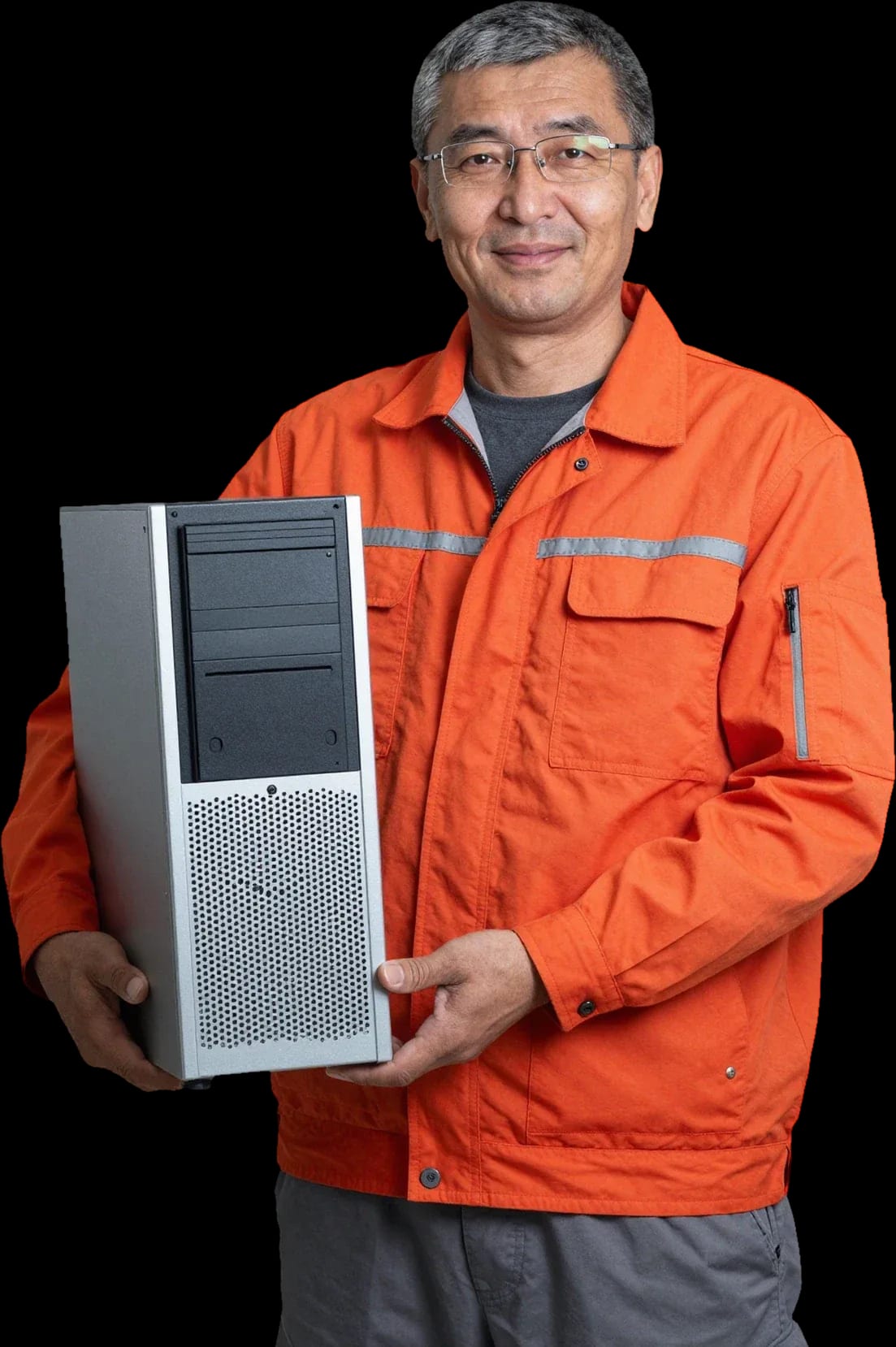
A technician arrives within 60 minutes anywhere in the city. Free diagnostics, 1-year warranty on labor and parts.
Our own technicians4 to 20 years of experience




Repair prices
The symptoms customers most often report. The technician identifies the exact cause after diagnostics.
power supply, power circuit, button
from7 000 ₸
clogged heatsinks, thermal paste
from6 000 ₸
SSD wear, cable, connector
from3 500 ₸
memory, drive, overheating
from4 500 ₸
graphics card, cable, connector
from8 500 ₸
firmware, drive, settings
from7 500 ₸
component wear, overload
from7 000 ₸
memory, drive, board
from4 500 ₸
1–2 hourstime
from 3 500 ₸cost
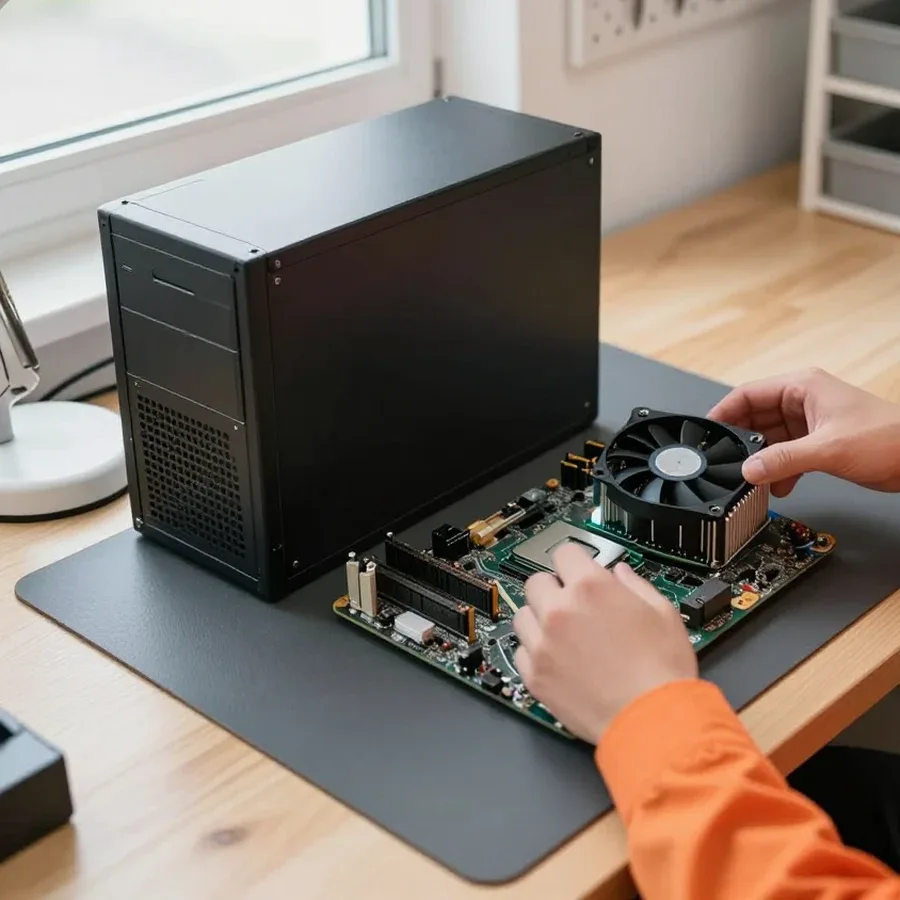 BeforeAfter

From request to check — five steps.
Describe the symptom and your Mac Pro model so the technician brings the right tools.
The technician arrives with tools and common parts for your model; the visit time is confirmed when you place the request.
The technician shares the diagnostic results on site, then you can clarify what steps are needed next.
Ask the technician about part compatibility with your Mac Pro model and what happens to the old part.
After the repair, ask the technician about the warranty terms and tips for using your Mac Pro going forward.
The computer and laptop repair department in Almaty has 7 technicians with 6 to 15 years of experience.
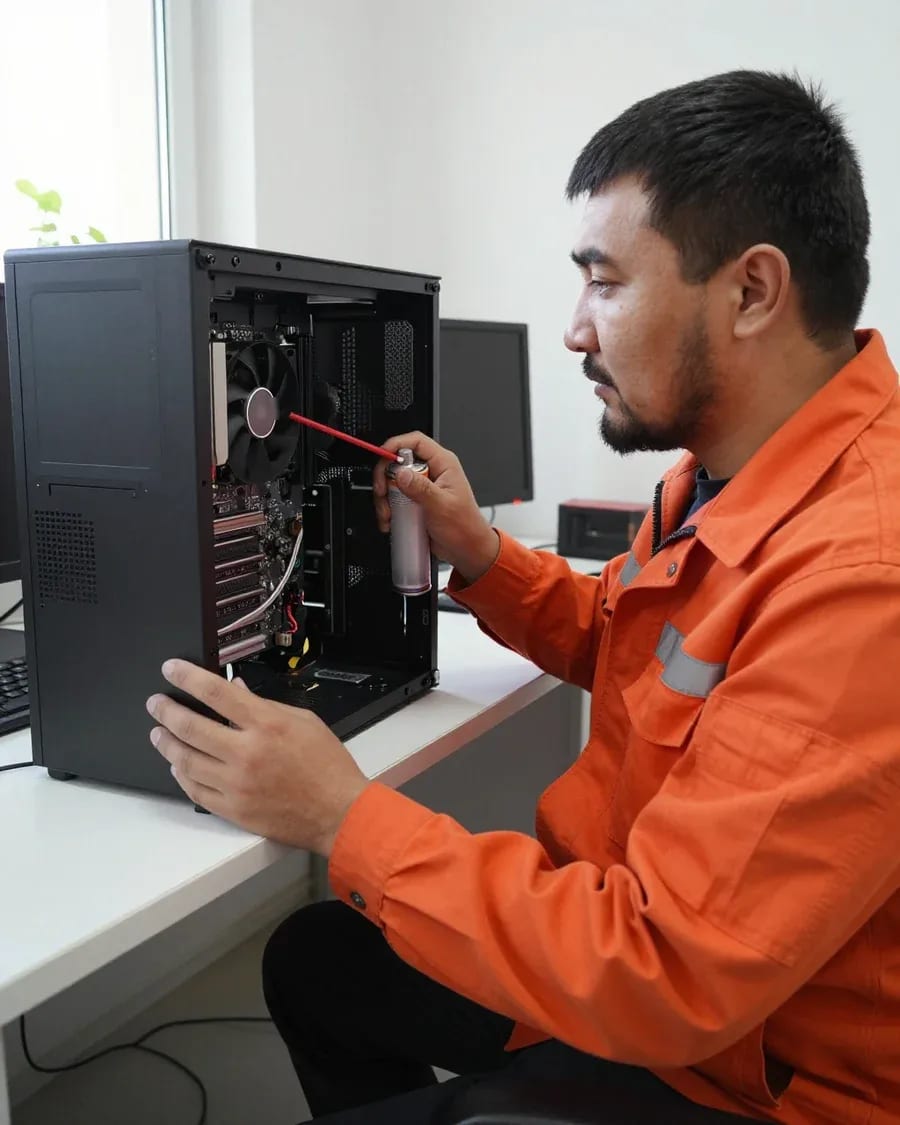
The department has 7 specializations — they are listed on the technicians' cards.
experience6 yearsPC and laptop diagnostics technician
 experience7 years
PC and laptop repair technician
 experience10 years
Graphics card repair technician
 experience8 years
Laptop repair engineer
 experience10 years
Software installation specialist
We reply during working hours
Tell us your Mac Pro model and the symptom — the technician will bring the right tools and parts for the visit.

Warranty question? Call us
+7 (778) 021 13 16
Author: Dmitriy R.,PC and laptop diagnostics technician
Published
Updated
Tech Service repairs desktop Mac Pro in Almaty as a direct provider: our technician arrives at your home within 60 minutes or accepts the device at the service center. Diagnostics are free, there's a 1-year warranty on labor and parts, and the technician quotes the price after diagnostics. We fix the board, power supply, cooling, and storage.
The desktop Mac Pro is built differently from laptops, and the approach to repairing it is different too. Let's break down the difference and why it matters for you to understand before the technician arrives.
The desktop Mac Pro has a modular design with a separate power supply and removable memory and storage modules, so some components are replaced as modules rather than soldered. In a laptop, the processor, memory, and video chip are soldered onto a single board, and failure of one element means working on the entire board. In the desktop case, RAM and storage are removed as separate sticks, and the power supply is a standalone unit. This architecture changes the troubleshooting logic: the technician checks modules one by one instead of testing dozens of circuits on a monolithic board. The separate layout allows swapping in a known-good power supply or memory stick and eliminating half the possibilities in minutes. Because of the modularity, diagnostics start with checking each module individually—this localizes the cause faster than disassembling a laptop. If you need Mac Pro repair in Almaty, the modular layout allows the technician to get to the root cause faster.
We diagnose the Mac Pro motherboard and determine whether repair is possible or replacement is needed—the decision is made after free diagnostics. The logic board in the desktop case is connected to the power supply, memory, and storage, so first these modules are ruled out, and only then the board itself is worked on. If the fault is local—one component or circuit is damaged—the unit can be restored. With extensive damage to traces or several key elements, replacing the board is more reasonable than repairing. Our technicians have been working with this equipment for 4 to 20 years and can tell from the condition of the traces where soldering will bring the unit back to life and where it's a waste of time. Board repair is often more cost-effective than full replacement, but only when the fault is local; with extensive damage, the technician will honestly say that replacement is more reasonable.
Our software diagnostics separate macOS and update glitches from hardware failure: if the problem persists after a clean boot, the cause is in the hardware. Stuck on the logo, spontaneous reboots, or failure to see the disk look the same with a corrupted system and with a faulty drive. The technician boots the system in diagnostic mode and checks the machine's behavior without user settings and extensions. We also look at the kernel panic log separately: a repeating code points to a specific component, not software. A clean reinstall without migrating the profile is the decisive test: if the symptom disappears after it, the issue was in the system, not the hardware. Many "breakdowns" turn out to be system glitches, and then no repair is needed—the technician will advise what to do with macOS instead of replacing a working component.
By the behavior of the desktop Mac Pro, you can roughly understand which component is at fault. Below is a breakdown of common symptoms and what the specialist does about them.
| Symptom | Likely cause | What the specialist checks |
|---|---|---|
| Won't turn on | Power supply or board | Power and startup circuit |
| Question mark on boot | Drive or system | Disk, controller, macOS |
| Shuts down after minutes | Overheating or power supply | Cooling, power |
| Noise and overheating at idle | Dust, thermal paste, fans | Cooling system |
| Doesn't see the drive | SSD/HDD or controller | Disk and controller |
Our hardware diagnostics test the power supply and the motherboard separately, so the technician can tell you exactly what has failed. First, we measure the output voltages under load, then check the startup circuit on the board: a working power supply with low voltage and a working board with no startup signal behave differently, and the specialist uses these signs to distinguish between the two cases. In the desktop Mac Pro, the power supply is a separate unit, and replacing it doesn't require touching the board, which makes fixing power failures easier. If the machine doesn't turn on at all but the voltage readings are normal, the next step is to check the startup circuit — that's where the cause is most often found, hidden from a visual inspection.
We test the SSD/HDD together with the controller so we don't replace a working drive because of a faulty controller. The drive is removed and connected to another device: if it reads and transfers data, the drive itself is fine and the fault lies in the controller or the connector on the board. If the result is the opposite — the drive isn't recognized anywhere — it is replaced. This approach saves time and keeps the job from turning into guesswork part-swapping. If the drive is recognized on another device, the problem is in the controller or connector, not the drive itself — that changes the repair plan. Before replacing the drive, the technician also checks the integrity of the macOS system partition: some boot failures are caused by a corrupted system, not by hardware.
We show you the honest sequence without made-up timelines — from your first request to the warranty obligations. We also explain why it matters that the provider is direct, not an intermediary.
Tech Service works as a direct provider: your Mac Pro is repaired by our own specialist, not by an intermediary who passes the device to a third party. This changes how responsibility works — the same person handles diagnostics, approval, and repairs, not a chain of subcontractors. On a home visit, the technician arrives within 60 minutes in the city and records the symptom on the spot, so the cause isn't lost between different providers. In our experience, Mac repair in Almaty often starts with trying to figure out who handled the device before the request: after an intermediary, it's harder to reconstruct the history of interventions. When there's a single provider, responsibility for quality and warranty isn't diluted among subcontractors — there's someone to hold accountable.
We provide a 1-year warranty on labor and parts installed during the repair. The commitment covers both the quality of the work performed and the parts the specialist installed in the device — both elements, not just one. The owner receives the warranty terms after the work is completed, and they remain valid for the entire agreed period, not just the first few weeks. In my view, this is the main difference between predictable service and a one-off repair with no obligations. The warranty applies to both labor and parts, so if the same component has a problem again, the owner returns under warranty instead of paying again. That's why it's worth clarifying before the repair what exactly will be covered by the warranty — it makes planning further maintenance of the device easier.
The owner has two options: call a technician to their home or bring the Mac Pro to the service center. We break down when each option is more convenient and what happens in each case.
We send our technician to your home, arriving within 60 minutes anywhere in the city, so you don't have to haul a heavy desktop Mac Pro to the service center. The specialist arrives with their own tools, inspects the case, checks power and startup, notes the initial symptoms, and immediately tells you what's wrong with the machine. Diagnostics are free, so based on the results you get a clear picture of the problem, not guesses over the phone. Then the technician either fixes a simple issue on the spot or explains why the case requires in-shop service. Our specialists have been working with this line for 4 to 20 years, so they recognize typical symptom combinations by how the device behaves when powered on. You can pay for the work in any convenient way — this is discussed on site, with no fixed option. For a desktop Mac Pro, a home visit is especially convenient: you don't need to unplug and transport a heavy case, and the technician performs the initial diagnostics right at your home.
If you need in-shop service, the equipment is accepted at the service center, where the technician completes the work. This option is suitable when the case has already been opened or when long work with the board is required under control at a single workbench. Our specialist inspects the device, compares the symptoms with the diagnostic results, and agrees on the scope of work with you. In the service center, it's more convenient to handle a lengthy process: you don't have to coordinate a visit time each time, and the machine stays in one bay until it's ready. Diagnostics here are also free, so the technician quotes the final cost only after inspection, not in advance based on a description. The warranty — 1 year on labor and parts — applies to both options, so the choice between a home visit and in-shop service depends on the nature of the breakdown, not on warranty terms. For a complex case involving the board, in-shop service is more convenient than a home visit because the work is done in one place without transporting the device back and forth.
Dust and spilled liquid are two common causes of failures in a desktop Mac Pro. We break down the mechanics of both scenarios and what technicians actually do with equipment that has been affected.
Dust clogs radiators and fans, thermal paste loses its properties, and the Mac Pro starts making noise and heating up even at idle. A dense felt of dust and lint settles between the radiator fins: air doesn't pass through the cells, the fan blades spin at maximum speed, and the processor still isn't cooled. The thermal paste under the chip lid dries out and turns to crumbs in a couple of years, heat dissipation drops along with frequency — the system throttles under load and loses performance in heavy tasks. Dust is dangerous not by itself but as a chain: overheating leads to constant fan noise and gradual degradation of components — first the capacitors in the power circuits suffer, then the storage and graphics card. Cleaning with thermal paste replacement restores normal heat dissipation, but if the hum remains after that, the cause is already in another component, and diagnostics are needed. We perform this procedure with case disassembly and blowing out each radiator — a superficial vacuuming without removing the cover doesn't remove the felt.
After a spill, we check the board and power supply first, because liquid damages power circuits and contacts before anything else. Sugary drinks and coffee leave a conductive residue on the circuit board that over time eats away traces and bridges adjacent contacts; plain water triggers corrosion in slow connectors and ribbon cables. In desktop models, the power supply is a separate module, and moisture often reaches it through the bottom vents of the case — it's dry outside, but inside there's green residue on the terminals. We also check the memory slot contacts and the graphics card power connector: that's where corrosion shows up last and causes intermittent failures weeks after the incident. The sooner the device is brought in after a spill, the less corrosion has time to affect components — delay expands the damage area, and some parts have to be replaced rather than restored. In our practice, diagnostics after liquid always starts with the power supply, not the board.
Here's a quick summary of what determines the outcome of a desktop Mac Pro repair: the case design, diagnostic accuracy, a transparent workflow, and attention to prevention.
Tech Service technicians repair other appliances too — with the same 1-year warranty on labour and parts.
 Refrigerator Repair in Almatyfrom 3 000 ₸
 Washing Machine Repair in Almatyfrom 3 000 ₸
 Dishwasher Repair in Almatyfrom 3 500 ₸
 Oven Repair in Almatyfrom 3 000 ₸
 Cooktop Repair in Almatyfrom 3 500 ₸
 Air Conditioner Repair in Almatyfrom 3 500 ₸
 Boiler and Water Heater Repair in Almatyfrom 2 500 ₸
 Freezer Repair in Almatyfrom 6 000 ₸
 Tumble Dryer Repair in Almatyfrom 5 000 ₸
 Coffee Machine Repair in Almatyfrom 2 500 ₸
 Robot Vacuum Cleaner Repair in Almatyfrom 3 500 ₸
 Vacuum Cleaner Repair in Almatyfrom 1 500 ₸
 Microwave Oven Repair in Almatyfrom 2 000 ₸
 Hair Dryer Repair in Almatyfrom 1 500 ₸
 Iron Repair in Almatyfrom 3 000 ₸
 Electric Kettle Repair in Almatyfrom 2 500 ₸
 Mixer Repair in Almatyfrom 2 500 ₸
 Multicooker Repair in Almatyfrom 500 ₸

If your computer won't turn on, start simple: check the outlet, power cable, switch on the power supply, and the power button.
19 January 2026 · 13 minutes read
If your laptop screen is broken, turn the device off first, don't press on the display, and check the picture through an external monitor.
12 March 2026 · 11 minutes read
If your laptop freezes, the first thing to do is restart it and check Task Manager to see what's loading the CPU and memory.
25 January 2026 · 12 minutes read
If your laptop won't boot, first determine which of two states you're in: the device doesn't respond to the power button at all…
13 December 2025 · 12 minutes read








