 experience6 years
Dmitriy R.
PC and laptop diagnostics technician
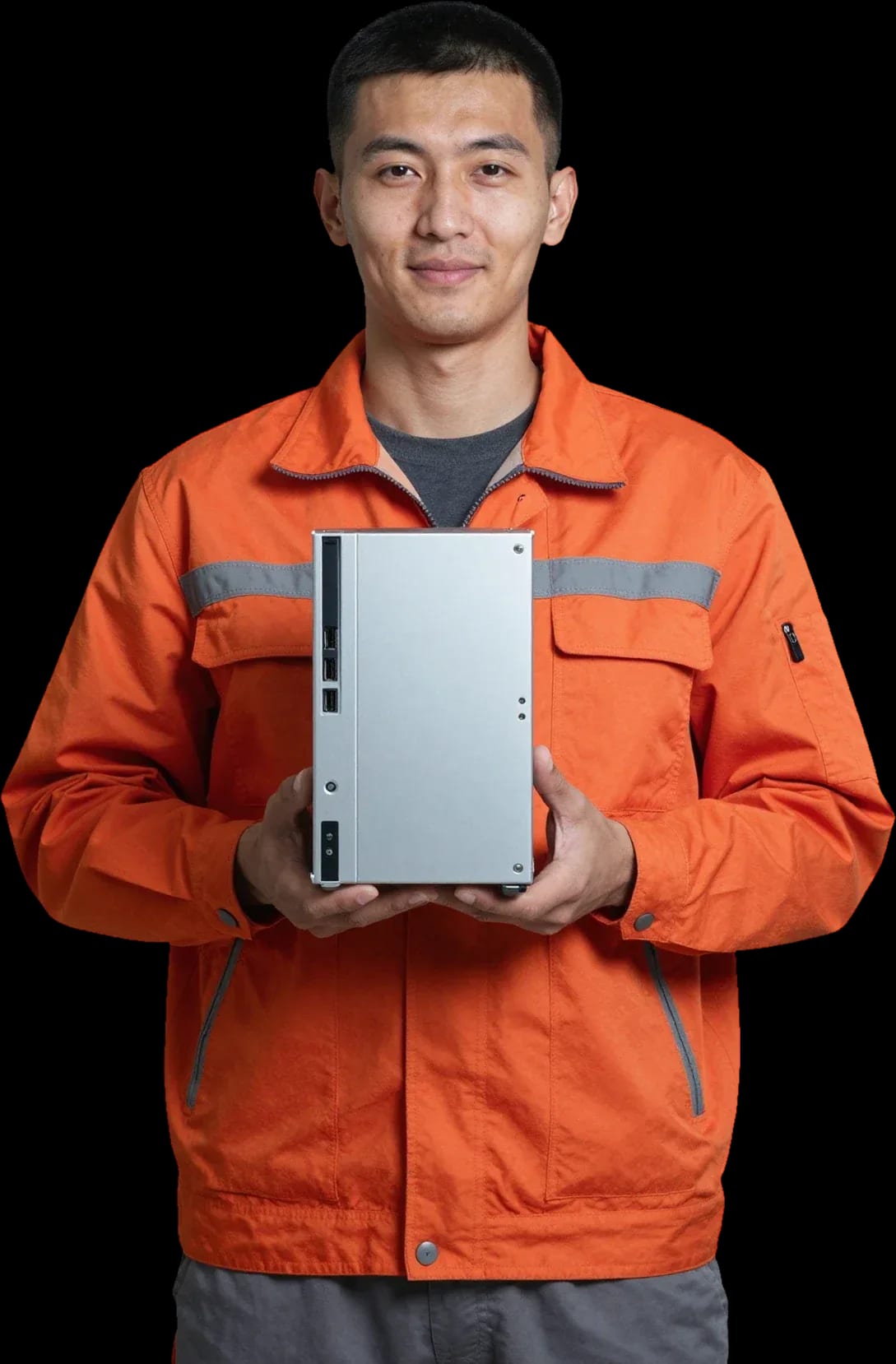
Free diagnostics, a technician arrives within 60 minutes. 1-year warranty on labor and parts.
Our own technicians4 to 20 years of experience




Repair prices
Below are typical symptoms Mac mini owners report and the technical causes behind them.
power supply, button, board
from7 000 ₸
dust, dried thermal paste, fan
from6 000 ₸
overheating, worn storage, memory
from4 500 ₸
antenna module, connector, software glitch
from3 500 ₸
power supply
from7 000 ₸
dust in the heatsink, worn fan
from3 500 ₸
worn storage, file system errors
from13 500 ₸
overheating, power supply, board
from7 000 ₸
1–2 hourstime
from 4 500 ₸cost
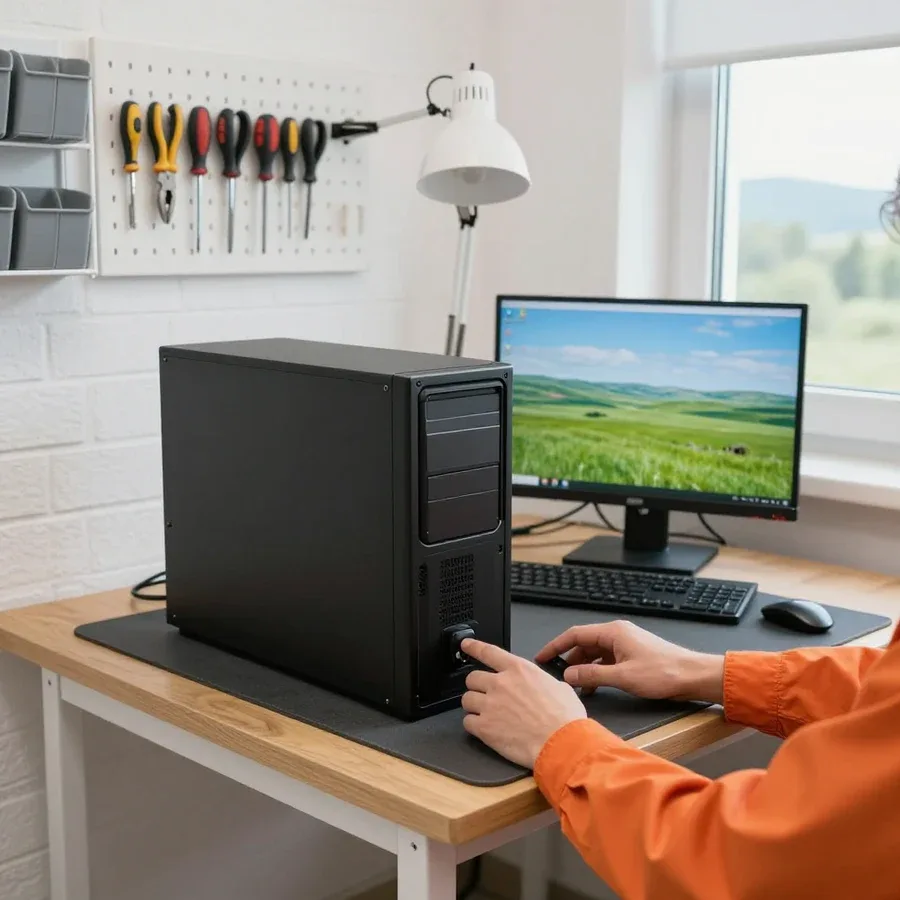 BeforeAfter

The journey from request to checking the result together with you.
Describe the symptom by phone or WhatsApp; the technician will clarify the model and details.
The technician comes anywhere in the city to inspect the computer on site.
The technician confirms the address and a convenient time slot so the inspection is not rushed.
The technician notes the configuration and complaints in advance to bring the right tools.
We check the work together and hand over the device.
The computer and laptop repair department in Almaty has 7 technicians with 6 to 15 years of experience.
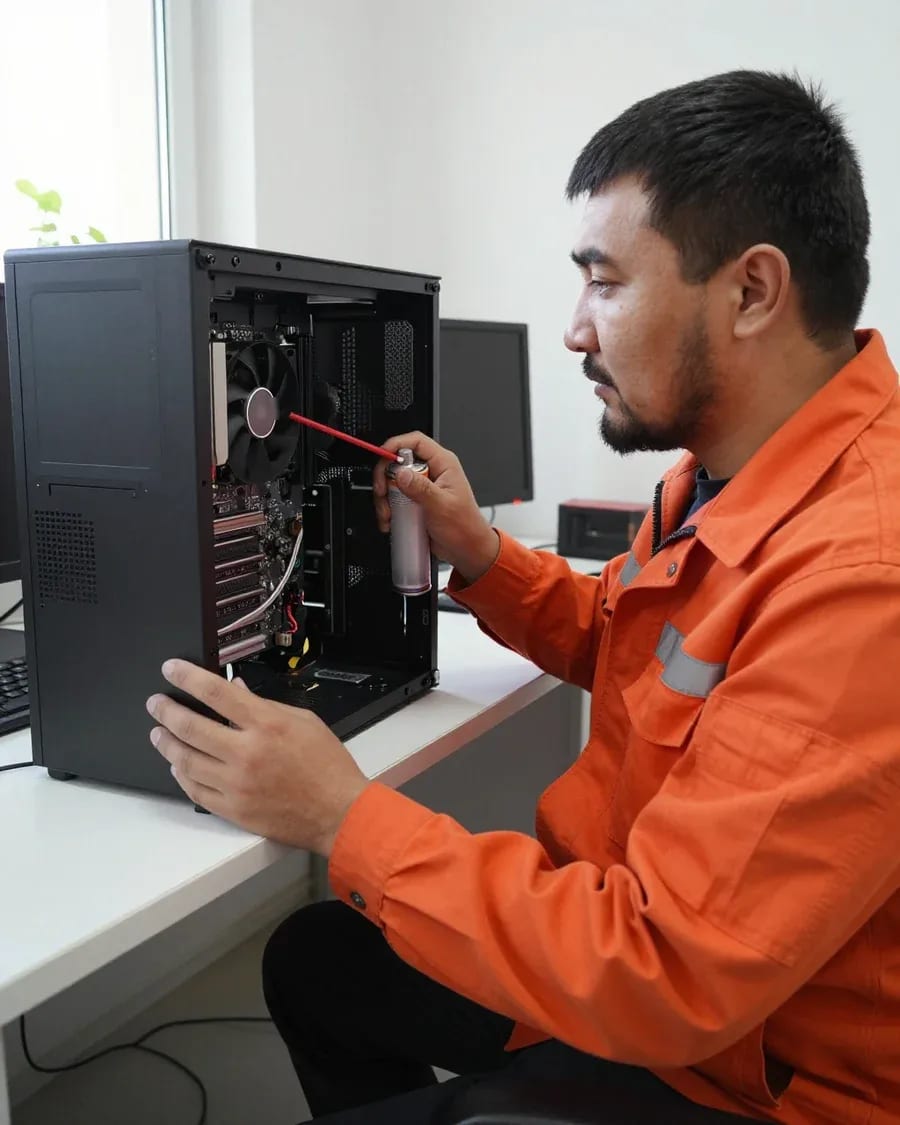
The department has 7 specializations — they are listed on the technicians' cards.
experience6 yearsPC and laptop diagnostics technician
 experience7 years
PC and laptop repair technician
 experience10 years
Graphics card repair technician
 experience8 years
Laptop repair engineer
 experience10 years
Software installation specialist
We reply during working hours
Clear some space around the computer and keep the system password handy if it's needed for checking. Ask the technician about payment and parts availability.

Warranty question? Call us
+7 (778) 021 13 16
Author: Dmitriy R.,PC and laptop diagnostics technician
Published
Updated
Tech Service repairs Mac Mini in Almaty with its own technicians, who have 4 to 20 years of experience. Diagnostics are free, and a technician can come to your home within 60 minutes anywhere in the city or accept the device at the service center. We provide a 1-year warranty on labor and parts and you can pay via Kaspi QR, Kaspi Red (instalments), bank card, cash, or bank transfer for companies.
Mac Mini is a desktop Mac that breaks differently from laptops: different access to components, different disassembly logic. We explain who takes on this kind of hardware and how our service works.
Mac Mini is a desktop computer with an internal power supply and a compact layout, so access to components and the disassembly order differ from a MacBook. The desktop case has a different fastening scheme, cables are routed more tightly, and the power supply is built into the overall volume — when opening it, you need to remove the bottom cover and work with small Torx screws without touching the antennas and connectors. A technician used to laptop cases risks damaging the fasteners and cables during opening — ask if he has disassembled desktop Macs specifically. The iMac, meanwhile, has a different case and adhesive joints, so experience with all-in-ones doesn't transfer automatically either. That's why Mac Mini repair in Almaty is best left to someone who has already disassembled desktop cases. In my view, narrow specialization matters more than versatility here: one incorrectly removed antenna and the Mac Mini loses Wi-Fi, and recovery takes longer than the component replacement itself.
Our work is done by our own technicians with 4 to 20 years of experience, not contractors or intermediaries. This means the same service that sent an on-site technician or accepted the device at the workshop takes and handles the request — no chain of "aggregator → contractor → unknown performer." A direct provider means the same service you called is responsible for the quality of work and parts — you don't have to look for someone to blame between the aggregator and the technician. We provide free diagnostics and give a 1-year warranty on labor and parts. In our practice, this eliminates the main problem of intermediary schemes: when a desktop Mac breaks again, the owner knows exactly who to return to and doesn't have to retell the story to a third party.
We break down common complaints about the desktop Mac and their typical causes — so you understand what exactly you're bringing to the technician and which checks you can do yourself.
Most often, failure to start is related to the internal power supply or the logic board, less often to the button and contacts. The power supply in the Mac Mini case is a separate module with its own capacitors, and after a few years of operation it is the first to lose stability: the unit either stays silent or starts and shuts down after a couple of seconds. The logic board shows a similar picture when the processor power circuits are damaged or cables have come loose. The power button and its contacts are the third most common cause, especially if the case has been opened and the fasteners weren't tightened properly. Spontaneous shutdowns under load often indicate overheating or voltage drop. If the unit won't start, Mac Mini repair in Almaty begins with free diagnostics — it separates external causes from internal ones. Before concluding the board is "dead," it's worth ruling out the obvious — the cable, the outlet, and the button: diagnostics is exactly what separates external causes from internal ones.
Humming and overheating usually point to a dust-clogged cooling system and dried-out thermal paste, which makes the fan run at full speed. In the Mac Mini case, the heatsink and fan are compact, and air is drawn in through narrow slots—over a couple of years they get clogged with dust, and heat can no longer escape. The thermal paste between the processor and heatsink loses its properties over time and turns into a dry crust, so the temperature rises even under light load. The fan then spins up to maximum and hums, and the case gets noticeably hot. It's also worth checking whether the airflow is blocked: a unit pushed against a wall or buried under papers heats up more even with a clean cooling system. If you put off cleaning, overheating accelerates component wear—preventive maintenance is cheaper than later restoring the board.
Monitor and peripheral issues are most often related to the HDMI and Thunderbolt ports, while freezes and reboots can be either software or hardware. The ports on the back panel loosen over time from frequent plugging, oxidize, or take mechanical stress—then the signal to the display disappears, and the keyboard and mouse aren't recognized. Freezes and spontaneous reboots often come from macOS glitches or corrupted updates, but the same picture can happen after a liquid spill when circuits on the board are damaged. Port power and cable integrity are checked separately. The quickest test is to connect the display to another port and swap the cable: it costs nothing and rules out some false alarms. Start with another cable and another port—this check is free and immediately rules out half of the "faults" before a technician even visits.
Startup signals are the desktop Mac's short language that tells you the nature of a failure before the screen even comes on. Here's how to read them and when they're already a reason for diagnostics.
Startup beep signals indicate the nature of the fault—from RAM issues to logic board failures—and their pattern helps narrow down the search. A single tone is most often related to a memory module the board can't initialize; a series of three repeats often means a stick installed loosely or damaged. Rhythmic series with pauses point to a firmware or component failure, while continuous repeating points to power. On models with an Apple chip, such tone codes are less common: there, a failure more often shows up as a blinking indicator or no response to the button. Record a video of how many sounds you hear and at what rhythm—this recording saves time during diagnostics and immediately sets the direction for testing.
| Symptom | Likely cause | What we check |
|---|---|---|
| Won't turn on | Power supply, board | Power, button, board |
| Hums and heats up | Dust, thermal paste | Cooling, fan |
| Monitor not detected | Port, cable | HDMI, Thunderbolt |
| Freezes, reboots | Software or hardware | macOS, memory, board |
| Beep signals | Memory, board | Signals, board components |
If the signals repeat every time you turn it on, or the Mac Mini doesn't start at all, we recommend not waiting and booking a free diagnostic. A repeating signal isn't a random glitch but a persistent sign, and the sooner it's analyzed, the lower the risk of a secondary failure—for example, a memory issue combined with overheating. If there are multiple signals with different rhythms, that's also a reason not to delay your visit: a combination of codes often points to two components at once, and they need to be checked together. Our technicians with 4 to 20 years of experience accept such equipment both at home and at the service center—a city visit takes up to 60 minutes. Diagnostics are free, and the specialist quotes the cost only after it. We accept Kaspi QR, Kaspi Red, card, cash or bank transfer and provide a 1-year warranty on labor and parts.
We show the entire journey from request to warranty—so you understand what you're paying for and at what stage the cost of work is agreed upon.
During free diagnostics, we check the power supply, cooling system, storage, memory, and connectors to find the cause rather than replace everything. We test the power supply under load: voltage drop explains sudden shutdowns and failures to start, while unstable contact at the input gives the same symptoms even with healthy hardware. We inspect the cooling system for a dust-clogged heatsink and fan wear—these cause humming and overheating under load. We check the SSD for read and write errors, the RAM for access failures, and the connectors and cables for oxidation and poor contact with the monitor. Good diagnostics answers not only "which component failed" but also "why"—otherwise the same failure returns over time.
At home, the technician performs diagnostics and some work, while deep board repair and complex disassembly are done at the service center. A Tech Service field technician visits the client in Almaty to check power, cooling, and contacts, replace accessible modules, and confirm the cause of the failure. If the issue involves the logic board, soldering, or requires full case disassembly, the equipment is taken to the stationary service center—where the technician has the conditions for precise component work and result verification. An honest division of formats avoids surprises: you know in advance whether the device will be taken away or everything will be resolved on-site. Ask about this when you request service—so you immediately understand which format suits your breakdown.
We've gathered answers to common post-service questions in one place: whether you can upgrade a desktop Mac, whether maintenance is needed, and how the warranty works.
| Component | Option | Check parameter |
|---|---|---|
| SSD storage | Replacement and capacity increase | Compatibility with model |
| RAM | Only if not soldered | Specific Mac Mini model |
| Cooling system | Cleaning and thermal paste replacement | Dust clogging, fan |
| Logic board | Component diagnostics | Signs of overheating, damage |
We clean the cooling system and replace the thermal paste to restore quiet operation to your Mac Mini and eliminate overheating. Inside the compact case, the heatsink and fan get clogged with dust after a year or two of active use, the thermal layer dries out, and the processor starts throttling under load. During maintenance, the technician disassembles the case, blows out the heatsink, checks the fan operation, and applies a fresh layer of thermal paste to the chip. After the procedure, the noise disappears, and temperatures under load return to normal—the device runs smoothly again without stuttering or extra noise. We also inspect the mounts and connectors, as vibration and heat weaken them over time, and dust in the crevices accelerates fan wear. It makes sense to combine maintenance with an upgrade—the case is opened anyway, so you don't pay for disassembly twice. The technician will also check the storage drive and let you know if it's time to replace it.
We provide a 1-year warranty on labor and parts and you can pay via Kaspi QR, Kaspi Red (instalments), bank card, cash, or bank transfer for companies. Tech Service is the direct provider: the technician comes to your home anywhere in the city or takes the device in for service—we don't hand it off to a third party, so the same person who opened the case is responsible for the result. The technician quotes the price after free diagnostics, once it's clear which component needs attention. The parts warranty means that if the replaced component fails again, you return to the same provider instead of looking for a new technician. Before handing over your device, ask which specific parts are covered—it makes it easier to plan if the issue recurs. Also clarify what counts as a warranty case and what is considered mechanical damage: the line between them is usually where disputes arise.
A desktop Mac breaks down differently than a laptop, and troubleshooting here starts with power, cooling, and connectors. Below is a quick summary of what to check before contacting a technician.
Tech Service technicians repair other appliances too — with the same 1-year warranty on labour and parts.
 Refrigerator Repair in Almatyfrom 3 000 ₸
 Washing Machine Repair in Almatyfrom 3 000 ₸
 Dishwasher Repair in Almatyfrom 3 500 ₸
 Oven Repair in Almatyfrom 3 000 ₸
 Cooktop Repair in Almatyfrom 3 500 ₸
 Air Conditioner Repair in Almatyfrom 3 500 ₸
 Boiler and Water Heater Repair in Almatyfrom 2 500 ₸
 Freezer Repair in Almatyfrom 6 000 ₸
 Tumble Dryer Repair in Almatyfrom 5 000 ₸
 Coffee Machine Repair in Almatyfrom 2 500 ₸
 Robot Vacuum Cleaner Repair in Almatyfrom 3 500 ₸
 Vacuum Cleaner Repair in Almatyfrom 1 500 ₸
 Microwave Oven Repair in Almatyfrom 2 000 ₸
 Hair Dryer Repair in Almatyfrom 1 500 ₸
 Iron Repair in Almatyfrom 3 000 ₸
 Electric Kettle Repair in Almatyfrom 2 500 ₸
 Mixer Repair in Almatyfrom 2 500 ₸
 Multicooker Repair in Almatyfrom 500 ₸

If your computer won't turn on, start simple: check the outlet, power cable, switch on the power supply, and the power button.
19 January 2026 · 13 minutes read
If your laptop screen is broken, turn the device off first, don't press on the display, and check the picture through an external monitor.
12 March 2026 · 11 minutes read
If your laptop freezes, the first thing to do is restart it and check Task Manager to see what's loading the CPU and memory.
25 January 2026 · 12 minutes read
If your laptop won't boot, first determine which of two states you're in: the device doesn't respond to the power button at all…
13 December 2025 · 12 minutes read








