iMac repair in Astana starts with free diagnostics: a technician arrives within 60 minutes anywhere in the city, finds the cause of the fault and names the cost. We give a 1-year warranty on labor and parts, and our technicians have worked with this kind of equipment for 4 to 20 years.
How to find the cause when an iMac won't turn on or the screen stays black
A black screen and a failure to start are checked along a chain: power, backlight, board. This order quickly separates simple causes from those that require opening the display.
What gets checked first
We start with power: we check the outlet, the cable, the power button and how the computer responds to voltage, because there is no point testing other parts without stable power. The technician listens for the startup chime, watches whether the fan spins and the indicator lights, and then measures the voltage with a multimeter. If the startup sound is there but the picture is not, suspicion shifts to the backlight, the panel cable or the graphics. Complete silence points to the power supply, the button or the power circuits on the board. Diagnostics are free, so you can learn the cause before deciding on a repair. Before calling, note whether the startup chime is audible and the fan is spinning, and mention it in your request: that lets the technician narrow down the causes at once.
How a backlight fault differs from a board fault
| What you see | Likely cause | What is checked |
|---|
| Startup sound, dark screen | Backlight, panel cable | Backlight and cable contacts |
| Silence, fan does not spin | Power, button | Voltage and the power button |
| Picture flickers or has lines | Cable, display | The cable and the display itself |
| Turns on and shuts off at once | Overheating, board protection | Temperatures and board circuits |
| Apple logo and freezing | Drive, system | The drive and system startup |
When the display has to be opened
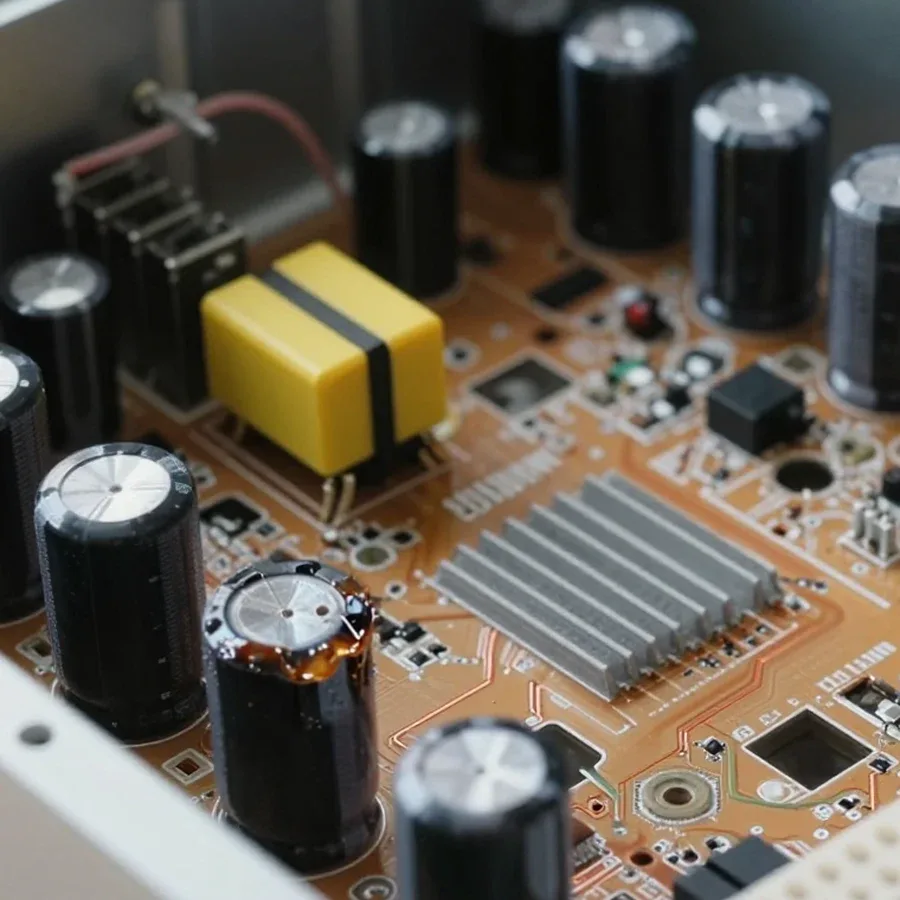
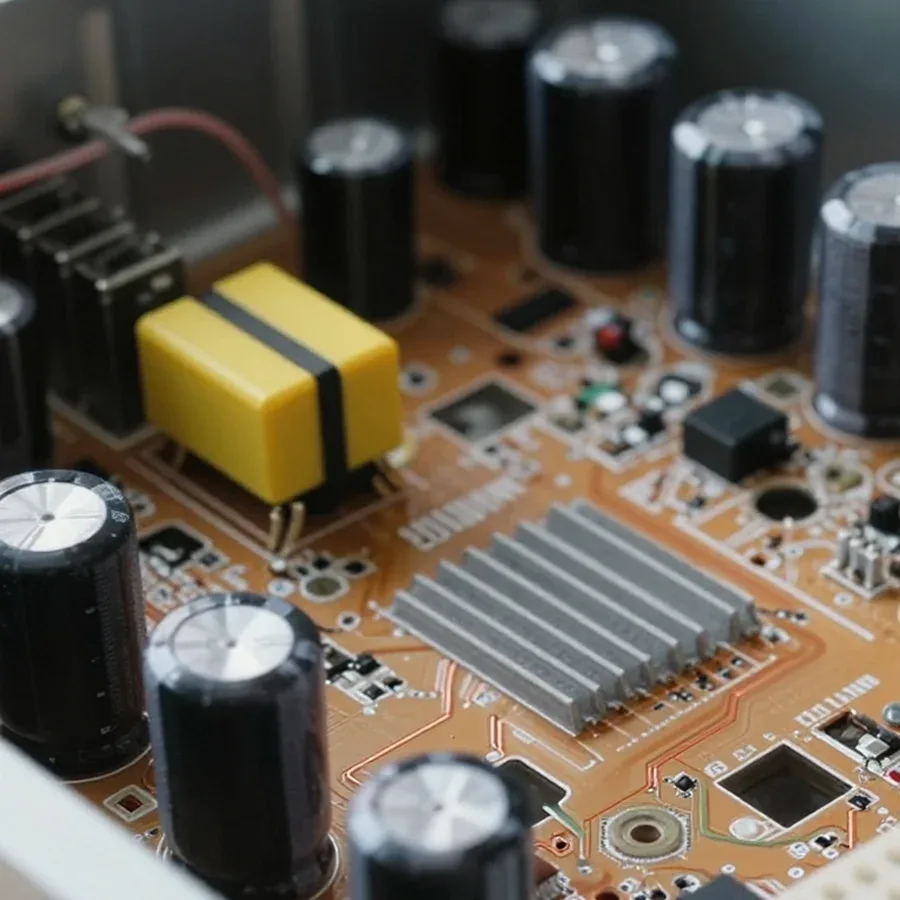
We open the display of an iMac when power and simple tests do not explain the cause of the fault. The glass with the panel is held by adhesive tape, so the technician separates it carefully to avoid damaging the cables and the backlight. Inside, the logic board is examined: signs of overheating, corrosion from spilled liquid, swollen capacitors and damaged traces are looked for. The backlight contacts and the connectors of the panel cable are checked separately, because they are responsible for the picture. Technicians with 4 to 20 years of experience can open the case only when necessary and leave sound parts alone. For reassembly the display usually needs new adhesive tape, otherwise the glass will come loose over time. If the cause is found, the technician names it together with the cost, and you decide whether to continue the work.
How to tell a macOS fault from a hardware failure
Freezing, a spinning wheel and boot errors occur with both the system and the hardware. The built-in macOS tools and a few typical signs help tell them apart.
What Recovery mode and Apple Diagnostics show
Recovery mode and Apple Diagnostics quickly show whether the system or the hardware is at fault. Apple Diagnostics checks the memory, the board, the wireless modules and the sensors and gives a problem code, while Recovery mode allows you to check the disk and reinstall macOS. If the computer works steadily after such a reinstall, the cause was in the software: a failed update, damaged system files or a conflict of applications. If the error returns on a clean system, the hardware is at fault, and the drive, memory and cooling are checked next. An endlessly spinning startup wheel points to the drive or the system, but not to the screen. Write down the code that the diagnostics gave and pass it to the technician: the code makes it easier to choose the right check. Also recall what preceded the fault: an update, a new device being connected or a voltage drop in the mains.
Signs that the hardware is at fault
- Spontaneous shutdowns: shutdowns under load point to overheating, dust in the cooling system or worn thermal paste, rather than to a fault of macOS itself.
- Errors after a reinstall: if errors return on a clean system, the cause is a part, most often the drive or the memory of the computer.
- Fan noise: a constant hum under light load points to dust or worn fan bearings, while programs only add to the load.
- Case heat: a very hot rear panel during ordinary work points to a cooling problem, not to the load from programs.
- Picture changes: lines, spots and flicker remain even on the startup screen, so their cause lies in the display or the cable, not in the system.
When replacing the drive helps
We replace the drive in an iMac on site if the part is not soldered to the board. In models with a removable drive, the technician installs a solid-state SSD, and system startup speeds up noticeably. The choice of type depends on the model and the interface: a mechanical disk, a Fusion Drive and an SSD connect differently. In some computers the drive is soldered to the board, and then the technician names the repair option after diagnostics. The 1-year warranty on labor and parts also applies to such a replacement. Before the visit, copy your data while the system still starts, because the new drive is installed empty. If the computer does not start, say so in your request: the drive is then removed and checked separately. The capacity of the new drive is chosen to suit your needs.
What affects the final cost of the work
The final cost is made up of the faulty part, the component and the labor of opening the case. A sum cannot be named in advance from a description of the symptom, so the order is this: diagnostics first, then agreement.
Why the sum is named after diagnostics
We name the cost of iMac repair in Astana after diagnostics: the symptom alone does not show which part has failed. A dark screen means a loose cable in one case, a faulty backlight in another and a board failure in a third, and the amount of work in these cases differs by an order of magnitude. Sometimes an alarming flicker turns out to be a poor contact that only needs reconnecting. An estimate over the phone therefore stays preliminary and does not replace an inspection. Diagnostics are free, so you can find out the cause without committing to a repair. The technician names the cause and the cost before work begins, and it is worth asking to hear both in advance so that the result matches your expectations. That way you see the whole scope of work in advance, not just its separate parts.
Why opening the case takes longer
- Adhesive mounting: the display is held by adhesive tape, so it is separated carefully and fixed again after the work; this adds time to any opening.
- Tight layout: the parts sit close together behind the screen, and the board or the fan cannot be reached without removing the display.
- Type of part: replacing a drive is easier than repairing a motherboard that needs soldering and a check of the power circuits.
- Number of faults: several faults at once lengthen the work, so it is better to fix the causes in a single visit.
- Condition of the board: traces of corrosion after liquid damage lengthen diagnostics because the neighboring circuits have to be checked.
How the work is agreed
We begin work only after agreement: the technician names the cause and the cost, and the decision about the repair stays with you. You can pay via Kaspi QR, Kaspi Red, card, cash or bank transfer, and you choose how to pay. The 1-year warranty on labor and parts applies to the completed repair, so the scope of work is worth clarifying before it starts. If a second fault comes up in the process, it is better to learn about it before continuing, so that the scope can be agreed again. At the end the technician starts the system, loads the processor and checks the picture, the ports and the sound, so that hidden defects show up in front of you. Compare the outcome with the list of agreed work: the repair should match the agreement. This order prevents misunderstandings and makes the result clear.
Which spare part fits an iMac
An original part repeats the factory one, while a compatible one is made by another manufacturer for the same connector. The choice depends on the part and on the exact model of the computer.
How original and compatible parts differ
| Parameter | Original | Compatible |
|---|
| Origin | As in the factory build | Another manufacturer |
| Where it matters | Display, board, power supply | Drive, fan |
| Model match | By part number | By connectors and parameters |
| What to confirm | Availability for the model | Compatibility with the model |
How a part is matched to the model
We choose a part for your iMac by the exact model and the marking on the case, because parts that look identical differ between generations in connectors, power and size. The screen diagonal does not fully define the model: computers with the same diagonal have different boards, displays and cooling systems. The 1-year warranty on parts applies to the installed part, so the option is worth discussing with the technician after diagnostics. Photograph the factory marking in advance and give it in your request: then the part option can be discussed at once, without lengthy clarifications. The model is determined before the part is ordered, not by the look of the case, and if the full marking is missing it is read from the serial number. This reduces the risk of ordering a part that will not fit.
Which parts cannot be replaced
In some models the RAM and the drive are soldered to the logic board and cannot be replaced separately. This applies to compact models with Apple processors, where the memory is placed together with the processor. Other models allow the drive and, depending on the generation, the RAM to be replaced, so before buying extra modules, check the options of your particular model. The display, the board and the power supply are usually replaced as a whole rather than by separate elements. For such computers the repair more often goes through replacing the board or soldering, not through replacing modules. Ask the technician which parts of your model can be replaced separately: the answer determines both the cost of the repair and the scope of work. These limits do not prevent repair, but they affect the choice of method.
How to prepare an iMac for the technician's visit and keep the result of the repair
Preparation takes a few minutes, while care after the repair keeps the result. Below are the steps for the owner: what to do before the technician's visit and how to look after the computer afterwards.
What to do before the technician arrives
- Symptoms: a technician arrives within 60 minutes anywhere in the city, so write down the signs of the fault and the sequence of events right after your request.
- Marking: find the factory marking with the model and serial number and give it in your request.
- Peripherals: unplug flash drives, external disks, printers and headphones from the ports to rule out their effect on startup.
- Power: make sure the cable is plugged in firmly and the outlet works, because the cause is sometimes right there.
- Access: clear space around the computer and access to the outlet so that diagnostics go ahead without unnecessary moving of things.
- Workspace: clear the desk of other objects so that the display can be safely laid down during the inspection.
How to save your data
Make a backup before the repair: Time Machine or any external drive will do, especially if a disk replacement is ahead. While the system still starts, move the folders with documents, photos and work projects. If the computer does not turn on at all, do not open it yourself: an opened display makes it harder to find the cause and risks damaging the cables. The technician can check the data on the drive separately without touching the other parts. Before handing the computer over for disassembly, sign out of your Apple ID and write down the account password: after a board replacement this makes activation easier. Cloud storage suits small files, while large videos are better kept on an external disk, checking that the copy opens on another device. That way your data stays with you whatever the outcome of the repair.
How to extend its life after the repair
Regular care gives a lasting result: the ventilation openings stay clear, the computer is plugged in through a surge protector, and dust is removed with a soft brush while the power is off. The thin case of an iMac combines the system unit and the screen, so heat escapes with more difficulty, and dust quickly raises the processor temperature and the fan noise. macOS updates close software errors that make faults return after a repair. Every few months it is worth looking at the system report on the condition of the drive and watching the temperature: a rise in heat and the number of read errors show up long before a serious breakdown. iMac repair in Astana keeps its value longer if, when noise or overheating appears after the work, you do not put up with it but let us know while the 1-year warranty on labor and parts is in force.
IMac repair essentials
Below is a brief summary of what an owner should know before contacting a technician. These points help to find the cause of the fault faster and to make a sound decision about the repair.
- Cause: a black screen and a failure to start are checked along the chain from power to backlight and board, so an inspection is useful before any decision about a repair.
- System: Recovery mode and Apple Diagnostics show whether macOS or the hardware is at fault, and save time on unnecessary disassembly.
- Cost: the outcome depends on the part, the component and the opening of the display, so a sum named in advance without diagnostics remains a guess.
- Spare part: the exact model matters more than the screen diagonal, and in some computers the memory and the drive are soldered and cannot be replaced separately.
- Preparation: make a backup, note the symptoms and unplug peripherals, so that the visit goes faster and the result lasts longer.