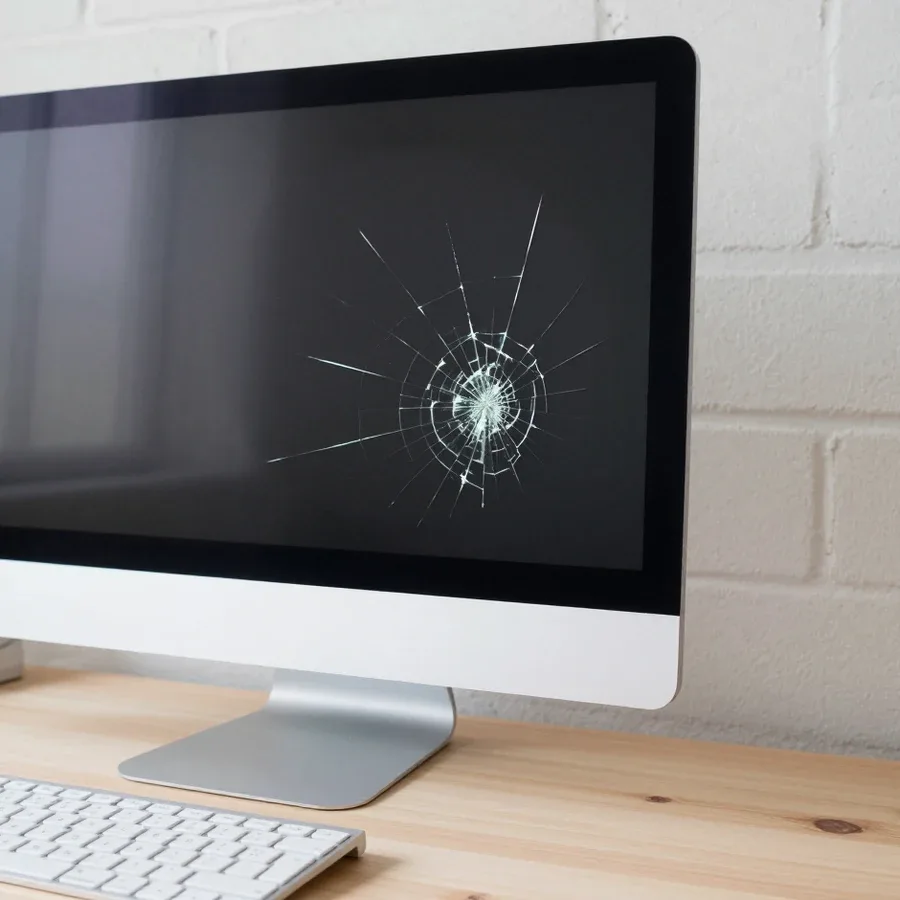
Tech Service repairs Acer all-in-ones in Astana: our technician arrives at your home within 60 minutes or takes the device to the service center. Diagnostics are free, we agree on the work before repairs begin, and we provide a 1-year warranty on labor and parts. The technician names the cost after diagnostics.
Common Acer all-in-one failures
An Acer all-in-one combines the screen and system unit in a single case, so it breaks differently than a desktop PC. Let's look at the components that fail most often and the symptoms that give them away.
Overheating and noise as the first typical problem
Overheating and fan noise in Acer all-in-ones are most often caused by a dust-clogged cooling system and dried-out thermal paste. The heatsink gets covered with a thick layer of dust, the channels between the fins narrow, and the fan runs at maximum speed to compensate for the lost airflow. Over a few years, the thermal paste dries out and turns into a crumbly mass, so heat transfers poorly from the processor to the heatsink base. If overheating recurs, Acer all-in-one repair in Astana starts with cooling system diagnostics. The Tech Service workshop cleans the device's cooling system of dust and replaces the thermal paste, and also checks whether the exhaust channel behind the back cover is clogged. The compact case accumulates dust faster than a laptop, so cleaning and replacing the thermal interface should be planned as preventive maintenance rather than waiting for the device to start shutting down under load.
Power supply, motherboard, and display
- Power supply: built in a compact form factor inside the case, after voltage surges it stops delivering operating voltages, and the all-in-one won't turn on.
- Motherboard: the processor and video chip power circuits suffer, swollen capacitors and signs of overheating appear near the power elements.
- Display: an integrated unit, impacts or pressure on the screen cause stripes, dead pixels, and dark spots in the corners.
- Cables and ribbons: wear out at the hinges and connectors, causing the backlight or image to disappear at a certain screen tilt angle.
- Storage drive: wears out from heat in the cramped case, the system freezes when reading and loses files.
What to do if your Acer all-in-one won't turn on or freezes
Based on the symptom, the technician narrows down the causes before disassembly. Let's look at three common scenarios: the device won't turn on, the screen went dark while the system is running, the computer freezes or shows a blue screen.
Acer all-in-one won't turn on
If an Acer all-in-one won't turn on, we start by checking the power supply and its circuits, then check the motherboard. First, the technician makes sure voltage reaches the device and the button closes the contact, then inspects the ribbons and capacitors on the board for swelling and signs of overheating. No response to the button doesn't always mean the board is dead—sometimes the power supply or a loose ribbon is to blame, and this is determined during free diagnostics before disassembly. In our practice, some devices with the complaint "won't turn on" come back to life after replacing the power supply, without touching the motherboard. So don't rush to write off the device: first let the technician test the power circuits, and only then will it be clear whether board repair is needed.
Screen is dark but the computer is running
If the all-in-one screen is dark but the system unit keeps running, the cause is more often the display, ribbon, or backlight, not the computer itself. The Acer all-in-one display is an integrated unit, and replacing it requires careful disassembly of the case: the screen is removed together with the bezel, without touching the mounts and hinges. First, the technician connects an external monitor: if there is an image on it, the system is fine, and the problem is localized in the screen or cable. The ribbon between the board and the display is checked for kinks and oxidized contacts—it often comes loose when the device is moved or tilted sharply. This symptom is easy to confuse with a board failure, so the check starts with an external monitor—this quickly separates a screen problem from a system problem and saves diagnostic time.
Freezes, blue screen, and consequences of liquid damage
Blue screens and freezes on an Acer all-in-one can be caused by both software and hardware issues, and if liquid has been spilled, we first assess oxidation on the board. If the system runs stably in safe mode but crashes under load, the technician checks the memory, storage, and CPU temperature — overheating produces a similar picture. If the device has come into contact with liquid, it's more important not to power it on again but to hand it to a technician right away: attempts to start it under power expand the damage area on the board, and oxidation goes deeper under components. At the service center, the board is cleaned and dried, then the circuits are checked for short circuits. Bring the device in as soon as it has been exposed to liquid — the less time that has passed, the fewer traces will need to be restored.
How the repair process works and what free diagnostics includes
The work proceeds step by step — from free diagnostics to approval and testing. We show what check the specialist performs at each stage and why the order of actions matters.
What free diagnostics includes
- Power: we check the power supply and voltage supply lines — looking for the reason the all-in-one won't start or shuts down.
- Cooling system: we inspect the coolers and heatsinks, assess dust buildup and signs of overheating under load.
- Storage: we test the hard drive or SSD for errors, speed, and read failures that cause the system to freeze.
- Board: we inspect the motherboard for swollen capacitors, signs of overheating, and liquid damage.
- Approval: we state the cause and scope of work, and you decide which part to repair — we don't push unnecessary work.
Work stages from disassembly to testing
- Disassembly: we carefully remove the case and panel to reach the board and components without damaging latches and cables.
- Replacement: we install a working component in place of the failed one — board, storage, power supply, or cooling module.
- Assembly: we put the parts back, connect the cables, and check that all connectors are seated properly.
- Testing: we start the system under load and make sure the symptom is gone, not just that a part has been replaced.
- Handover: we return the device after testing — we don't give back an all-in-one without a final test.
How the cost of work is determined
The specialist states the cost after free diagnostics, once the cause and scope of work are clear. First we check the power, cooling, storage, and board, then explain which component has failed and what operations are needed. You approve the list before work begins — the invoice includes only what actually affects the malfunction. You can pay via Kaspi QR, Kaspi Red, card, cash or bank transfer, and there is a 1-year warranty on labor and parts. This approach protects you from surprises in the bill: you see what you're paying for before the all-in-one is disassembled, not after. In our experience, transparent approval saves both time and nerves — the client knows upfront what budget to expect and what work will be offered.
Repair at home or at the service center, and who to trust with an Acer all-in-one
Acer all-in-ones are repaired either at home or at the service center. We break down both options and the signs that show a specialist works specifically with this brand.
Technician visit to your home within 60 minutes
We send our technician to your home within 60 minutes anywhere in the city to perform diagnostics and some of the work on site. The visiting technician arrives with their own tools and immediately checks the power, response to the power button, and condition of the connectors. At home, it's realistic to handle tasks that don't require deep disassembly of the case: replacing the power supply via an external adapter, checking the cable, assessing overheating by noise and temperature. Diagnostics is free, and based on its results it's clear whether the case suits the on-site format. If service center intervention is required, the technician will say so honestly after the check. A home visit is convenient when the device is hard to transport or you need to quickly understand the cause. An all-in-one with an integrated screen weighs a lot, and carrying it across the city yourself is an extra risk for the matrix.
Repair at the service center and dealing directly with the technician
Tech Service is the direct provider: your all-in-one is handled by our own technician, not a middleman or an aggregator. Our employee comes to your home or accepts the device at the service center, so there is no chain of resellers between you and the person with a screwdriver. This changes the main thing — accountability: the same organization you chose is responsible for the work and the warranty, with no intermediate links. In an aggregator scheme, one company takes the request and a contractor goes on-site, and warranty obligations get blurred between them. With us, you get a 1-year warranty on labor and parts, and it is provided by the same organization whose technician opened the case. Our technicians have 4 to 20 years of experience, and you can pay via Kaspi QR, Kaspi Red, bank card, cash, or bank transfer for companies. The service center offers the full scope of work: deep disassembly, soldering, and replacement of board components.
How to tell if a technician really knows Acer all-in-ones
- Asks for the model and series: clarifies whether it's an Aspire or Veriton and checks the layout of the specific case before disassembly.
- Asks about symptoms: notes when the noise, freezing, or failure to power on started, rather than just accepting "it doesn't work."
- Explains the disassembly: describes how the back cover comes off and where the integrated screen's cables are attached.
- Understands the device class: an all-in-one combines the screen and system unit in one case, so the approach differs from a laptop.
- Talks about diagnostics before work: states what will be checked and only then discusses repair.
How Acer all-in-one repair differs from laptops and PCs
An all-in-one is not a laptop or a PC: the screen and system unit share a single case. Let's look at how this layout affects disassembly, component replacement, and the decision to repair or replace the device.
Integrated screen and complex disassembly
In an all-in-one, the screen and system unit are combined in one case, so disassembly is more complex than with a PC, and the matrix is replaced as an integrated unit. Inside, the display cable, backlight cables, and matrix fasteners run next to the board and storage, and in thin Acer models also next to the cooling system. The front panel has to be removed with force but without jerking: plastic clips and thin wires don't forgive haste. With a desktop PC, you just remove the side cover and see the board entirely — that won't work here. Because of the shared layout, access to internal components requires careful case disassembly, and a mistake at this stage can damage cables or fasteners, so it's best to let a technician who has already opened such models handle the first disassembly.
Comparison of all-in-one, laptop, and PC
| Parameter | Acer all-in-one | Laptop | PC |
|---|
| Layout | screen and system unit in one case | everything in one case with keyboard | separate system unit and monitor |
| Access to components | through careful case disassembly | through the bottom cover | removing the side cover |
| Power | compact module, connected to the board | external or internal | separate power source |
| Matrix | integrated unit | integrated unit | separate monitor |
| Cooling | compact, collects dust quickly | compact | large heatsink and coolers |
Repair an old all-in-one or replace it
The solution depends on the component: replacing the drive and memory usually extends the life of an all-in-one, while a serious board failure requires assessment. Our technicians with 4 to 20 years of experience replace and upgrade RAM and SSD or HDD storage, and after the work they provide a 1-year warranty on labor and parts. If the device is no longer under the manufacturer's warranty, an upgrade is often more cost-effective than buying a new one: memory and a fast drive eliminate lag when working with a browser and office programs. Upgrading RAM and SSD often solves the "it's become slow" problem without replacing the device, so it's worth discussing this option with a technician first — our diagnostics are free, and the results show where the limit of the old hardware is.
Warranty and Terms of Service
It's best to clarify warranty obligations and payment procedures before work begins. We explain what cases our warranty covers and how payments for equipment restoration are accepted.
1-year warranty on labor and parts
We provide a 1-year warranty on labor and parts installed during the servicing of an Acer all-in-one. The period starts from the moment the device is returned and covers both the replaced component and the quality of its installation — from the matrix and power supply to cables and connectors. If the fault returns during this period, we deal with it under warranty rather than starting a conversation about a new breakdown. In my view, the value here is that the obligations for installation and for parts are given together: if a fault recurs, you won't have to prove whose defect it is — the component's or the installation's — the technician checks both within a single request. So keep the service record: it makes it easier to confirm that the case is covered by warranty.
Technician experience and payment acceptance
Acer all-in-ones are serviced by our technicians with 4 to 20 years of experience, and you can pay via Kaspi QR, Kaspi Red, card, cash, or bank transfer. This range covers different Acer series: both compact home models and large all-in-ones with discrete graphics, where disassembly follows its own order and the cooling system is designed differently from desktop PCs. Experience matters not for its own sake, but because a specialist has already seen various Acer series and can quicker distinguish a typical fault from a rare one — which means less time is spent finding the cause. You can pay for the restoration in any convenient way; the technician names the final amount after free diagnostics, once the scope of work is clear. Moreover, diagnostics cost nothing and you don't commit to any restoration before them.
What to remember about Acer all-in-one PC repair
Here's the key information to keep in mind before contacting us about an Acer all-in-one: from typical symptoms to what terms to confirm before work begins.
- Complex disassembly: the integrated screen and compact layout of an Acer all-in-one require careful opening of the case, otherwise it's easy to damage the matrix cables.
- Common causes: overheating and noise, power supply failures, matrix degradation, and drive wear account for most requests for this line.
- Symptoms narrow the search: based on the device's behavior — won't turn on, screen is dark, freezes, liquid spill — the technician rules out some possibilities already at the diagnostics stage.
- Agreement before work: free diagnostics and discussing the scope of operations in advance eliminate the risk of paying for unnecessary work.
- Terms in advance: clarify the warranty on the work performed and installed parts, as well as the payment procedure, before disassembly, not after.