Денис Л.Order No. TSA-68955 · 25 April 2026
oursLaptop Repair in
Раис Мирзахметов разрулил всё быстро. Внешне не видно, что разбирали. Ни разу не пожалел.
Repair: laptop repair in
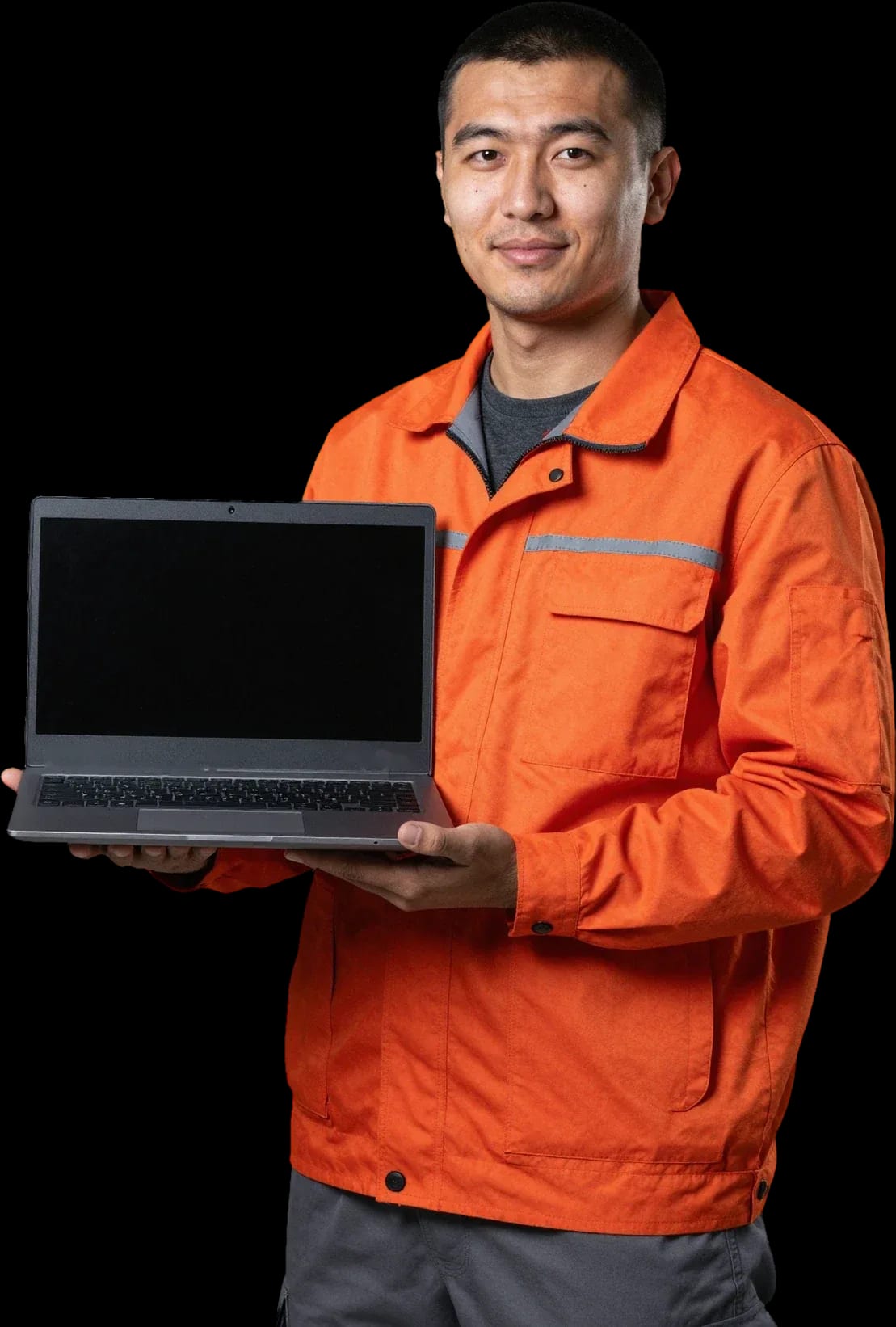
A technician arrives within 60 minutes anywhere in the city. Diagnostics are free.
Our own technicians4 to 20 years of experience




Repair prices
Common symptoms of Dell laptops and their likely causes. The technician finds the exact cause during free diagnostics.
Power adapter, jack, board
from8 000 ₸
Adapter, jack, battery
from8 000 ₸
Dusty heatsink, thermal paste
from5 000 ₸
Overheating, battery, power
from8 000 ₸
Panel, cable, hinges
from6 500 ₸
Panel cable, panel
from6 500 ₸
Dirt, cable, liquid spill
from6 500 ₸
Drive, memory, system
from6 000 ₸
1–3 daystime
from 23 000 ₸cost
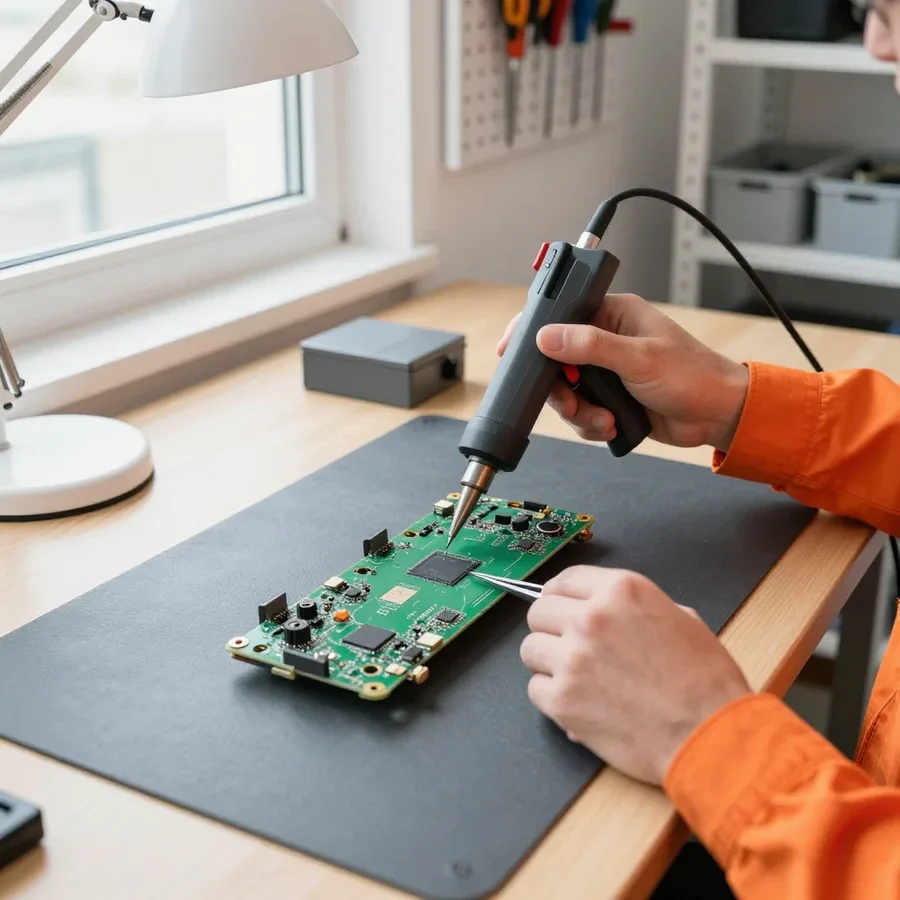 BeforeAfter

Five steps from your request to the final check.
Describe your Dell laptop model and the symptom: what exactly is going wrong.
A technician arrives within 60 minutes anywhere in the city.
Diagnostics are free: the technician names the cause of the fault and the cost of the work.
You decide whether to go ahead with the repair after hearing the cause and the cost.
You check the laptop together. 1-year warranty on labor and parts.
We reply during working hours
Tell us in the request what happened to your Dell laptop. A technician arrives within 60 minutes, and diagnostics are free.

Warranty question? Call us
+7 (778) 096 59 61 experience10 years
Laptop repair technician
 experience7 years
PC and network repair engineer
 experience11 years
Senior mobile computer technician
 experience9 years
Motherboard repair technician
 experience16 years
Printer repair technician

Author: Azim K.,Laptop repair technician
Published
Updated
Tech Service technicians reach Dell laptop owners within 60 minutes anywhere in the city, diagnostics are free, and labor and parts come with a 1-year warranty. Technicians with from 4 to 20 years of experience quickly find the cause in Inspiron, Latitude, XPS and Alienware models. Below you will find how diagnostics work, what to know about the power adapter and parts, and how to choose between repair and replacement.
Inspiron, Vostro, Latitude, XPS and Alienware series are built for different tasks, so each has its own weak spots. Knowing the design helps name the cause of a fault faster.
We most often see worn hinges, charging jacks and batteries in Inspiron and Vostro laptops. These series are bought for home, study and small offices, so the lid is opened and closed many times a day, and the plastic hinge posts develop cracks over time. The charging jack takes the main mechanical load when the cable is yanked on the move, and battery capacity drops with every charge cycle. A technician arriving within 60 minutes anywhere in the city can assess the hinges and the jack on site, and diagnostics are free. Technicians with from 4 to 20 years of experience can tell ordinary wear from the results of a drop. Do not put weight on the lid or lift the laptop by a corner until the technician has examined the hinges.
Latitude was created for work, so its body is usually easier to repair than that of home models. In the business series the hinges and frame are stronger, and many models support a docking station that connects the monitor, the network and the power through a single connector. Because of this, the dock connector and the ports on the body take load separately from the charging jack. Corporate devices often run for many hours without a break, and a worn battery and a heatsink clogged with dust come first among the reasons for a visit. Access to the components differs between Latitude generations, so before the work ask the technician how your model opens and which parts have to be removed, to understand the scope of the repair in advance.
When seeking Dell laptop repair in Astana, owners of XPS and Alienware complain of heat and fan noise, although the causes differ. The XPS is built in a thin body with a compact heatsink that clogs with dust quickly, while the Alienware carries a powerful processor and graphics card that give off a lot of heat under load. We remove the heatsink, clear out the dust, replace the dried thermal paste and check that the fans work, and then compare the temperature under load with the starting value. An Alienware has several fans and copper heat pipes in its body, so the work takes longer than on an ordinary model. A clogged heatsink reduces heat removal, the processor lowers its frequency, and work slows down. If the fans are louder than usual, do not wait for shutdowns: it is better to have the cooling system cleaned at once.
The check goes from identifying the model to power, cooling and the drive, and the technician names the cause before work begins. The decision about the repair stays with the owner.
We start the check with the service tag on the underside, because it shows the exact configuration of the Dell laptop: processor, memory, drive and panel variant. The tag consists of several letters and digits, and from it the technician chooses suitable parts and understands which variant of the board is in your model. Next comes an inspection of the body and ports for traces of liquid, cracks and a swollen battery. Tell the technician when the fault appeared: after a drop, an update or suddenly, as this narrows the range of causes, cuts the number of unnecessary checks and saves time for both sides. The sticker is usually on the bottom panel of the body. Photograph it in advance and give the tag in your request, so that no time is spent identifying the model on site.
| Check | What is examined | What it can reveal |
|---|---|---|
| Power | Adapter, charging jack, battery | Worn adapter, loose jack |
| Cooling | Temperature, fan speed, dust | Clogged heatsink, dry thermal paste |
| Drive | Read errors, speed | Wear of the SSD or HDD |
| Memory | Test module by module | Faulty module, blue screens |
| Screen | Pixels, stripes, brightness | Panel cable, panel |
| Keyboard | All keys, backlight | Spill damage, oxidized contacts |
With us diagnostics are free and the technician arrives within 60 minutes anywhere in the city, so the owner learns the cause of the fault before any work begins. After the checks the technician names the faulty component, explains what can be restored and what has to be replaced, and states the cost of the work. Often the cause turns out to be simple: an oxidized contact, dust in the heatsink or a loosened jack, and then the technician says so directly. For Latitude and XPS models the technician also explains which components can be replaced without full disassembly. There is no need to decide at once, as you can calmly compare the options offered with the age of the device. If you agree to the work, it and the parts come with a 1-year warranty. The decision about the repair always stays with you.
The choice of a part depends on the component and the model, and the power adapter and the battery need particular attention. Below is where a compatible part is enough and where an original is needed.
An original Dell power adapter passes data about its power to the laptop through a separate central contact, and from it the system understands which adapter is connected. When choosing parts for Dell laptop repair in Astana, owners often meet a message that the adapter is not recognized: the laptop then charges more slowly or lowers its performance. The cause may be a worn contact, a broken wire at the plug or a compatible adapter without the needed signal. Such a message does not always mean the laptop itself is faulty, so the adapter is first checked on another device. Choose an adapter by the power and plug marked on the old one, not by the outward similarity of the connector. Compatible adapters from different makers differ in quality, so it matters who supplies them.
A Dell battery is worth replacing when the laptop discharges quickly or shuts down with the charger disconnected. A lithium-ion battery wears with the number of charge cycles, and after several years of active use its capacity drops noticeably. A swollen battery case is a reason to stop using it at once: a bulging battery presses on the touchpad and the body and is dangerous when heated. We choose the battery by the model number and check that the system shows the charge correctly. In some Latitude models the battery is removable, while in thin XPS models it is fixed inside and replaced after removing the bottom cover. A system message about battery condition also points to wear. Do not charge a swollen battery and do not puncture it, hand it to the technician.
A few actions before the visit save your data and help the technician find the cause faster. They matter most if the device has been splashed with liquid, won't turn on or has an encrypted drive.
If liquid is spilled on a Dell laptop, switch it off at once, unplug the charger and turn it keyboard down so that the moisture does not run onto the board. Sweet drinks leave a sticky film that eats away at the contacts over time, so delay is more dangerous than the spill itself, while small drops on the case are harmless. While the device is off, remove everything that can be safely disconnected: flash drives, memory cards, the mouse. A keyboard with liquid trapped under it more often has to be replaced, while the board is washed and checked for short circuits. Gently blot the outside drops with a dry cloth. Do not dry the laptop with a hair dryer and do not put it on a radiator: hot air drives moisture deeper into the case. Do not switch it on to test whether it works, because power on a wet board turns reversible damage into irreversible damage.
If the drive of a Dell laptop is encrypted, we ask you to find the BitLocker recovery key in advance. Encryption is enabled on many business models, and after the motherboard or the drive is replaced the system asks for a long numeric key before it starts. Without the key the data on an encrypted drive cannot be read, so the key must be found before the visit. It is kept in a Microsoft account, with the organization's administrator or on a printout made when encryption was turned on. The key cannot be restored from memory, it can only be found or requested from the administrator. At the same time, recall your account password and the BIOS password, if you set one. If the system still starts, copy important files to an external drive and tell us about the drive encryption in your request.
The decision depends on the diagnosis, the age of the device and the condition of the motherboard, not only on the final sum. First you need to understand which component exactly has failed.
| Situation | Sensible decision | What it depends on |
|---|---|---|
| One component has failed | Repair by replacing the component | Availability of the part for the model |
| Motherboard failure | Decision after diagnostics | Condition of the other components |
| Spill without signs of corrosion | Washing and testing | How quickly you reach the technician |
| Old model works slowly | Replace the drive or memory | Processor capabilities |
| Battery is worn | Replace the battery | Condition of the rest of the device |
| Screen is damaged | Replace the panel | Availability of the part for the model |
| Several faults at once | Compare with buying a new one | Age and wear of the device |
After a repair we advise blowing out the heatsink and fan as dust builds up and working on a flat hard surface: a soft one blocks the ventilation openings on the underside. In gaming Alienware and G-series models dust builds up faster than in office Latitude models, so they have to be cleaned more often. If the laptop works from the mains for long periods, do not keep the battery constantly fully charged and do not run it down to zero: a lithium-ion battery wears more slowly this way. Do not leave the device on in a closed bag and do not cover it with a blanket while charging, since heat accumulates and shortens the life of the board. Use only an adapter of the right power with the original plug. The 1-year warranty on labor and parts also applies after the repair, so it is worth showing new symptoms to the technician.
Choosing a technician and a part begins with understanding the series and ends with checking the result of the work. Below are the main conclusions of the article for Dell laptop owners.
Tech Service technicians repair other appliances too — with the same 1-year warranty on labour and parts.
 Refrigerator Repair in Almatyfrom 3 000 ₸
 Washing Machine Repair in Almatyfrom 3 000 ₸
 Dishwasher Repair in Almatyfrom 3 500 ₸
 Oven Repair in Almatyfrom 3 000 ₸
 Cooktop Repair in Almatyfrom 3 500 ₸
 Air Conditioner Repair in Almatyfrom 3 500 ₸
 Boiler and Water Heater Repair in Almatyfrom 2 500 ₸
 Freezer Repair in Almatyfrom 6 000 ₸
 Tumble Dryer Repair in Almatyfrom 5 000 ₸
 Coffee Machine Repair in Almatyfrom 2 500 ₸
 Robot Vacuum Cleaner Repair in Almatyfrom 3 500 ₸
 Vacuum Cleaner Repair in Almatyfrom 1 500 ₸
 Microwave Oven Repair in Almatyfrom 2 000 ₸
 Hair Dryer Repair in Almatyfrom 1 500 ₸
 Iron Repair in Almatyfrom 3 000 ₸
 Electric Kettle Repair in Almatyfrom 2 500 ₸
 Mixer Repair in Almatyfrom 2 500 ₸
 Multicooker Repair in Almatyfrom 500 ₸

If your laptop screen is broken, turn the device off first, don't press on the display, and check the picture through an external monitor.
12 March 2026 · 11 minutes read
If your laptop freezes, the first thing to do is restart it and check Task Manager to see what's loading the CPU and memory.
25 January 2026 · 12 minutes read
If your laptop won't boot, first determine which of two states you're in: the device doesn't respond to the power button at all…
13 December 2025 · 12 minutes read
If your computer won't turn on, start simple: check the outlet, power cable, switch on the power supply, and the power button.
19 January 2026 · 13 minutes read








