Денис Л.Order No. TSA-68955 · 25 April 2026
oursLaptop Repair in
Раис Мирзахметов разрулил всё быстро. Внешне не видно, что разбирали. Ни разу не пожалел.
Repair: laptop repair in
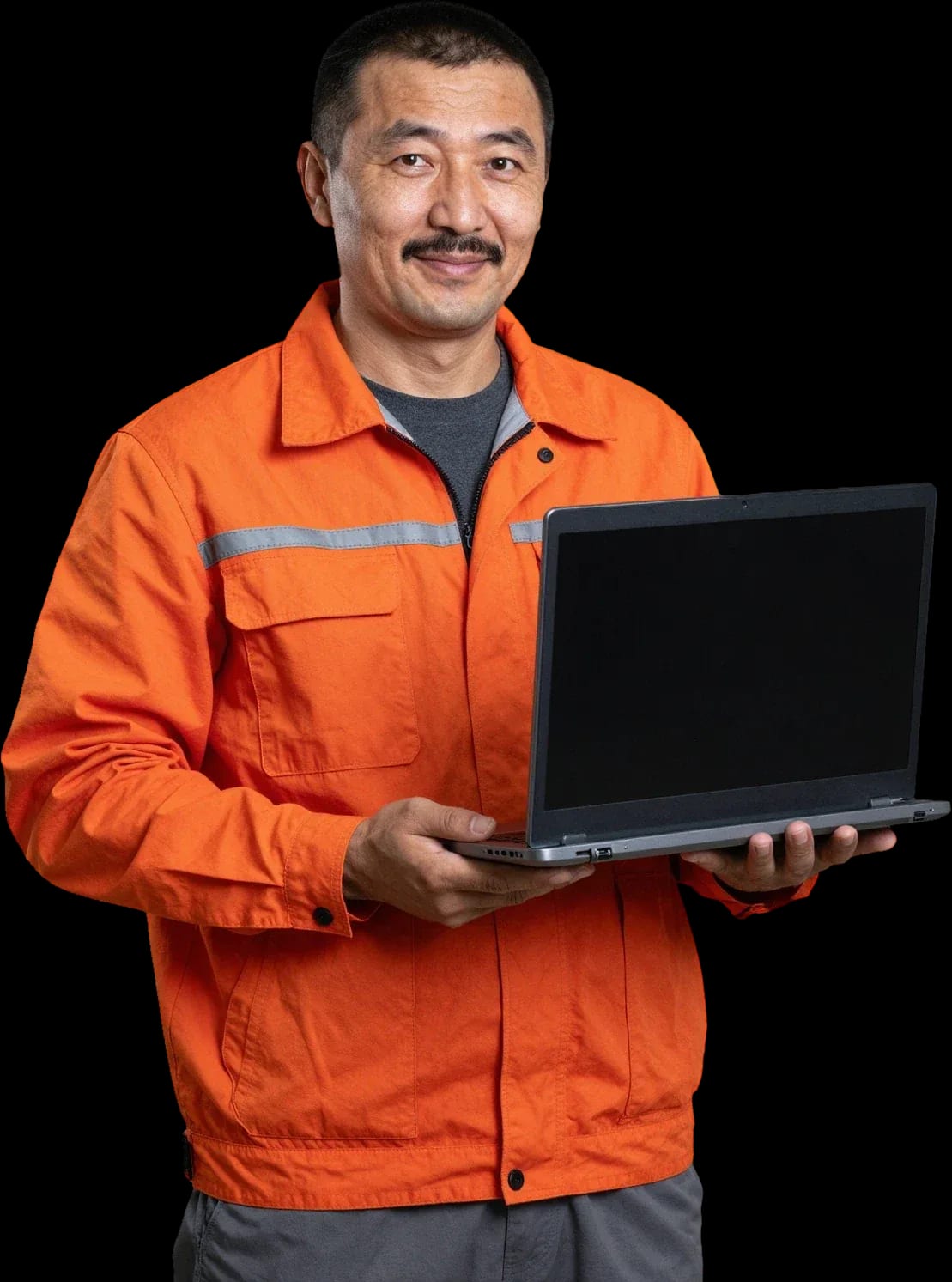
A technician arrives within 60 minutes anywhere in the city. Free diagnostics, 1-year warranty on labor and parts.
Our own technicians4 to 20 years of experience




Repair prices
Below are typical symptoms Xiaomi laptop owners report and their likely causes. The technician identifies the exact cause after free diagnostics.
dust in the heatsink, worn thermal paste
from5 000 ₸
power failure, charging circuit, button
from8 000 ₸
port, battery, controller
from8 000 ₸
moisture, contact oxidation, short circuit
from12 500 ₸
dust on blades, worn bearing
from4 500 ₸
matrix damage, cable, backlight
from6 500 ₸
liquid damage, worn contacts, cable
from6 500 ₸
worn hinges, cracks in the body
from8 500 ₸
1–3 daystime
from 23 000 ₸cost
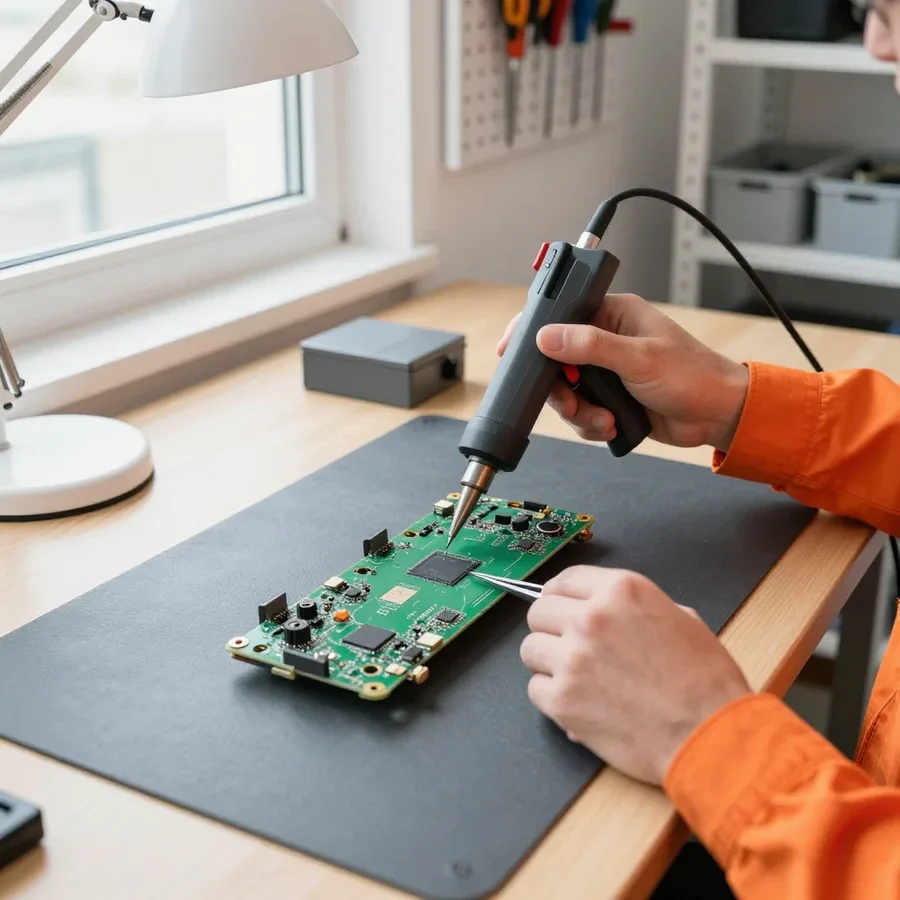 BeforeAfter

From request to check — five steps, free diagnostics.
Leave a request by phone or WhatsApp, describe the symptom and laptop model.
The technician comes anywhere in the city to inspect the laptop on site.
The technician quotes the cost and timeline, you approve the work before repair starts.
You approve the list of work and parts, then the technician starts.
The technician hands over the laptop, you check the device and pay for the work in a convenient way.
We reply during working hours
Describe the symptom and laptop model — the technician will clarify details and suggest a convenient time. You can leave a request by phone or WhatsApp.

Warranty question? Call us
+7 (778) 096 59 61 experience10 years
Laptop repair technician
 experience7 years
PC and network repair engineer
 experience11 years
Senior mobile computer technician
 experience9 years
Motherboard repair technician
 experience16 years
Printer repair technician

Author: Azim K.,Laptop repair technician
Published
Updated
Tech Service repairs Xiaomi laptops — RedmiBook and Mi Notebook — in Astana: our technician comes to your home within 60 minutes or accepts the device at the service center. Diagnostics are free, there's a 1-year warranty on labor and parts, and our technicians have 4 to 20 years of experience. The price is quoted after diagnostics.
RedmiBook and Mi Notebook share design traits that determine which components fail most often. Let's look at them before we talk about the repair itself.
On most RedmiBook and Mi Notebook models, power and data transfer go through a single USB-C port, so wear or mechanical stress affects the entire charging circuit at once. The connector combines power contacts, data lines, and a controller channel — when the socket gets loose, the laptop charges intermittently and you have to hold the cable at an angle. The solder under the contacts and the thin traces near the port aren't designed for cable jerks while carrying the laptop in a backpack. Because of the shared bus, a port failure masquerades as a battery failure: the indicator blinks, the system reports low charge, even though the cell is fine. Before taking the laptop to a technician, check how the indicator behaves with different power adapters and cables — this narrows down the suspects and speeds up diagnostics.
We start by checking the power circuit — controller, battery, and ribbon cables — because on Xiaomi laptops "won't turn on" and "doesn't see the battery" are often related to the same component. The controller manages both charging and board startup, so its failure causes both symptoms at once: the indicator doesn't respond to plugging in, and the system doesn't see the battery. Diagnostics are free, and the technician checks the voltage at the connector, the integrity of the battery ribbon cable, and the keyboard's response to external peripherals. The keyboard and touchpad share a common ribbon cable, so some keys failing or the cursor disappearing often means one connector is damaged, not the entire peripheral. If the keyboard stopped working after an update, we rule out drivers first and only then open the case — that way we don't waste time on unnecessary disassembly.
The workflow depends on the type of breakdown: some faults are fixed on-site, others require the workshop. Below is how it works and what to expect from a home visit.
Our diagnostics are free: the technician checks the power circuit, cooling system, storage, and display condition, and then quotes the cost of work. First, they open the case and inspect the USB-C port for signs of overheating and oxidation — on thin models, this is the first place where charging problems appear. Next comes checking the power controller and measuring temperatures under load if the laptop still starts. The keyboard and display ribbon cable are tested separately: on thin-case models, they suffer from pressure in a backpack. Xiaomi laptop repair in Astana starts with exactly this kind of inspection, and its results show which components need attention. The technician quotes the price after the inspection, not before — so the amount reflects the real scope. The technician shows which component failed — understanding the cause helps you avoid unnecessary procedures and plan maintenance in advance.
| Type of work | Where it's done | What we check |
|---|---|---|
| Dust cleaning | On-site | Radiator, fan, grilles |
| Thermal paste replacement | On-site | Temperatures under load |
| Keyboard work | On-site | Ribbon cable, contacts, key travel |
| Power circuit soldering | In the workshop | Controller, USB-C port |
| Screen replacement | In the workshop | Ribbon cable, backlight, dead pixels |
We arrive within 60 minutes anywhere in the city: the technician comes to your home or you bring the laptop to the service center — you choose the format. To book a visit, just describe the symptom: it won't charge, the fan is noisy, it won't turn on after being carried in a backpack. The technician does the initial check and cleaning right on the spot. If it turns out that board soldering or screen replacement is needed, the device goes to the workshop, and you get a clear explanation of why the job can't be finished at home. The technician gives the timeline after diagnostics — it depends on the component and availability of compatible parts. The 1-year warranty covers both on-site procedures and workshop service. If the laptop has liquid damage, don't try to turn it on before the technician arrives and don't dry it with a hairdryer — that reduces the chance of saving the board.
The thin Xiaomi chassis leaves little headroom for the cooling system, so overheating and noise show up earlier than in thicker laptops. Let's look at when it's normal and when it's time for a cleaning.
A fan that gets loud under load is normal, but constant humming at idle and a hot bottom panel point to a clogged radiator or dried-out thermal paste. In Xiaomi ultrabooks the cooling system is designed for a narrow range: the thin chassis fits one fan and a short radiator, so dust blocks airflow faster. A sign of a clogged radiator is when the fan doesn't quiet down a couple of minutes after closing a heavy app, and the bottom panel stays warm while watching video. Dried thermal paste shows up differently: heating comes in bursts, and fan speed jumps from minimum to maximum with no visible load. Also check that the exhaust grilles aren't blocked — a case or a stand with thick fabric has the same effect as a dusty radiator. Keep an eye on temperatures during simple tasks — if the bottom panel gets noticeably hot without load, don't put off cleaning.
After cleaning and replacing the thermal paste, the technician shows you the disassembled cooling unit, and the result is checked by temperature under load. In Xiaomi ultrabooks, thermal paste is applied in a thin layer to the CPU die and heatsink plate, so you can't confirm the replacement just by looking at the bottom panel. The technician shows the heatsink with a clean base and the removed fan impeller without dusty felt on the blades — that's the proof of the work. Then the technician shows how the fan speed and heating behave after reassembly. Compare the temperature and noise level before and after — a noticeable drop confirms that the work was done, not just the bottom panel cleaned. If the difference isn't obvious, ask to see the removed impeller and heatsink base again: they show whether the cooling unit was removed at all. This check takes a couple of minutes and removes any doubts about the quality of the maintenance.
Some Xiaomi laptops in Astana were not bought in Kazakhstan. Let's look at how such devices differ for servicing and whether technicians take them on.
We accept Xiaomi laptops from parallel imports just like those bought in Kazakhstan: what matters to the technician is the model and the condition of the components, not the country of purchase. We're talking about RedmiBook and Mi Notebook brought from other countries: their board design, charging port, and cooling system are the same as those of devices from local retail. The only difference is the region marking on the label and the package contents — this doesn't affect the scope of work, and diagnostics follow the same signs. Such devices come in with the same faults: a broken USB-C, a dust-clogged heatsink, a power button that won't respond. Laptop repair in Astana accepts them on standard terms, including free diagnostics before work begins. Specify the exact model and year of manufacture in advance — that makes it easier to pick compatible components and avoid mistakes during disassembly.
| Line | Design feature | What we check |
|---|---|---|
| RedmiBook | Dense board layout, short cables | Lid mounts, charging port |
| Mi Notebook | Separate power button module | Scanner cable, button seating |
| RedmiBook | Single fan in a thin chassis | Dust in the heatsink, thermal paste |
| Mi Notebook | Metal chassis with screws of different lengths | Disassembly order, threads |
| Both lines | USB-C as the only charging input | Contacts, soldering, controller |
On some Xiaomi models, the power button is combined with a fingerprint scanner, so when it fails we check both the mechanical part of the unit and the scanner cable. Externally it's one element: pressing doesn't work, and fingerprint unlocking stops working along with it. The technician checks the cable and the seating of the module itself — mechanics and electronics are connected here. On some devices, only the scanner fails: the laptop turns on normally, but recognition doesn't work. The cause is often a pinched or loose cable, not the reader itself. If the laptop starts but the scanner doesn't work, the problem may be in the cable, not the module itself — this changes the scope of work. We state this in advance so it's clear what exactly is being replaced.
For a Xiaomi laptop owner, it's important to get clear commitments, not general promises. Below we explain exactly what warranty we provide and why a direct contractor is more reliable than an intermediary.
We give a 1-year warranty on labor and parts — it covers matrix replacement, motherboard repair, and preventive maintenance. The 1-year warranty applies to labor and parts for any component: if a defect caused by our work appears afterward, the technician rechecks the component and fixes the root cause. The warranty covers both the part itself and the quality of its installation — you don't need to specify each item separately. For flex cables and power connectors, not only replacement but also soldering accuracy matters. Ask the technician what operations were included in the job — this makes it easier to understand the scope of work if you need to come back. If the defect reappears, the technician rechecks the component and fixes the cause, not just the symptom.
Tech Service is a direct contractor: our own technician comes to your home or accepts the device at the service center, without passing the laptop to third parties. This means the same person does the diagnostics, disassembly, and reassembly, not a chain of subcontractors with different standards. A technician arrives within 60 minutes in the city, and he is also responsible for the result on site. When you go through an intermediary, responsibility for the work is blurred between them and the subcontractor, while with a direct contractor, warranty and quality are in one pair of hands. In our view, this is the main argument for the direct scheme: the client always knows who exactly opened the case of their device.
Our technicians have from 4 to 20 years of experience, and after the work is done they explain what operations were performed — from the replaced component to load testing. This range of experience means we have both highly practiced technicians and those with less experience — we match the right specialist to the specific task. Load testing is important for thin cases: overheating doesn't show up immediately but after a few minutes of operation. We accept payment via Kaspi QR, Kaspi Red (instalments), bank card, cash, or bank transfer for companies, and the technician quotes the price after free diagnostics — by that point it's clear which parts and labor are included. Ask how the laptop was tested after the work — a clear answer shows that the work was controlled, not just the case closed.
We've gathered the key points that help a Xiaomi laptop owner decide on repairing their device: from recognizing symptoms to checking warranty terms and the contractor's status.
Tech Service technicians repair other appliances too — with the same 1-year warranty on labour and parts.
 Refrigerator Repair in Almatyfrom 3 000 ₸
 Washing Machine Repair in Almatyfrom 3 000 ₸
 Dishwasher Repair in Almatyfrom 3 500 ₸
 Oven Repair in Almatyfrom 3 000 ₸
 Cooktop Repair in Almatyfrom 3 500 ₸
 Air Conditioner Repair in Almatyfrom 3 500 ₸
 Boiler and Water Heater Repair in Almatyfrom 2 500 ₸
 Freezer Repair in Almatyfrom 6 000 ₸
 Tumble Dryer Repair in Almatyfrom 5 000 ₸
 Coffee Machine Repair in Almatyfrom 2 500 ₸
 Robot Vacuum Cleaner Repair in Almatyfrom 3 500 ₸
 Vacuum Cleaner Repair in Almatyfrom 1 500 ₸
 Microwave Oven Repair in Almatyfrom 2 000 ₸
 Hair Dryer Repair in Almatyfrom 1 500 ₸
 Iron Repair in Almatyfrom 3 000 ₸
 Electric Kettle Repair in Almatyfrom 2 500 ₸
 Mixer Repair in Almatyfrom 2 500 ₸
 Multicooker Repair in Almatyfrom 500 ₸

If your laptop screen is broken, turn the device off first, don't press on the display, and check the picture through an external monitor.
12 March 2026 · 11 minutes read
If your laptop freezes, the first thing to do is restart it and check Task Manager to see what's loading the CPU and memory.
25 January 2026 · 12 minutes read
If your laptop won't boot, first determine which of two states you're in: the device doesn't respond to the power button at all…
13 December 2025 · 12 minutes read
If your computer won't turn on, start simple: check the outlet, power cable, switch on the power supply, and the power button.
19 January 2026 · 13 minutes read








