Виолетта Д.Order No. 2608-2474 · 23 July 2026
oursLaptop Repair in
Сергей Архипов не пропал после ремонта, помог с настройкой. Работает, как будто и не ломалось.
Repair: laptop repair in
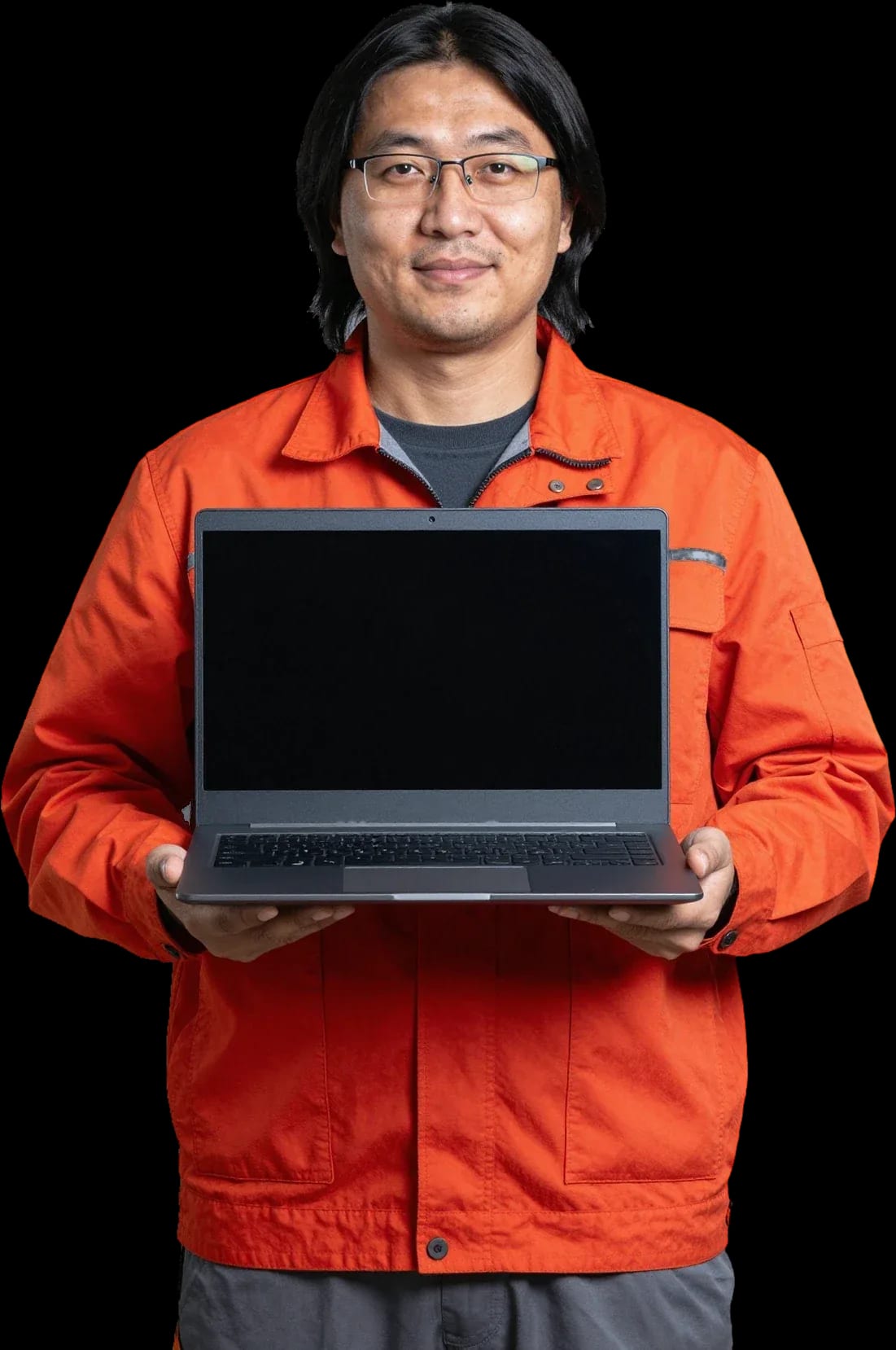
A technician arrives within 60 minutes anywhere in the city. Diagnostics are free.
Our own technicians4 to 20 years of experience




Repair prices
Common symptoms of Asus laptops and their likely causes. The technician finds the exact cause during free diagnostics.
Power adapter, jack, board
from8 000 ₸
Adapter, jack, battery
from8 000 ₸
Dusty heatsink, thermal paste
from5 000 ₸
Overheating, battery, power
from8 000 ₸
Panel, cable, hinges
from6 500 ₸
Panel cable, panel
from6 500 ₸
Dirt, cable, liquid spill
from6 500 ₸
Drive, memory, system
from6 000 ₸
1 visittime
from 6,500 ₸cost
 BeforeAfter

Five steps from your request to the final check.
Describe your Asus laptop model and the symptom: what exactly is going wrong.
A technician arrives within 60 minutes anywhere in the city.
Diagnostics are free: the technician names the cause of the fault and the cost of the work.
You decide whether to go ahead with the repair after hearing the cause and the cost.
You check the laptop together. 1-year warranty on labor and parts.
We reply during working hours
Tell us in the request what happened to your Asus laptop. A technician arrives within 60 minutes, and diagnostics are free.

Warranty question? Call us
+7 (778) 096 59 61 experience10 years
Laptop repair technician
 experience7 years
PC and network repair engineer
 experience11 years
Senior mobile computer technician
 experience9 years
Motherboard repair technician
 experience16 years
Printer repair technician

Author: Azim K.,Laptop repair technician
Published
Updated
Tech Service technicians reach Asus laptop owners within 60 minutes anywhere in the city, diagnostics are free, and labor and parts come with a 1-year warranty. Technicians with from 4 to 20 years of experience quickly find the cause in Vivobook, Zenbook, TUF and ROG models. Below you will find how diagnostics work, how to choose a part, and how to decide between repair and replacement.
Vivobook, ExpertBook, Zenbook, TUF Gaming and ROG lines are built differently, so each has its own weak spots. Knowing the design helps name the cause of a fault faster.
We most often find power faults rather than board faults in Vivobook and ExpertBook laptops: a worn power adapter, a loose charging jack or a swollen battery. These lines are built for study and office work, so they are charged every day and the jack takes most of the mechanical load. The cable bends at the plug, the contact is lost, and the laptop sees the charger one moment and not the next. A technician arriving within 60 minutes anywhere in the city can check this on site with the original adapter, and diagnostics are free. Technicians with from 4 to 20 years of experience can tell a power fault from a board fault by the first symptoms. Before calling a specialist, plug the charger into another outlet and see whether the indicator lights up.
The thin body of the Zenbook makes disassembly harder, but repair remains possible. In such models the board is compact and some components, including the memory, are often soldered to it, so it cannot be replaced as a separate module. The battery is fixed inside and can be replaced only after removing the bottom cover and several cables. The Zenbook panel is thin and afraid of bending, so the display cable is disconnected with particular care. The narrow gap between the board and the cover means work on the heatsink and thermal paste goes carefully, and screws of different lengths must go back into their places. For the owner this means that a memory or board fault is discussed separately from a battery replacement. Before the work, ask the technician which components of your model are soldered to the board, so you understand the limits of the repair in advance.
When seeking Asus laptop repair in Astana, owners of the gaming TUF Gaming and ROG lines complain first of all about heat and fan noise. The cause is a powerful processor and graphics card working in a compact body and producing a lot of heat. We remove the heatsink, clear out the dust, replace the dried thermal paste between the chip and the copper heat pipes, and install a new fan if the old one is worn. After reassembly the technician measures the temperature under load and compares it with the starting value, and also checks the heatsink mounting, because weak pressure causes the same overheating as dust. A clogged heatsink reduces heat removal, the processor lowers its frequency, and games begin to slow down. If fan noise has grown, do not wait for random shutdowns: it is better to clean the cooling system at once.
Diagnostics go from simple to complex: first an outside inspection, then power, cooling and the drive. The technician names the cause and the cost before work begins, and the decision stays with the owner.
We start diagnosing an Asus laptop with an inspection of the body and ports and a power check with the original adapter. Traces of liquid, cracks, a swollen battery and a broken plug are visible at once and set the order of further checks. Technicians with from 4 to 20 years of experience can tell a power fault from a board fault by the first symptoms. Then the technician measures the adapter output voltage and checks whether the battery charges and whether the device starts without it. Separately it is established whether the overheating protection has tripped, since it also shuts the device down without warning. Next come the processor temperature under load and the fan noise, because overheating often disguises itself as software faults. Tell the technician when the fault appeared: after a drop, a spill, an update or suddenly, as this narrows the range of causes.
With us diagnostics are free and the technician arrives within 60 minutes anywhere in the city, so the owner learns the cause of the fault before any work begins. After the checks the technician names the faulty component, explains what can be restored and what has to be replaced, and states the cost. If the fault turns out to be simple, such as dust in the heatsink or a loose jack, the technician says so directly and offers the shortest way to fix it. There is no need to decide at once: compare the options offered, think about the age of the device and how you use it. If the repair suits you, labor and parts come with a 1-year warranty. The decision about the repair stays with you, so weigh the options calmly before agreeing.
The choice between an original and a compatible part depends on the component and the model. Separately, you need to decide whether to keep the old drive or switch to an SSD.
An original part repeats the dimensions, connectors and parameters of a specific model, while a compatible one is made by a third-party manufacturer and fits the main specifications. When choosing parts for Asus laptop repair in Astana, owners most often ask how much worse a compatible option is. The answer depends on the component: for a keyboard, a cooler and hinges the difference in lifespan is small, while for a battery and a panel the difference in capacity, brightness or colour is noticeable at once. For models no longer in production, original parts are hard to find, and then a compatible option remains the only sensible choice. The quality of compatible parts from different makers varies, so it matters who supplies them. For a battery and a panel, rely on an exact match by model number, not by the shape of the connector.
| Component | Original part | Compatible part |
|---|---|---|
| Battery | Stated capacity, original controller | Lifespan depends on the maker |
| Panel | Original brightness and colour | Parameters may differ |
| Keyboard | Exact layout and backlight | Fits if the connector matches |
| Fan | Original speed and dimensions | Acceptable with the same mounting |
| Power adapter | Matches voltage and power | Power and plug must match |
| Drive | Model with the right connector | SATA or NVMe depending on the slot |
| Cover hinges | Original stiffness of movement | Acceptable if the mounting matches |
| Memory | Type and speed per model | Compatible with the same standard |
We recommend replacing an HDD with an SSD for Asus laptops that take long to start and freeze when programs open. An SSD reads data many times faster than a hard drive, and the absence of moving parts makes it more resistant to knocks and vibration when you carry the laptop. An SSD is also quieter and uses less energy, so the battery lasts a little longer. Modern models use drives in SATA or NVMe format, and the technician chooses the type by the connector on the board. After the drive is installed, the system is transferred or installed afresh, and the drivers are chosen for your model. A new drive will not speed up a device that overheats, so we check the cooling first. Before the replacement, save your personal files to an external drive so that the transfer does not lead to data loss.
A few simple actions before the visit save your data and help the technician find the cause faster. They matter most if the device has been splashed with liquid or has stopped turning on.
A laptop with spilled liquid must be turned off at once, unplugged from the charger and turned keyboard down so that the liquid does not spread across the board. Sweet drinks and tea leave sticky traces and in time cause corrosion of the contacts, so delay is more dangerous than the spill itself. A keyboard with liquid trapped under it most often has to be replaced, while the motherboard is washed and checked for short circuits. If only a little liquid reached the keyboard and the device did not shut down at once, still show it to the technician: hidden moisture causes failures days later. Do not dry the device with a hair dryer and do not put it on a radiator: hot air drives moisture deeper into the case and damages the plastic. Do not try to switch it on for a test, because power on a wet board turns reversible damage into irreversible damage.
We advise copying important files to an external drive or to the cloud if the system still starts. Photos, work files and mail archives sit on the drive, and when the drive is replaced or the system is reinstalled they can be lost. Owners with a single drive should remember that partitions D and E physically sit on the same drive, so they do not replace a backup. If the device does not turn on, the data usually stays on the drive, and the technician connects it to another computer after removing it. Do not run a disk check yourself when you hear clicking or the system often freezes: the load speeds up the wear of a faulty drive. Tell the technician in your request that you need specific files, and the technician will arrange the work so that the drive does not suffer.
The decision depends on the diagnosis, the age of the device and the condition of the motherboard, not only on the final sum. First you need to understand which component exactly has failed.
| Situation | Sensible decision | What it depends on |
|---|---|---|
| One component has failed | Repair by replacing the component | Availability of the part for the model |
| Motherboard failure | Decision after diagnostics | Condition of the other components |
| Spill without signs of corrosion | Washing and testing | How quickly you reach the technician |
| Old model works slowly | Replace the drive or memory | Processor capabilities |
| Old model with a worn battery | Replace the battery | Condition of the rest of the device |
| Damaged panel | Replace the panel | Availability of the part for the model |
| New tasks are needed | Assess the device's capabilities | Processor and memory size |
| Several faults at once | Compare with buying a new one | Age and wear of the device |
After a repair we advise regularly removing dust from the cooling system and working on a flat hard surface, because a soft surface blocks the ventilation openings on the underside. It is better to blow out the heatsink and fan as dust builds up, and for gaming TUF and ROG models this is done more often than for office Vivobook models. If the device works from the mains for long periods, do not keep the battery constantly at maximum and do not run it down to zero: a lithium-ion battery wears more slowly this way. Do not leave the device in a closed bag while it is on and do not cover it with a blanket while charging: heat accumulates and shortens the life of the board. Choose a power adapter of the same power and with the same plug as the original. The 1-year warranty on labor and parts also applies after the repair, so it is worth showing new symptoms to the technician.
Choosing a technician and a part begins with understanding the product line and ends with checking the result of the work. Below are the main conclusions of the article for Asus laptop owners.
Tech Service technicians repair other appliances too — with the same 1-year warranty on labour and parts.
 Refrigerator Repair in Almatyfrom 3 000 ₸
 Washing Machine Repair in Almatyfrom 3 000 ₸
 Dishwasher Repair in Almatyfrom 3 500 ₸
 Oven Repair in Almatyfrom 3 000 ₸
 Cooktop Repair in Almatyfrom 3 500 ₸
 Air Conditioner Repair in Almatyfrom 3 500 ₸
 Boiler and Water Heater Repair in Almatyfrom 2 500 ₸
 Freezer Repair in Almatyfrom 6 000 ₸
 Tumble Dryer Repair in Almatyfrom 5 000 ₸
 Coffee Machine Repair in Almatyfrom 2 500 ₸
 Robot Vacuum Cleaner Repair in Almatyfrom 3 500 ₸
 Vacuum Cleaner Repair in Almatyfrom 1 500 ₸
 Microwave Oven Repair in Almatyfrom 2 000 ₸
 Hair Dryer Repair in Almatyfrom 1 500 ₸
 Iron Repair in Almatyfrom 3 000 ₸
 Electric Kettle Repair in Almatyfrom 2 500 ₸
 Mixer Repair in Almatyfrom 2 500 ₸
 Multicooker Repair in Almatyfrom 500 ₸

If your laptop screen is broken, turn the device off first, don't press on the display, and check the picture through an external monitor.
12 March 2026 · 11 minutes read
If your laptop freezes, the first thing to do is restart it and check Task Manager to see what's loading the CPU and memory.
25 January 2026 · 12 minutes read
If your laptop won't boot, first determine which of two states you're in: the device doesn't respond to the power button at all…
13 December 2025 · 12 minutes read
If your computer won't turn on, start simple: check the outlet, power cable, switch on the power supply, and the power button.
19 January 2026 · 13 minutes read








