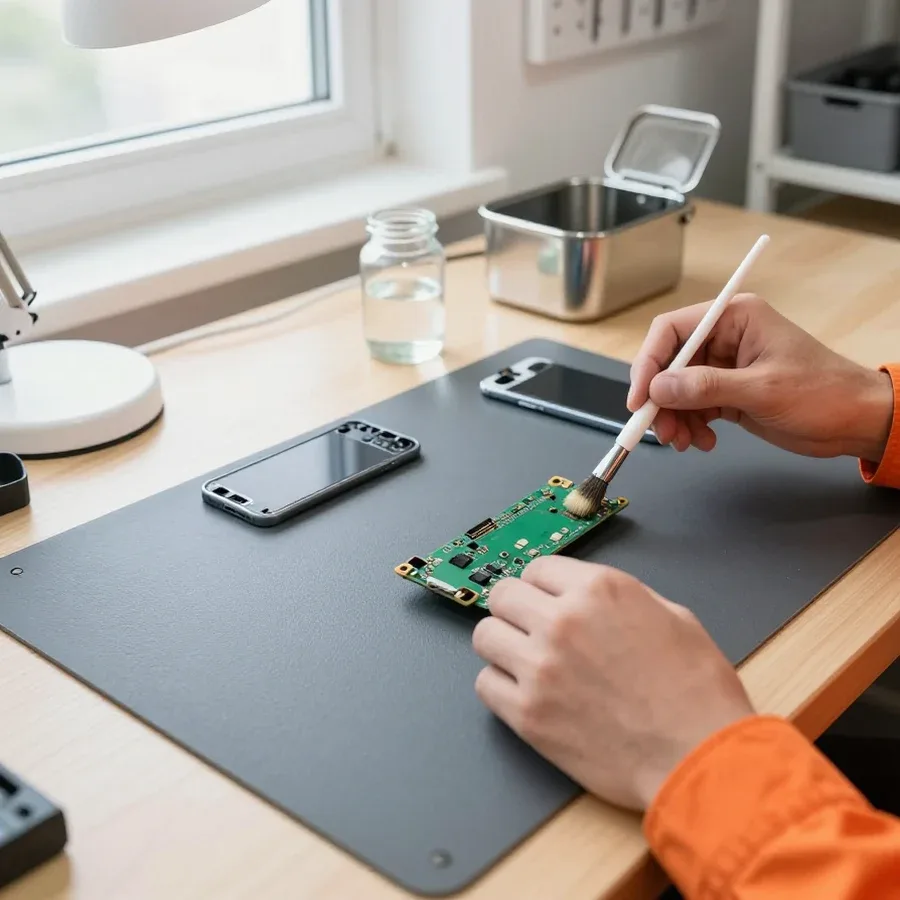
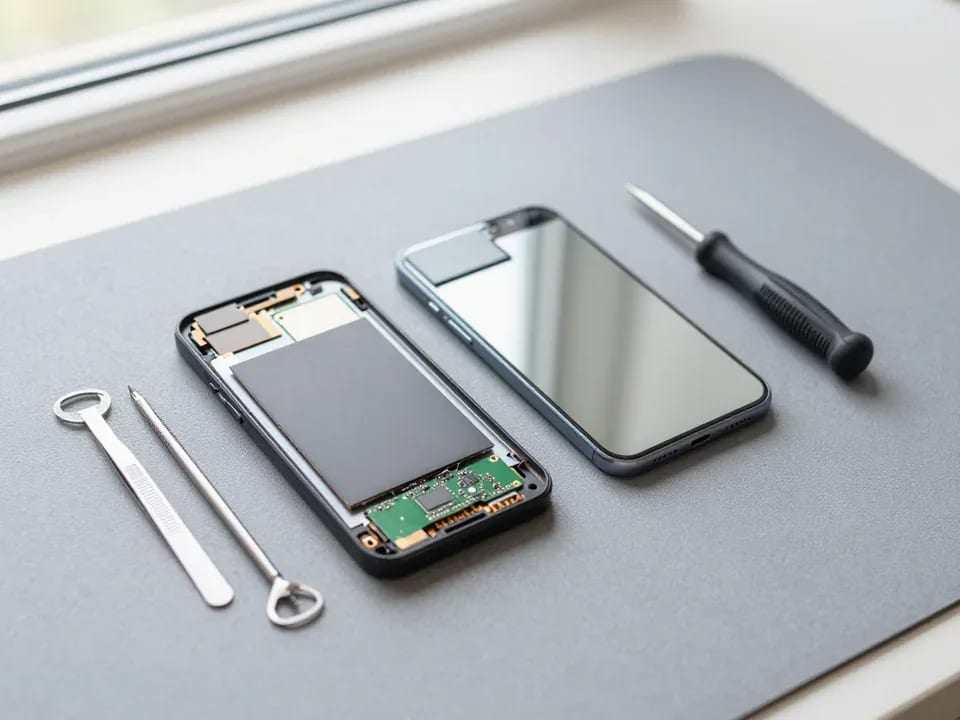
Tech Service repairs Samsung phones in Astana as a direct provider, with no middlemen. Our technician comes to your home anywhere in the city within 60 minutes or works at our service center. Diagnostics are free, and you get a 1-year warranty on labor and parts. Technicians with 4 to 20 years of experience explain what went wrong before any work begins.
Common Samsung failures and what they mean
A symptom on a Samsung screen rarely matches the real cause. Let's break down what usually lies behind "won't turn on," "won't charge," "overheating," and "no signal," and how technicians check each one.
Why a Samsung won't turn on and what it could be
If a Samsung won't turn on but vibrates when you plug it in, the problem is usually the display module or its flex cable, not the board, and free diagnostics confirm this. The vibration means the power controller is starting the device, but there's no image because the display is damaged or the flex cable has come loose. The technician opens the case, checks the display module's flex cable connection, and tests the power circuit without touching the whole board. If there's no vibration at all, the search shifts to the battery and power controller. We run free diagnostics before any work and tell you the cause before we start. Vibration when plugged in is a good sign: the power controller and board are alive, so the technician checks the flex cable and display first instead of taking the whole device apart.
Samsung won't charge, or drains fast and overheats
When a Samsung won't charge, it's usually one of three parts: the USB Type-C port, the battery, or the power controller, and you can only tell them apart by how the phone behaves while charging. The USB Type-C port carries both power and data, so if its contacts are oxidized, the phone may see the cable but not gain a percentage. A battery with reduced capacity holds less charge and drops to zero faster under load. A faulty power controller behaves differently: the device heats up even when idle or shuts down under peak load. During free diagnostics, we check all three parts one by one and pinpoint which one is failing. If the phone heats up near the port rather than the center of the case, the technician checks the port contacts and flex cable first, because battery heat feels different.
Samsung after water, a drop, or with no signal
After water, a drop, or when you see "no SIM," we first assess what's damaged—the board, the antenna module, or the tray—and only then quote the work. Moisture causes board oxidation and component failure over time, so after contact with water, it's best not to charge the phone or dry it with a hairdryer until a technician inspects it. After a drop, flex cables, the display module, and antenna contacts suffer—the device holds a charge but loses signal or touch. A "no SIM" message is checked step by step: the tray, the tray contacts, the antenna module—and often the cause is an oxidized or bent tray, not the board. Around the city, the technician comes to your home or takes the device at the service center. Moisture is dangerous not when it hits but from board oxidation in the first hours, so after water, it's best not to charge the phone or dry it with a hairdryer until a technician inspects it.
Error codes and messages on the Samsung screen
A message on a Samsung screen is a hint, not a diagnosis. Let's break down what the most common errors mean and which parts technicians check when they see them.
Charging error and temperature message
A message about too low or too high a temperature while charging a Samsung is usually related to the battery or the power controller, not the port itself. The battery is responsible for runtime and heat under load, so we check its behavior first. The controller regulates charging current: if it fails, the phone heats up near the camera even on a regular cable, and a warning about overheating pops up on the screen. On Galaxy S and A models, the signal may appear only during fast charging—then the cause is the adapter or cable, not the battery. If the error only occurs in freezing cold or direct sunlight, the technician first checks operating conditions and the sensor instead of rushing to replace the battery.
Samsung won't turn on after an update
If your Samsung won't turn on after a One UI update, the cause could be either the firmware or the hardware, and you can only tell the difference with diagnostics. A failed installation leaves the device stuck in a boot loop: the logo appears and goes dark, buttons don't respond. A power controller failure on the Exynos or Snapdragon platform gives a similar picture — the phone stays on a black screen and doesn't react to charging. The difference is that with a firmware problem the device usually responds to the cable being plugged in with a vibration or an indicator, while with a board failure there's no reaction at all. Before concluding it's the board, the technician checks whether the phone responds to charging and buttons, because a "stuck" firmware and a controller failure look the same.
Table of Samsung messages and what we check
| Message on screen | What we check most often | What the technician looks at |
|---|
| Temperature error while charging | Battery, power controller | Case heating, behavior while charging |
| Not charging or charging slowly | USB Type-C port, flex cable | Port contacts, cable, power adapter |
| No SIM or no network | Antenna module, SIM tray | SIM tray fit, reception in different locations |
| Device froze after update | One UI firmware, board | Response to buttons and charging |
How Samsung phone repair with a technician visit works
We've set up Samsung phone repair so the client doesn't have to go anywhere: the technician comes to your home or works at the service center, and the steps are the same in both cases.
Technician visit to your home or work at the service center
We come to the client within 60 minutes anywhere in the city, or service the device at the service center if the work requires a workshop setting. The mobile technician brings tools for the specific model: for Galaxy A and Galaxy M, a kit for removing the back cover and flex cables is enough; for flagships, tools for the adhesive and frame are needed. The service center technician steps in when the problem involves the board or the body after a drop — there, a stable workbench and lighting matter. In Astana, visits go to the client's address, including residential complexes on the left bank. Home repair is convenient for screen, battery, and port replacement, while complex board cases the technician can take to the service center so as not to disassemble the phone on his knee. This Samsung phone repair in Astana is done either with a technician visit or at the service center — whichever is more convenient for the client.
Free diagnostics and approval of work
Diagnostics are free, and the technician quotes the cost of work after them, once the cause of the breakdown is clear. First we check the power, charging controller, and condition of the ports, then test the display and touch response, and on water-resistant models we check the integrity of the seal around the perimeter. If the phone won't turn on, we separately check the power circuit and battery contacts — these two causes produce similar symptoms. Approving the work before it starts protects the client from surprises in the bill: if diagnostics reveal a different cause, the technician discusses it separately rather than adding work silently. Sometimes a requested screen replacement ends with a firmware reflash after moisture — and the client learns about this before the work starts, not at the end.
How long does display replacement take and can I wait on site
How long a Samsung display replacement takes depends on the model and the condition of the case, so the technician gives an exact time after diagnostics, not over the phone. On Galaxy A and Galaxy M, the display module comes off faster if the frame isn't bent after a drop. On foldable Galaxy Z and flagship Galaxy S, disassembly takes longer because of the sealing and the order of the flex cables, so waiting on site is more convenient for simple replacements. Checking the device after service includes testing the touchscreen across the entire area, brightness, auto-rotate, and button operation — the technician shows you the result before leaving. If the work is done at the service center, you can leave the phone and pick it up after the check; on-site, the client sees the whole process. When calling, ask about the time based only on the model — the technician will tell you whether waiting on site is realistic.
Samsung screen and battery replacement
The screen and battery are the two most common replacements on smartphones of this brand. Let's look at when you can get away with a minor fix, when the whole assembly is needed, and how to tell it's time to refresh the power.
Cracked screen but touch works — glass or module
If the protective coating on a Samsung is cracked but the touch and image work, the technician still evaluates the display module as a whole, because that determines the choice of work. The assembly combines the matrix itself, the touchscreen, and the outer layer, and on current Galaxy models these parts are glued into a single component. We check whether there are lines in the image, whether the touch responds across the entire area, and whether there are dark spots under the crack. When only the outer layer is damaged and the matrix is intact, we discuss a local replacement; if the matrix or the touch layer is affected, we install a new assembly. On modern Galaxy models, the outer layer and matrix are often glued into one block, so 'replacing just the glass' isn't always possible without risking damage to the display. Before the work, clarify which part is damaged — this determines the type of work and how long the device will be disassembled.
When it's time to replace a Samsung battery
It's time to replace a Samsung battery when the phone drains quickly, heats up under load, or shuts down in the cold, and the technician confirms wear during diagnostics. We look at how the battery behaves during charge and discharge, at case heating, and at how the device holds voltage under load. The power controller and the cell itself wear differently: some devices lose capacity, others show a charge jump from 30% straight to zero. Fast draining isn't always the battery's fault: if the phone heats up at rest, the cause may be the board or background processes, and a new cell won't solve the problem then. So before installing, we rule out the board rather than acting blindly. If heating persists after a battery replacement, the technician returns to diagnosing the power controller.
Table of screen and battery work options
| What happened | Work option | What we check after |
|---|
| Crack on the glass, touch works | Module evaluation, glass or module replacement | Touch, image, sealing |
| No image or lines | Display module replacement | Image, touchscreen, sensors |
| Fast draining, heating under load | Battery replacement | Charging, heating, battery life |
| Shuts down in the cold | Battery replacement | Behavior at low temperature |
Warranty and trust in the repair
Warranty and transparency of work are how the client knows the part was actually replaced. Let's look at what commitments the service gives and how to verify the result.
What the 1-year warranty covers
We give a 1-year warranty on labor and parts: if the same component fails again, the client comes back to us instead of looking for a new technician. Coverage applies to the replaced battery, display module, flex cables, and other installed components, as well as to the disassembly and reassembly of the case itself. Warranty claims are accepted, and a staff member figures out what happened with the device. In our experience, repeat visits are more often linked to a related issue that was missed the first time—corroded contacts from moisture or a worn connector—rather than the part itself. The warranty only works when the technician checks the entire phone after the job, so this check is part of every service rather than left to the client's discretion.
How to tell the part was actually replaced
You can tell that a part was replaced on a Samsung rather than just contacts being cleaned by how the device behaves and by which component the technician shows you after the work. When the display module is replaced, there are no cracks or lines on the screen, the touchscreen responds across the entire surface, and the image doesn't flicker at low brightness. A new battery holds its charge more steadily and doesn't heat up under normal use—unlike the old one that already got warm while watching video. The staff member opens the case, shows the removed component, and installs a fresh one, so swapping or returning the old part is ruled out. If the battery still heats up or drains quickly after the 'replacement,' that's a reason to come back under warranty rather than look for the cause yourself.
Technician experience and payment
Our Samsung phone technicians have 4 to 20 years of experience, and you can pay for the service in any convenient way. Different generations of the lineup—from budget A-series to flagship Galaxy—require their own approach to disassembly: some are screwed together, others have the battery held by an adhesive frame, and the wrong force can damage a flex cable. An experienced technician knows these nuances for specific models and doesn't risk the touchscreen when removing the cover. Payment is made after the work is approved, and the technician quotes the price after free diagnostics. Experience shows not in words but in the questions asked during diagnostics: the more precisely they ask about symptoms, the less unnecessary work ends up in the approval.
How Samsung phone repair keeps you connected
Samsung phone repair starts not with replacing a part but with understanding the cause of the failure. Below are brief takeaways to help you decide what to do with the device.
- Symptom and cause: what you see on a Samsung screen rarely matches the real culprit, so free diagnostics are more accurate than any guess.
- Error codes: messages about charging, temperature, and network narrow down the suspect components even before the device is opened.
- Service format: a technician visit to your home saves time on simple jobs, while complex cases involving the board are better handled at the service center.
- Screen and battery: these components are replaced based on their actual condition, not on a single external sign.
- Warranty: a year on labor and parts only works together with checking the device right after the repair.