Ботагоз Ж.Order No. TSA-97193 · 31 January 2026
oursPhone Repair in
Телефонмен кеңестім, кейін апардым. Ризамын, рахмет. Достарыма айтамын.
Repair: phone repair in
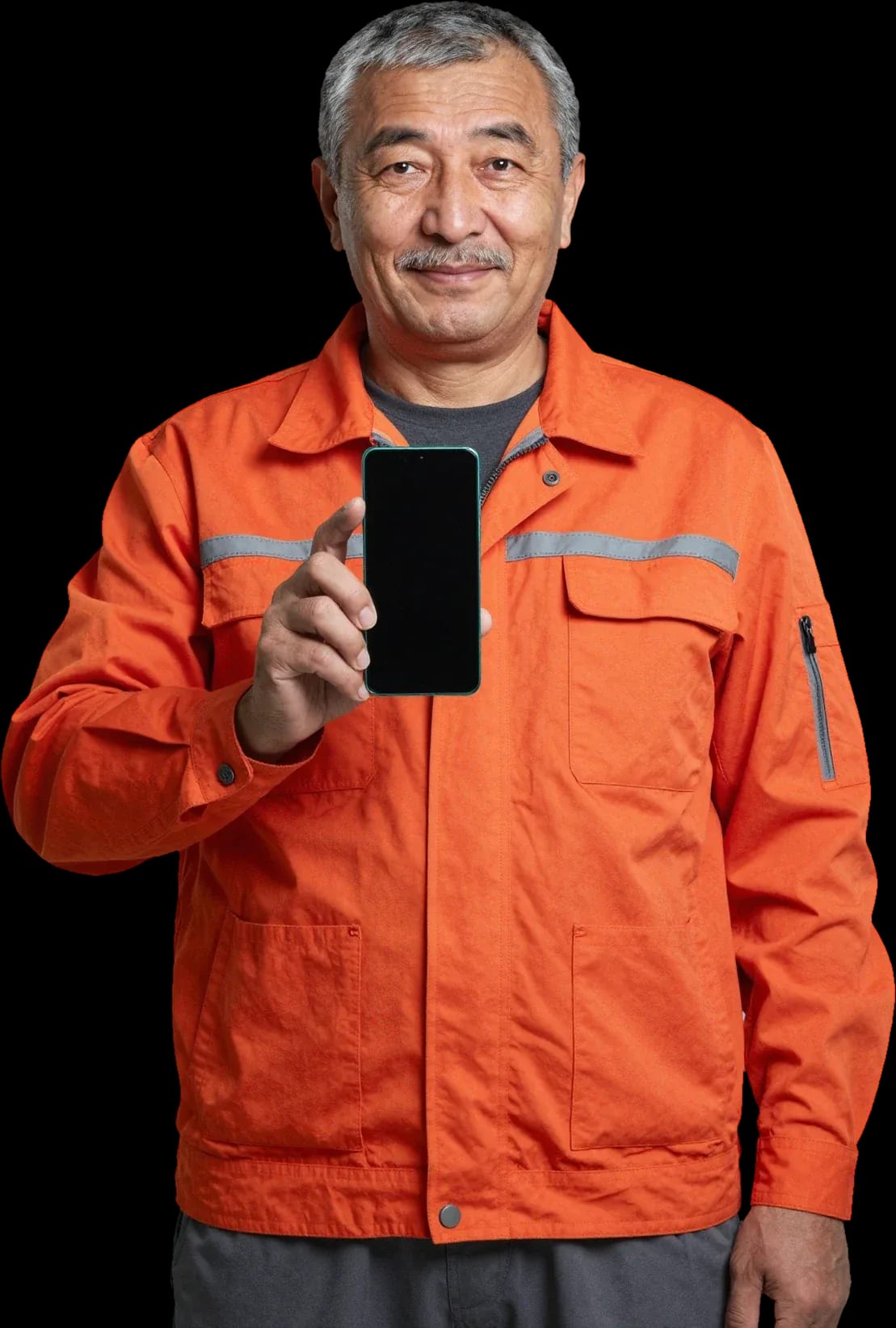
A technician arrives within 60 minutes anywhere in the city. Free diagnostics.
Our own technicians4 to 20 years of experience




Repair prices
Below are frequent symptoms and likely causes. The technician identifies the exact cause after a free diagnostic.
motor wear, settings glitch, flex cable
from4 000 ₸
dirty connector, worn cable, charging controller
from4 500 ₸
impact, drop, pressure on the display
from5 500 ₸
clogged mesh, oxidation, speaker wear
from4 000 ₸
module damage, software glitch, flex cable
from4 000 ₸
battery wear, background apps
from5 000 ₸
antenna, settings, module malfunction
from12 000 ₸
touchscreen, dirt, controller
from4 500 ₸
1–3 daystime
from 9 500 ₸cost
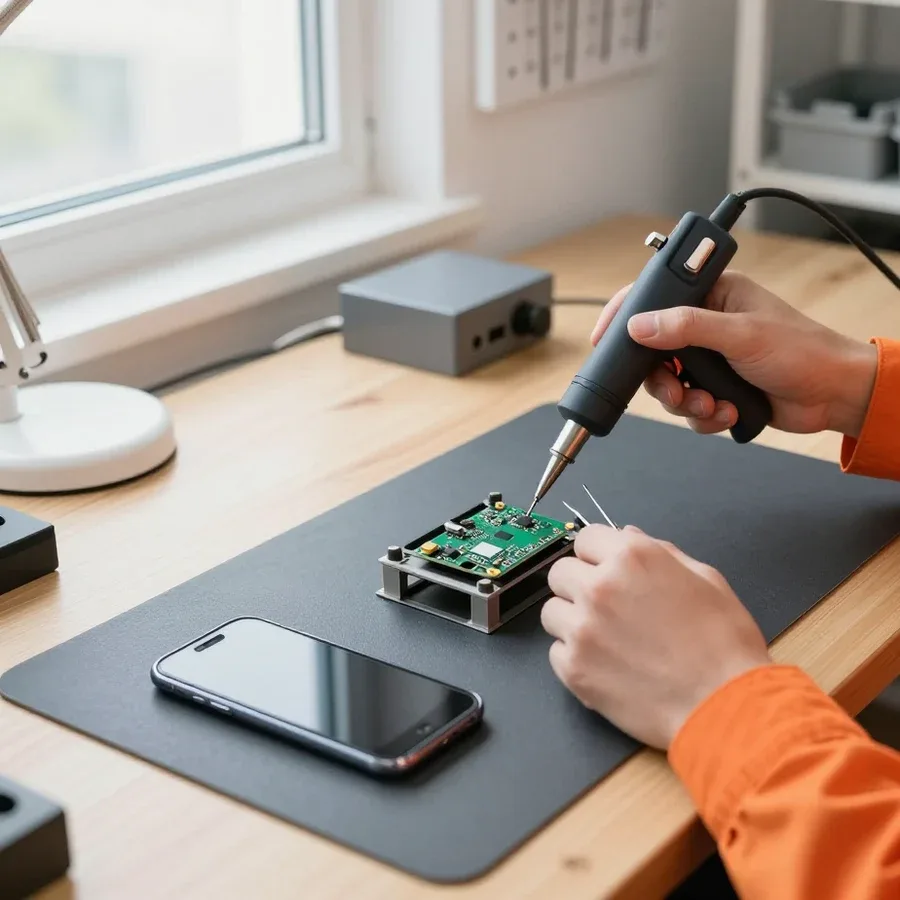 BeforeAfter

Five steps from request to final check.
Submit a request, describe the symptom and your phone model.
The technician arrives anywhere in the city within 60 minutes of your request.
The technician selects the right part for your specific model and confirms your preferences with you.
After reassembly, the technician tests connectivity, sound, camera, and charging.
Back up your data, disable locks, and have your phone documents ready.
We reply during working hours
Request a diagnostic — 1-year warranty on labor and parts.

Warranty question? Call us
+7 (778) 096 52 04 experience19 years
Lead smartphone repair technician
 experience7 years
Phone flashing specialist
 experience10 years
Phone repair technician
 experience18 years
Phone microsoldering technician
 experience5 years
On-site phone technician
 experience12 years
Smartphone repair technician
Tech Service repairs Huawei smartphones in Astana as a direct contractor: our technician comes to your home within 60 minutes or works at the service center. Diagnostics are free, there is a 1-year warranty on labor and parts, and our technicians have 4 to 20 years of experience. The technician gives you the price after diagnostics.
Huawei phones have typical failures that show up as recognizable symptoms: from freezing on the logo to overheating and loss of sound. Here's what each sign means and what to do before the technician arrives.
Most often the cause is a dead battery, an EMUI or HarmonyOS firmware crash, or board damage after a drop. If the phone is stuck on the splash screen, first plug it in for 20–30 minutes: a deep discharge on Huawei often looks like a complete failure. If that doesn't help, a system crash is likely, which can be fixed by reflashing through recovery mode, but some data will be lost. If the phone was dropped or exposed to moisture, the motherboard is checked: power contacts come loose, traces under the screen get damaged, and a crack in the solder shows up exactly at boot — the logo appears and goes out. Another story is a stuck power button: the controller gets a false signal and won't let the system start. If the device still doesn't respond after a long charge, don't keep pressing the buttons — that erases the crash log, which helps the technician find the cause faster.
When Huawei shows charging but the percentage stays put, the culprit is the USB-C port, the cable, or a worn-out battery. The port loosens over time and gets clogged with dust: there's contact, but current flows unevenly, so the indicator blinks and charging comes in fits and starts. After a few hundred cycles, the battery loses capacity and stops taking a full charge — the phone stays plugged in but the percentage won't go above a certain point. Less often the cause is the power controller on the board: then the phone doesn't see the connection at all and shows no signs of charging. It's easy to check — connect the phone to another cable and power adapter; if the indicator appears, the problem is in the charger, not the phone, and there's no point in taking the device apart.
Heating around the camera and fast drain usually point to a worn-out battery, while sound lost after moisture points to board oxidation. An old battery can't handle the load: internal resistance rises, the body heats up, and the charge melts away in a couple of hours. Moisture is trickier — water gets inside through the port and speaker, oxidizes the motherboard contacts, and kills the microphone and speaker, with corrosion continuing even after drying. Another sign is the phone heating up during calls and dimming the screen on its own: that's overheating protection kicking in. A phone that's been in water should not be dried with a hair dryer or on a radiator — heat drives moisture deeper and speeds up corrosion; better to turn it off and take it in for diagnostics right away.
Huawei is harder to service than it seems: the P, Mate, Nova, and Y lines are built differently, and firmware glitches often masquerade as hardware failures and send troubleshooting in the wrong direction.
We service all four Huawei lines and know that the P series most often suffers screen damage, the Mate — battery issues, the Nova — flex cable problems, and the Y — charging port issues. The P series has a thin body and curved glass, so even a light hit on the edge cracks the display edge. The Mate series has a large battery and high load on the power controller: the phone holds a charge worse after two or three years of daily charging to 100%. The Nova series has a tight layout, and the connector and button flex cables wear out from frequent disassembly and moisture exposure. The Y series has an exposed charging port that lets in dust and moisture, and contacts oxidize from regular plugging. It's important to tell the technician the model in advance: different lines have different flex cable mounts and sensor locations, and that affects disassembly.
Getting stuck on the logo, a boot error, or a crash after an update often turns out to be a firmware issue rather than a hardware problem. After a failed EMUI or HarmonyOS update, the device may get stuck in a reboot loop, lose network, or show a Huawei account verification error on startup. On the surface, it looks like a memory or power controller failure, and the owner is already preparing for a motherboard replacement. In fact, some of these cases are solved by reflashing and restoring the bootloader without replacing components, while others are indeed memory chip damage after a power surge. It's impossible to tell one from the other based on a description. Before your visit, write down the exact error text on the screen — it helps the technician distinguish a bootloader failure from memory damage without unnecessary troubleshooting.
There are no factory parts supplies for Huawei in the region, so parts are selected by model and batch, and this affects how long the replacement will last. The same device in different revisions received different screen modules and batteries, and the marking on the case doesn't always match what's inside. Because of this, batteries that look identical for the same model may differ in capacity and behavior — ask the technician which part they are installing and what the warranty covers. Our warranty is 1 year on labor and parts, so in our service the technician names the part type before work begins. Based on the experience of technicians with 4–20 years of practice: an aftermarket battery with inflated capacity holds charge worse than the original in a Huawei and degrades faster with fast charging.
We work without middlemen: the technician diagnoses the device, approves the work, and checks the device on output. Below are the three steps every phone goes through when it comes to us.
Our diagnostics are free, and the engineer quotes the scope of work and cost before service begins, so the client can make an informed decision. First, they check the board, flex cables, battery, and screen module, then show which component has failed and what replacement options are available. Huawei phone repair in Astana starts only after the owner has confirmed the list of work. This procedure eliminates unnecessary operations: the specialist doesn't replace a part that still works. Approval before work protects against unwanted services — if you decline a replacement based on the inspection results, you don't pay for it. In my opinion, this is the main difference between a direct contractor and a middleman who charges for inspection and shipping.
The specialist arrives at your home within 60 minutes anywhere in the city, so a phone that won't turn on doesn't need to be taken anywhere. The on-site format is convenient when you need the device for work or important data is still on it: the engineer opens the case and performs an initial check right on the spot without taking the device to the workshop. Around the city, they travel with their own tools and common parts for the P, Mate, Nova, and Y series. If the fault requires stationary soldering, they take the device and explain what will be done. If the phone shows no signs of life, let us know in advance — the engineer will bring the necessary tool, and you won't have to visit the service again. We accept Kaspi QR, Kaspi Red, card, cash or bank transfer for companies, including cashless payment.
On output, we run the device through test functions: screen, proximity sensor, sound, charging, and network connection. The specialist runs a finger across the entire display area, checks both cameras, the speaker and microphone, tests the charging port under load, and checks for carrier signal. The 1-year warranty on labor and parts is valid from the moment the phone is handed over. The proximity sensor during screen replacement is a common checkpoint: if it doesn't trigger during a call, the display turns off at the wrong time, and that's a reason to come back for a check. In our practice, this small detail most often comes up on the second day, so we check it in the client's presence before handing over. We also check the cellular signal level in different rooms to make sure the antenna module is seated properly without loss.
Replacing Huawei parts requires knowing exactly what goes in and how to check it. We break down replacement options by component and the signs that separate a quality part from a cheap knockoff.
If only the glass is cracked and the touchscreen and display still work, sometimes just the glass is replaced; when the display is damaged, the whole assembly is swapped. A Huawei screen assembly consists of the display and the touchscreen, and the service you need depends on how they're bonded. On some P and Nova models the layers are glued across the entire surface, so replacing just the glass means separating the layers and re-gluing them. On budget Y-series phones the design is simpler, so a local repair is more often possible. A cheap replacement assembly gives itself away with dull colors, dead spots in touch sensitivity around the edges, and proximity sensor glitches during calls. The decision depends on how the touchscreen is attached: on many Huawei models the glass and display are glued together, and replacing only the glass is riskier than going with a full assembly.
A good battery holds its charge without sudden percentage jumps and doesn't heat up under normal use; we back the part with a 1-year warranty. An original battery discharges evenly, while a cheap knockoff often drops from 40 to 15 percent in a couple of minutes and gets warm even when idle. When replacing, we install a Huawei battery with a warranty on the part, and after installation the technician checks charging and how warm the body gets. Knockoff capacity is often overstated on the label, so judge by behavior under load, not by the number printed on the case. After replacement, watch how the battery behaves in the first few days: if the percentage drops in jumps or the phone heats up at rest, that's a reason to come back under warranty.
| Component | What we check after replacement | What to look for when choosing a part |
|---|---|---|
| Screen assembly | image, touchscreen, proximity sensor | compatibility with the model and batch |
| Battery | charging without jumps, heat at rest | capacity and behavior under load |
| USB-C port | charging and data transfer | solder quality and how the plug fits |
| Flex cables and sensors | buttons, camera, proximity | contact integrity |
| Speaker and microphone | sound on calls and recordings | matching the model |
Warranty is the main thing to look at when choosing a service center. We explain exactly what it covers and how it works if the phone was already repaired somewhere else.
We provide a 1-year warranty on labor and parts, so a component replacement is covered both for installation quality and for the part itself. A year is the period in which a new screen or battery will show a factory defect if there is one: a leaking assembly, rapid capacity degradation, a peeling flex cable. Our technicians have 4 to 20 years of experience, so they know which Huawei components hold up under load and which need a follow-up check a few weeks after installation. The warranty covers the component itself and its installation, but not mechanical damage after the repair — a crack from a drop or signs of moisture. The warranty only applies when you return to the same service center — keep the details of which component was replaced so the technician can sort things out faster on a repeat visit.
If your Huawei has already been repaired at another service center, we start with a free diagnostic and assess the condition of the previous work. The technician checks how the screen module is seated, what adhesive was used on the body, which battery is installed, and whether the flex cables are neatly routed. Traces of third-party repairs can affect the warranty terms for the new work — the technician warns you about this before starting, not after. The reason is simple: if the unit has already been opened and adjacent contacts were damaged, part of the risk lies with the previous technician. We begin repeat repairs in Astana with a full inspection of the device so that old defects are not carried over to the new work. We explain to the client in advance which components will be covered by the warranty and which the technician will restore without warranty obligations — the decision remains with the owner.
Huawei phone repair comes down to four things: recognize the symptom, separate a firmware glitch from a hardware issue, select the correct part, and get a warranty on the result.
Tech Service technicians repair other appliances too — with the same 1-year warranty on labour and parts.
 Refrigerator Repair in Almatyfrom 3 000 ₸
 Washing Machine Repair in Almatyfrom 3 000 ₸
 Dishwasher Repair in Almatyfrom 3 500 ₸
 Oven Repair in Almatyfrom 3 000 ₸
 Cooktop Repair in Almatyfrom 3 500 ₸
 Air Conditioner Repair in Almatyfrom 3 500 ₸
 Boiler and Water Heater Repair in Almatyfrom 2 500 ₸
 Freezer Repair in Almatyfrom 6 000 ₸
 Tumble Dryer Repair in Almatyfrom 5 000 ₸
 Coffee Machine Repair in Almatyfrom 2 500 ₸
 Robot Vacuum Cleaner Repair in Almatyfrom 3 500 ₸
 Vacuum Cleaner Repair in Almatyfrom 1 500 ₸
 Microwave Oven Repair in Almatyfrom 2 000 ₸
 Hair Dryer Repair in Almatyfrom 1 500 ₸
 Iron Repair in Almatyfrom 3 000 ₸
 Electric Kettle Repair in Almatyfrom 2 500 ₸
 Mixer Repair in Almatyfrom 2 500 ₸
 Multicooker Repair in Almatyfrom 500 ₸

If your phone won't charge, start by checking the adapter, cable, and port, then the charging settings.
16 February 2026 · 12 minutes read
If your phone falls in water, take it out right away, turn it off, and don't charge it.
19 January 2026 · 12 minutes read
If your phone camera isn't working, first check app permissions, clear the cache, and restart your phone — this fixes some software glitches.
24 December 2025 · 13 minutes read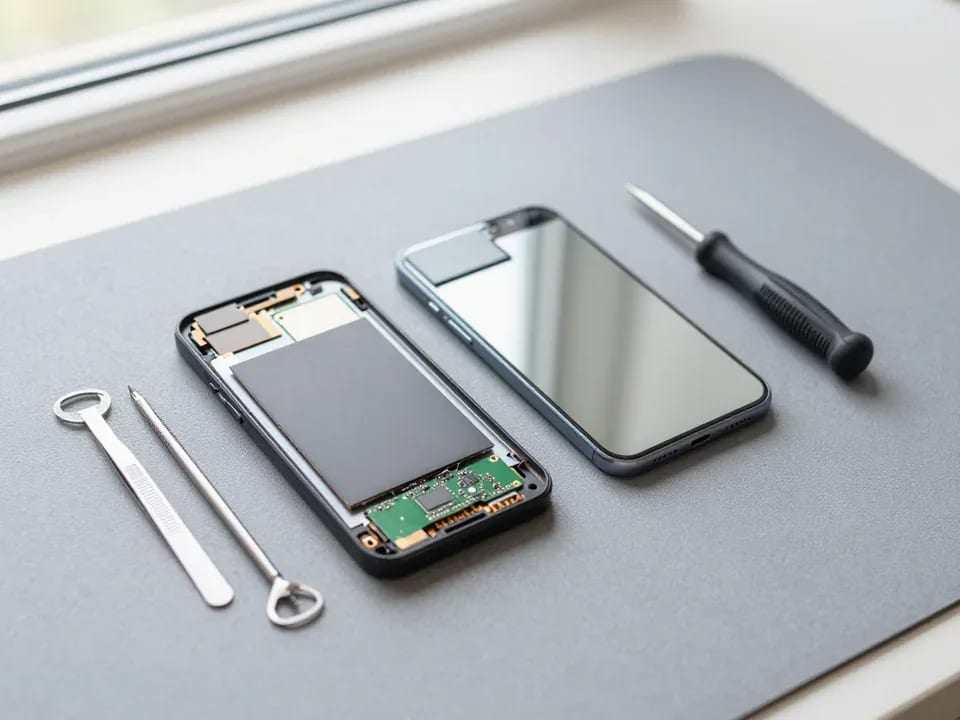
If your phone won't turn on, first check the charging setup: try another cable, adapter, and port, leave the device on charge, and attempt a forced restart.
3 October 2025 · 12 minutes read