Валерия А.Order No. 2505-7322 · 28 October 2025
oursGame Console Repair in
Заявку оставил через сайт вечером, утром перезвонили. Основная жалоба — не включается. Настройки не слетели, всё как было.
Repair: game console repair in
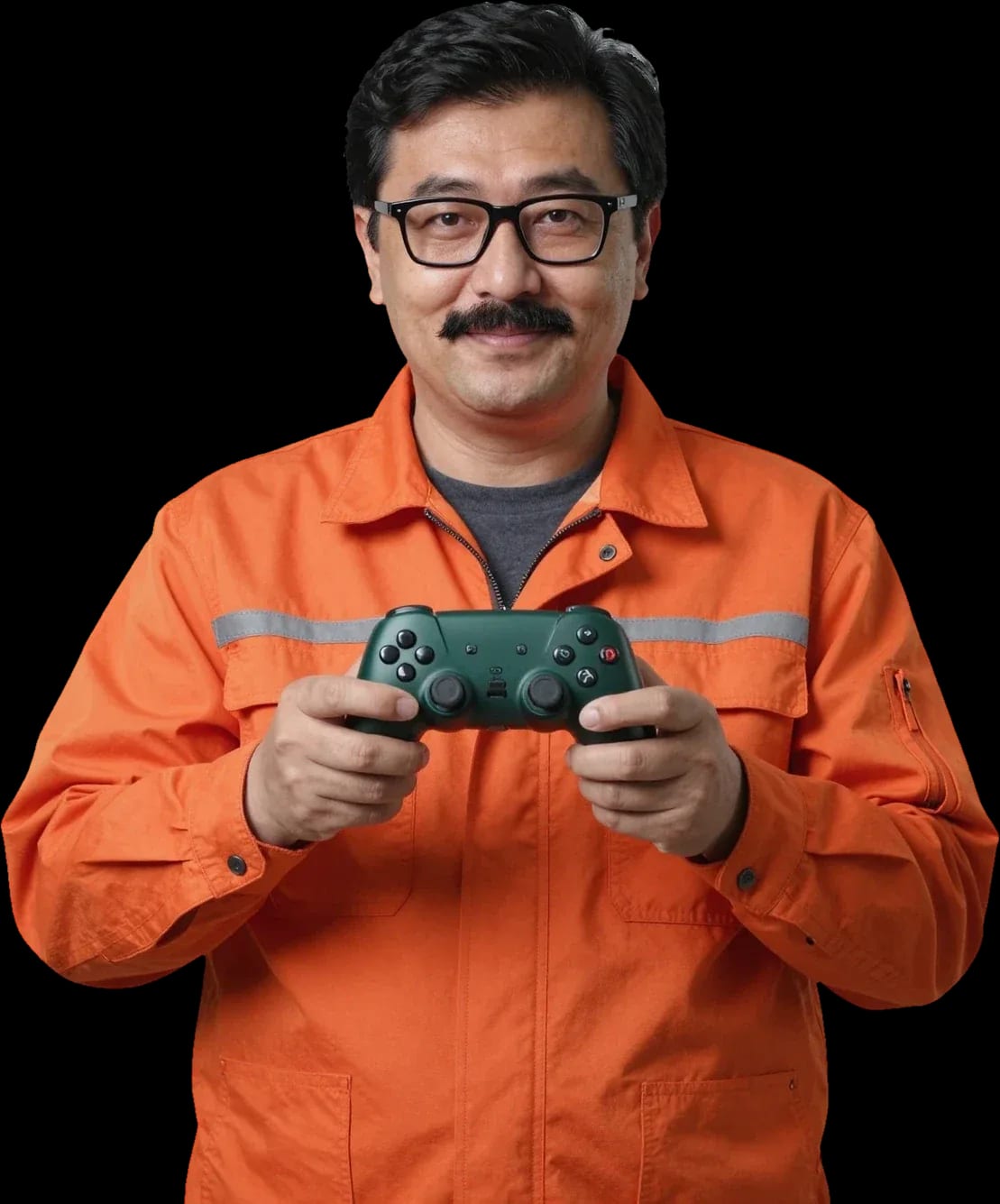
A technician arrives within 60 minutes anywhere in the city. Diagnostics are free.
Our own technicians4 to 20 years of experience



Repair prices
Below are the symptoms customers most often report. The cause is identified after free diagnostics.
power supply, outlet, button
from16 000 ₸
dust, bearing, mounting
from8 000 ₸
dirty lens, drive wear
from12 000 ₸
Wi-Fi module, settings, antenna
from8 500 ₸
HDMI port, cable, output settings
from13 500 ₸
fan, dust, bearing
from8 000 ₸
storage, power, overheating
from9 000 ₸
overheating, storage, firmware
from5 000 ₸
1–2 hourstime
from 16 000 ₸cost
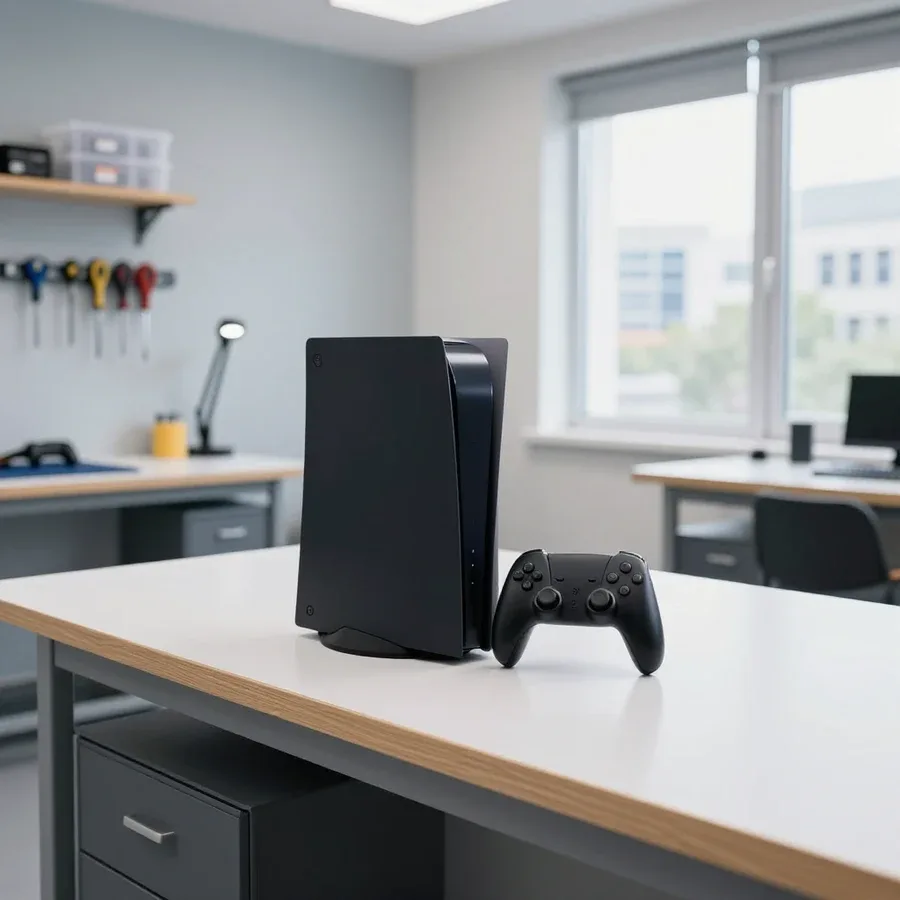 BeforeAfter

From request to check — five steps.
Describe the symptom and console model so the technician brings the right tools.
The technician arrives anywhere in the city within 60 minutes of your request.
The technician confirms the model and symptom by phone to bring common parts and tools.
You approve the price and scope of work before the technician starts.
The console is tested under load and the result is shown to the owner.
We reply during working hours
Choose a convenient visit time and describe the symptom — the technician will agree on the scope of work before starting. You can pay via Kaspi QR, Kaspi Red, bank card, cash, or bank transfer for companies. 1-year warranty on labor and parts.

Warranty question? Call us
+7 (778) 046 88 53 experience7 years
Lead electronics repair technician
 experience10 years
Mobile PC repair technician
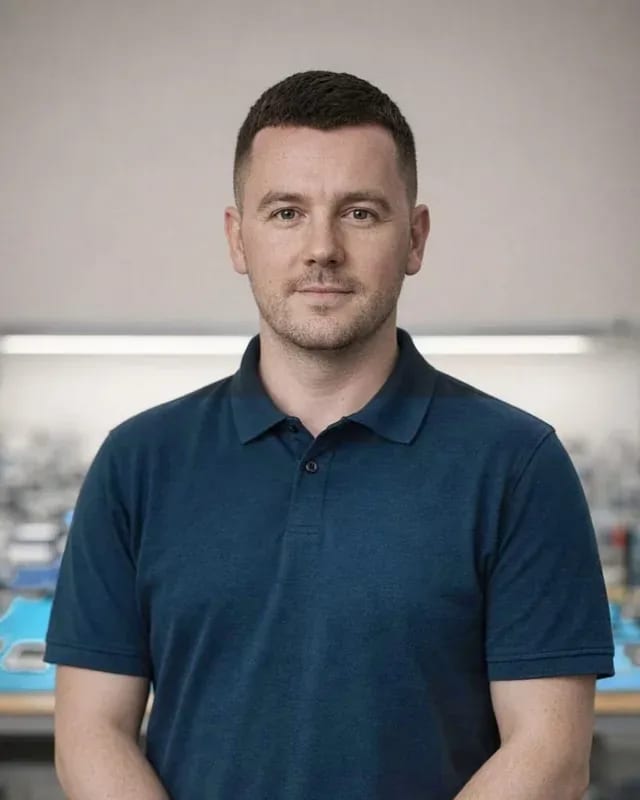 experience10 years
Laptop repair and assessment technician
 experience15 years
Digital device repair technician
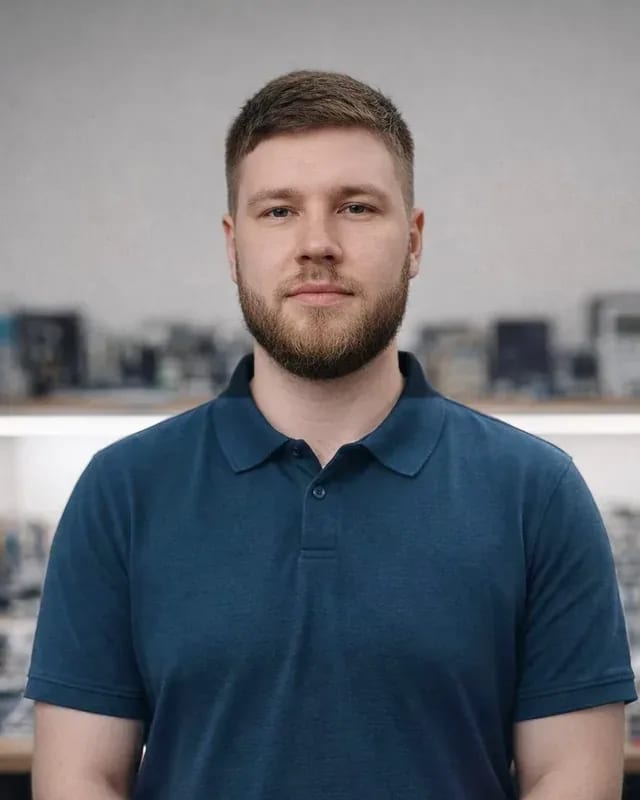 experience15 years
Laptop and all-in-one repair technician
 experience10 years
TV screen replacement technician
 experience9 years
Backlight replacement technician
Tech Service repairs Xbox consoles and controllers in Astana: our technician comes to your home within 60 minutes or fixes it at the service center. Diagnostics are free, the technician gives you the price after diagnostics, and we provide a 1-year warranty on labor and parts. Our technicians have 4 to 20 years of experience.
Most often, consoles come in with four symptoms: won't turn on, overheats and makes noise, won't read discs, or behaves strangely after liquid damage. Let's go through each and where the line is between "I can handle it myself" and "I need a technician."
When the console won't turn on, we first check the power supply and board contacts—these are the two most common causes, and both can be diagnosed on the spot. The power supply goes into protection mode or burns out during voltage spikes, and oxidized contacts on the board cause a false lack of power. We also inspect the cooling system at this stage: a radiator clogged with dust often causes the device to start and then shut down. Our Xbox repair in Astana starts with free diagnostics—a technician comes to your home within 60 minutes anywhere in the city and checks the power under load. If the console turns off after a few minutes of gaming, the issue is more often overheating rather than power—so don't rush to replace the power supply; you need diagnostics under load first.
We fix overheating and fan noise by servicing the cooling system—cleaning the radiator and fan from dust and checking the thermal paste. Over years of service work, we've seen that noise builds up gradually, and the owner gets used to the hum until the device starts shutting down mid-match. Thermal paste on the processor dries out over time and loses conductivity, while a layer of dust between the radiator fins acts like a blanket and prevents heat from escaping. Cooling system maintenance restores normal fan speed, lowers temperatures under load, and eliminates sudden shutdowns during games. If the console is noisy but doesn't shut down, don't put off maintenance—a clogged radiator eventually leads to shutdowns under load and component wear.
An error on screen is a hint, not a death sentence. Let's break down how to read console messages, what you can actually check yourself, and when it's time to call a technician.
An Xbox error message points to a component, not a specific part, so the code only narrows things down—diagnostics reveal the exact cause. Codes like E102 or E200 relate to system boot and storage, overheating messages to cooling, and account errors to the network and services. The user only sees text on screen, while a technician reads the error log and checks the component step by step. On your own, you should make sure the console isn't overheated, the power and HDMI cables are firmly connected, and a settings reset hasn't cleared the error. Before contacting a technician, write down the code and the conditions when the error appears—during startup, in-game, or after reinstallation—this speeds up finding the cause and saves time on diagnostics.
If the menu won't load and you get a loading error, we check the storage drive and system integrity — this is a common cause of startup freezes. The hard drive in the console wears out: sectors fail, the system can't read system files and stops booting with code E100 or E200. We review the error log, test the disk surface, and assess whether it can be restored with firmware or needs replacement. Reinstalling the system from a flash drive doesn't always help: if the symptom returns after a few boots, the drive is the culprit. Some of these errors go away after a clean install, but if the failure repeats, you can't avoid replacing the disk — on a healthy drive the error doesn't come back, and that sign decides between reflashing and replacing the part.
If your Xbox won't connect to Wi-Fi after a reset, it's usually a settings issue, not a hardware failure — we check the module and network parameters so we don't replace a working part. After a reset, the console loses the saved access point profile, and the connection breaks at the settings level: band, password, encryption type. First we check if the module sees other access points, try a wired connection, and re-enter the access credentials. If the console doesn't find any networks, we check the module itself and the contacts on the board — oxidation or loose contacts cause the same symptom. When the access point isn't visible on any device and the console can't find it, the cause may be the module — then diagnostics will show whether board service is needed and whether contact replacement will help.
A gamepad wears out faster than the console, and you don't need to bring it to the service center together with the console. Here's what we fix in a joystick and when it's easier to replace a worn module.
We fix stick drift by restoring the gamepad module, not by replacing the whole joystick: when the inner part wears out, it's replaced, and the rest of the housing stays. The cursor pulls to the side when the potentiometer wears down from constant friction — this is the most common reason people bring in an Xbox controller. Besides drift, there are stuck buttons, failed bumpers and triggers, a broken ribbon cable, and loss of pairing with the console. A Tech Service technician checks each element individually and replaces only the failed part without touching working ones. Diagnostics are free with us, so inspecting the controller costs the owner nothing. If the stick drifts in only one game, it may be a dead zone setting rather than hardware — it's worth checking before visiting a technician.
| Type of work | Object | Format | What we check |
|---|---|---|---|
| Stick drift | stick module | at home or in the service center | module wear, dead zone |
| Buttons not responding | gamepad board | at home or in the service center | contacts, ribbon cable |
| Gamepad won't connect | communication module | at home or in the service center | pairing, contacts |
| Housing and stick wear | housing, sticks | in the service center | mechanism condition |
Our repair process follows a clear order: request, free diagnostics, price after diagnostics, the work itself at home or in the service center, and warranty. Here's each step.
We diagnose Xbox consoles free of charge, and the technician gives you the repair cost after the diagnosis — so you know exactly what you're paying for before any work begins. First, they listen to how the console behaves, then open the case and check the board, cooling system, storage, and power supply to find the root cause, not just the symptom. After the inspection, you get an explanation of the fault and a price — and only then do you decide whether to proceed. Free diagnostics also help in unclear cases: if there's no fault, you don't pay for disassembly and get advice on what to check next. This approach saves time and stress — you never agree to work blindly. The inspection includes checking power under load, heatsink temperature, storage, and the board for corrosion after liquid damage; for each component, the technician explains what's causing the symptom.
Our technician arrives at your home within 60 minutes anywhere in the city, or repairs the console at our service center — you choose the format, and you don't have to bring the console in. A home visit is convenient when you don't want to transport the device across town: the specialist brings tools and runs diagnostics right at your place. Some tasks — dust cleaning, thermal paste replacement, gamepad repair — can be done on-site. Complex board issues are sometimes better handled at the service center, where we have the conditions for soldering and load testing; the technician will suggest the best option after diagnostics. We cover every district of the city, so Xbox service in Astana isn't tied to a single address. If you're not sure which format suits you, start with a home visit — the inspection will show whether transportation is needed.
We provide a 1-year warranty on labor and parts — if the same breakdown happens again, we'll fix it under warranty. This also covers replaced parts: when the console comes back with the same issue, the technician checks the repair history and doesn't charge for the same procedure again. You just need to describe the symptom — for example, it won't turn on, it overheats again, or there's a boot error — and mention what has already been replaced. The warranty covers both the work performed and the installed parts, so a repeat visit for the same reason doesn't become a new paid job. Tip: keep a record of the work done — it helps the technician quickly understand what to check on a repeat visit. This saves time on diagnostics and helps get straight to fixing the cause.
Search results for Xbox repair are full of aggregators and freelancers, but direct contractors are few. Here's how working with us is different and why it matters for your console.
Tech Service is a direct contractor: our own specialist comes to you, not a middleman from an aggregator, so we're responsible for the work and the warranty. The same person who performed the free diagnostics handles your Xbox repair in Astana — and returns if something goes wrong. The visit takes 60 minutes anywhere in the city, and on-site they open the console, check the power supply, storage, and board — not just give it a quick look. An aggregator works differently: one employee takes your request, but a subcontractor you have no relationship with comes to your home, and no one monitors their quality. When a middleman does the work, the warranty often gets "blurred" between them and the on-site technician — with a direct contractor, there's only one responsible party, which makes it easier to sort out a repeat breakdown.
Our technicians have 4 to 20 years of experience and specialize in Xbox consoles and gamepads, not all types of electronics. They know how Xbox generations differ and how their boards behave when overheated or exposed to liquid, so they don't waste time on a generic "let's see what's inside." The 1-year warranty on labor and parts covers everything the specialist did by hand. Specialization matters for liquid damage and board errors: they already know the typical Xbox components and immediately check the circuits that fail first. For Almaty residents, this saves time — diagnostics are free, and the technician gives you the price afterward, once the cause is found and the scope of work is clear.
Console repair rarely comes down to a single part: the symptoms look alike, but the causes are different. Here's a quick summary to help you get the first step right.
Tech Service technicians repair other appliances too — with the same 1-year warranty on labour and parts.
 Refrigerator Repair in Almatyfrom 3 000 ₸
 Washing Machine Repair in Almatyfrom 3 000 ₸
 Dishwasher Repair in Almatyfrom 3 500 ₸
 Oven Repair in Almatyfrom 3 000 ₸
 Cooktop Repair in Almatyfrom 3 500 ₸
 Air Conditioner Repair in Almatyfrom 3 500 ₸
 Boiler and Water Heater Repair in Almatyfrom 2 500 ₸
 Freezer Repair in Almatyfrom 6 000 ₸
 Tumble Dryer Repair in Almatyfrom 5 000 ₸
 Coffee Machine Repair in Almatyfrom 2 500 ₸
 Robot Vacuum Cleaner Repair in Almatyfrom 3 500 ₸
 Vacuum Cleaner Repair in Almatyfrom 1 500 ₸
 Microwave Oven Repair in Almatyfrom 2 000 ₸
 Hair Dryer Repair in Almatyfrom 1 500 ₸
 Iron Repair in Almatyfrom 3 000 ₸
 Electric Kettle Repair in Almatyfrom 2 500 ₸
 Mixer Repair in Almatyfrom 2 500 ₸
 Multicooker Repair in Almatyfrom 500 ₸

If your laptop screen is broken, turn the device off first, don't press on the display, and check the picture through an external monitor.
12 March 2026 · 11 minutes read
If your phone won't charge, start by checking the adapter, cable, and port, then the charging settings.
16 February 2026 · 12 minutes read
If your laptop freezes, the first thing to do is restart it and check Task Manager to see what's loading the CPU and memory.
25 January 2026 · 12 minutes read
If your phone falls in water, take it out right away, turn it off, and don't charge it.
19 January 2026 · 12 minutes read
If your phone camera isn't working, first check app permissions, clear the cache, and restart your phone — this fixes some software glitches.
24 December 2025 · 13 minutes read
If your laptop won't boot, first determine which of two states you're in: the device doesn't respond to the power button at all…
13 December 2025 · 12 minutes read