Пётр Ч.Order No. 2603-5185 · 17 September 2026
oursGame Console Repair in
Позвонил в четыре места, тут ответили по-человечески. Вечером включил — залипают кнопки. Настройки не слетели, всё как было.
Repair: game console repair in

Technician arrives within 60 minutes anywhere in the city. Diagnostics are free.
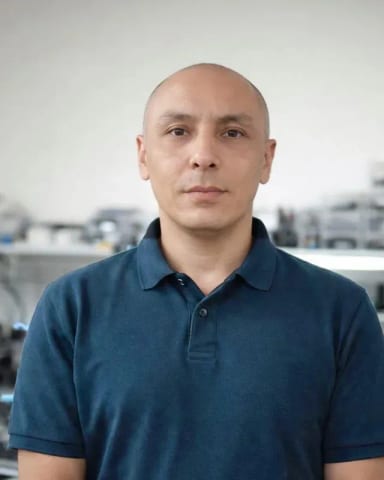
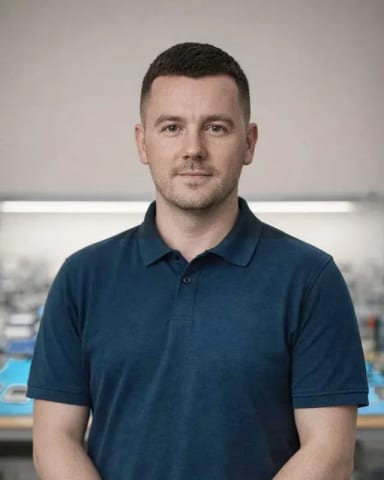
Our own technicians4 to 20 years of experience


Repair prices
Common PlayStation symptoms and their likely causes.
Power supply, button, power circuit
from16 000 ₸
Disc drive, fan, mounting
from12 000 ₸
Laser, drive mechanics, contamination
from12 000 ₸
Board, hard drive, software
from12 000 ₸
Sticks, board, ribbon cable
from5 000 ₸
HDMI port, cable, chip
from13 500 ₸
Overheating, power supply, software
from16 000 ₸
Software, power supply, button
from16 000 ₸
1 daytime
from 12 000 ₸cost
 BeforeAfter

Five steps from request to console check.
Leave a request and the technician will confirm the time.
Agree on a visit window and get the console ready for inspection: power, cables, controller.
Discuss the scope of work and the list of parts the technician will bring.
Discuss the cost and scope of work before starting.
The technician will show the console working and answer questions at handover.
We reply during working hours
Leave a request for diagnostics and choose a convenient time for the technician's visit. A specialist will confirm the day and hours when you place the request.

Warranty question? Call us
+7 (778) 046 88 53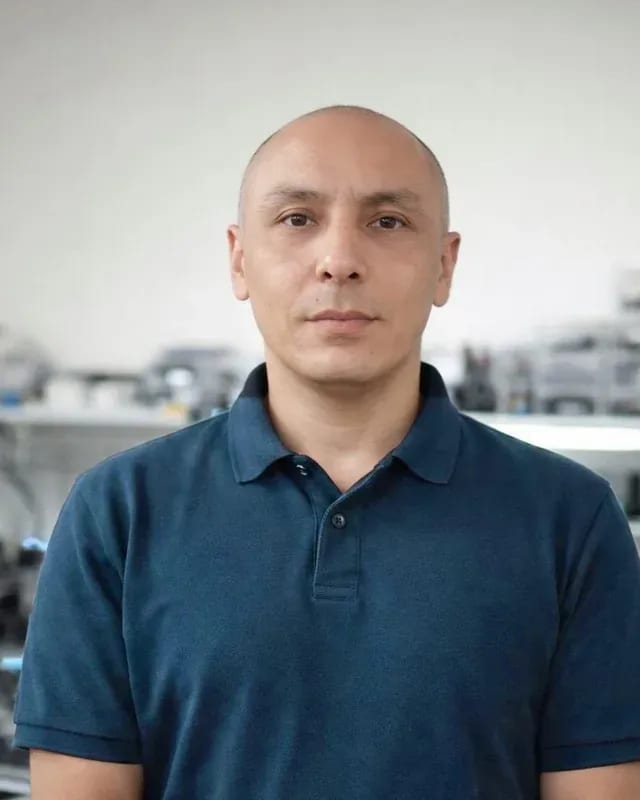 experience7 years
Lead electronics repair technician
 experience10 years
Mobile PC repair technician
 experience10 years
Laptop repair and assessment technician
 experience15 years
Digital device repair technician
 experience15 years
Laptop and all-in-one repair technician
 experience10 years
TV screen replacement technician
 experience9 years
Backlight replacement technician
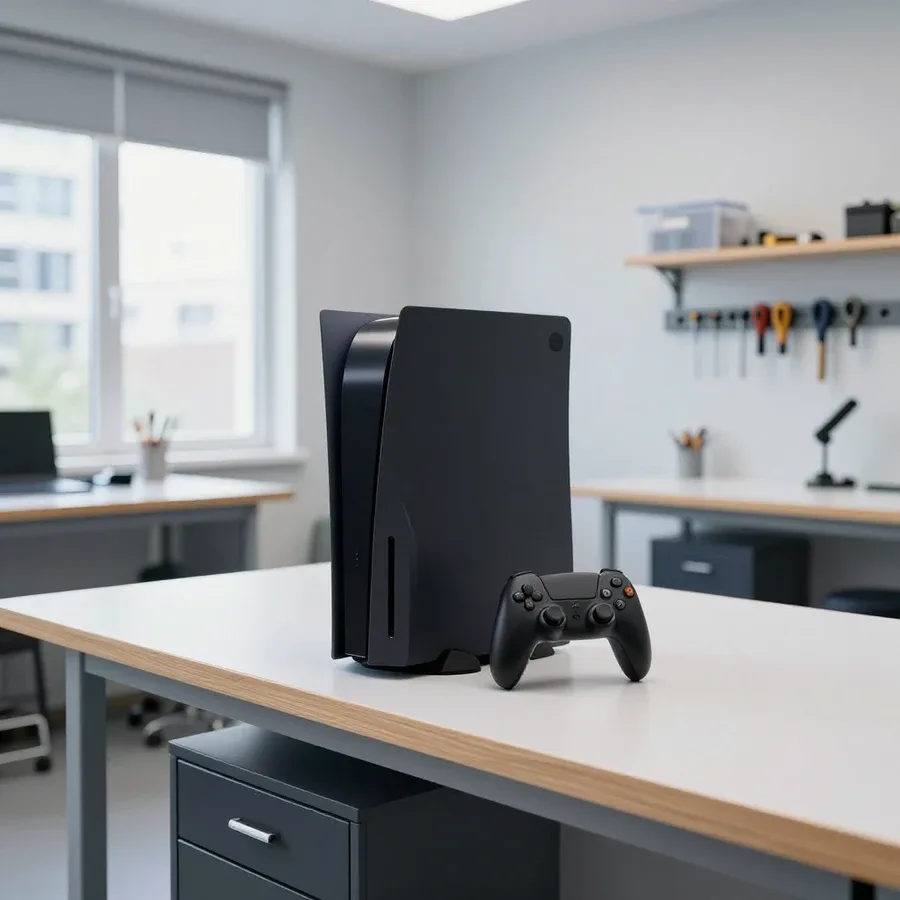
Tech Service repairs Sony PlayStation consoles of all generations in Astana: our technician comes to your home within 60 minutes or takes the console to the service center. Diagnostics are free, 1-year warranty on labor and parts, technicians have 4 to 20 years of experience. The technician provides the cost after diagnostics.
The console isn't behaving as it used to: it's noisy, shuts down, or won't read discs. We break down the causes of each symptom and when it's time to call a technician.
Noise and shutdowns during games almost always mean overheating — a dust-clogged cooling system and dried thermal paste, so the APU can't dissipate heat. The fan runs at maximum, the heatsink is clogged with dust and lint, and the thermal paste between the APU die and the cooler base dries out over a few years and stops conducting heat. In our practice, restoring a PlayStation in Astana most often starts with this picture: the console roars like a vacuum cleaner, the case is hot, the game crashes to the menu, or the console shuts off without warning. We remove the cover, clean the heatsink and fan, replace the thermal paste, and check that the temperature is back to normal. If the console shuts down after ten minutes of gaming, you shouldn't wait — each overheating degrades the APU solder joints, and a simple cleaning won't be enough; BGA chip reballing will be required.
Stick drift on DualSense and DualShock 4 is wear of the analog modules, causing the character to move on its own in-game; we replace the sticks and restore the controller's circuit board. The cursor moves to the side without input, the camera spins by itself, and menu selection jumps — this is how a worn resistive layer or a shifted mechanism under the stick manifests. The circuit board is usually fine at this point; the module itself is what suffers, so we replace just the stick, not the whole controller. A separate issue is when the controller won't connect via Bluetooth or keeps disconnecting: then we check the circuit board, contacts, and charging port condition. If the Bluetooth connection is unstable, first check the circuit board and contacts rather than replacing the whole controller — often it's oxidized contacts, not the module.
If digital games work but discs won't read, the issue is in the BD drive, not the whole console; if there's no picture on the TV, we check the HDMI port and cable. In the optical drive, the laser wears out, the belt stretches or breaks, the lens gets dirty — the console hums, the disc spins but won't start, or you get a read error. With picture, it's different: there's sound but no image, or the signal drops when you wiggle the cable — signs of a damaged HDMI port, which gets ripped off the board when plugged in carelessly. We check both components and state the cause before starting work. Before bringing the console to the service center, try connecting it with a different cable to another TV input — that rules out half of the "failures" that turn out to be a cable or input setting.
The console shows a code on screen — and from it you can already tell whether it's a software glitch or hardware. We explain how to read PlayStation messages and how to respond to them.
Error code CE-108255-1 on PS5 indicates a failure when launching a game — it can be software-related or a sign of a problem with the SSD storage or APU. Most often the system can't correctly read data from the NVMe drive or loses connection with the compute unit when loading a level. In our practice, this message often persists even after reinstalling the game and updating the firmware — then the cause is already hardware. The technician checks the drive and chip: if the message repeats on different games after reinstalling and updating the system, it's not software — otherwise the fault would return after every update. We do diagnostics for free so we don't replace parts blindly — this way checking the drive and APU takes less time and doesn't lead to unnecessary replacements.
Each console generation has its own weak spots. We break down typical failures in PS3, PS4, PS4 Pro, PS5, PS5 Slim, and PS5 Pro, and which components the technician checks first.
| Model | What breaks most often | What we check |
|---|---|---|
| PlayStation 3 | disc drive, thermal paste, power supply | mechanical wear, overheating |
| PlayStation 4 | Blu-ray drive, cooling system | disc reading, noise |
| PlayStation 4 Pro | overheating, HDMI | APU, port, thermal pads |
| PlayStation 5 | overheating, HDMI, SSD | cooling, port, storage |
| PlayStation 5 Slim | cooling, HDMI | fan, port |
| PlayStation 5 Pro | cooling, HDMI, APU | tight layout, soldering |
We start Sony PlayStation repairs in Astana by assessing the component, not by taking the case apart. We approach Sony PlayStation repairs in Astana for older models the same way: first we determine what exactly has failed. On PS3 and PS4 Pro, a local fault — drive, HDMI, cooling — can be fixed predictably, but a failed APU requires BGA chip soldering, and here the availability of donor parts matters more than the complexity of the work itself. We service all six generations, and for older models we first check whether restoration makes sense. In my view, it's more honest to name the threshold beyond which restoration loses its point than to drag out the process for its own sake. The decision is made after free diagnostics, not over the phone — you can't assess the depth of a fault from a symptom description, and a misjudgment costs more than the check itself.
A clear process removes half the worries for a console owner. We show the steps from request to device pickup with warranty, and at which point the owner influences the decision.
PlayStation service in Astana starts with free diagnostics: a specialist finds the cause, explains it, and agrees on the scope of work with you before anything is taken apart. Our console technician checks the power supply, cooling system, drive, and ports, listens to the fan under load, and compares the console's behavior with error codes. PlayStation repair in Astana is built on exactly this kind of transparent approval, so at this stage you see which part has failed and decide whether to fix it or not. The cost is quoted after diagnostics, not over the phone — that way the estimate doesn't include work that isn't actually needed, and you pay only for a confirmed fault. In our practice, some requests are closed at the approval stage: the owner realizes it's an overheating issue, and an extra connector isn't touched. Ask to see the faulty component before replacement — this prevents disputes at pickup.
We give a 1-year warranty on labor and parts — it also covers cleaning the cooling system and replacing thermal paste, not just complex repairs. The CPU and memory heat up inside the console, so during maintenance we replace the thermal paste and thermal pads rather than just blowing out the case: old paste dries out by the third season and stops dissipating heat. This work is covered by the same warranty as replacing the drive or HDMI port — the year starts from the date of pickup. A warranty only makes sense when the console is tested under load after the work, not just turned on — so when you pick it up, ask exactly what was checked: was a game launched, were temperature and fan speed monitored. If the check was superficial, overheating will show up at home, not in the service center.
A Tech Service specialist arrives at your home within 60 minutes anywhere in the city — convenient when the console won't turn on or you don't want to take it to the service center. Our own technician comes to you: he runs diagnostics on site and immediately tells you whether the problem can be fixed right there or needs the workshop. Some work — replacing thermal paste, cleaning, setup — is done right at your place, while complex cases involving soldering are taken to the service center and returned after repair. You can pay via Kaspi QR, Kaspi Red, bank card, cash, or bank transfer for companies. If you live in a remote area, it's worth checking in advance what time the specialist can arrive so you don't wait all day. Ask when you book what tools he brings — the answer shows whether he's ready to work on site or only to inspect.
Not every breakdown can be fixed on site — some operations require a workshop. Here's what the technician handles at the client's place and what gets taken to the service center.
Replacing the HDMI port, soldering BGA chips when the APU has come loose, and restoring the disc drive are done at the service center — these operations require disassembly down to the board. Such work isn't done on site: the board is desoldered and heated on equipment that can't be transported to the client. The drive is disassembled to reach the laser and disc loading mechanism — that work also happens in the workshop. A bent HDMI port can't be "bent back" — the contacts inside the connector are already damaged, and without replacing the port the image will drop out again. So the technician first tests the connector, and only then quotes the scope of work. If overheating doesn't go away after cleaning, he won't try to convince you that "it's supposed to be like that" — he'll explain that APU soldering is needed and take the console to the workshop.
| Work | Where it's done | What we check afterwards |
|---|---|---|
| Diagnostics | on site | the cause of the issue |
| Cleaning and thermal paste | on site | operating temperature |
| Stick drift | on site | stick accuracy |
| HDMI replacement | at the service center | image and sound |
| APU soldering | at the service center | stability under test |
| Drive repair | at the service center | disc reading |
Most overheating starts with dust, not a breakdown. Here's why cooling system maintenance matters, what signs call for it, and what work is included in console servicing.
Cleaning the cooling system is essential to keep dust from clogging the heatsink and fan—otherwise the console overheats, gets noisy, and eventually shuts down under load. Inside the case, dust settles in a thick layer on the heatsink fins and fan blades, reducing airflow. The console then spins the fan at high speed to compensate for the lack of cooling, which creates a hum audible from the next room. Our experience shows that consoles used for two years in apartments with carpets and pets have a noticeably thicker layer of dust on the heatsink than those from spaces without them. Cleaning frequency depends on conditions, not the calendar: dust builds up much faster in apartments with carpets and pets than in rooms without them. Thermal paste under the CPU lid also degrades over time—keep this in mind when planning maintenance.
We clean the cooling system of dust and replace thermal paste and thermal pads—this restores normal temperatures and eliminates noise under load. The service includes disassembling the case, blowing out the heatsink and fan, removing old thermal interface material from the CPU and memory, and applying a new layer. We replace thermal pads where they have dried out or lost elasticity—otherwise heat dissipation from memory chips worsens. This work comes with a 1-year warranty, just like other types of repairs. Thermal paste dries out over time and stops conducting heat, so cleaning without replacing it only gives a temporary effect—our technician performs both tasks at once. Before disassembly, check whether anyone has replaced the thermal interface before: reopening requires care with the fasteners.
Here are the key points for console owners: which symptoms to react to immediately, how to describe the problem, and which tasks are performed where.
Tech Service technicians repair other appliances too — with the same 1-year warranty on labour and parts.
 Refrigerator Repair in Almatyfrom 3 000 ₸
 Washing Machine Repair in Almatyfrom 3 000 ₸
 Dishwasher Repair in Almatyfrom 3 500 ₸
 Oven Repair in Almatyfrom 3 000 ₸
 Cooktop Repair in Almatyfrom 3 500 ₸
 Air Conditioner Repair in Almatyfrom 3 500 ₸
 Boiler and Water Heater Repair in Almatyfrom 2 500 ₸
 Freezer Repair in Almatyfrom 6 000 ₸
 Tumble Dryer Repair in Almatyfrom 5 000 ₸
 Coffee Machine Repair in Almatyfrom 2 500 ₸
 Robot Vacuum Cleaner Repair in Almatyfrom 3 500 ₸
 Vacuum Cleaner Repair in Almatyfrom 1 500 ₸
 Microwave Oven Repair in Almatyfrom 2 000 ₸
 Hair Dryer Repair in Almatyfrom 1 500 ₸
 Iron Repair in Almatyfrom 3 000 ₸
 Electric Kettle Repair in Almatyfrom 2 500 ₸
 Mixer Repair in Almatyfrom 2 500 ₸
 Multicooker Repair in Almatyfrom 500 ₸

If your laptop screen is broken, turn the device off first, don't press on the display, and check the picture through an external monitor.
12 March 2026 · 11 minutes read
If your phone won't charge, start by checking the adapter, cable, and port, then the charging settings.
16 February 2026 · 12 minutes read
If your laptop freezes, the first thing to do is restart it and check Task Manager to see what's loading the CPU and memory.
25 January 2026 · 12 minutes read
If your phone falls in water, take it out right away, turn it off, and don't charge it.
19 January 2026 · 12 minutes read
If your phone camera isn't working, first check app permissions, clear the cache, and restart your phone — this fixes some software glitches.
24 December 2025 · 13 minutes read
If your laptop won't boot, first determine which of two states you're in: the device doesn't respond to the power button at all…
13 December 2025 · 12 minutes read